
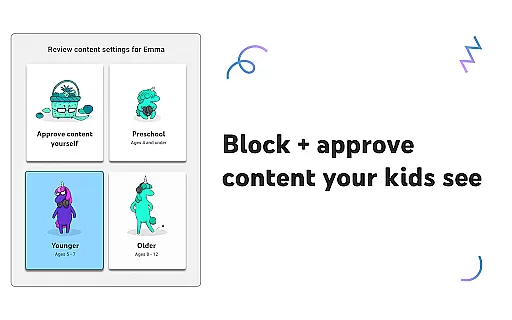
YouTube Kids is a specialized entertainment app designed to provide a safe and engaging video-watching experience for children. The app offers curated content that spans educational material, cartoons, music, and more, tailored to nurture curiosity and inspire young minds. With distinct modes like Preschool, Younger, and Older, the platform ensures age-appropriate content delivery.
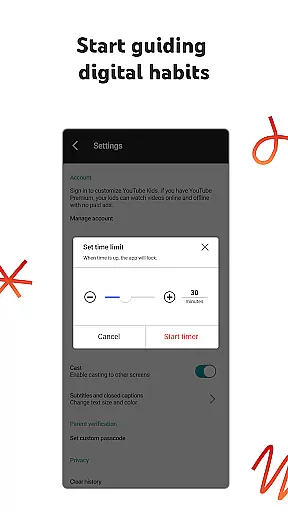
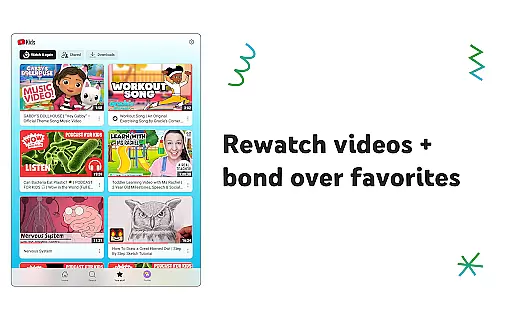
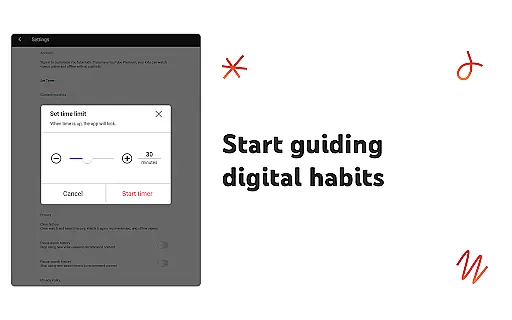
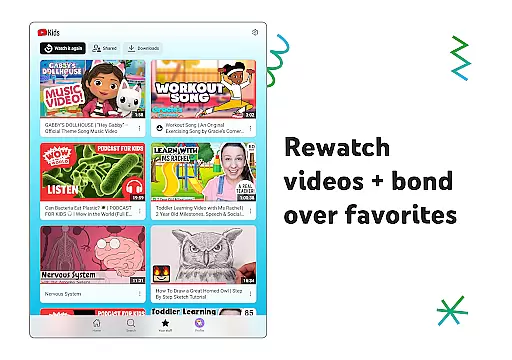
Parents can customize individual profiles using content filters and parental controls, ensuring their kids only access videos aligned with family values and readiness levels. Features such as the Watch it Again tab allow families to revisit favorite content, while built-in timers help manage screen time effectively. YouTube Kids bridges fun and learning in a trusted digital environment.
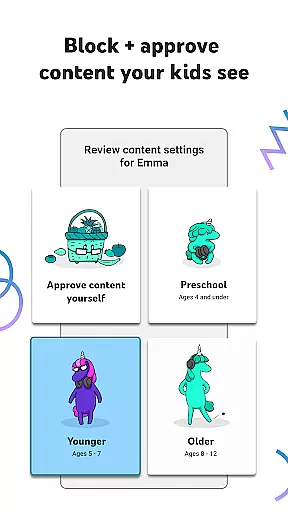
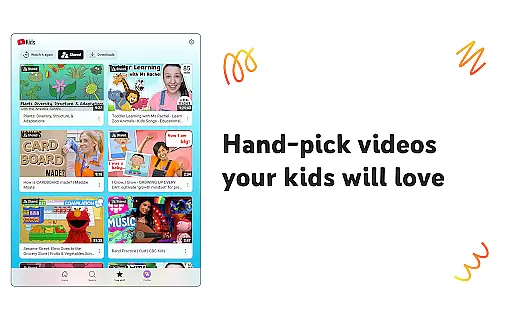
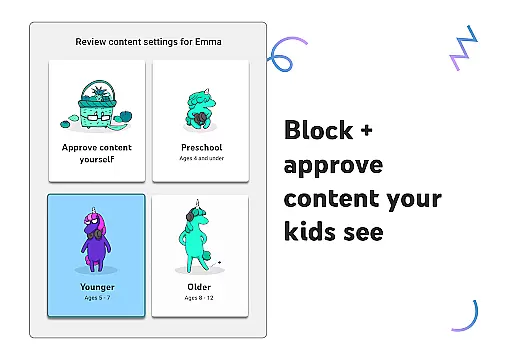
YouTube Kids stands out with its suite of features crafted to enhance both safety and engagement. The app includes multiple viewing modes—Preschool, Younger, and Older—each designed to cater to specific developmental stages. Additionally, Approved Content Only mode allows parents to hand-select permissible videos, channels, and collections.
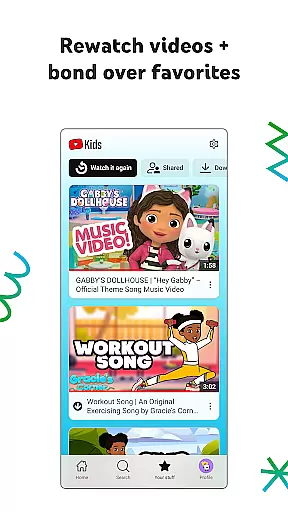
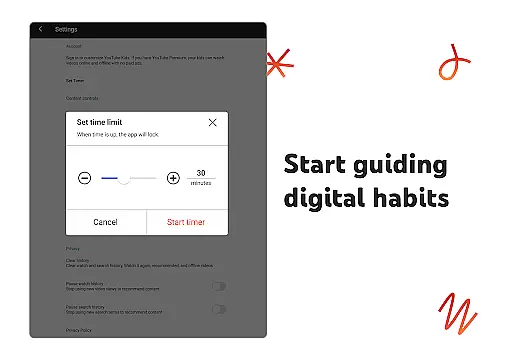
Parental controls are robust, enabling guardians to block inappropriate content and flag it for review. A dedicated Timer feature helps enforce healthy screen-time habits by pausing the app when limits are reached. The Watch it Again section simplifies revisiting favorite videos, while easy navigation tools ensure kids can explore independently yet safely.
These features collectively empower parents to shape a viewing experience that aligns with their family's unique preferences and educational goals.
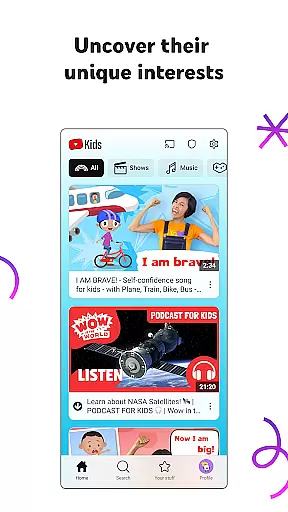
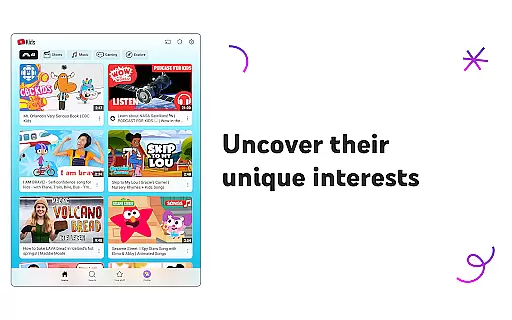
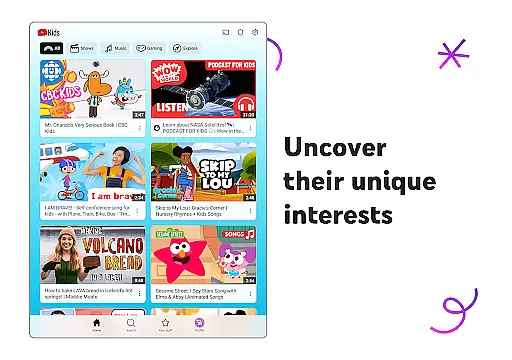
YouTube Kids offers a diverse range of content tailored to different age groups and interests, ensuring that children can explore video content they love while maintaining parental trust.
The app features distinct modes such as Preschool, Younger, and Older, each designed to cater to the developmental stages of children. This ensures that the content is always age-appropriate and engaging for the child's unique stage of growth.
With regular updates and new content being added frequently, YouTube Kids keeps children engaged with fresh material that helps them uncover new interests and build confidence in their exploration.
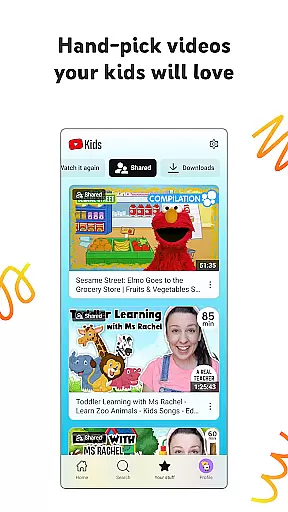
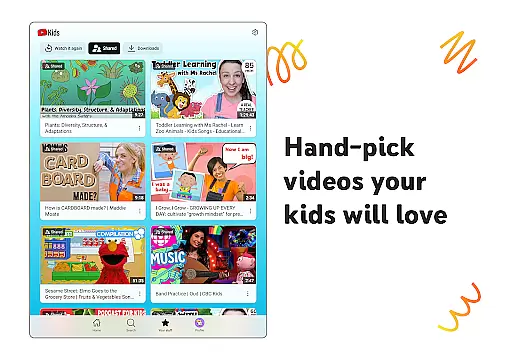
Parents can also hand-pick videos, channels, and collections in the Approved Content Only mode, giving them control over what their children watch and ensuring a personalized viewing experience.
YouTube Kids is designed to maximize user engagement by providing an intuitive interface and easy navigation tools that help children spend more time exploring content they enjoy.
The Watch it Again tab allows kids to quickly find their favorite videos, encouraging repeated views and longer sessions within the app. This feature not only enhances user satisfaction but also increases retention rates as children are more likely to return to the app.
Parental controls play a crucial role in retaining users by allowing parents to shape the viewing experience. Features like setting screen-time limits with the Timer function ensure that children take breaks, which can prevent overuse and maintain interest over time.
By offering a balance between educational content and entertainment, YouTube Kids successfully captures the attention of young viewers while providing peace of mind to parents, contributing to sustained user engagement and retention.
User-friendly interface
Age-specific content filters
Parental control options
Timer for screen time management
Curated educational content
Limited content variety
Potential ad exposure
Dependent on parental setup
No offline viewing
Occasional inappropriate videos

* Multiple Matches * Intuitive UI * Scoring Made Easy!
 4.40
4.40
Binge-worthy short dramas on DramaRush—engaging stories that fit your day.
3.90
Music visualizer and party effects for Hue
3.90
Best of icon for christmas
4.30
Watch everything you want.
2.90
Scan sets, track your builds, and enjoy intuitive digital instructions.
4.70
Official KennysGifs Stickers
4.20
Create your Songs. Cover Maker with any Voice, Song Generator
3.30
World's largest dedicated anime collection
4.70
Companion app for Elden Ring to track quests, bosses, progress and more.
4.70
Just play games to earn gift cards. Keep playing, keep earning.
4.50
Stream Online TV - Watch Live IPTV Playlist & Channel with Built-In Player
4.50
Browser for Chromecast to stream webvideos, online movies, IPTV & HD livestreams
4.40
Earn gift cards for playing games. Become a real game tester!
4.40
Practice and master your ESP and intuition with five mode trainer.
4.20
Browse popular images and videos from Reddit on Android TV!
3.90
Connect. Discover. Control.
3.60
Stream videos to VIDAA & VEWD TVs from Hisense, Sharp, Skyworth, Vestel & TiVo
3.00
Unofficial Game Companion App” “Guides • Builds • Tips • Progression
4.3


User Reviews