
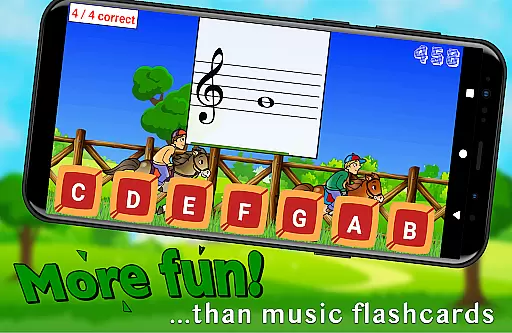
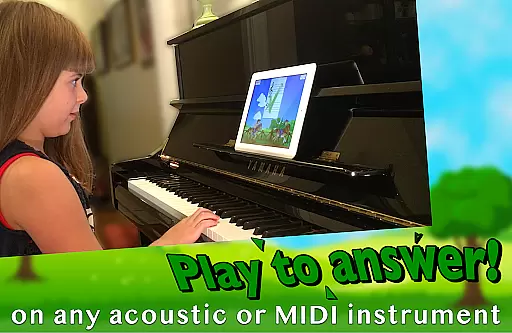
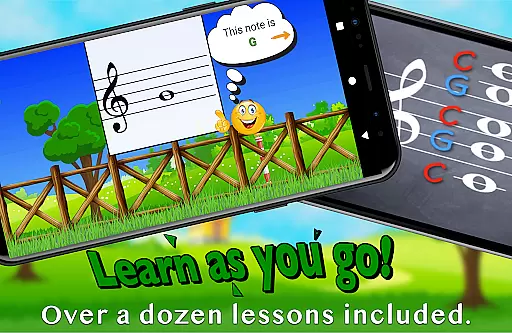
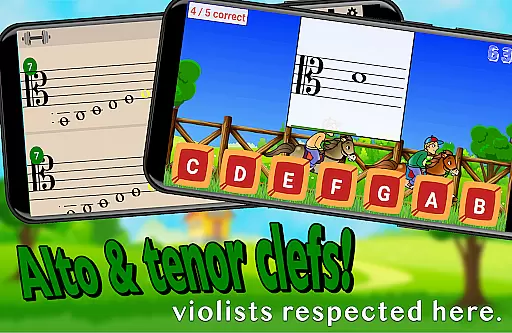
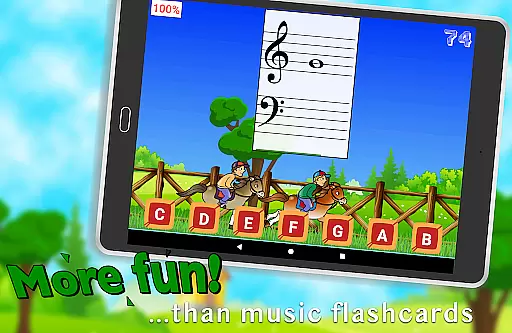
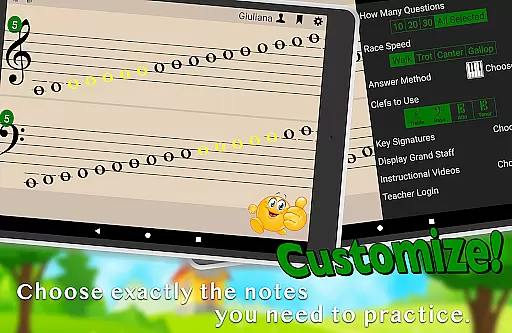
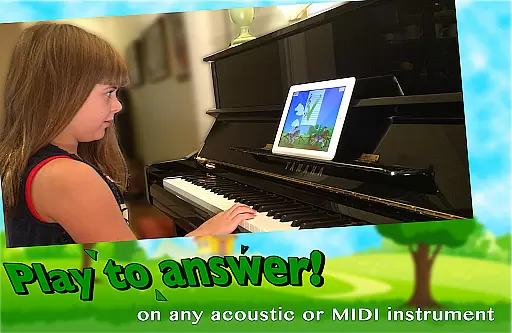
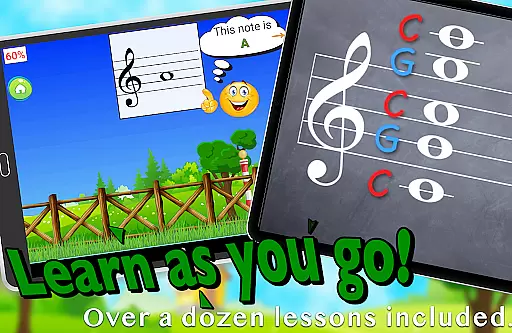
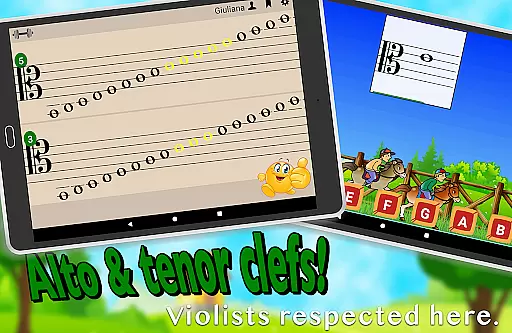
Flashnote Derby is an educational music app designed to help children learn and practice reading music notes in a fun, game-like environment. The app uses a horse racing concept where students identify different notes to move their horse towards the finish line. With customizable settings, it supports treble, bass, alto, and tenor clefs, making it adaptable for various skill levels. Flashcards can be answered by playing notes on an acoustic or MIDI instrument, tapping letter buttons, or using the on-screen piano. The app also includes over a dozen instructional video lessons, providing comprehensive music education support.
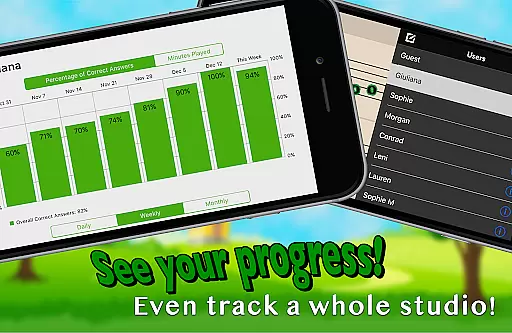
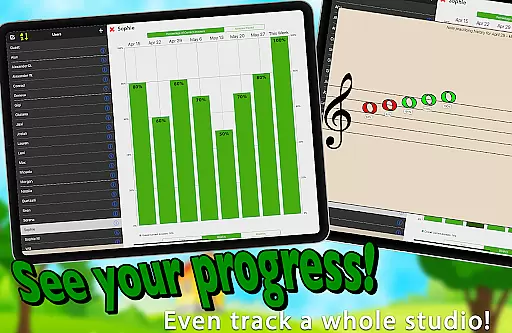
The app's adaptive difficulty allows drills to start simple and gradually increase in complexity, covering up to five and a half ledger lines above or below the staff. Teachers can utilize Flashnote Derby as a motivational tool during lessons, even for short sessions, and track student progress through performance records. This feature helps identify areas that need review, ensuring efficient learning. By integrating enjoyable gameplay with essential music theory, Flashnote Derby keeps students motivated and engaged in their musical journey.
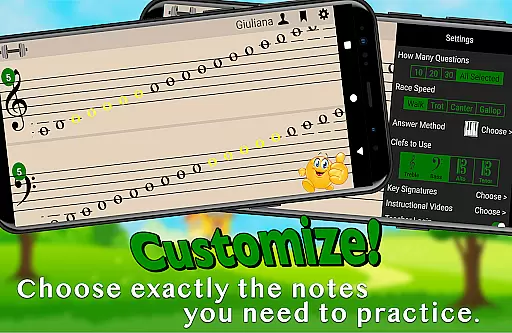
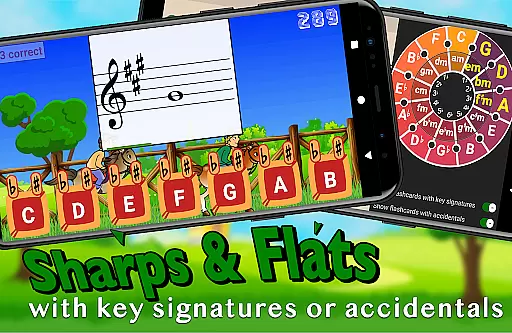
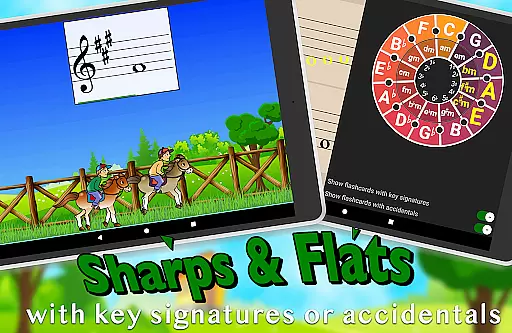
Flashnote Derby offers a rich set of features tailored to enhance music education. One standout feature is its fully customizable gameplay, allowing users to select specific notes and clefs, catering to individual learning needs. Notes can be displayed with sharps and flats, and key signatures can be added to increase the challenge for advanced learners. The adjustable response time accommodates different ages and experience levels, ensuring accessibility for all students.
In addition to interactive gameplay, Flashnote Derby includes over a dozen instructional video lessons accessible directly within the app. These lessons cover fundamental topics such as the music alphabet and staff navigation, making it suitable for beginners. The app also supports multiple response methods, including acoustic instruments, MIDI devices, and an on-screen piano, offering flexibility in how students engage with the material. Performance tracking and email homework assignments provide teachers with valuable tools to monitor and guide student progress effectively.
By combining engaging gameplay mechanics with robust educational content, Flashnote Derby ensures that students remain motivated while mastering essential music reading skills. Its adaptability and comprehensive feature set make it an invaluable resource for music teachers and students alike.
Flashnote Derby stands out in its commitment to content accuracy and authority, which is crucial for educational applications. The app provides a reliable platform for learning music notes through engaging gameplay. Each note is accurately represented in various clefs, including treble, bass, alto, and tenor, ensuring that learners receive correct information as they progress.
The inclusion of over a dozen instructional video lessons within the app further enhances its authoritative stance on music education. These lessons cover fundamental topics such as the music alphabet and staff recognition, providing beginners with a solid foundation. By integrating these resources directly into the gameplay experience, Flashnote Derby ensures that users are not only entertained but also educated with precise and credible content.
Moreover, Flashnote Derby's customization options allow teachers and students to focus on specific areas of improvement. This targeted approach supports accurate learning by addressing individual needs and challenges. With adjustable settings for note ranges, key signatures, and response times, the app caters to different skill levels while maintaining high standards of educational integrity.
One of the standout features of Flashnote Derby is its ability to create personalized learning paths for each user. This functionality is essential in adapting to the unique pace and style of every learner. By allowing players to customize their practice sessions, the app ensures that each student can progress at a rate that suits them best.
The app offers multiple ways to respond to flashcards, including playing notes on an acoustic or MIDI instrument, tapping letter buttons, or using an on-screen piano. This flexibility enables students to engage with the material in a manner that aligns with their personal preferences and learning habits. As a result, Flashnote Derby fosters a more effective and enjoyable learning experience tailored to individual strengths and weaknesses.
Furthermore, Flashnote Derby tracks each player's performance, recording which notes require additional review. This data-driven approach allows both students and teachers to identify areas needing improvement and adjust learning strategies accordingly. By continuously adapting to the user's progress, Flashnote Derby ensures that each learner follows a path that maximizes their potential for success in music reading mastery.
User-friendly interface
Customizable note ranges
Interactive learning methods
Performance tracking
Educational video lessons
Limited advanced theory
No multi-player mode
Basic graphics design
Occasional bugs
Premium features cost

Bebefinn and Baby Shark educational, animated videos & games for kids
 3.40
3.40
The Only Official DVSA Theory Test Kit App
4.50
Nighty Night Circus - Bedtime story for kids
4.10
Skelly is a fully poseable, anatomically correct reference skeleton for artists.
4.10
For medical training - Visualize complex vein maps and structures in real-time.
4.10
Visit Daniel's house & make believe. Play doctor, make music, & feed fish.
3.20
Discover Your Place in the Universe
4.70
A realistic sky map to observe stars, planets, satellites and constellations!
4.80
Your Arts+Culture Guide
4.00
Hebrew Vocab
4.90
Perform physics experiments with your phone. (by the RWTH Aachen University)
4.70
Stargazing Guide App. Stars and constellations map. Solar system planets finder.
4.60
Intuitive Transformer Lab - By a Lineman, For Linemen & Apprentices
4.50
Astronomy Guide To Night Sky
4.30
Turns you phone or tablet into TI graphing calculator (ROM required).
4.20
A magical world of fun, building, and learning with Mickey Mouse and more!
4.20
Our most popular app series returns, better than ever!
3.90
THE MOST COMPREHENSIVE JUMPMASTER STUDY RESOURCE AVAILABLE.
3.40
Grazing Risk Monitoring Service
4.4


User Reviews