
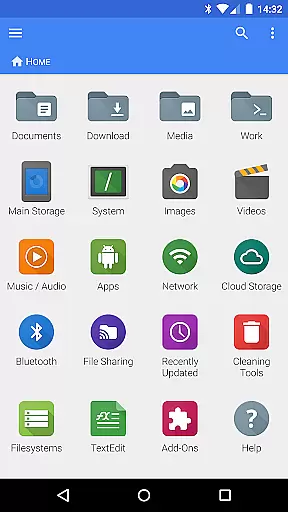
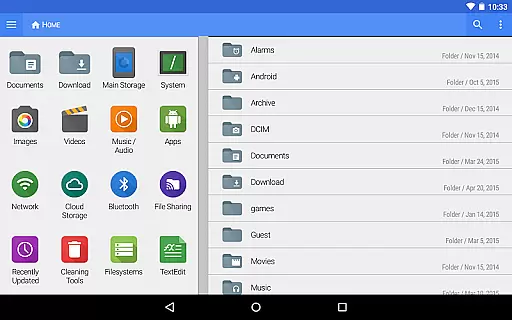
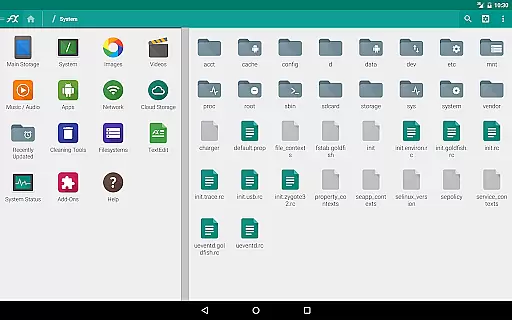
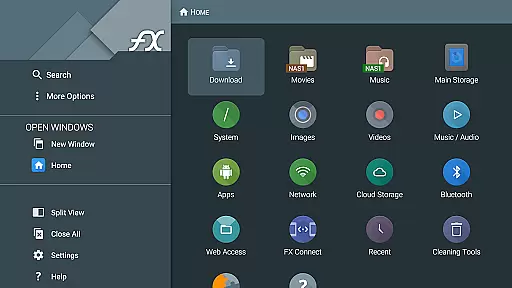
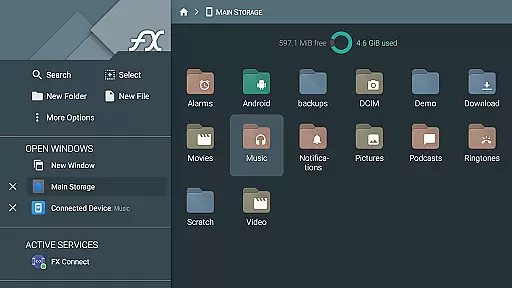
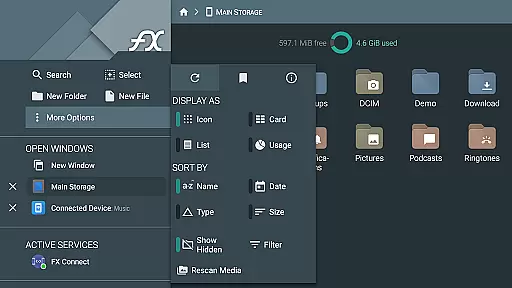
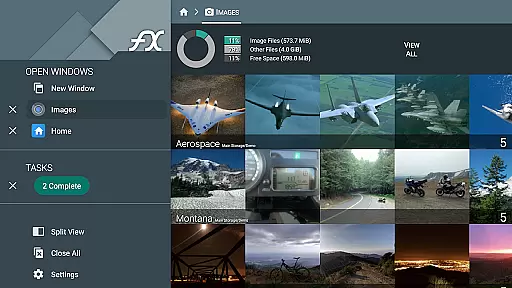
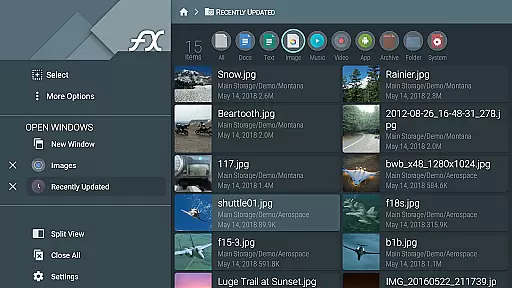
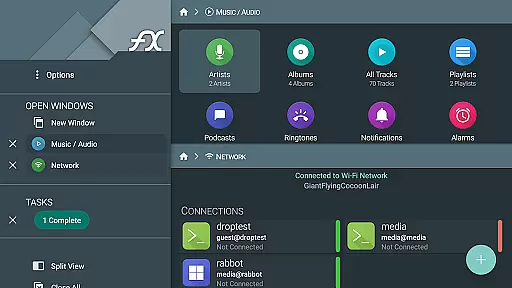


FX File Explorer is a powerful business-grade file management application that extends its core functionality through the FX Plus add-on. This premium extension enriches the app with advanced media handling, network connectivity, and cloud integration features.
The application enables users to manage encrypted zip files, organize media libraries, and handle application packages. Its networking capabilities include Windows networking, multiple FTP protocols, SSH FTP, and WebDAV. The cloud features support major providers like Google Drive, Dropbox, and others, while enabling direct media streaming to player apps.
Business users will particularly appreciate the secure file transfer options, local network discovery features, and encrypted keyring for managing sensitive credentials. These capabilities make it an ideal solution for professionals who need comprehensive file management across various platforms and devices.
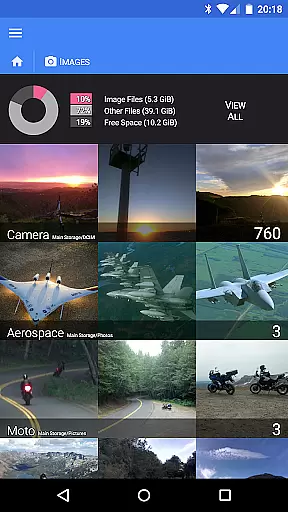
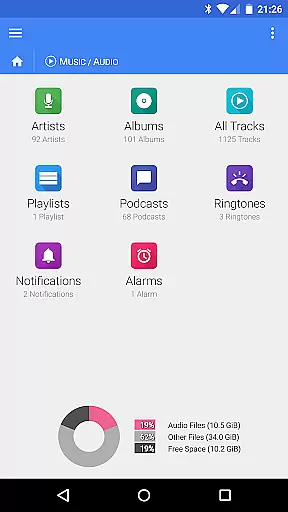
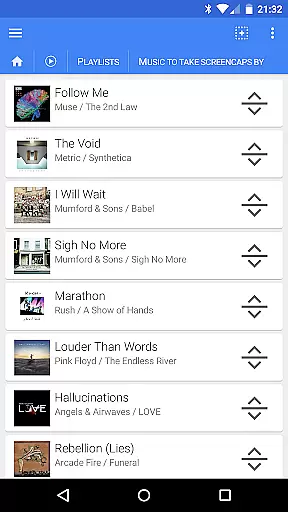
FX File Explorer offers an impressive array of features designed to enhance productivity. The application's media management capabilities include comprehensive audio library organization, image/video collection browsing, and playlist management with drag-and-drop functionality.
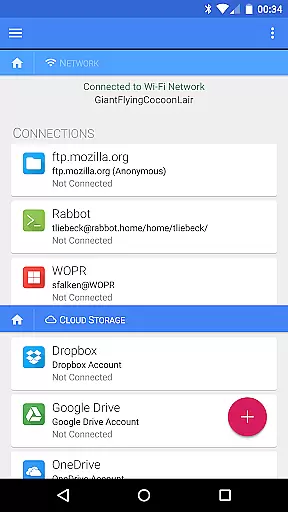
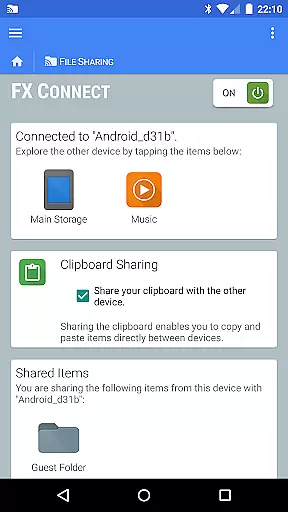
The networking features are equally robust, supporting multiple protocols including FTP, FTP-S, FTP-ES, SSH FTP, and WebDAV. The FX Connect feature enables direct file transfers between devices using NFC or Wi-Fi, while FX Web Access allows remote management through a computer's web browser.
Cloud integration stands out with support for major providers and the ability to stream media directly from cloud storage. The application also includes advanced security features such as AES-128/256 encrypted zip file management and an encrypted keyring for protecting sensitive credentials, making it particularly suitable for business environments.
FX File Explorer offers robust collaborative work features that are essential for modern business environments. The application supports network and cloud capabilities, allowing teams to share files seamlessly across different platforms such as Google Drive, Dropbox, and SMB shares.
With FX Connect, users can transfer files directly between devices using NFC or Wi-Fi, which enhances the speed and security of file sharing within a team. Additionally, FX Web Access enables users to manage their files from a computer's web browser, providing flexibility in collaborative efforts.
The app also includes an encrypted keyring feature, ensuring that sensitive information is protected while being accessible to authorized team members. This functionality is crucial for maintaining data integrity and confidentiality during collaborative projects.
Task management in FX File Explorer is comprehensive and designed to streamline workflow efficiency. Users can organize and manage tasks effectively through features like AES-128 and AES-256 encrypted zip files, which allow secure handling of sensitive documents without decrypting them first.
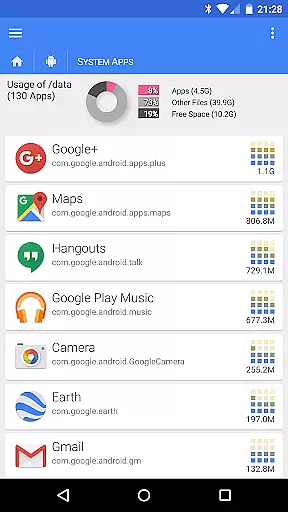
Browse and manage installed applications, rearrange playlists with drag-and-drop functionality, and handle media collections with ease. These capabilities ensure that users can keep track of various tasks related to application management and media organization effortlessly.
Moreover, the ability to browse local networks for Windows shares and discover FTP and SSH FTP local network shares via multicast DNS service discovery adds another layer of convenience. This ensures that all necessary resources are easily accessible, enhancing overall task management efficiency.
Comprehensive protocol support
Advanced encryption features
Wide cloud service compatibility
Local network discovery tools
Professional-grade security
Separate license required
Complex for casual users
No standalone functionality
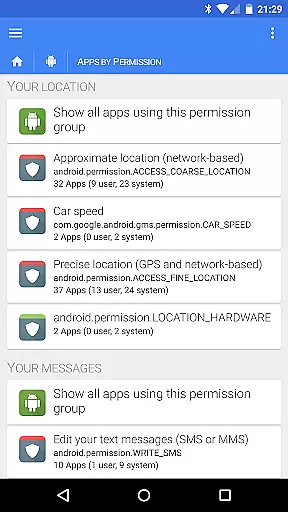
Extensive permissions needed
Premium price point

viewing and sharing of PDFs
 3.60
3.60
VSD Viewer - Visio Drawings Viewer for Android Preview VSD, VDX, VSDX drawings
4.10
Your employer must have UKG Ready software configured for Mobile.
4.60
Manage Your Shop
4.70
Find jobs near you and temp work in minutes, from your phone.
4.50
Access All PDF Files
3.40
Roadie connects people with stuff to send with drivers already going that way.
3.50
ADP Mobile Solutions is an employee self service app
4.50
Make money as a delivery driver with DoorDash and work when you want as a Dasher
4.30
BuildCalc - the easiest AND the most advanced construction calculator app.
4.80
USPS Mobile®Access USPS.com’s most popular tools on-the-go.
4.70
Access to Paylocity, empowering employees with information they need 24/7.
4.70
Grow your business and connect with more people with Meta Business Suite.
4.60
Mobile POS for any business: sales, invoices, retail, restaurants & appointments
4.60
Earn money with the driver & delivery partner app for Uber, UberEats & Postmates
4.60
Drive and earn extra money
4.50
Collaborate seamlessly with Google Chat, part of Google Workspace
4.50
Find work, shifts and gigs near you. Jobs lasting a few hours to a few months.
4.30
view, manage, and share every PDF file you have
3.60


User Reviews