

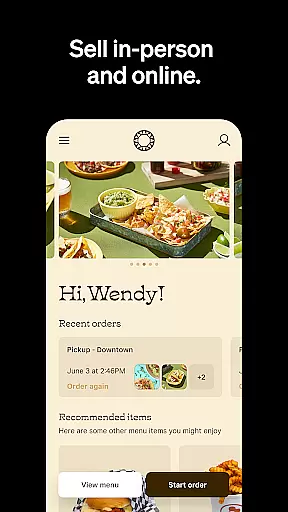
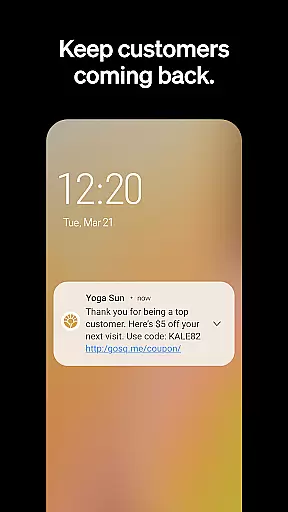
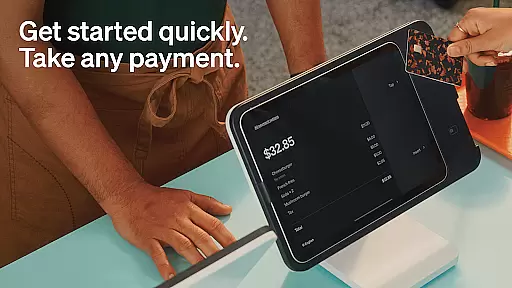
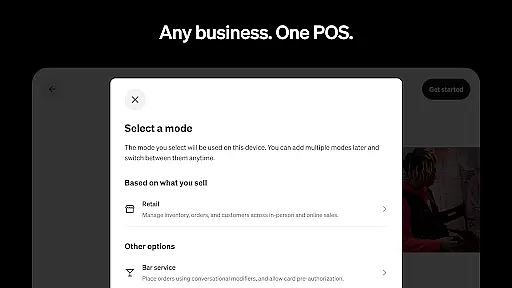
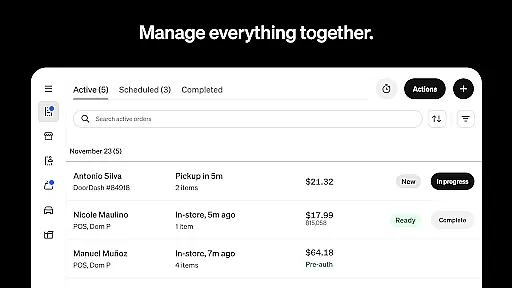
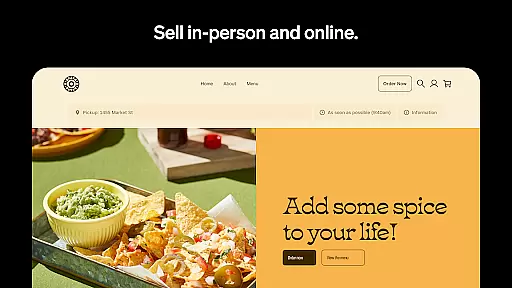
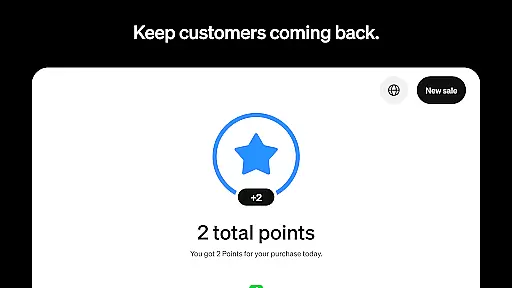
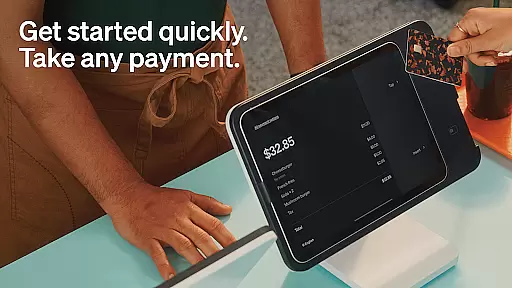
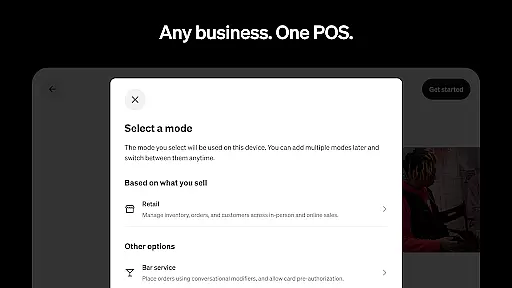
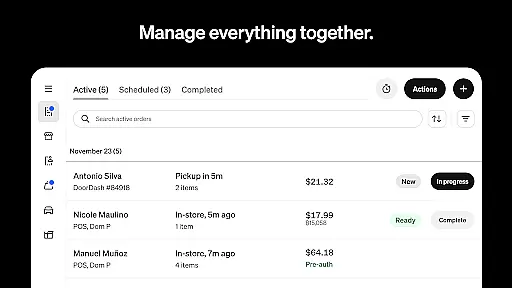
Square Point of Sale (POS) is a versatile payment processing app designed for businesses across various industries. It offers tailored modes for retail, restaurants, bookings, and services, simplifying operations and enhancing customer experiences. The app supports multiple payment methods including credit cards, digital wallets, and Cash App Pay, ensuring smooth transactions.
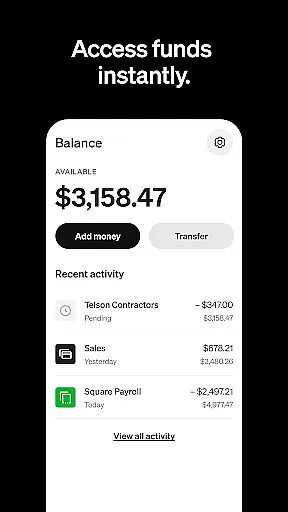
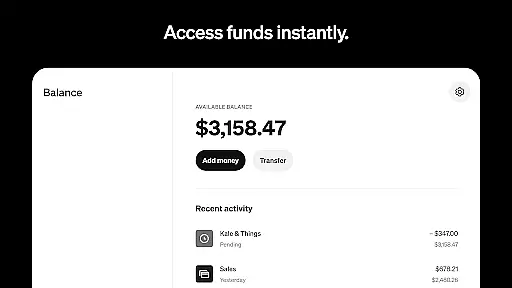
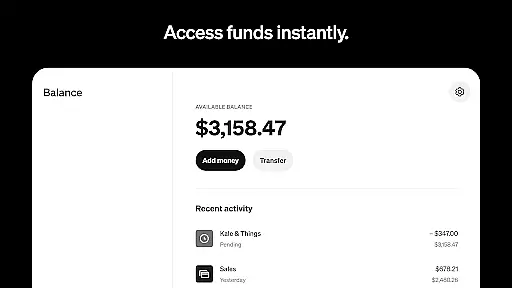
With features like offline transaction processing, instant fund transfers, and detailed sales reporting, Square POS provides essential tools for business management. Retailers benefit from real-time inventory updates, while beauty businesses can manage appointments and reduce no-shows. Restaurants can streamline order entry, and service providers can send professional invoices with e-signature support.
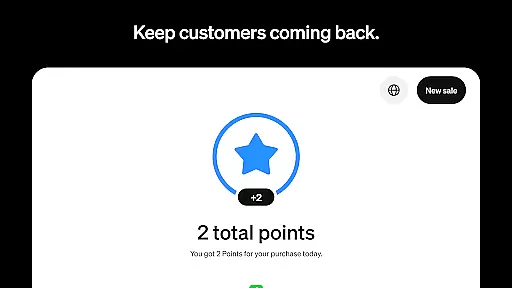
This all-in-one solution helps businesses grow by fostering customer relationships, managing staff, and providing advanced reporting capabilities. Whether you're a new or established business, Square POS offers the tools needed to run efficiently and effectively.
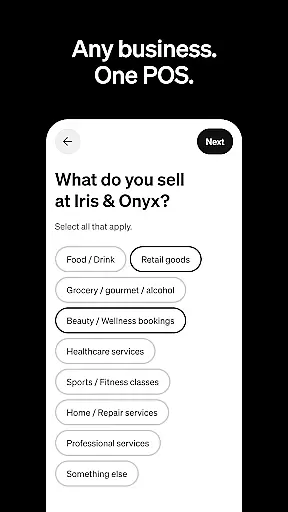
Square POS stands out with its industry-specific modes that cater to different business needs. The retail mode offers real-time stock updates and automated restocking alerts, while the beauty mode provides appointment booking and reminder features. Restaurant mode allows quick order entry and modifier creation, streamlining kitchen operations.
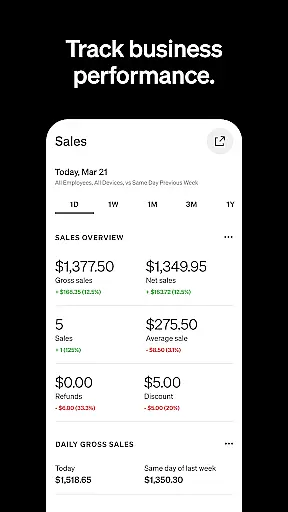
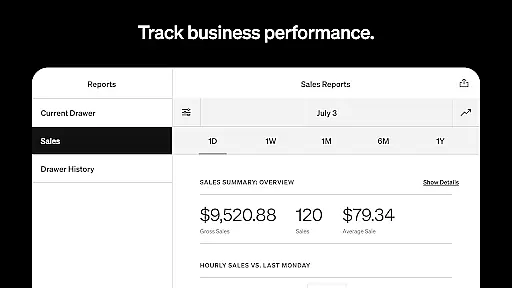
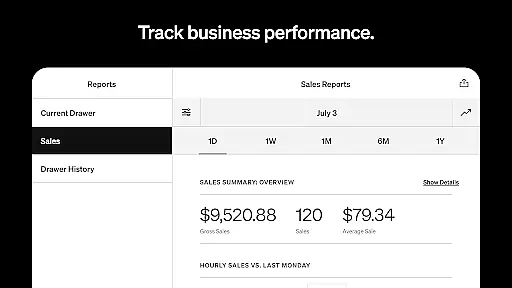
The app's service mode enables sending professional invoices with attached appointment details and e-signature support. All modes include offline transaction processing, instant fund transfers, and detailed sales analytics through the Dashboard feature. Users can access integrated banking solutions and advanced reporting tools to track sales performance.
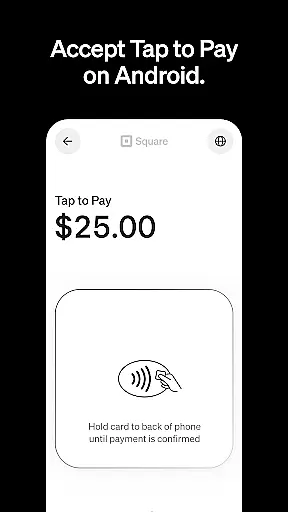
Additional notable features include support for multiple payment methods such as Tap to Pay, QR codes, and gift cards. The app also offers flexible payment options including preset tip amounts and instant or standard fund transfers. These comprehensive features make Square POS a complete business management solution.
Collaborative work features are essential for businesses that require seamless communication and coordination among team members. Square Point of Sale (POS) excels in providing tools that facilitate collaborative work environments, ensuring that all team members can efficiently contribute to the business's success.
Square POS offers multiple modes tailored to different industries, such as retail, restaurants, bookings, and services. Each mode is equipped with unique settings and functionalities designed to simplify business operations and enhance team collaboration. For instance, staff can manage appointments, process transactions, and track inventory from a unified platform, which significantly boosts productivity and ensures everyone is on the same page.
The app also supports real-time updates and synchronization across devices, allowing team members to access the latest data regardless of their location. This feature is particularly beneficial for businesses with multiple locations or remote workers, as it ensures that all employees have access to up-to-date information, thus facilitating better decision-making and customer service.
By integrating advanced reporting and tracking sales features, Square POS enables businesses to monitor performance metrics and adjust strategies accordingly. These collaborative tools not only improve internal communication but also empower businesses to deliver exceptional customer experiences, ultimately leading to increased customer satisfaction and revenue growth.
Effective task management is crucial for businesses aiming to optimize their operations and ensure timely completion of tasks. Square Point of Sale (POS) provides robust task management features that help businesses streamline their workflows and maintain high levels of efficiency.
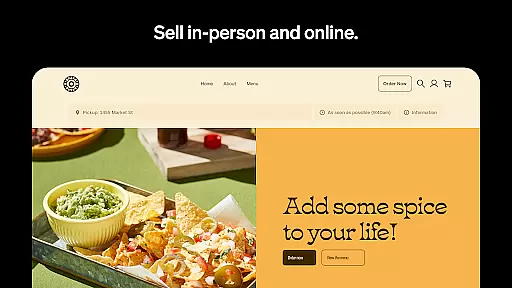
One of the standout features of Square POS is its ability to handle various types of payments through a single, intuitive interface. This includes accepting payments in person, online, or over the phone, supporting major credit cards, debit cards, digital wallets, and more. Such versatility ensures that businesses can focus on managing tasks without worrying about payment processing complexities.
In addition to payment solutions, Square POS offers specialized modes for different industries, each equipped with tools designed to simplify specific business tasks. For example, retail businesses can benefit from real-time stock updates and automated restocking alerts, while restaurants can quickly enter orders and manage modifiers with ease. These industry-specific features allow businesses to tailor their task management processes to their unique needs, enhancing overall productivity.
Furthermore, Square POS provides detailed reporting and analytics capabilities, enabling businesses to review daily sales, payment methods, and itemized transaction details. This data-driven approach to task management helps businesses make informed decisions, allocate resources effectively, and continuously improve their operational efficiency. By leveraging these comprehensive task management tools, businesses can achieve greater control over their operations and drive sustainable growth.
User-friendly interface
Wide payment options
Offline functionality
Inventory management
Appointment scheduling
Limited global features
Transaction fees apply
Advanced tools costly
Steep learning curve
Occasional bugs

The revolutionary flexible staffing platform
 4.40
4.40
ANDROID'S TOP MOBILE OFFICE - Word, Excel, PowerPoint and PDF at your fingertips
4.50
Get your benefits on-the-go.
3.80
viewing and sharing PDFs and other files—anytime, anywhere!
4.4
Amazon A to Z is the place to manage your work-life at Amazon.
4.50
From Gone to Back Again — In Just a Few Taps
4.50
Smarter career moves start here. AI job alerts, insights & the right tools.
4.20
Permission Guard is a security app that helps you manage app permissions.
4.80
Ship, Track, Find a Location or Get a Quote with UPS. Anytime. Anywhere.
4.60 4.70
4.70
All your team communication in one place
4.70
USPS Mobile®Access USPS.com’s most popular tools on-the-go.
4.70
Manage work life on the go
4.50
The app that lets you deliver with Amazon.
4.50
One marketplace. Hundreds of services. Unlimited possibilities. All on Fiverr.
4.40
Deliver and earn money
4.30
Build a store in minutes with our full suite of AI tools. Start for free!
4.20
On the go? Take FedEx with you.
4.00
Completed Course Lectures on how to use IBM Maximo in Maintenance issues
4.5


User Reviews