
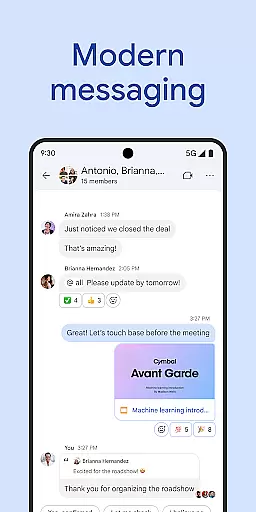
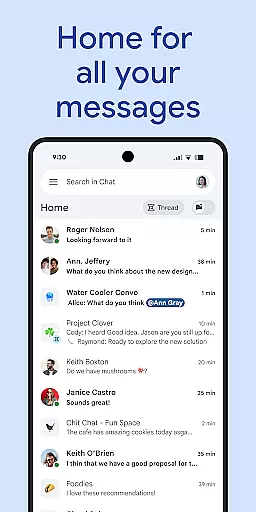
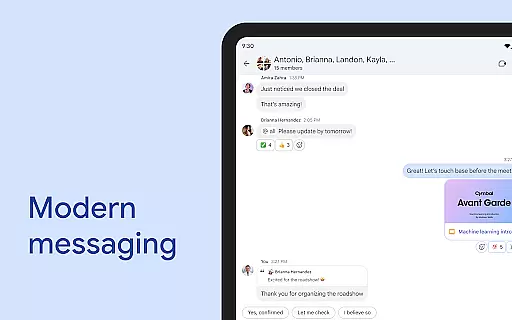
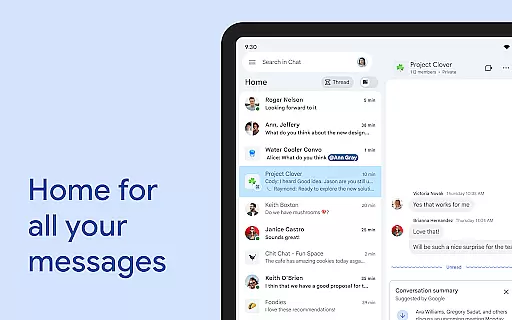
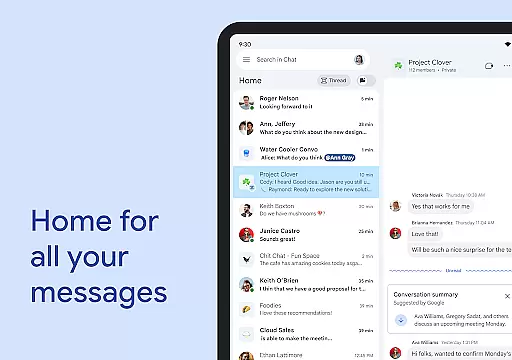
Google Chat is a powerful business communication tool designed for teams using Google Workspace. This AI-driven platform enables seamless collaboration through features like automatic translation across 120 languages, intelligent conversation summaries, and advanced search capabilities. The application integrates deeply with other Workspace apps including Gmail, Calendar, and Drive, creating a unified productivity ecosystem.
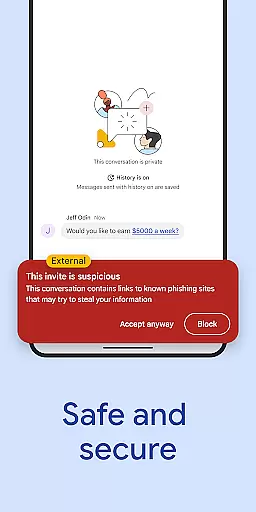
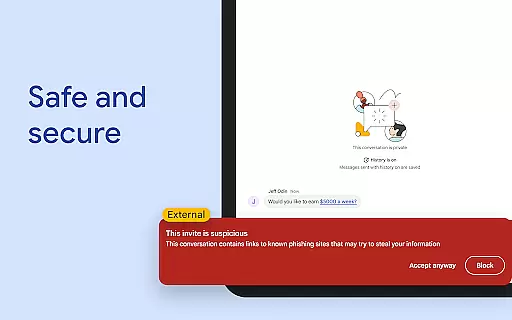
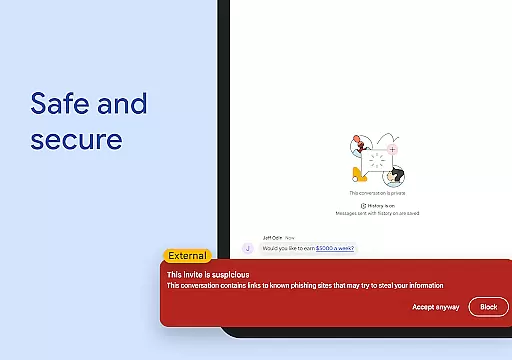
Beyond basic messaging, Google Chat offers robust team management features such as status updates, audio/video messages, and real-time huddles. Its enterprise-grade security architecture ensures data protection through zero-trust principles and AI-powered threat detection. While basic features are available for all Workspace users, premium functionalities require a paid subscription, making it suitable for businesses of all sizes.
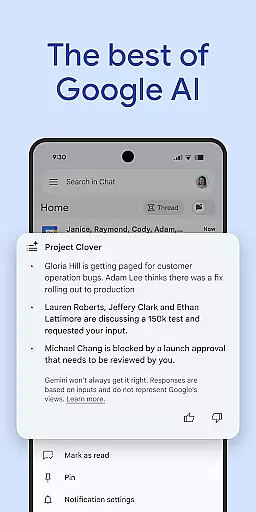
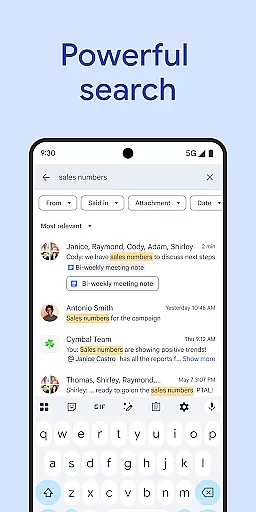
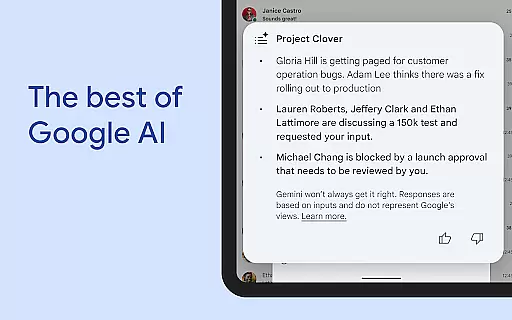
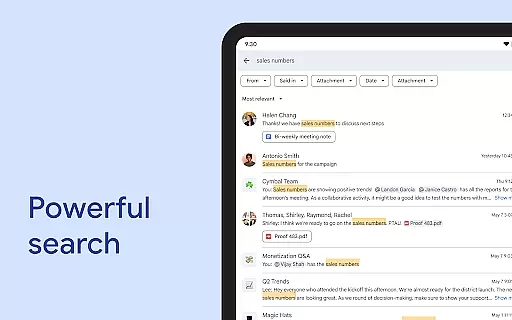
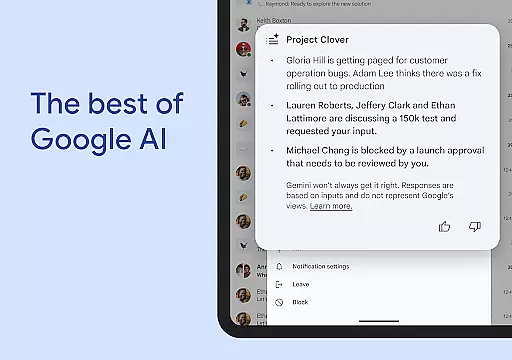
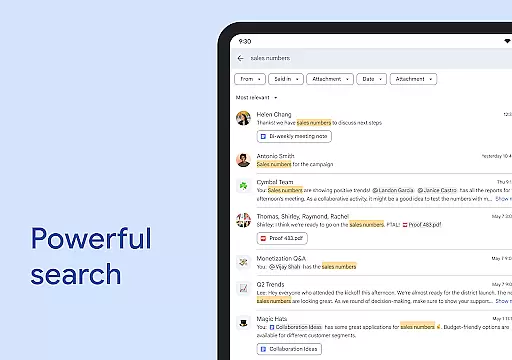
Google Chat distinguishes itself through innovative AI capabilities that enhance workplace communication. The application's Gemini-powered features include automatic message translation, intelligent conversation summaries, and context-aware search functionality. These tools help teams maintain productivity across language barriers and information silos.
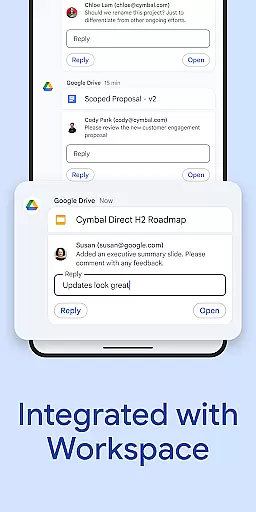
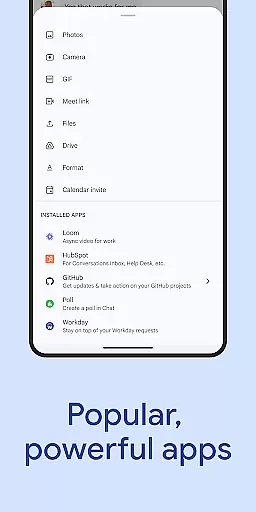
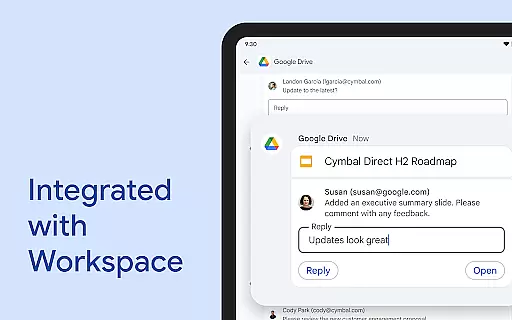
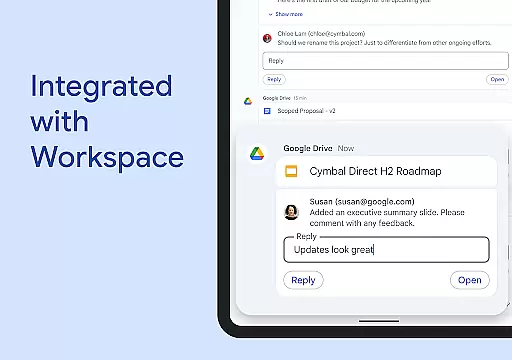
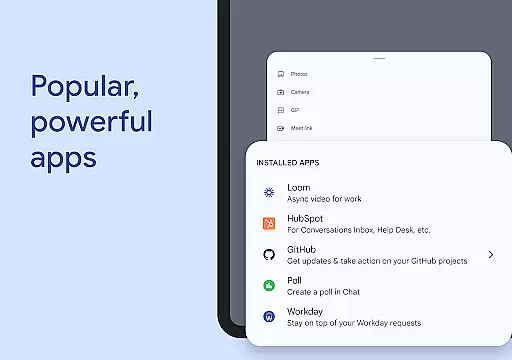
The platform's integration with Workspace creates a seamless workflow experience. Smart chips connect conversations to relevant files and tasks, while the Drive app integration streamlines document approvals. Advanced collaboration features like audio/video messaging and virtual huddles enable richer communication. For developers, Chat APIs support no-code and pro-code app development, while enterprise customers can leverage popular integrations with tools like PagerDuty and Jira.
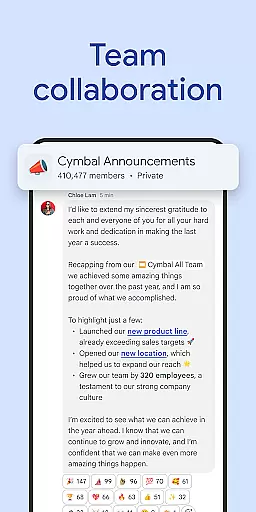
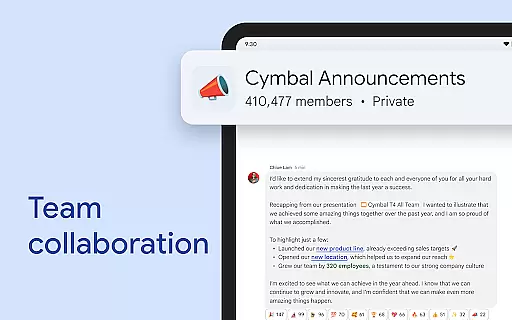
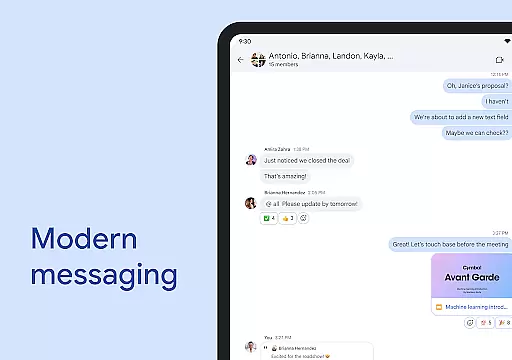
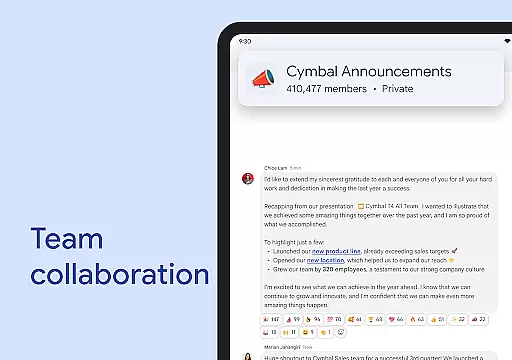
Google Chat revolutionizes team collaboration by offering a comprehensive suite of features designed to enhance productivity and streamline communication. The platform enables real-time messaging, file sharing, and task management through an intuitive interface that integrates seamlessly with other Workspace apps.
One of the standout collaborative features is the ability to create smart chips, which allow users to link relevant files, people, and spaces directly within conversations. This ensures that all team members have immediate access to necessary resources, improving efficiency and reducing the time spent searching for information.
The app also supports huddles, providing teams with a space for spontaneous, real-time discussions. These virtual rooms help replicate the quick, informal conversations that occur in physical office settings, fostering a more connected and agile work environment.
By integrating with essential tools like Gmail, Calendar, Drive, and Meet, Google Chat creates a unified ecosystem where all aspects of teamwork can be managed from one location. This interconnectedness not only saves time but also helps maintain context across different projects and discussions.
Effective task management is crucial for maintaining productivity, and Google Chat excels in this area by providing robust tools to keep teams organized and focused. The platform's AI-powered capabilities automatically capture action items during conversations, ensuring that nothing falls through the cracks.
Through its integration with Google Drive, the application allows users to track requests, comments, and approvals directly within chat threads. This feature maintains a clear record of project progress and responsibilities, making it easier for managers to oversee operations and for team members to understand their tasks.
Google Chat goes beyond basic task tracking by incorporating smart status updates. Users can communicate their availability and workload to colleagues, helping to manage expectations and distribute work more effectively across the team.
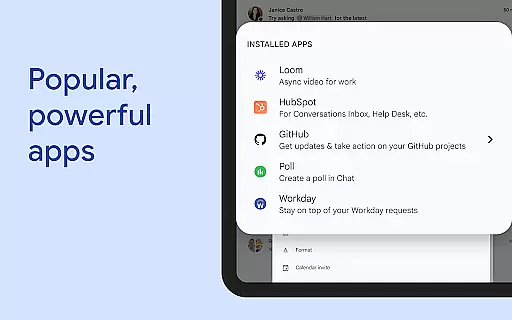
The inclusion of popular third-party apps like PagerDuty, Jira, and GitHub extends the task management capabilities even further. These integrations enable teams to handle complex workflows without leaving the Chat environment, creating a centralized hub for all project-related activities.
Seamless Workspace integration
Advanced AI capabilities
Enterprise-grade security
Multi-language support
Rich collaboration tools
Premium features costly
Subscription required
Limited free options
Complex for small teams
Internet-dependent

 4.70
4.70
Completed Course Lectures on how to use IBM Maximo in Maintenance issues
4.1
ANDROID'S TOP MOBILE OFFICE - Word, Excel, PowerPoint and PDF at your fingertips
4.50
Earn free swag, G-Cards & food • Enter sweepstakes • Find stores • So much more.
4.70
viewing and sharing PDFs and other files—anytime, anywhere!
4.5
Find work, shifts and gigs near you. Jobs lasting a few hours to a few months.
4.30
Build a store in minutes with our full suite of AI tools. Start for free!
4.20
Find part-time earning opportunities near you that pay within days.
3.20
ADP Mobile Solutions is an employee self service app
4.50
FaxCover - Create fax cover pages. Works with any app or fax machine.
4.90
Access to Paylocity, empowering employees with information they need 24/7.
4.70
Grow your business and connect with more people with Meta Business Suite.
4.60
Earn money with the driver & delivery partner app for Uber, UberEats & Postmates
4.60
Manage work life on the go
4.50
Smarter career moves start here. AI job alerts, insights & the right tools.
4.20
VSD Viewer - Visio Drawings Viewer for Android Preview VSD, VDX, VSDX drawings
4.10
All document reader, pdf viewer app, read docs & excel files
3.80
viewing and sharing of PDFs
3.60
We are a dynamic team of creatives people of design, marketing, web & apps
3.00


User Reviews