
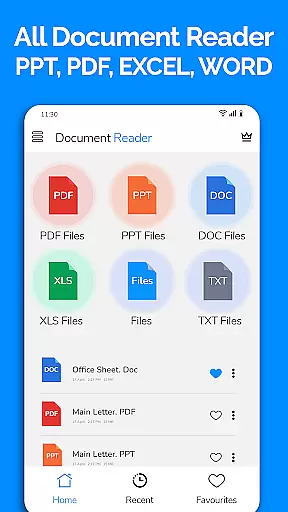
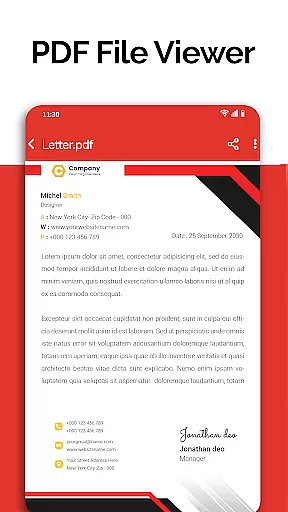
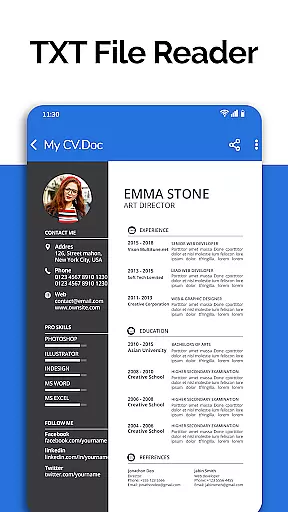
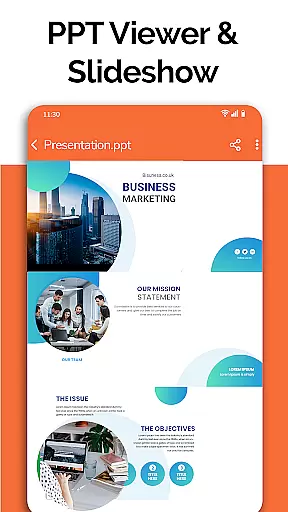
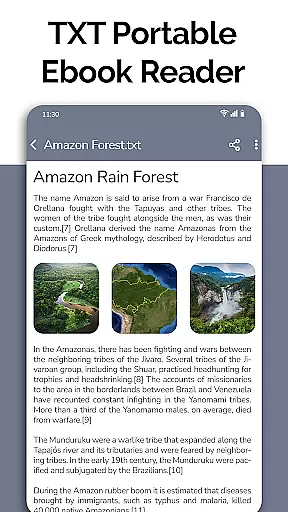
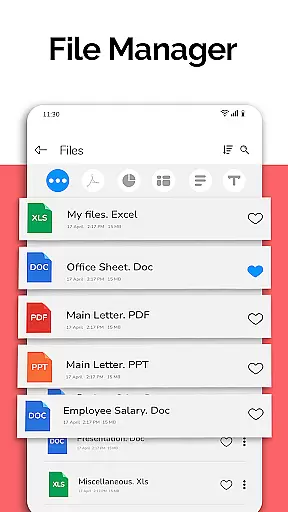
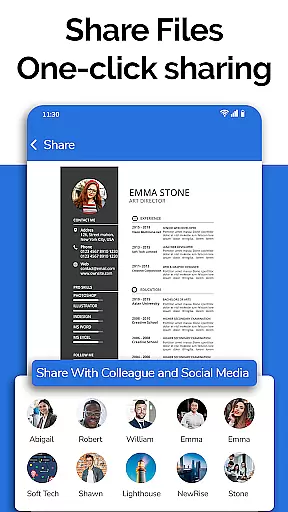
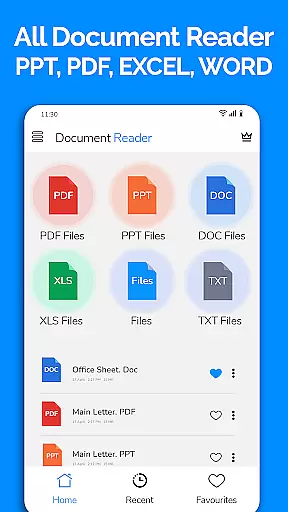
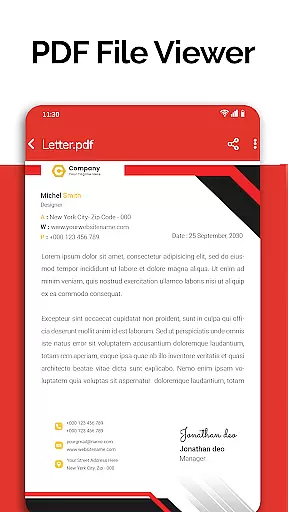
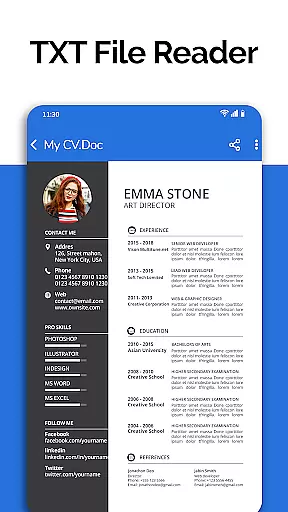
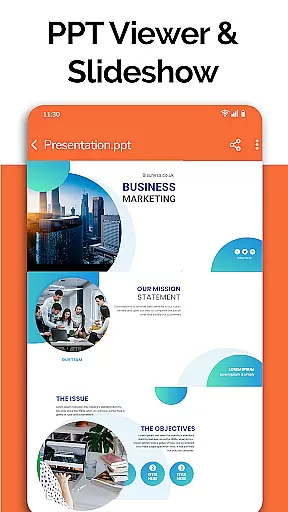
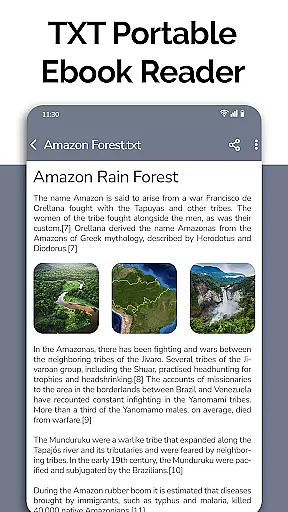
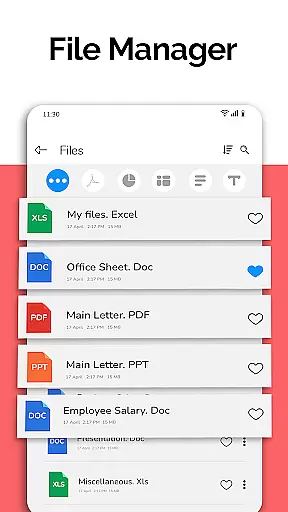
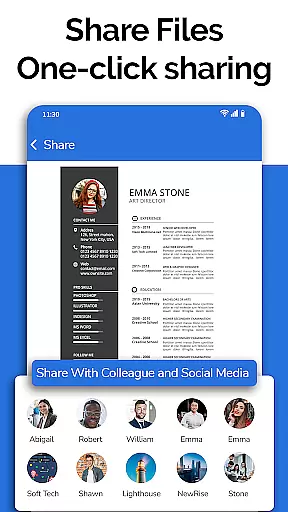
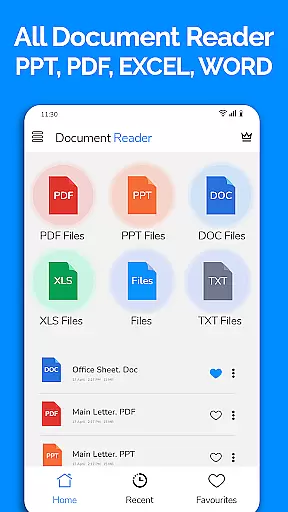
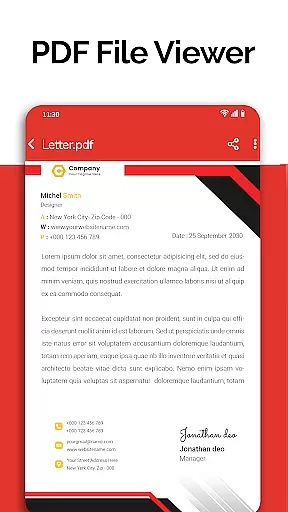
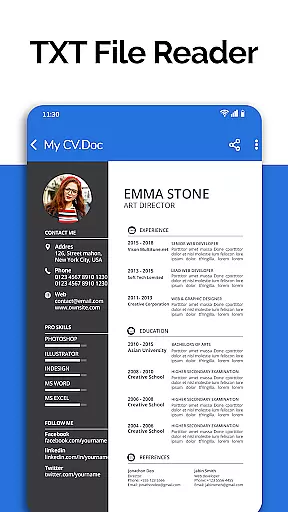
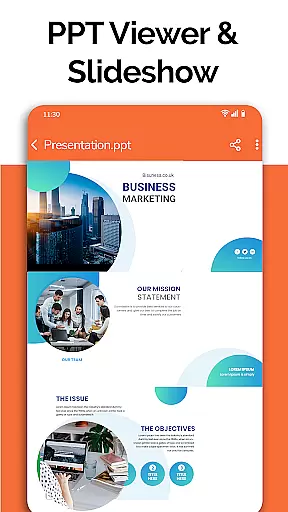
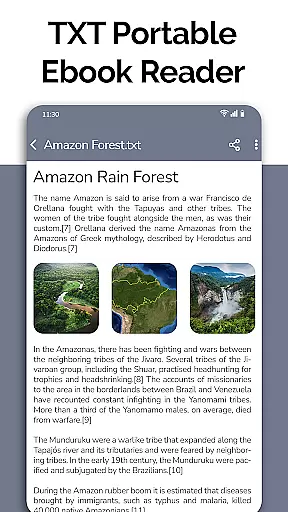
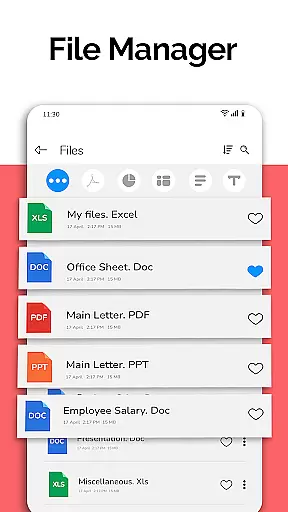
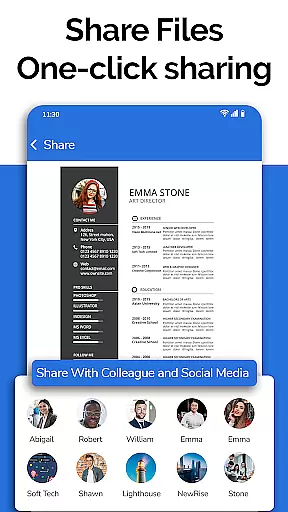
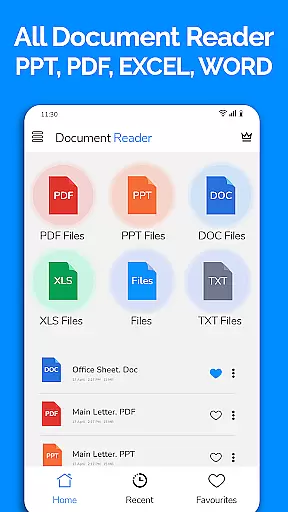
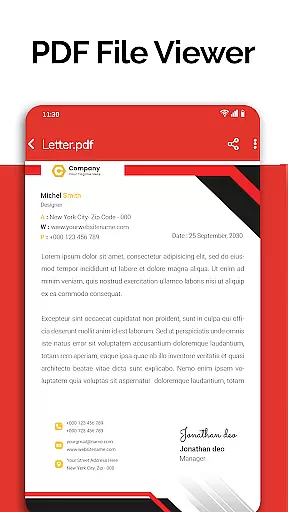
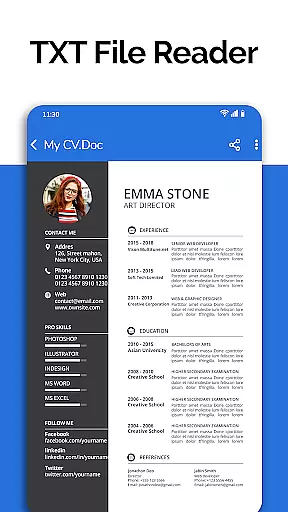
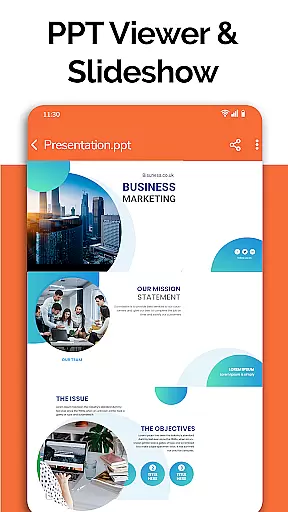
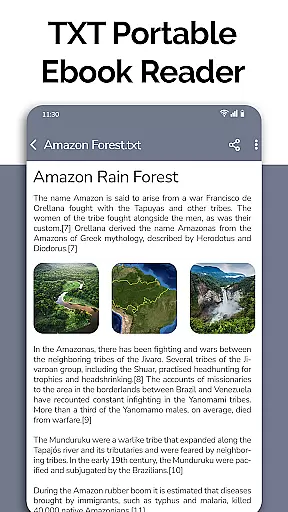
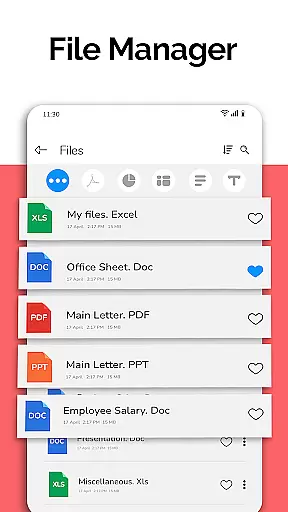
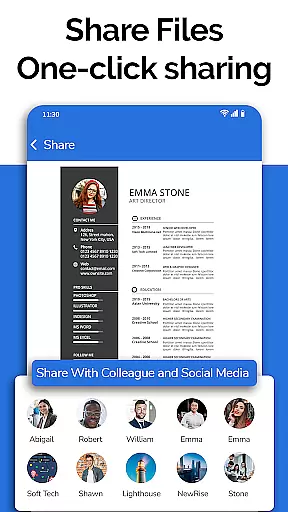
All Document Reader is a versatile business application designed to streamline document management and viewing across multiple formats. This app allows users to open, view, and manage Word, PDF, Excel, PowerPoint, and TXT files directly from their mobile devices without the need for a computer. With its integrated file manager, users can easily sort, organize, rename, delete, and share documents, providing an all-in-one solution for document handling.
The app's standout feature is its ability to automatically sort and organize files by type, making document retrieval seamless. The intuitive interface ensures smooth navigation through various file formats while maintaining high-quality rendering. Whether you're reviewing business invoices, preparing presentation slides, or studying classroom notes, All Document Reader delivers an exceptional user experience tailored for professionals and students alike.
For businesses, this app eliminates the hassle of switching between different applications for each document type. Its comprehensive functionality extends to editing capabilities and text searching within documents, enhancing productivity. The upcoming features like dark mode and image-to-PDF conversion further demonstrate the app's commitment to meeting diverse user needs in the business environment.
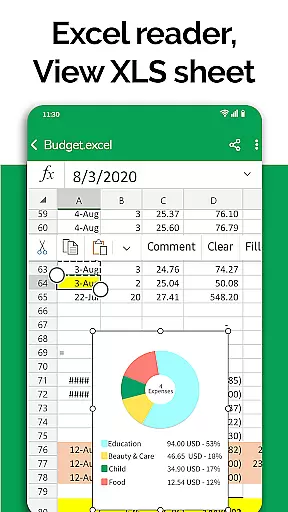
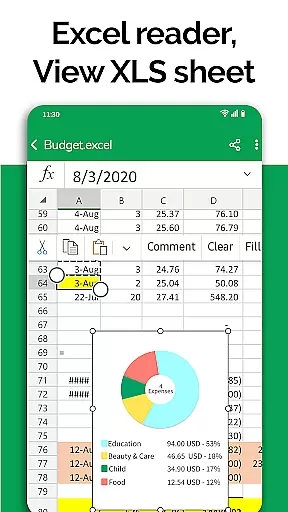
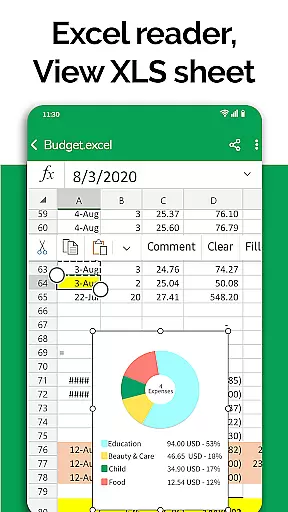
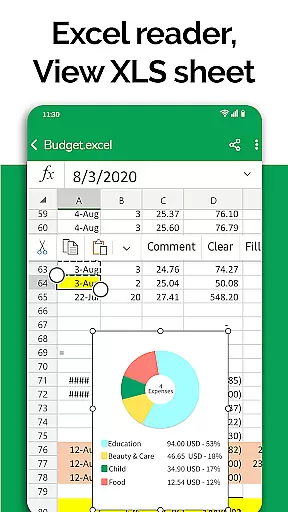
All Document Reader distinguishes itself through a comprehensive set of features that cater to various document management needs. The app's core functionality lies in its ability to handle multiple document formats including DOC, XLSX, PPT, PDF, and TXT files with equal proficiency. Each format viewer is optimized for mobile use, ensuring that Excel spreadsheets maintain their formatting integrity while PDF documents render accurately as they would on desktop viewers.
One of the most valuable features is the integrated document editor, which allows users to not only view but also modify and share their files directly from their mobile devices. The automatic file organization system intelligently categorizes documents by type and modification date, streamlining workflow efficiency. Additionally, the app provides detailed file information including size and path details, giving users better control over their document management.
The application's versatility extends beyond basic viewing capabilities. Users can prepare presentations using the PPT editor, review complex Excel charts, and even create new documents. The forthcoming features such as voice search and doodling functionality promise to enhance the app's utility further. These comprehensive tools make All Document Reader an indispensable companion for professionals who require reliable document access and management on the go.
Collaborative work features are essential for modern business applications, enabling teams to work together efficiently regardless of location. All Document Reader offers robust collaboration tools that allow users to view, edit, and share various document formats including Word, Excel, PowerPoint, PDF, and TXT files.
The app's integrated file manager simplifies document organization and access, automatically sorting files by type and providing key information such as file path, size, and modification date. This organizational structure streamlines team workflows and ensures everyone can quickly find and work on the necessary documents.
All Document Reader enhances team productivity through its comprehensive document editing capabilities. Users can make changes to XLSX, DOCX, PPT, and TXT files directly on their mobile devices, then instantly share updated versions with colleagues. The app maintains document integrity across different formats, ensuring professional-quality results.
These collaborative features provide significant value to businesses by reducing dependency on desktop computers and enabling real-time document processing. Teams can now efficiently manage projects, presentations, and reports while maintaining complete control over their document workflow from anywhere.
Effective task management is crucial for business productivity, and All Document Reader delivers comprehensive tools to help users organize and track their document-related tasks. The application provides a systematic approach to managing various document types, including Word, Excel, PowerPoint, PDF, and text files.
The app's automatic document sorting feature creates an organized workspace where users can easily categorize and locate specific files. This functionality extends to detailed file information display, showing parameters like file size and modification dates, which helps in prioritizing tasks based on document recency and importance.
All Document Reader enables efficient task tracking through its document viewing and editing capabilities. Users can monitor progress across different document formats, make necessary modifications, and maintain version control without switching between multiple applications.
This unified task management system saves valuable time and resources while enhancing overall productivity. Business professionals can now handle complex document workflows more effectively, ensuring timely completion of projects and maintaining consistent quality across all document types.
User-friendly interface
Multi-format support
Integrated file manager
Automatic organization
Editing capabilities
No native cloud integration
Limited advanced features
Occasional rendering issues
Ads in free version
Large app size

Measure distances, surfaces and draw plans in seconds with CamToPlan!
 4.40
4.40
Scan Business Cards & Conference Badges - Capture Leads at Events & Tradeshows
4.20
Windows App allows you to connect to remote PCs and virtual apps.
3.70
Drive and earn extra money
4.50
Recover what matters — quickly and easily.
4.70
A secure, all-in-one team collaboration app
4.30
Mobile POS for any business: sales, invoices, retail, restaurants & appointments
4.60
view, manage, and share every PDF file you have
3.60
From Gone to Back Again — In Just a Few Taps
4.50
Job search app that finds jobs for you! Takes the work out of looking for a job!
4.90
GoTo Mobile is a simple & secure calling, messaging & meetings solution
4.80
Earn free swag, G-Cards & food • Enter sweepstakes • Find stores • So much more.
4.70
Get instant construction estimates: accurate home repair & material calculator.
4.70
No more passwords, easier sign-in, and greater protection for your accounts.
4.60
All Your Gig Work. One App.
4.30
VSD Viewer - Visio Drawings Viewer for Android Preview VSD, VDX, VSDX drawings
4.10
Work happy with AI Companion
4.10
Simple, Fast & Lightweight
3.90
Completed Course Lectures on how to use IBM Maximo in Maintenance issues
4.3


User Reviews