
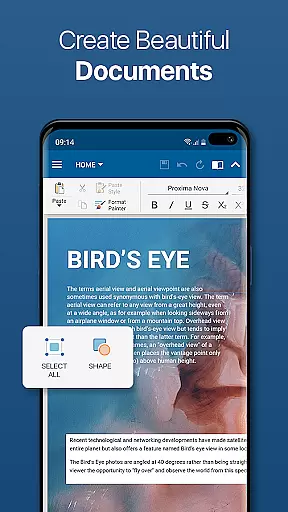
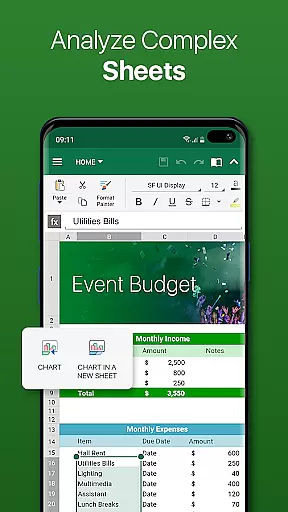
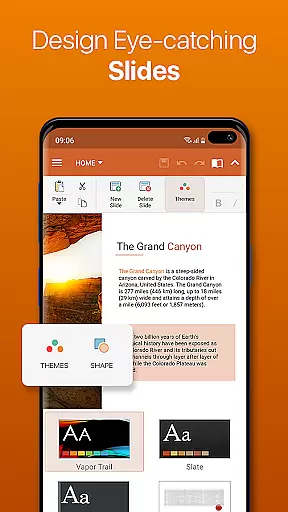
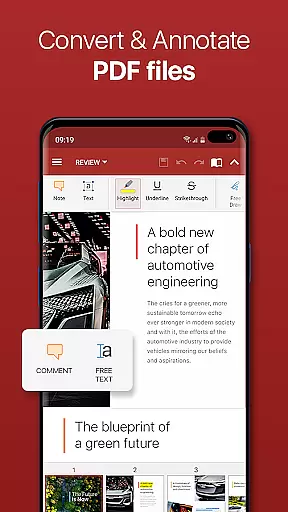

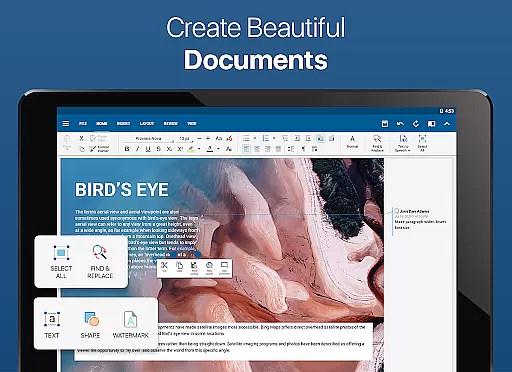
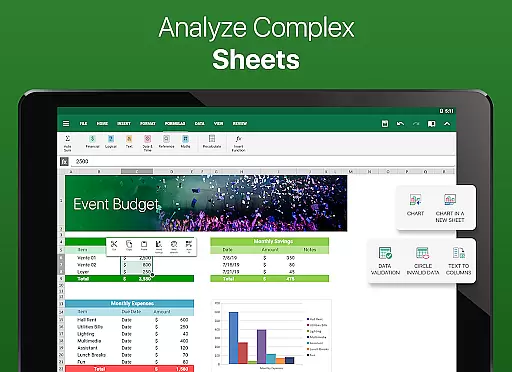
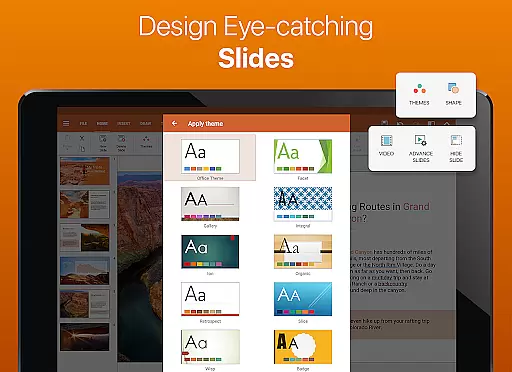

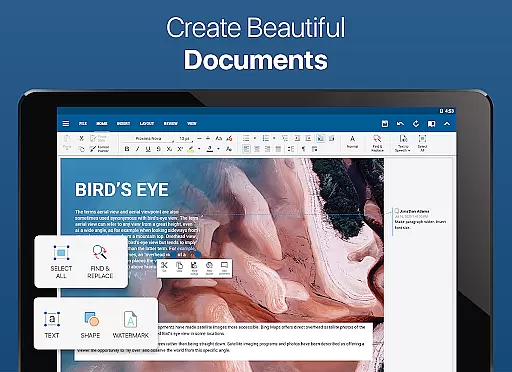
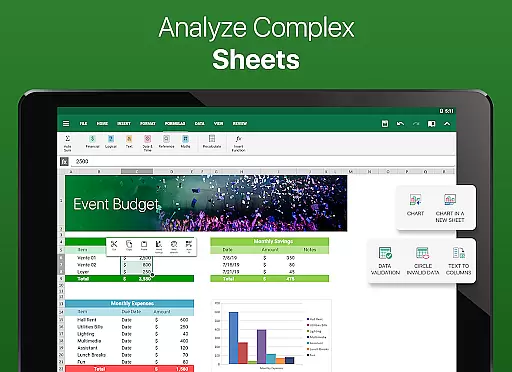
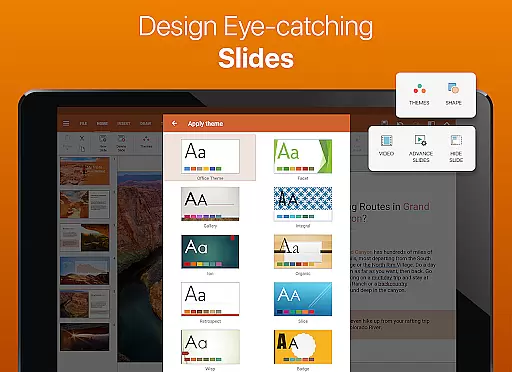
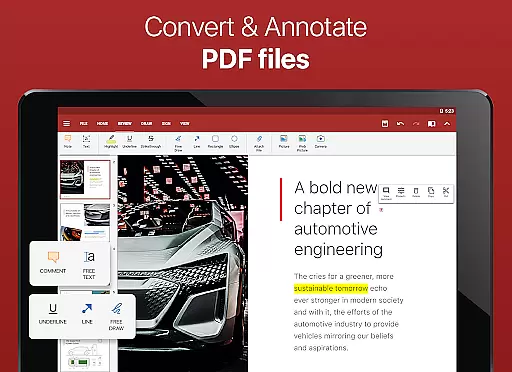

OfficeSuite Pro + PDF is a premier business application designed for comprehensive document management. This powerful tool allows users to effortlessly view, edit, and create Word, Excel, and PowerPoint documents, while also offering seamless conversion to PDF formats. With its desktop-style interface, it ensures familiarity and ease of use, making document handling straightforward for all users.
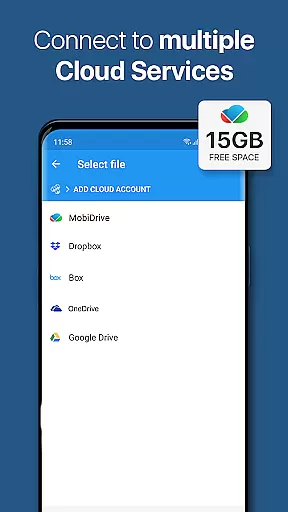
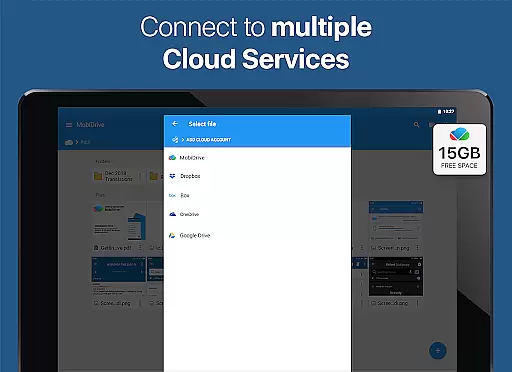
Beyond basic document editing, OfficeSuite Pro + PDF supports an extensive range of file types including DOC, DOCX, XLS, XLSX, PPT, PPTX, and PDFs. The app stands out by providing advanced features such as PDF security and editing, digital signatures, and permissions management. Its integration with cloud services like Google Drive and Dropbox enhances file accessibility and collaboration, ensuring users can manage their documents from anywhere, at any time.
Designed for professionals and businesses, OfficeSuite Pro + PDF facilitates efficient workflow with capabilities like text-to-speech for documents and PDFs, and integrated spell checker in over 40 languages. Whether preparing a crucial business presentation or managing spreadsheets, this app provides the tools necessary to enhance productivity and maintain document integrity across all professional tasks.
OfficeSuite Pro + PDF distinguishes itself through a robust set of features tailored for business professionals. One of its standout functionalities is the complete compatibility with Microsoft Office formats, ensuring that documents retain their formatting and functionality regardless of the platform used for editing. This feature alone significantly streamlines cross-platform document management and collaboration.
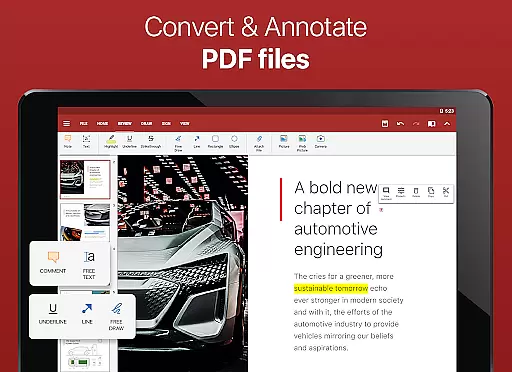
In addition to supporting standard document formats, OfficeSuite Pro + PDF excels in PDF manipulation. Users can scan documents using the PDF camera feature, export files to PDF, and even fill out PDF forms. Advanced PDF security options, including digital signatures and permissions management, provide users with control over their document's confidentiality and integrity. These capabilities ensure that sensitive information remains protected while maintaining ease of access for authorized personnel.
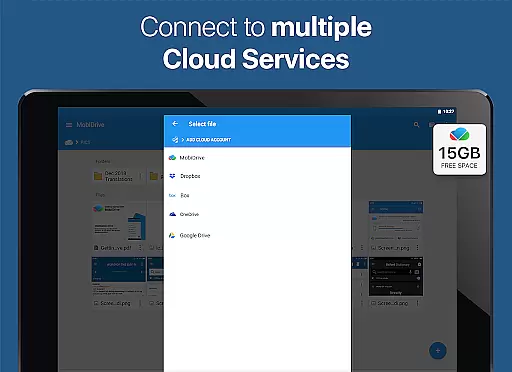
The app further enhances user experience with unique features such as OfficeSuite Chats, allowing real-time document exchange and collaboration. Integration with cloud services and MobiSystems Drive offers up to 15 GB of cloud storage, facilitating seamless file synchronization and access. Moreover, the inclusion of a text-to-speech feature and support for multiple languages through its spell checker underlines the app's commitment to accessibility and global usability, making it an indispensable tool for international business environments.
Collaborative work features are essential for modern business applications, enabling teams to work together efficiently regardless of location. OfficeSuite Pro + PDF excels in this area by offering multiple advanced tools that facilitate seamless collaboration.
The app allows real-time document sharing and editing through integrated cloud services like Google Drive, Dropbox, and OneDrive. This ensures that team members can access the latest version of a document at any time, with changes synced across all devices instantly.
One standout feature is the newly introduced OfficeSuite Chats, which lets users communicate and exchange documents within the app. This integration of chat functionality with document management streamulates workflow and keeps all project-related communication organized in one place.
Furthermore, the application supports track changes with multiple author support, allowing teams to review and approve modifications systematically. These collaborative features make OfficeSuite Pro + PDF an invaluable tool for businesses seeking to enhance their team's productivity and coordination.
Effective task management is crucial for maintaining productivity and meeting deadlines in professional environments. OfficeSuite Pro + PDF addresses this need through its comprehensive set of organizational tools designed to streamline document handling and project workflows.
The app offers MobiSystems Drive, providing up to 15 GB of cloud storage for document management. This feature enables users to categorize, store, and retrieve files efficiently, ensuring important documents are always accessible when needed.
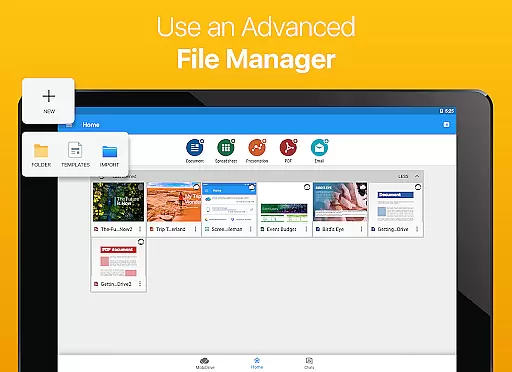
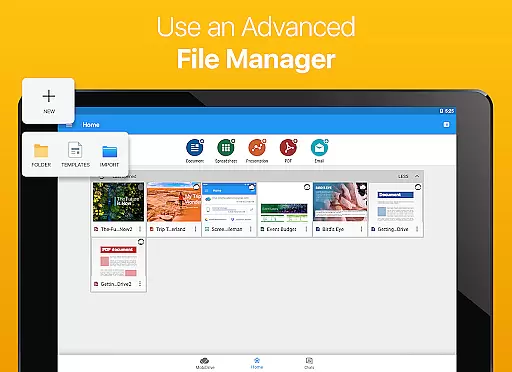
OfficeSuite goes beyond basic file management by integrating with File Commander for advanced synchronization capabilities. Users can quickly navigate both local and remote files, making it easier to organize complex projects and multitask across different assignments.
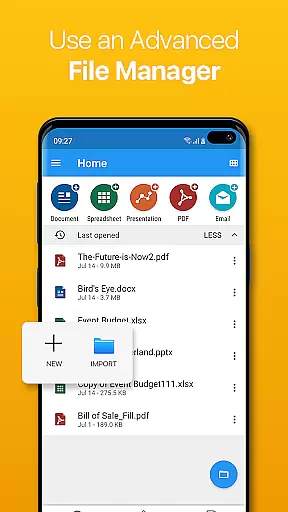
Additionally, the Quick Access notification drawer enhances task management by allowing users to open documents or create new ones faster than ever before. These combined features create a robust task management system that helps professionals stay organized and focused on their work objectives.
Comprehensive format support
Advanced PDF features
Cloud integration
Text-to-speech functionality
Multilingual spell check
Higher cost than alternatives
Complex for beginners
Limited free version
Occasional sync issues
Heavy on resources

FX Plus adds media, networking, and cloud capabilities to FX File Explorer.
 4.10
4.10
The MyWalmart App is available for all associates in stores.
4.70
viewing and sharing PDFs and other files—anytime, anywhere!
4.5
Delivery Track App - Tracking with Fedex, USPS, UPS, DHL. Monitor your Orders.
3.20
We are a dynamic team of creatives people of design, marketing, web & apps
3.00
Start earning fast. Apply Today.
4.80
Job search app that finds jobs for you! Takes the work out of looking for a job!
4.90
All-in-one Mobile solutions for employees & managers to succeed at work
4.30
Say hello to the mobile work experience built to help you thrive at work.
4.30
FaxCover - Create fax cover pages. Works with any app or fax machine.
4.90
BuildCalc - the easiest AND the most advanced construction calculator app.
4.80
Get instant construction estimates: accurate home repair & material calculator.
4.70
All your team communication in one place
4.70
Ship, Track, Find a Location or Get a Quote with UPS. Anytime. Anywhere.
4.60
Manage work life on the go
4.50
Amazon A to Z is the place to manage your work-life at Amazon.
4.50
From Gone to Back Again — In Just a Few Taps
4.50
On the go? Take FedEx with you.
4.00
view, manage, and share every PDF file you have
3.60


User Reviews