

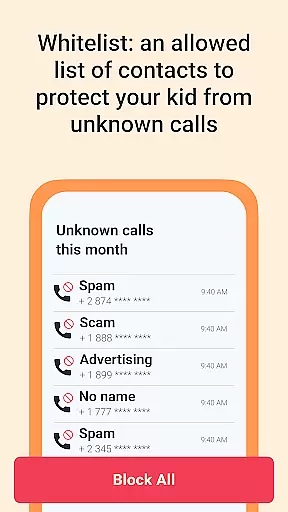
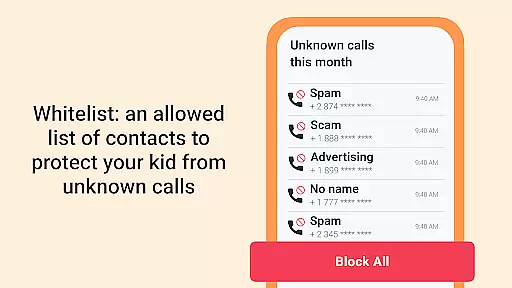
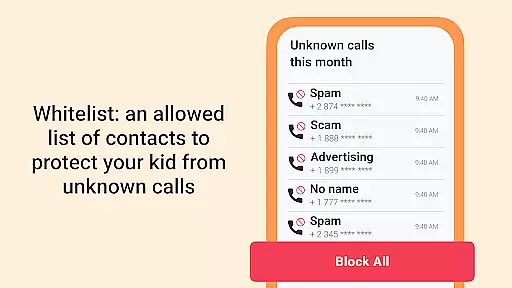
GPS Tracker is a comprehensive family safety app that combines advanced parental controls with precise geolocation tracking. Designed for modern families, this app allows parents to monitor their children's real-time location through an intuitive GPS map interface. With features like geofencing and SOS alerts, it ensures complete peace of mind when it comes to your loved ones' safety.
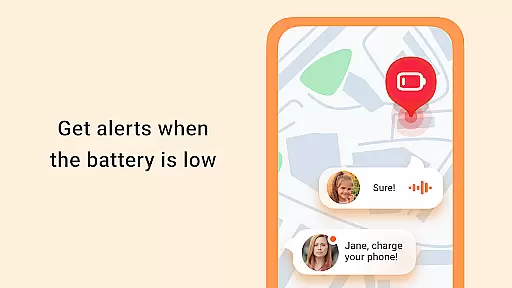
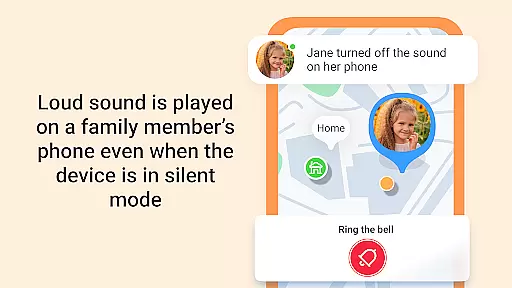
Beyond basic tracking, the app offers additional tools such as ambient sound monitoring and loud signal activation for lost devices. The built-in family chat system keeps everyone connected, while battery status checks ensure you're never caught off guard. Whether you're managing daily commutes or monitoring elderly relatives, GPS Tracker provides reliable, real-time insights to keep your family secure.
This app is ideal for parents seeking both control and communication in one solution. By combining location tracking with behavior analytics and emergency response features, GPS Tracker stands out as an essential tool for family safety and coordination.
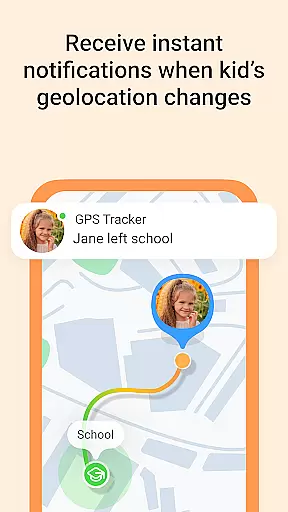
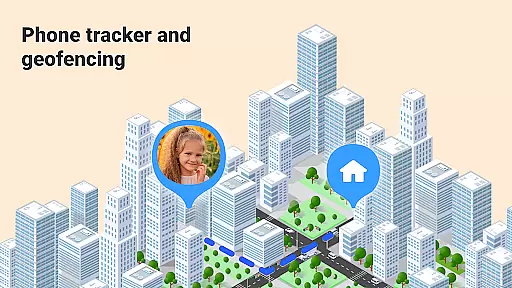
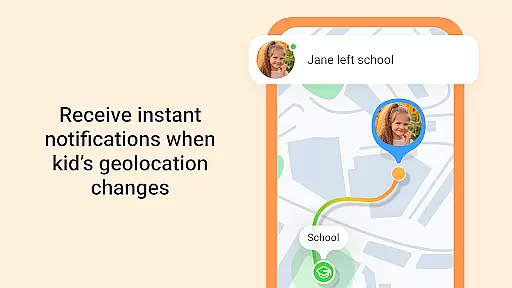
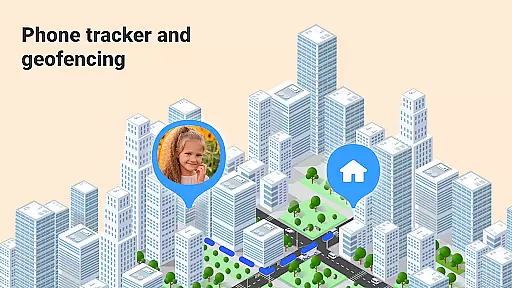
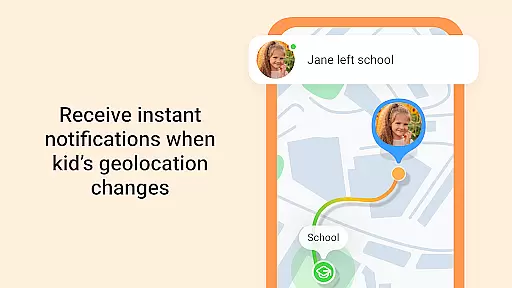
GPS Tracker distinguishes itself through its robust feature set tailored specifically for family safety. One standout capability is live location tracking, which uses advanced GPS technology to provide real-time updates on family members' whereabouts. This feature is complemented by geofencing options that alert parents when children leave designated safe zones.
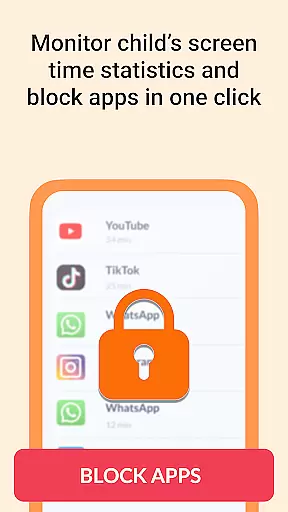
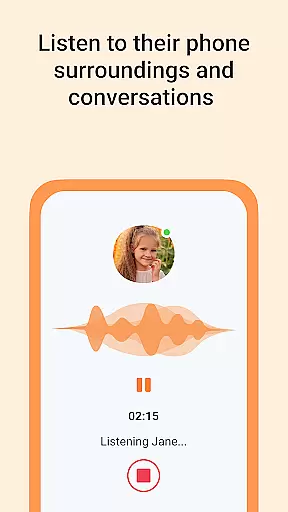
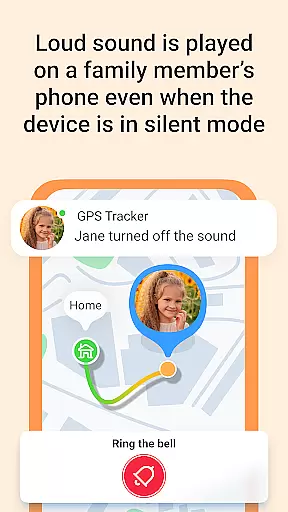
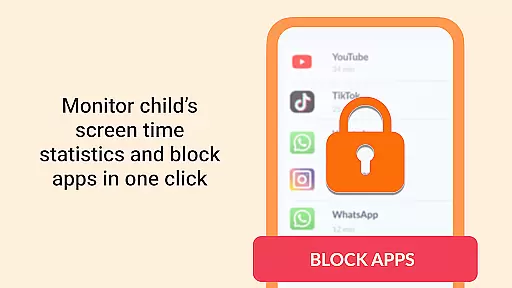
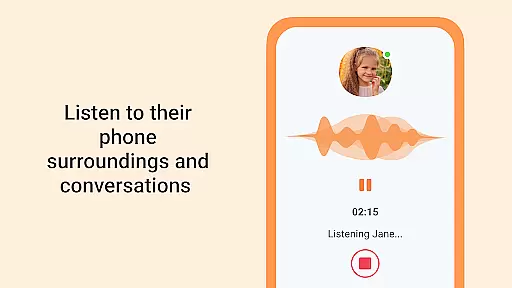
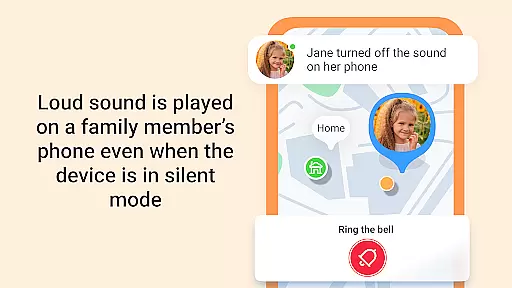
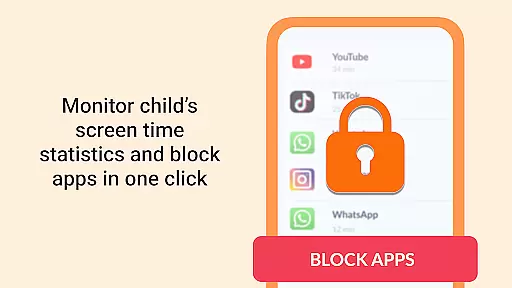
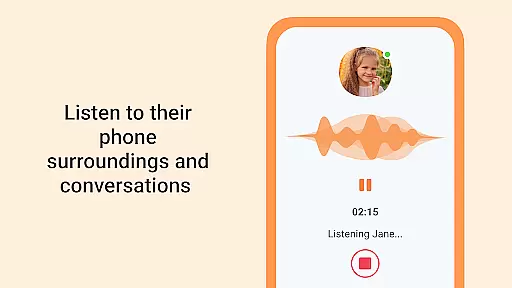
The app also includes innovative safety tools like the Sound Around feature, which lets users listen to the ambient sounds surrounding a family member's device. For emergencies, the SOS button triggers instant alerts, while the loud signal function helps locate misplaced phones. These features are further enhanced by detailed app usage statistics, offering valuable insights into device activity patterns.
Additional highlights include a secure family chat system and battery monitoring, ensuring seamless communication and preventing unexpected power loss. Together, these features create a comprehensive safety net, making GPS Tracker an indispensable app for proactive family protection.
When it comes to parenting apps, the credibility of content and expert validation are paramount. GPS Tracker excels in these areas by providing features that are not only advanced but also endorsed by child safety experts. The app's functionalities such as Live Location Tracking and the SOS Button are designed with the advice of professionals who understand the nuances of family security.
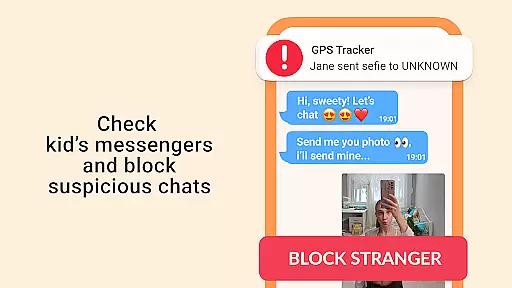
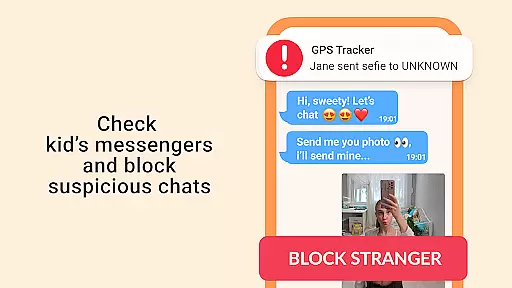
The app offers a comprehensive suite of tools including geofencing for children's safety zones, real-time location tracking, and an integrated family chat system. These features have been scrutinized and validated by experts in child psychology and safety, ensuring they meet the highest standards of reliability and effectiveness. Parents can trust that each feature is crafted to offer genuine value and peace of mind.
Furthermore, GPS Tracker provides detailed app statistics that allow parents to analyze usage patterns and optimize safety settings. This data-driven approach is supported by expert insights, making it easier for parents to make informed decisions about their family's security needs. With its robust parental control solutions, GPS Tracker stands out as a credible and authoritative tool in the realm of family safety apps.
Growth tracking accuracy is essential for apps in the parenting category, especially when monitoring the safety and development of children. GPS Tracker achieves this through precise geolocation capabilities and real-time updates, ensuring parents always have accurate information about their family members' whereabouts.
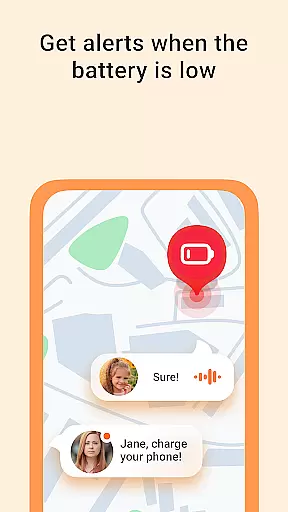
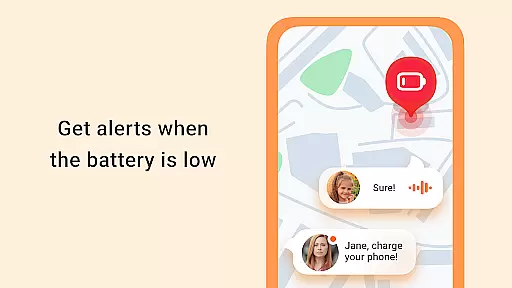
The app's Live Location Tracking feature provides real-time GPS mapping, allowing parents to monitor their children's locations with high precision. This function is complemented by the Battery Check feature, which ensures that tracking remains uninterrupted by alerting parents to low battery levels on their children's devices. Such meticulous attention to detail guarantees reliable and continuous growth tracking.
In addition to location tracking, GPS Tracker includes the Sound Around feature, which lets parents listen to ambient sounds from their children's surroundings. This adds another layer of accuracy to growth tracking by providing contextual information beyond mere location data. Combined with the SOS Button and emergency alerts, GPS Tracker delivers a holistic approach to accurately tracking and ensuring the safety of family members.
Real-time GPS
Advanced geofencing
Emergency alerts
Ambient sound monitoring
Family chat integration
Premium subscription
High battery use
Limited free features
Occasional delays
Complex setup

SENSORYSOOTHE and SENSORSAFE: Making car seats smarter and families safer.
 4.70
4.70
All-In-One Pregnancy Tracker, Your Baby's Milestones, Growth Stages & Parenting
4.70
Educational resource for parents to inspire creativity in their children.
4.00
Family GPS locator app — child location tracker. GPS kids tracker, family safety
4.70
Keep Your Family Safe with Pollog Family Assistants
4.10
Learn according to the age of your child and consult with other moms.
4.20
Affirmations | Stories | Bible
4.10
Live Location, Alerts & 2-Way Voice for Kids and Adults with Special Needs
4.60
FamilyMode helps you manage your family’s digital lives—at home or on the go.
4.30
Daily Routine & Timer for kids, ADHD, & Autism
4.80
Introduce real food to baby with First Foods® Database, baby led weaning BLW
4.80
Sleep better with white noise app! Discover rain sounds, fan noise and more.
4.70
Track your pregnancy & your baby's growth in 3D. Get support from our community
4.60
App/Game blocker & GPS tracker
4.50
Real-time family location with consent, check-ins & SOS—private by default.
4.40
Cherish every beat - capture your baby's heart sounds with our app
4.30
Family parental control app: limit screen time, block apps, GPS tracker.
4.20
Findnumber: Real-time location tracker for ultimate family security
4.20
Pregnancy and baby formula tips for moms, plus Enfamil coupons & cash back
4.10


User Reviews