
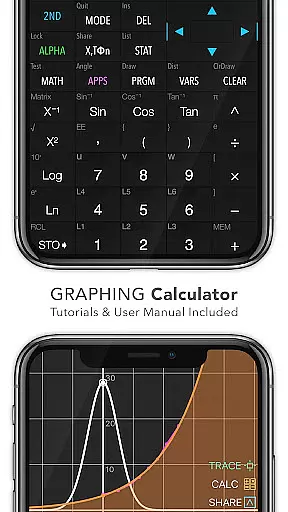
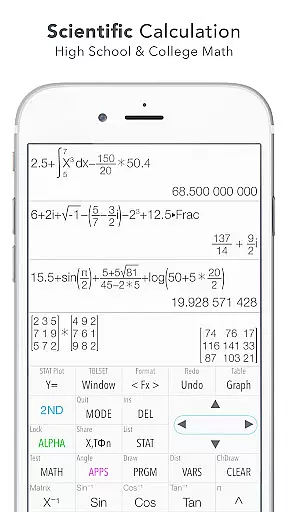
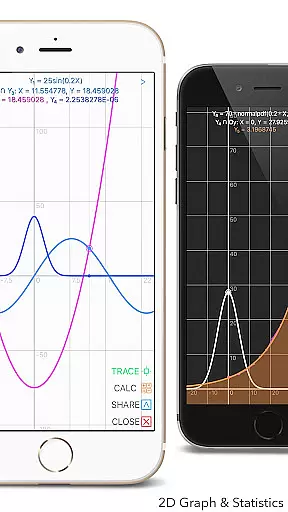
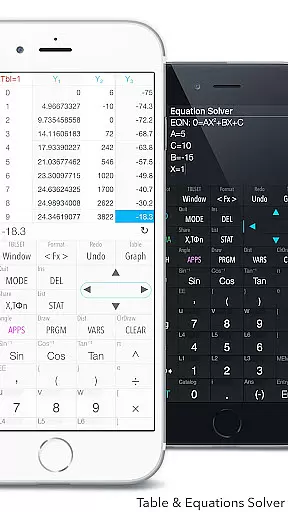
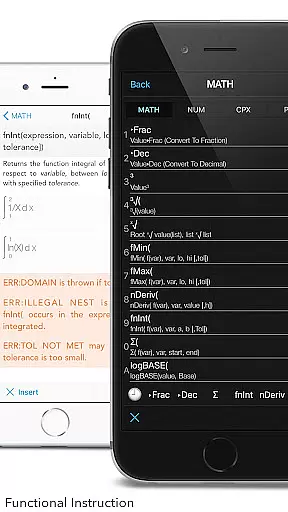
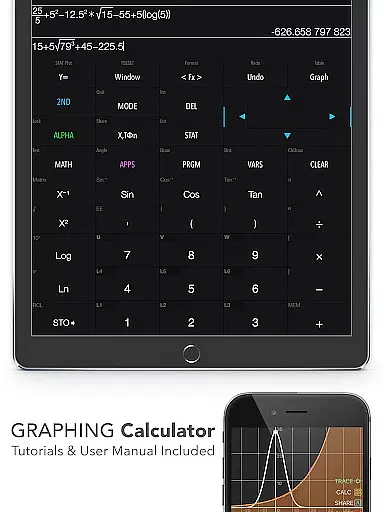
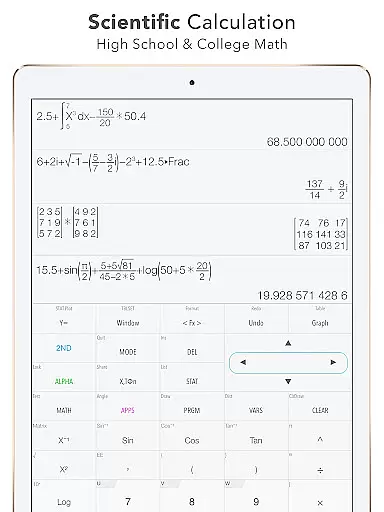
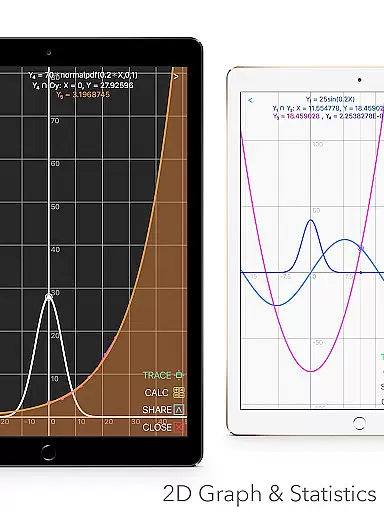
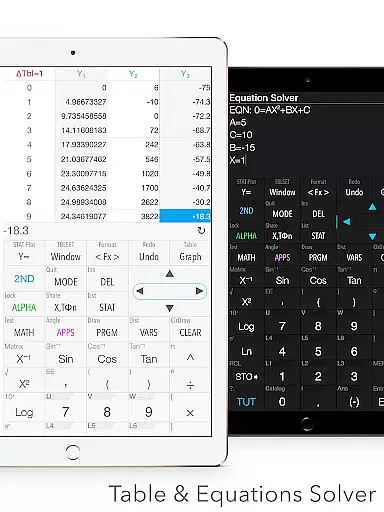
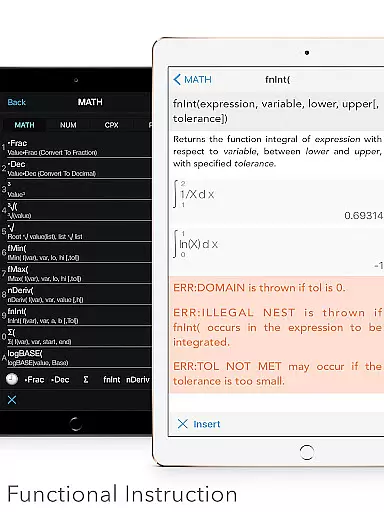
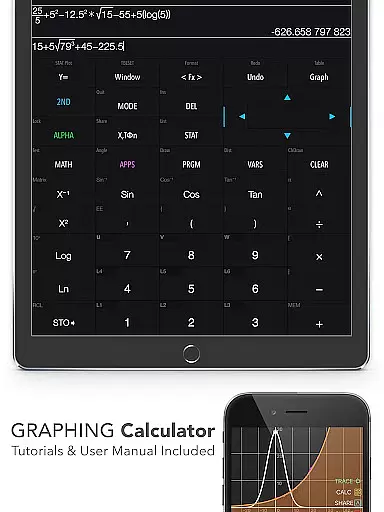
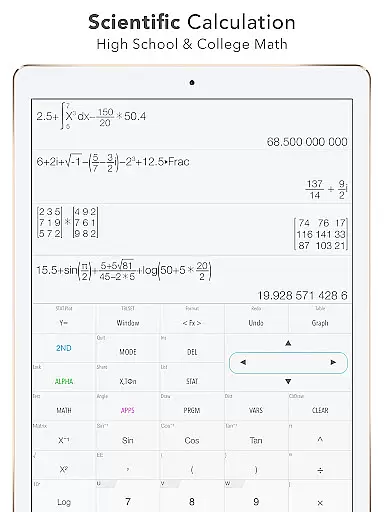
Graphing Calculator Plus is a powerful educational tool designed for students, engineers, and math enthusiasts. This app serves as a comprehensive alternative to traditional hardware calculators like the TI-84 and TI-83, offering advanced mathematical capabilities right on your Android device. With its robust MATH CORE and intuitive mathematical display support, users can perform both basic and complex calculations with ease.
The calculator includes an extensive range of features such as 2D graphing, statistical analysis, matrix operations, and programming capabilities. It also provides built-in documents and tutorials, making it accessible for users of all levels. Whether you're solving equations, analyzing data, or working on calculus problems, Graphing Calculator Plus delivers the functionality and flexibility needed for academic and professional success.
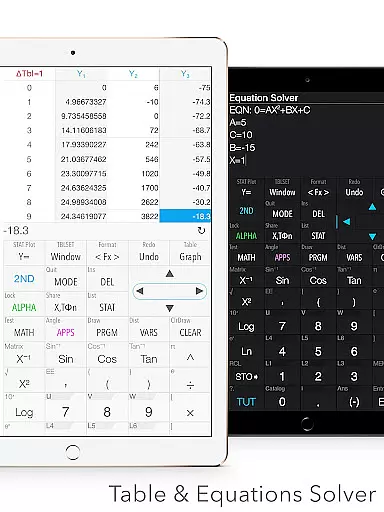
Graphing Calculator Plus stands out with its wide array of specialized features tailored for educational use. The app includes multiple calculator modes, including a universal calculator with mathematical display, complex number calculation, and equation solving capabilities. Users can edit and export expressions, view history tapes, and access over 40 common constants, providing a versatile and efficient calculating experience.
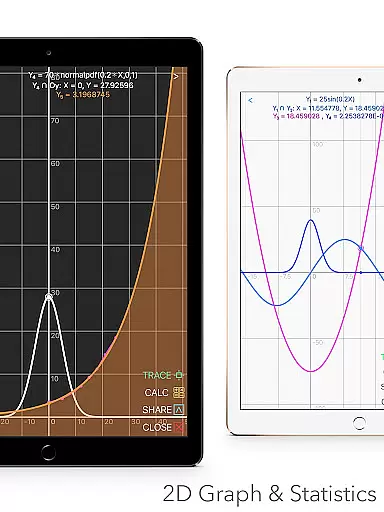
In addition to standard calculations, the app offers advanced graphing features, allowing simultaneous graph plotting, smooth zoom, and transformations. It supports parametric, polar, and sequence graphs, along with identifying intersections, minima, maxima, and special points. The app also includes statistical and regression analysis tools, matrix operations, programming commands, and number base-N mode, accommodating various mathematical needs across different disciplines.
When it comes to educational tools like Graphing Calculator Plus, content accuracy is paramount. This app ensures precise calculations across all its functions, from basic arithmetic to advanced calculus operations. The mathematical core has been rigorously tested to provide reliable outputs that students and professionals can trust.
The app includes a comprehensive set of features that align with educational standards and expectations. With built-in documents covering a wide array of mathematical concepts, users are guided through complex calculations with authoritative and vetted procedures. Whether it's solving equations or performing statistical analyses, the methods and formulas provided are academically sound.
Furthermore, the inclusion of over 40 common constants and support for various calculation modes such as fraction, degree, and angle computations reinforce the app's commitment to accuracy. Users can work on geometric and trigonometric problems with confidence, knowing that the results adhere to high academic standards.
Graphing Calculator Plus offers personalized learning paths by providing a diverse range of functionalities tailored to individual needs. Students can explore different areas of mathematics at their own pace, thanks to an intuitive interface that allows customization of functions and variables.
The calculator's ability to solve equations, compute integrals, and perform regressions enables learners to focus on specific topics they need to master. By offering both basic and advanced functions, the app supports incremental learning, allowing users to start with simple concepts and gradually tackle more complex problems.
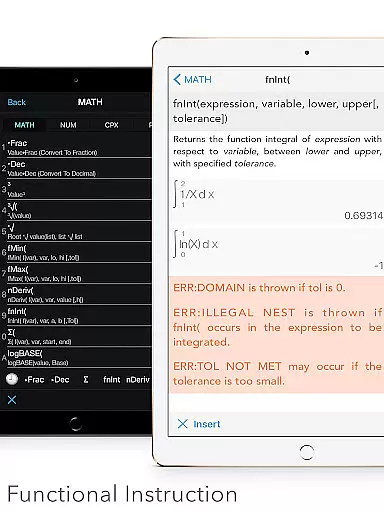
In addition, the matrix and programming features open up possibilities for deeper exploration into mathematical theories and applications. With example source codes included and control commands that allow for customized learning experiences, Graphing Calculator Plus adapts to the unique educational journey of each user, promoting effective and personalized skill development.
User-friendly interface
Comprehensive math functions
Advanced graphing capabilities
Extensive documentation
Regular updates
Premium price point
Occasional bugs reported
Steeper learning curve
Limited customization options
Heavy on system resources

A 2024 digital study guide for the Expert Infantryman and Expert Soldier's Badge
 4.3
4.3
Short Lessons for Better Finances, Health, Skills, Jobs & Relationships.
4.80
Gain new skills in 10 minutes
4.70
Explore numbers the Starfall way!
4.00
Experience the sky, planet earth and the solar system like never before
4.90
Hasbro's Classic Board Game - Make Cavity Sam better or get the buzzer!
3.50
For medical training - Visualize complex vein maps and structures in real-time.
4.10
Your best partner for learning Japanese words. Based on a best-selling textbook.
2.80
Learn to pass DMV permit tests. Driver license practice test 2025.
4.60
Learn & Speak New Languages
4.70
A fast and fun way to learn guitar - works with any guitar.
4.60
Intuitive Transformer Lab - By a Lineman, For Linemen & Apprentices
4.50
The Fighter Verses Bible memory system helps you memorize God's Word.
4.50
Ignite curiosity, spark learning: All babybus videos &games
4.30
The FE Clock is a way to track sun & moon around the circle of the earth.
4.30
Nighty Night Circus - Bedtime story for kids
4.10
Flashnote Derby is the fun way for kids to learn music notes and memorize them.
3.40
Your best partner for learning Japanese words. Based on a best-selling textbook.
2.90
Pickleball guide complete with illustrated Pickleball drills and helpful info
4.5


User Reviews