
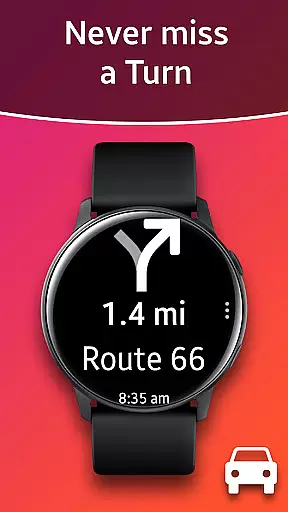
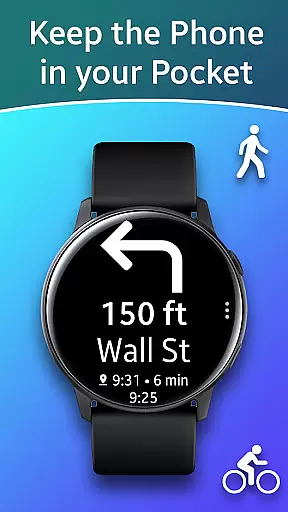
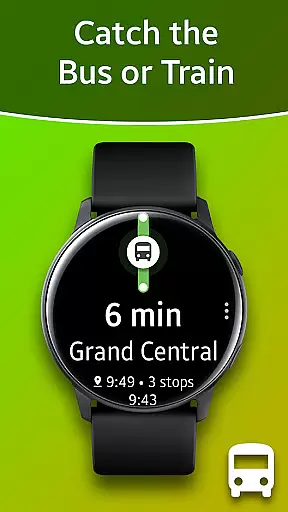
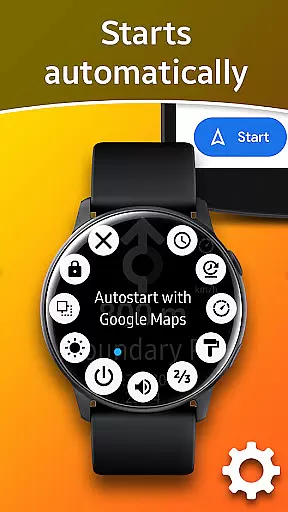
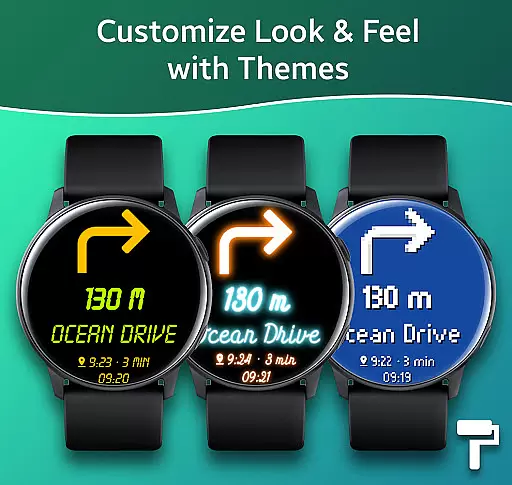
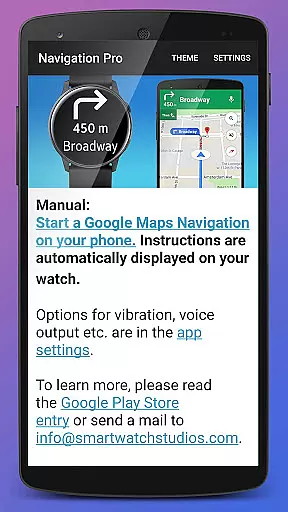
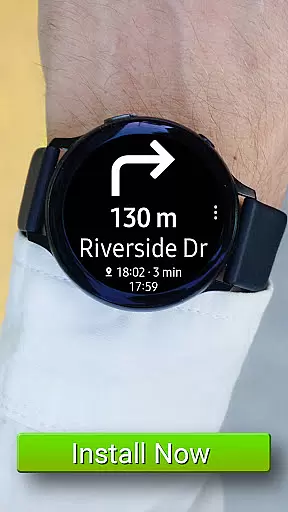
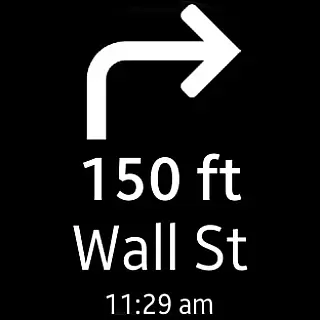
Navigation Pro is a specialized navigation application designed to bring Google Maps Navigation instructions directly to your Samsung smartwatch. This app is particularly useful for users who are driving, cycling, or using public transport and want to keep their phone in their pocket while still receiving important navigation cues on their wrist.
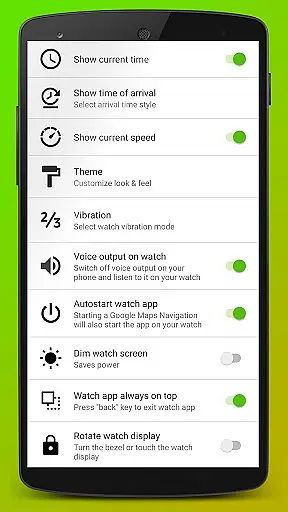
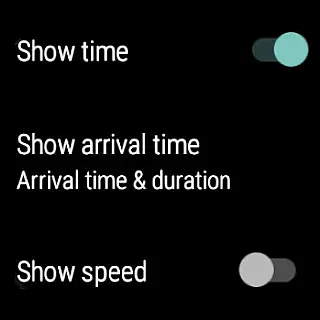
The app features autostart functionality with navigation, voice output, customizable vibration patterns, support for 102 languages, various theme options, and even includes a speedometer. It requires the companion app 'Navigation Pro' from Samsung Galaxy Apps to function properly, ensuring seamless integration between your phone and watch.
With its comprehensive set of features, Navigation Pro offers an enhanced navigation experience by providing timely directions through your smartwatch, making it easier and safer to navigate without having to look at your phone constantly.
Navigation Pro stands out with its rich feature set tailored for Samsung smartwatch users. The app automatically starts with navigation commands, ensuring you never miss a turn while traveling. Its voice output capability provides audible directions, allowing you to keep your eyes on the road or path ahead.
Customization is key with this app, offering users the ability to adjust vibration patterns to their preference, choose from multiple themes to personalize the interface, and even view their current speed with the built-in speedometer. Furthermore, the app supports an impressive 102 languages, making it accessible to a global audience.
These features collectively enhance the user's navigation experience by delivering clear, concise, and personalized guidance directly to their wrist, thus promoting safety and convenience during travel.
Map accuracy is essential for any navigation app, and Navigation Pro excels in this area. The application displays Google Navigation instructions directly on your Samsung watch, ensuring that the map data is both precise and up-to-date.
By leveraging Google Maps, which is renowned for its comprehensive and accurate mapping data, Navigation Pro provides users with reliable information for driving, cycling, and public transport. This ensures that users can trust the app to guide them correctly and efficiently to their destination.
The app supports 102 languages, making it accessible to a global audience and ensuring that location names and directions are accurately represented in local languages. This feature enhances the overall accuracy of the maps by providing culturally and linguistically appropriate navigation cues.
Route planning is a core functionality of Navigation Pro, offering users multiple options for their journeys. Whether you're driving, cycling, or using public transport, the app provides optimized routes based on real-time traffic conditions and user preferences.
With features like autostart with navigation, customizable vibration, and a speedometer, users can tailor their route planning experience to suit their needs. These options ensure that users receive timely and relevant information, enhancing their travel experience.
Additionally, the app's compatibility with all Galaxy Watch models and various Gear series devices allows for seamless integration and access to route planning features. This cross-device support ensures that users can rely on Navigation Pro for accurate and efficient route planning no matter their choice of wearable technology.
User-friendly interface
Voice-guided navigation
Customizable settings
Multi-language support
Speedometer feature
Requires companion app
Phone dependency for maps
Limited to Samsung watches
No offline mode
Potential battery drain

Turn your Android device into a real off-road GPS using off-line topo maps!
 4.40
4.40
Fully offline 1:50k New Zealand topographical map North Island
4.1
Play in the outdoors with Android as your Handheld GPS and offline topo maps!
3.50
Airport parking, with airport shuttle (TPS shuttle), reservations, and Spot Club
4.80
Voice GPS with driving directions, offline maps navigation GPS for safe travel
4.50
Use GPS maps or search by property owner, address or parcel to view parcel data
4.30
Route Planner is travel map to get turn by turn navigation & driving directions
3.90
Navigate MTA, NJ Transit, MBTA, SEPTA, BART, MARTA, CTA & 900+ cities
4.60
Rideshare, taxi cabs, and more for your airport travels and everyday trips.
4.50
This app is military GPS coordinate systems helper. (MGRS, UTM & DMS Maps)
4.80
Offline maps & GPS for hiking, travel, fieldwork & outdoor adventures
4.70
GPS phone tracker, family locator, secure location sharing app
4.20
Use GPS Maps and GPS Voice Navigation to find your way and get directions
4.10
Easy, Moderate and difficult offroad adventures.
4.00
MapQuest is your go-to app for maps, GPS, voice navigation & live traffic.
3.80
Live Satellite view app for find GPS navigation Direction and live location map
3.70
OpenCPN is a full featured ChartPlotter and Navigator for Android.
3.60
Turn your tablet or Android powered unit into a full blow Android Auto headunit.
2.30
Compass is an accurate compass and a great tool for any outdoor activities
4.0


User Reviews