
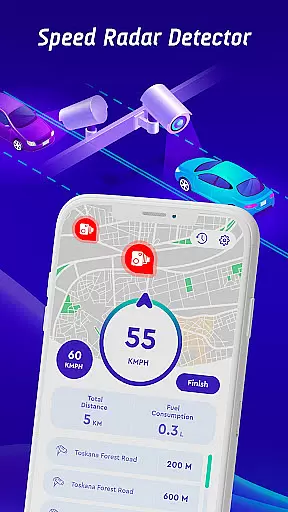
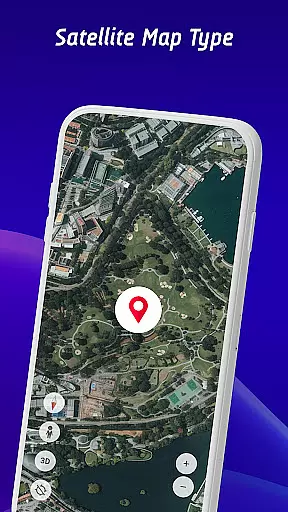
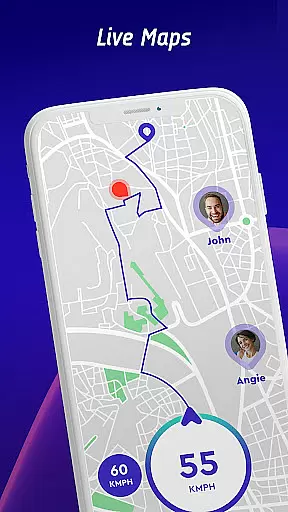

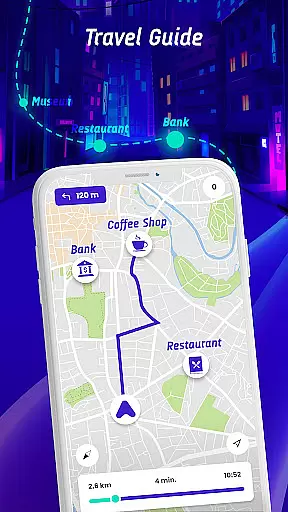
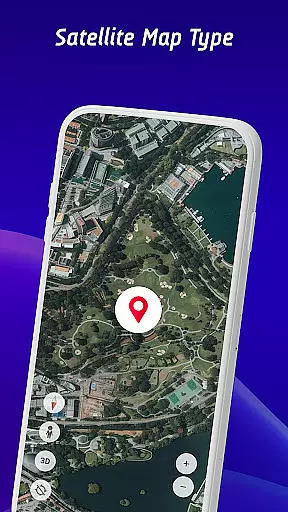
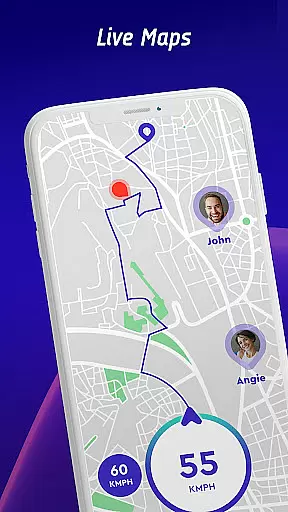
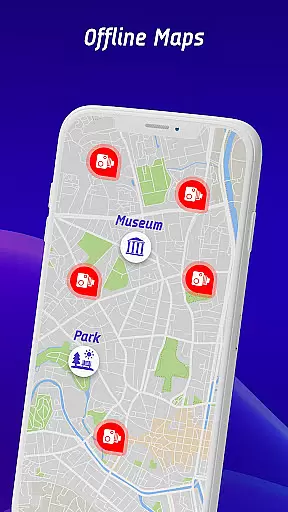
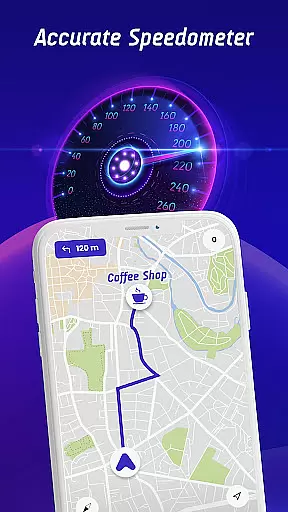

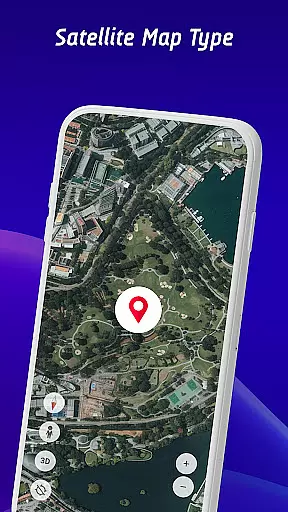
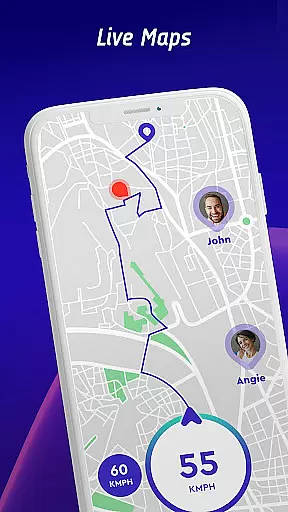
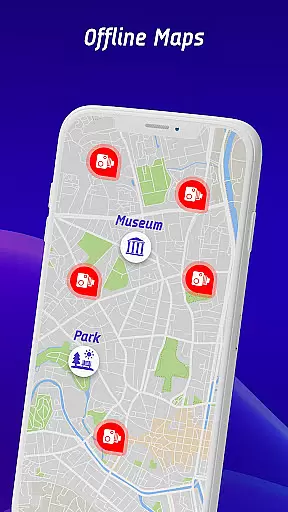
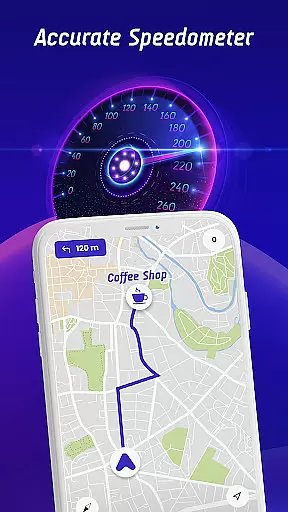

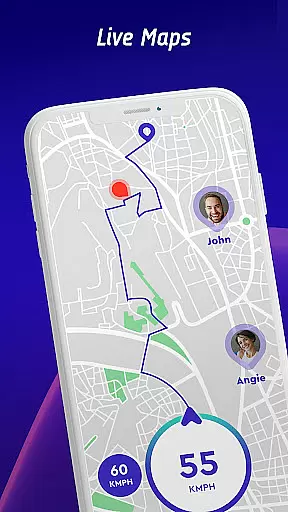
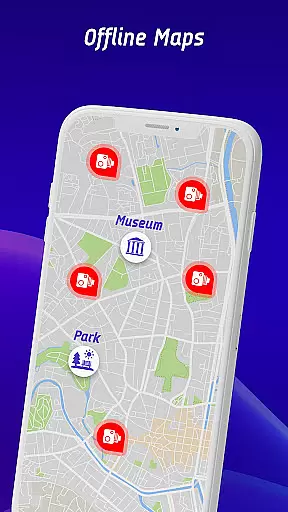
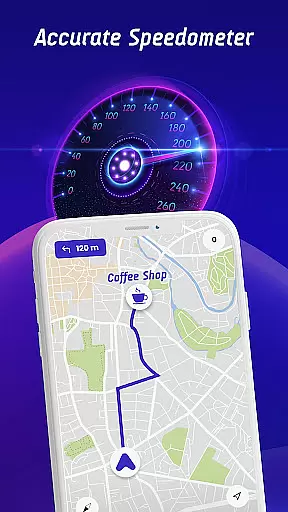

Offline Maps, GPS, Speedometer is a comprehensive driving companion app that integrates multiple essential features for safe and informed navigation. The app serves as a speed camera detector, speedometer, and GPS navigation tool, ensuring drivers stay within speed limits while receiving real-time alerts for various road hazards.
One of the standout features is its ability to provide vehicle-specific speed limit notifications, catering to cars, bikes, and trucks. Additionally, the head-up display (HUD) projects crucial information like traffic alerts and speed onto the windshield, allowing drivers to maintain focus on the road. With offline map functionality, users can navigate without relying on mobile data, making it ideal for areas with poor connectivity.
This app is particularly useful for long-distance travelers and professional drivers who need constant access to accurate speed and location data. By combining safety features with user convenience, Offline Maps, GPS, Speedometer enhances both security and driving efficiency.
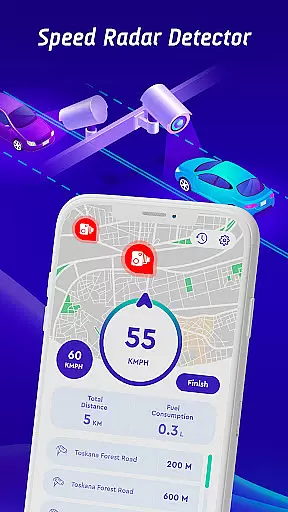
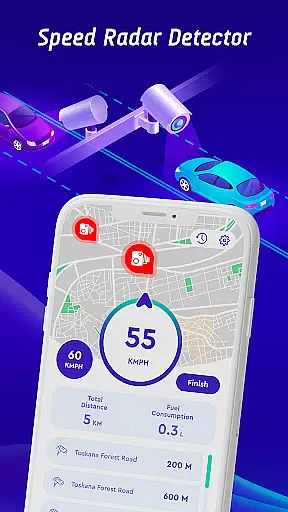
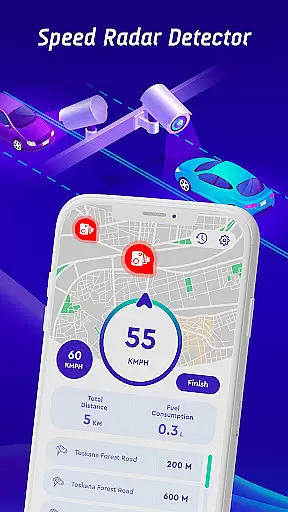
The app boasts an impressive range of features designed to improve driver safety and convenience. Its primary function as a speed camera detector includes alerts for fixed cameras, mobile speed checks, red light cameras, and average speed zones. These alerts are continuously updated through a crowdsourced database where users can report newly encountered cameras.
Another notable feature is the head-up display (HUD), which projects real-time traffic updates, radar warnings, and speed readings directly onto the windshield. This ensures drivers can access critical information without averting their gaze from the road. The inclusion of offline maps adds another layer of reliability, enabling uninterrupted navigation even in areas without internet access.
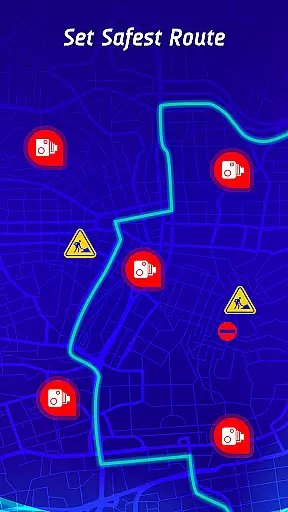
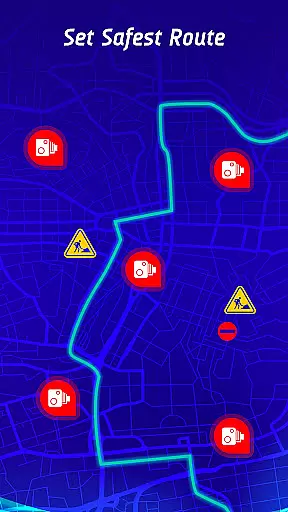
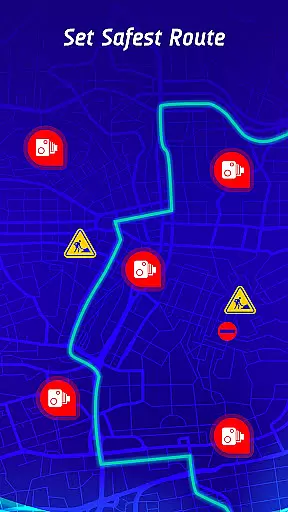
For those focused on improving their driving habits, the travel history option allows users to review past trips, including speed statistics and encountered hazards. Furthermore, the safest route recommendation system optimizes journeys by considering live traffic conditions and known hazard points, providing peace of mind for every trip.
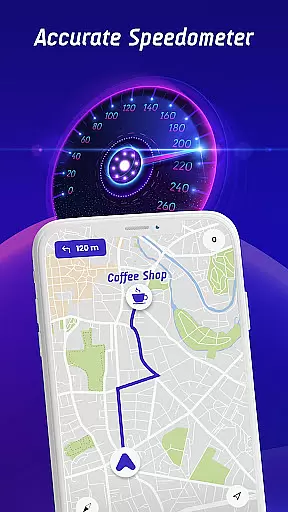
Map accuracy is essential for any navigation app, and Offline Maps, GPS, Speedometer excels in this area. The application integrates GPS navigation with real-time alerts for speed traps, fixed radars, and traffic cameras, ensuring drivers are always aware of their surroundings.
The app provides specific speed limit alerts tailored to different vehicle types, including cars, bikes, and trucks. This personalized approach enhances the driving experience by keeping users informed about vehicle-specific regulations.
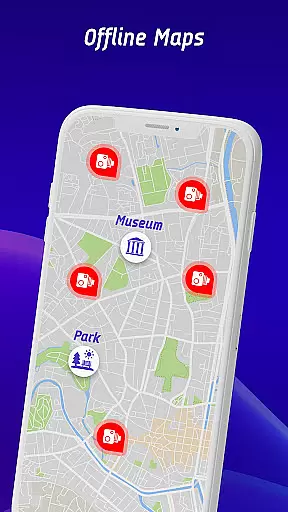
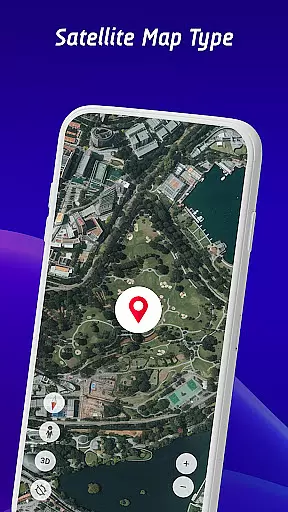
Featuring an offline maps navigation mode, the app allows users to enjoy accurate map data without needing a constant internet connection. This ensures that even in areas with poor connectivity, drivers can rely on precise mapping information.
With continuously updated radar data and a community-driven reporting system, the app maintains a high level of map accuracy. Users contribute to the database by reporting encountered speed cameras, ensuring timely updates and reliable route guidance.
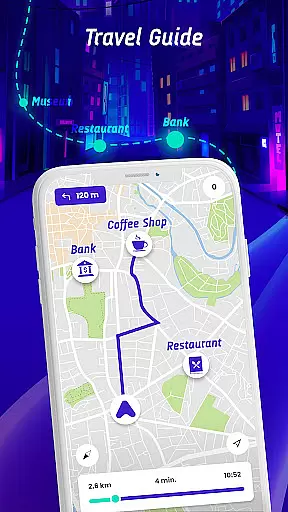
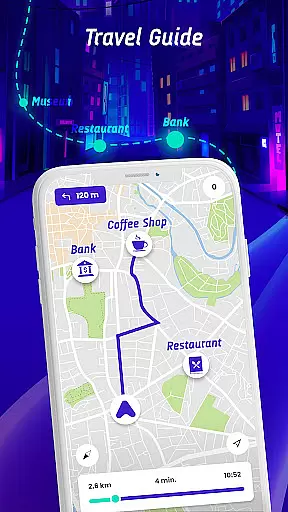
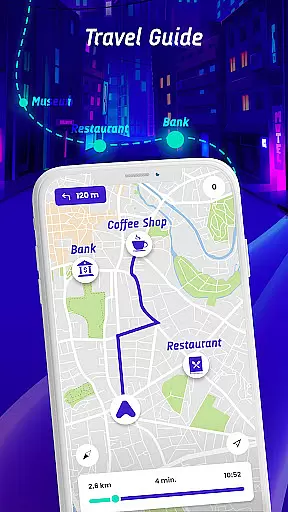
Route planning is a core feature of Offline Maps, GPS, Speedometer, designed to provide drivers with the safest and fastest routes to their destinations. By factoring in real-time traffic conditions, speed camera locations, and reported hazards, the app ensures optimal travel paths.
The head-up display (HUD) enhances route planning by projecting real-time traffic alerts, radar alerts, and speedometer readings onto the windshield. This allows drivers to stay informed without diverting their attention from the road.
Including a travel history feature, the app enables users to review past routes, speed statistics, and encountered speed checks. This long-term monitoring helps identify patterns and improve future route selections.
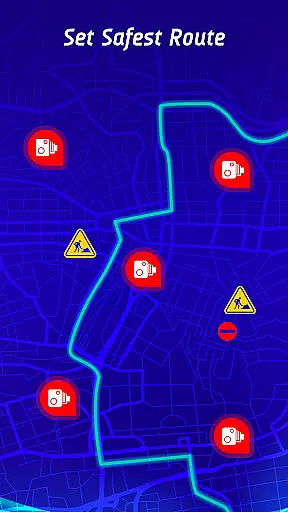
Additionally, the safest route recommendation system considers various factors such as traffic congestion and active hazard points. By prioritizing safety alongside efficiency, the app offers peace of mind and convenience for every journey.
User-friendly interface
Comprehensive hazard alerts
Offline map support
Vehicle-specific speed limits
Crowdsourced camera updates
Occasional inaccurate alerts
Heavy battery consumption
Limited free features
Subscription fees apply
Complex setup process

Compass is an accurate compass and a great tool for any outdoor activities
 4.1
4.1
CamSam PLUS - The speed and red light camera warning system!
4.40
Airport parking, with airport shuttle (TPS shuttle), reservations, and Spot Club
4.80
Track accurate speed & distance with GPS Speedometer. Check speed limit & time.
4.50
Explore with GPS Navigation with GPS offline, voice GPS, speed camera radar
4.60
Get route, find shortest path, near by places and weather update
3.90
Navigate seamlessly with Real-Time Traffic, Offline Maps, and Voice Navigation.
4.10
Route Planner is travel map to get turn by turn navigation & driving directions
3.90
Park in Chicago, NYC, Boston, SF, Houston & more!
4.70
Bolt is a ride-hailing app for requesting fast, safe, and affordable transport
4.80
Find shortest way and save energy . Distance and area calculator.
4.70
Navigate confidently with our precise Digital Compass app & Direction Compass!
4.70
Neshan: map & navigation app with 20M+ monthly active users
4.50
Lets explore the world's famous places by using Live Cams, GPS & Satellite View.
4.20
GPS phone tracker, family locator, secure location sharing app
4.20
Number locator, real connection map
4.10
Navigation, weather, offline maps & tools for smarter, safer travel planning.
4.00
Your real-time window to the world. Explore anywhere, anytime.
3.30
Explore the world with Live Satellite View, 3D Maps, GPS Navigation & Earth Map.
2.90


User Reviews