
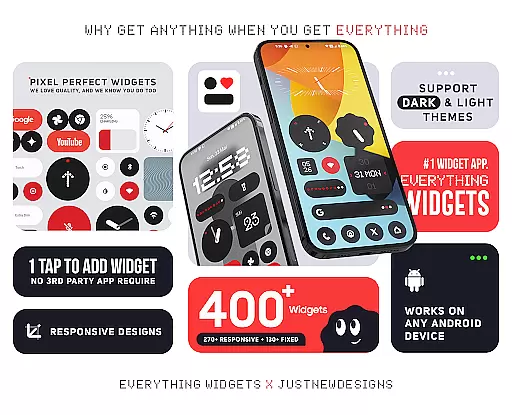
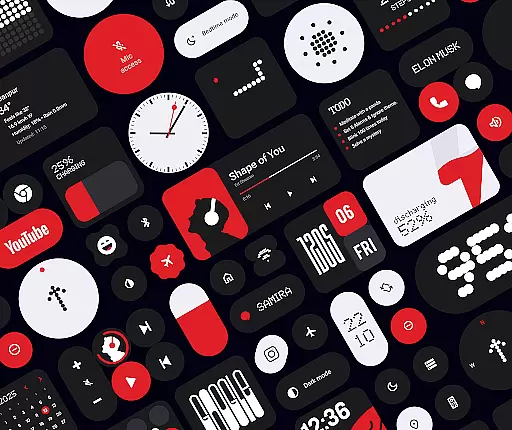
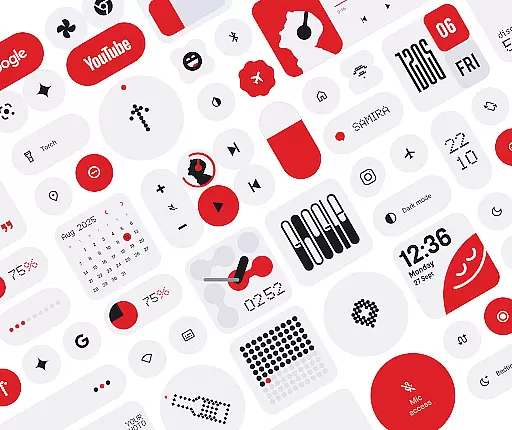
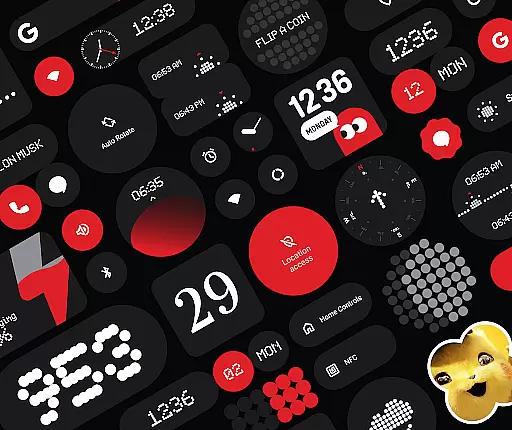
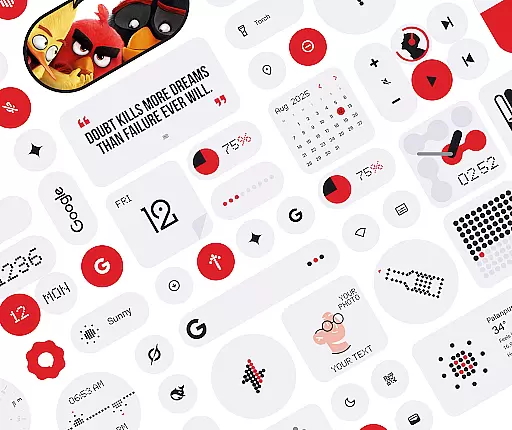
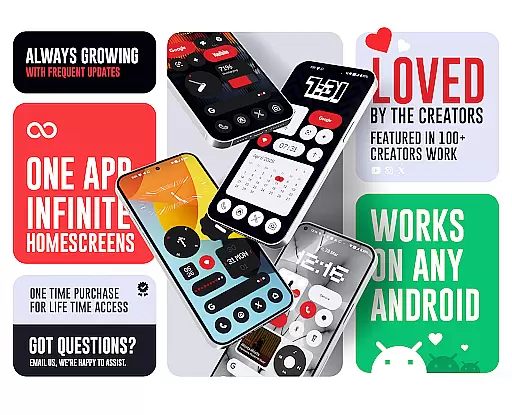
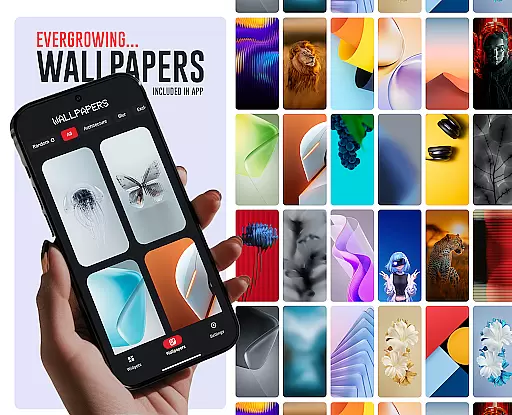
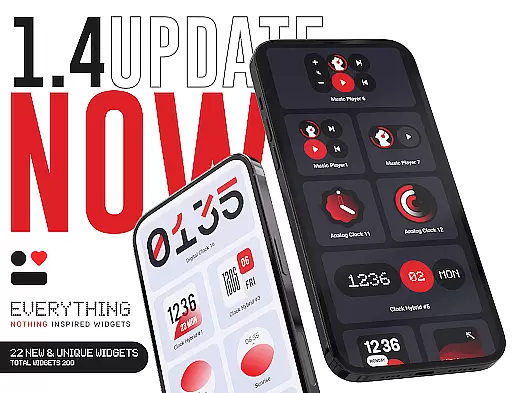
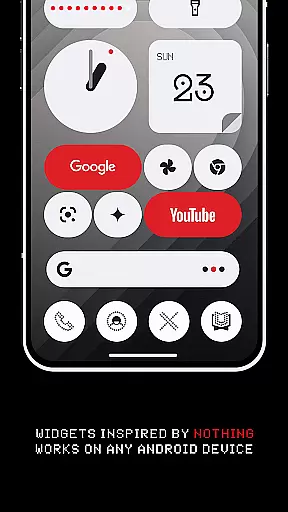
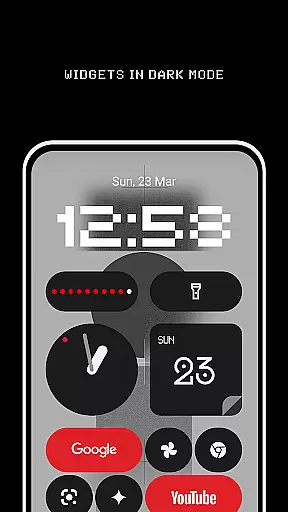
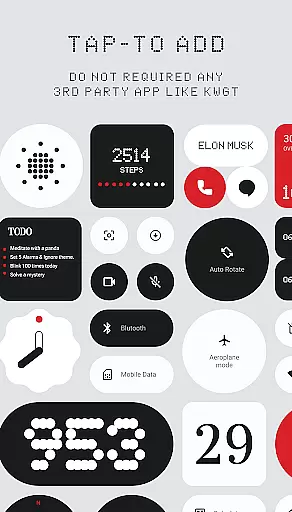
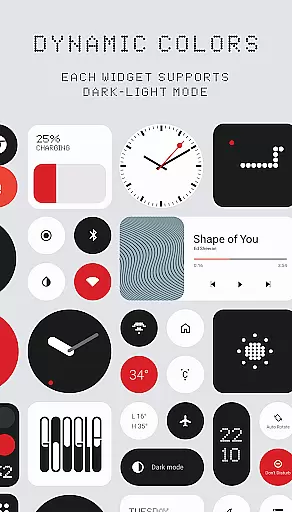
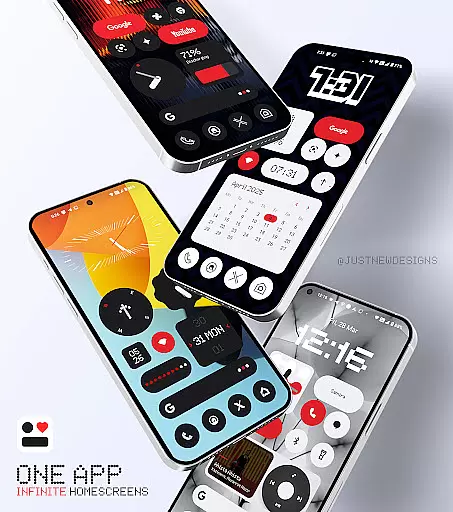
Everything Widgets is a comprehensive widget pack designed to enhance your Android home screen with over 400 beautifully crafted widgets. Inspired by the Nothing OS aesthetic, this app offers a wide variety of functional and visually appealing widgets that work natively without requiring additional apps like KWGT.
The widgets are fully resizable, allowing for customization from small to large sizes. Categories include Clock & Calendar, Battery, Weather, Quick Settings, Contact, Photo, Google, Utility, Productivity, and even Game widgets. With regular updates and new widget additions, Everything Widgets ensures both quality and creativity in design.
This app is perfect for users who want to personalize their devices with unique, responsive widgets while maintaining a cohesive design language. The inclusion of matching wallpapers further enhances the customization experience, making it a one-stop solution for transforming your smartphone's appearance and functionality.
Everything Widgets stands out with its extensive collection of over 400 native widgets that require no third-party support. The app includes essential widgets such as elegant clocks, battery monitors, weather updates, and quick settings toggles, alongside creative options like photo displays and game widgets.
A key feature is the full resize capability of most widgets, enabling precise adjustments to fit any home screen layout perfectly. Additionally, the app provides unique widgets for Google services and productivity tools like to-do lists and notes, ensuring a comprehensive utility suite for various user needs.
Regular updates promise continuous improvement and expansion of the widget library. Users also benefit from included wallpapers that complement the widget designs, creating a unified look across their device. This combination of functionality, aesthetics, and ongoing development makes Everything Widgets a standout choice in personalization apps.
Customization is at the heart of Everything Widgets, offering users an extensive array of options to truly personalize their device's home screen. With over 400 widgets available, this app provides a rich selection that caters to various preferences and needs.
The app includes clock and calendar widgets, battery indicators, weather forecasts, quick settings toggles, contact shortcuts, photo displays, Google app integrations, utility tools, productivity aids, pedometer readouts, inspirational quotes, and even game widgets. This diverse set ensures that every user can find something that resonates with their style or serves a practical purpose.
Each widget type comes in different designs inspired by the Nothing OS aesthetic, allowing for further personal tailoring. Users can choose from elegant digital and analog clocks, minimalist battery indicators, stylish calendars, and more u2013 all designed to create a unique home screen experience without needing any third-party apps.
By providing such a wide range of customization possibilities, Everything Widgets empowers users to craft a personalized smartphone interface that not only looks great but also enhances functionality according to individual workflows and aesthetics.
Everything Widgets ensures seamless integration with your deviceu2019s existing themes through its carefully crafted design language. The app follows the Nothing OS aesthetic, which means it blends effortlessly into environments where simplicity and elegance are key design principles.
Users will appreciate how these widgets maintain visual consistency across their home screens. Whether you prefer a minimalist look or something more vibrant, the theme-compatible widgets adapt to your chosen style while preserving readability and ease of use.
In addition to native theme support, Everything Widgets offers matching wallpapers that complement the included widget designs. With over 100 exclusive wallpapers provided within the app, achieving a cohesive appearance for your entire home screen setup becomes effortless.
This attention to theme compatibility guarantees that no matter what customization options you select from Everything Widgets, they will always feel like an integral part of your deviceu2019s overall visual identityu2014enhancing both form and function on your Android device.
User-friendly interface
Wide widget variety
No extra apps needed
Fully resizable options
Regular updates
Limited iOS support
Design preference specific
Feature learning curve
Occasional bugs
Premium feel pricing

Customizable Glass widgets. Over 360+ stunning widgets and more!
 4.70
4.70
Make your phone look simple & luxury, like iDevice
4.60
Personalize your phone with stunning HD and 4K wallpapers!
4.70
Interactive Miniature Painting Catalogue
3.30
Ultimate widget creator. Design custom widgets for a truly unique home screen!
3.90
App Icon Changer & Shortcut Creator. Customize your icons without any watermarks
4.30
300+ Beautifully crafted widgets inspired by OneUI.
4.60
Struggling to find apps? Use this app to locate and open any app on your phone!
2.20
Install amazing sticker packs: endless styles, always cool.
4.70
Glass style colourful icons with a One UI look and feel
4.60
Add cute Shimeji pets to screen, interact with them and relax with cute motions
4.60
Try creating your own keyboard with "Keyboard theme for android" app now!
4.50
Turn text & photos into stunning AI videos, art, and creative visual stories.
4.50
Color phone with cool effects for call screen, flash alert & ringtones music
4.50
Transform your device in a game console
4.40
Themes - Widget & Wallpaper: Customize home screen, icon changer w unique themes
4.30
Launcher OS™ Pro without ads help make your phone simple and pretty
4.30
Organize and manage your photos and videos effortlessly with Photo Gallery
4.20
HappyLighting is a Bluetooth lamp control software.
3.40


User Reviews