
Kidslox Parental Control App is a comprehensive parental monitoring solution designed to help parents manage their children's screen time and online activities. The app allows parents to control device usage, track location, block inappropriate content, and monitor app usage across multiple platforms including Android, iOS, Windows, and Mac.
With features like instant lock, customizable screen time schedules, daily time limits, and location tracking, Kidslox provides parents with the tools they need to ensure their children are using technology safely and responsibly. Whether it's blocking apps during homework time or setting bedtime curfews, this app helps establish healthy digital habits while giving parents peace of mind.
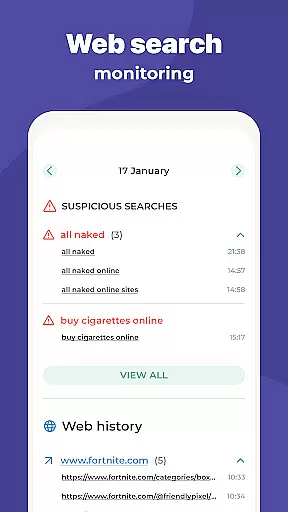
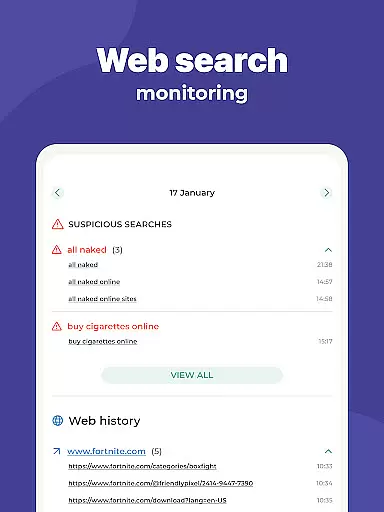
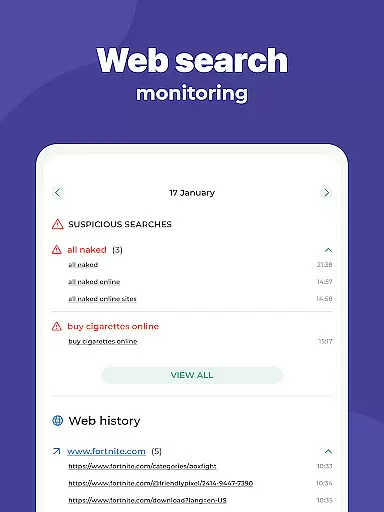
The application's cross-platform compatibility makes it suitable for families with different types of devices, while its user-friendly interface ensures easy management from any location through web-based access. Parents can also monitor their children's web activities, filter adult content, and receive notifications about their child's location through geo-fencing alerts.
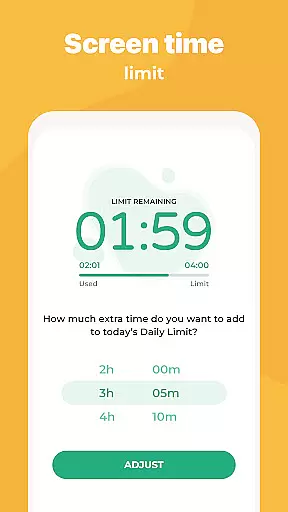
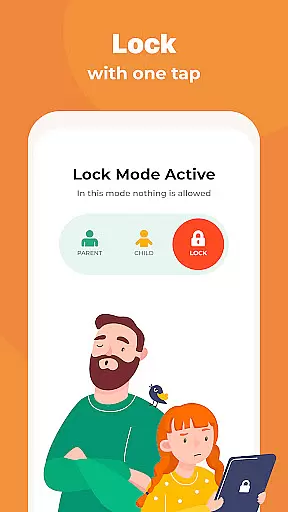
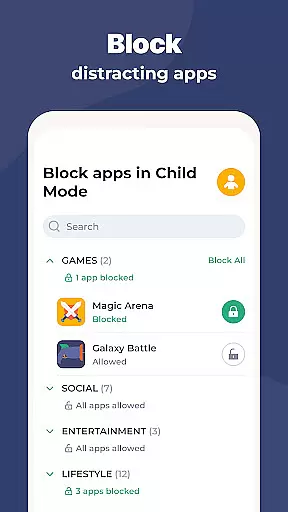
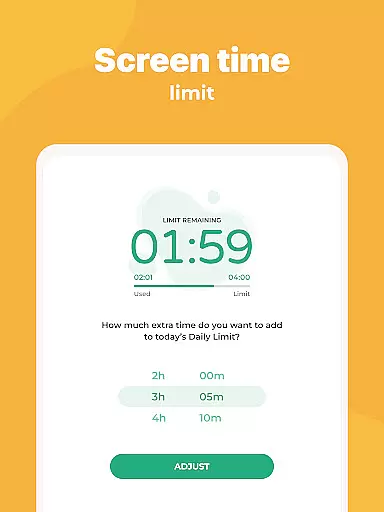
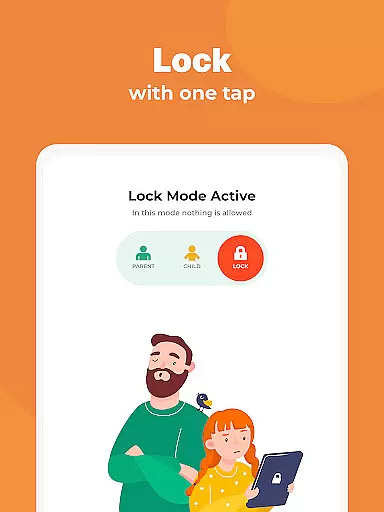
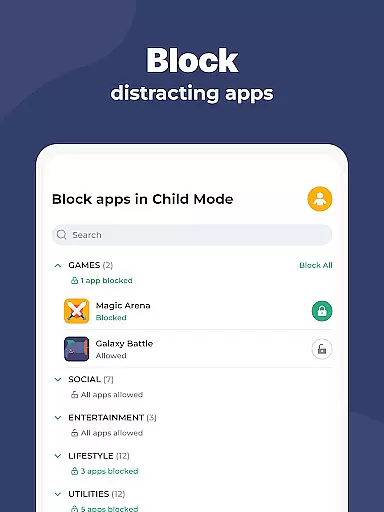
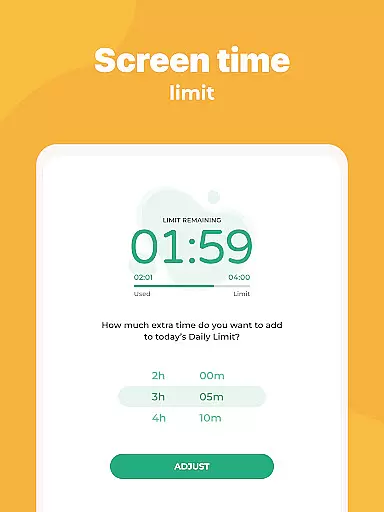
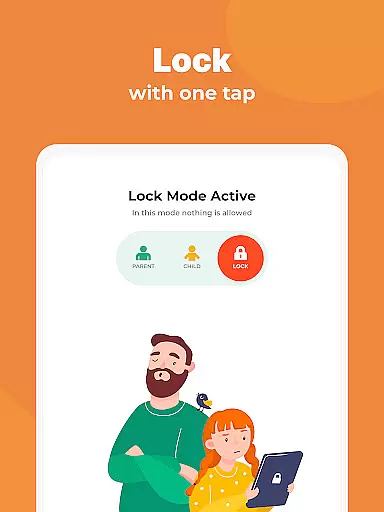
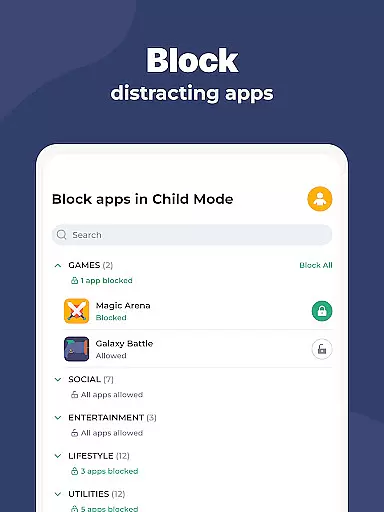
Kidslox offers an extensive set of features that make it a powerful parental control tool. The app's instant lock feature allows parents to remotely block apps on both Android and iPhone devices, while customizable screen time schedules enable setting specific times when children can use their smartphones. This includes creating bedtime curfews or establishing daily time limits for device usage.
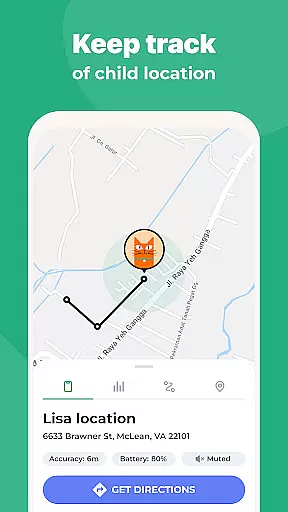
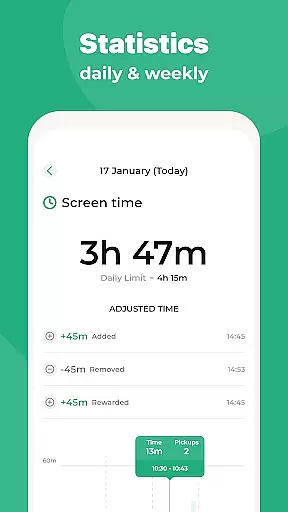
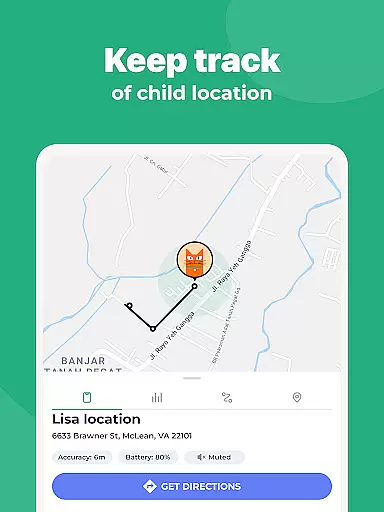
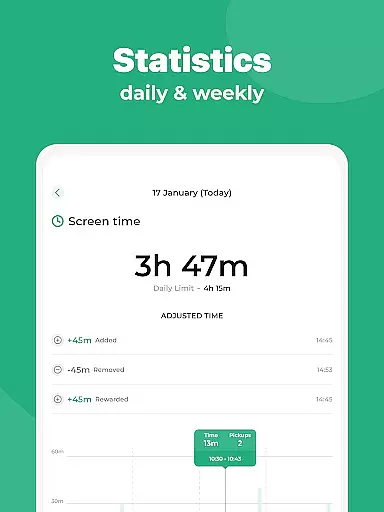
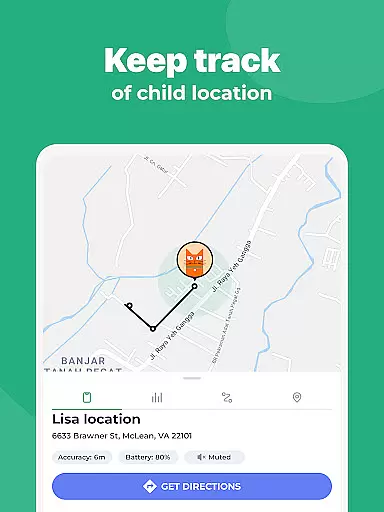
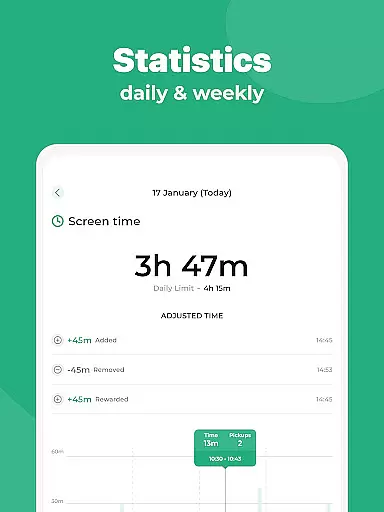
The location tracking feature provides real-time GPS monitoring, allowing parents to view their child's current location and receive notifications when they enter or leave designated safe zones. Additionally, the app offers detailed activity monitoring, showing parents which apps have been used, websites visited, and overall screen time statistics.
Parents can also implement content restrictions by filtering out pornography and other adult materials, blocking in-app purchases, and enforcing safe search settings across various search engines. The desktop versions for Windows and Mac provide additional control options, while the online browser-based access enables managing devices from any computer, making Kidslox a truly versatile parental control solution.
In the realm of parenting applications, content credibility is paramount. Kidslox Parental Control App ensures that all provided information and guidance are thoroughly vetted by child psychology and digital safety experts. This guarantees that parents receive reliable advice on managing their children's screen time and online activities.
The app includes features like monitoring web activities and filtering adult content, which are developed based on expert recommendations. These functionalities not only help in blocking inappropriate content but also guide parents on nurturing healthy digital habits among children.
Parents can trust Kidslox to deliver accurate data on their child's app usage and location tracking. The GPS tracking and geo-fencing alerts are designed with precision, ensuring real-time updates and notifications that are both dependable and essential for a child's safety.
By integrating expert-validated strategies within its parental control features, Kidslox empowers parents to make informed decisions about their family's digital wellbeing. This positions the app as a credible tool in helping families maintain a balanced approach to technology use.
Growth tracking in parenting apps involves monitoring various aspects of a child's digital interactions. Kidslox excels in this area by providing precise tools for tracking screen time, app usage, and location history. These features offer parents clear insights into their children's digital behavior patterns.
The app allows setting daily time limits and schedules, giving parents control over when and how long their children can use their devices. This functionality supports accurate tracking of screen time habits, promoting healthier tech use among kids and teens.
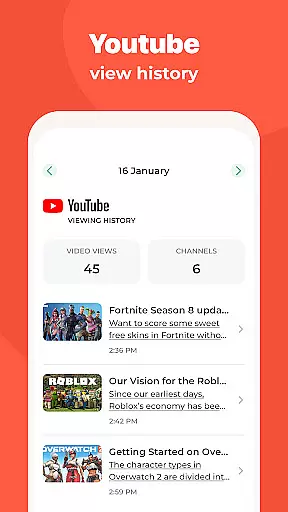
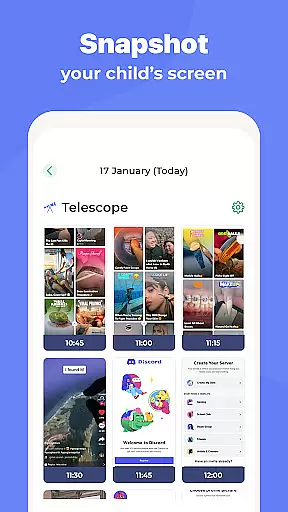
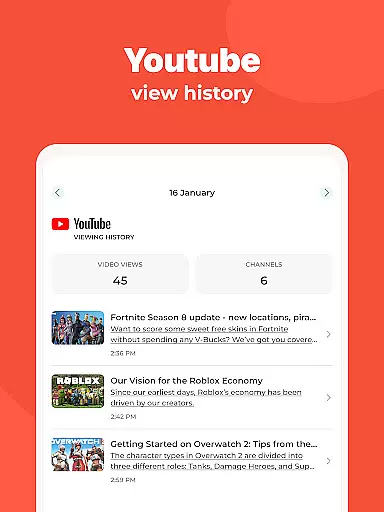
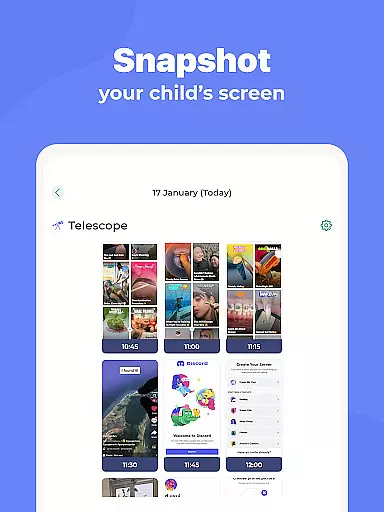
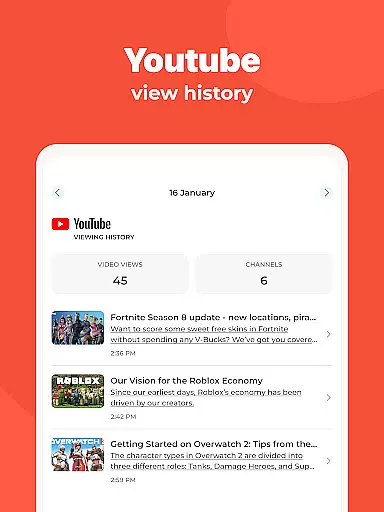
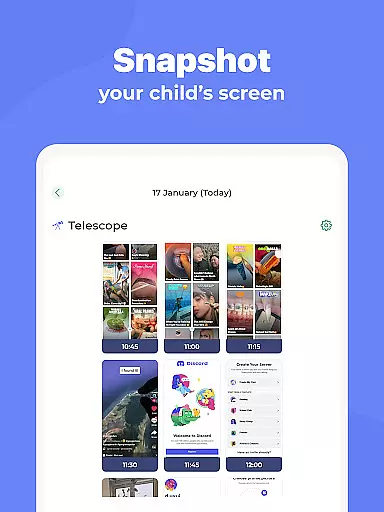
With detailed activity reports, Kidslox enables parents to monitor which websites their children visit and what apps they use most frequently. Such comprehensive tracking helps identify areas where intervention might be necessary to ensure appropriate online conduct.
Ultimately, Kidslox provides an accurate growth tracking system that aids parents in fostering responsible device usage. By delivering consistent and reliable data, it equips families with the knowledge needed to guide their children towards optimal digital health.
Comprehensive cross-platform support
Real-time location tracking
Remote app blocking capabilities
Detailed activity monitoring reports
User-friendly web-based management
Requires constant internet connection
Limited functionality without premium subscription
Some features need Accessibility permission
VPN usage might raise privacy concerns
Interface may overwhelm new users

Pregnancy and baby formula tips for moms, plus Enfamil coupons & cash back
 4.10
4.10
Protect kids online safety through GPS tracking,screen time control,app blocking
4.20
Learn according to the age of your child and consult with other moms.
4.20
Live Location, Alerts & 2-Way Voice for Kids and Adults with Special Needs
4.60
Watching baby, helping parents
4.10
Pinardin - Smart Parental Control, Online Safety & GPS Tracking!
4.80
GPS tracker app: Simple GPS phone tracker for fast family location tracking
4.60
Monitor screen time and build healthy habits with Family Safety
3.90
FamilyAlbum helps you share, save, and remember your child's special moments.
4.80
Track your pregnancy, kick & contraction counter, baby & mom's heartrate monitor
4.60
Reliable phone tracker by number & locate phone app. Protect your family.
4.50
Join over 1MM parents & professionals who've used OFW to navigate co-parenting
4.40
Affirmations | Stories | Bible
4.10
The 10 development leaps of your baby | newborn milestones & leap days tracker
4.10
Educational resource for parents to inspire creativity in their children.
4.00
A Coloring for the Whole Family! Discover the Joy of Family Love Through Colors!
3.60
SemLog aims to raise awareness among families and their children
3.40
Happiest Baby App replaces the SNOO App (the mobile companion to SNOO & SNOObie)
3.20
Lullabies, Night Light & Age-based Routines to help your baby fall asleep
4.5


User Reviews