
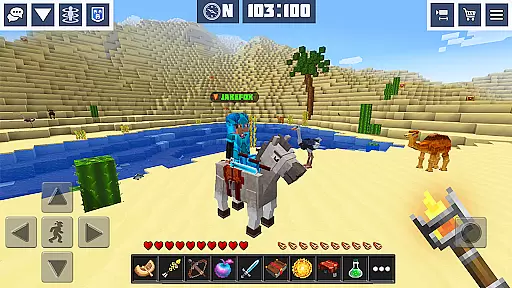
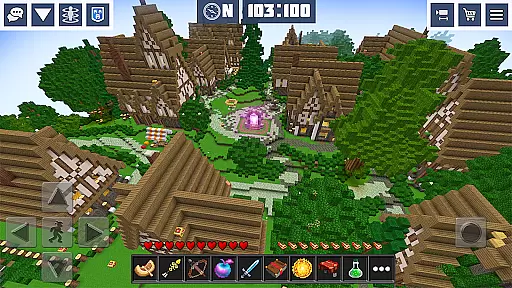
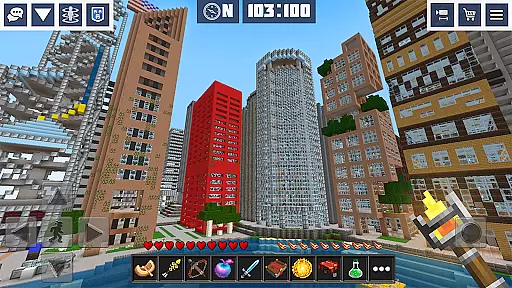
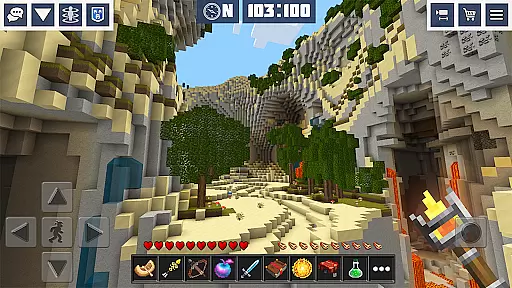
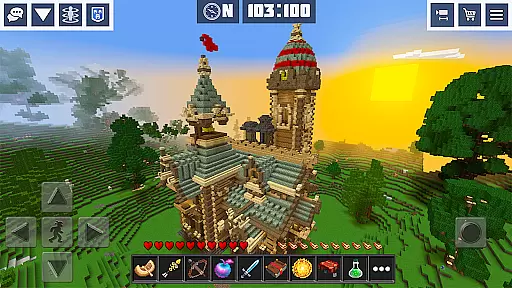
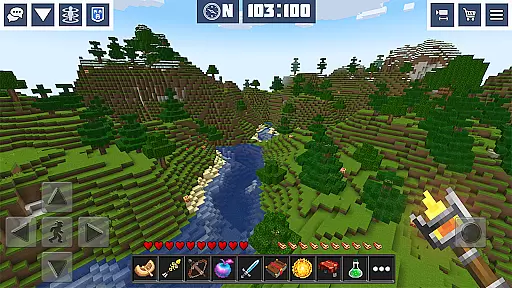
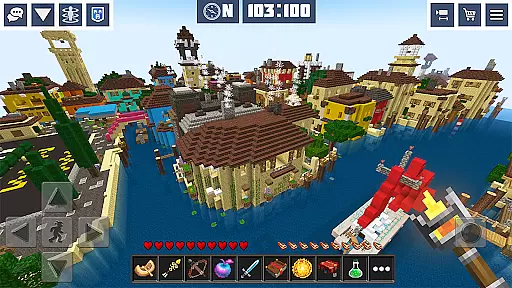
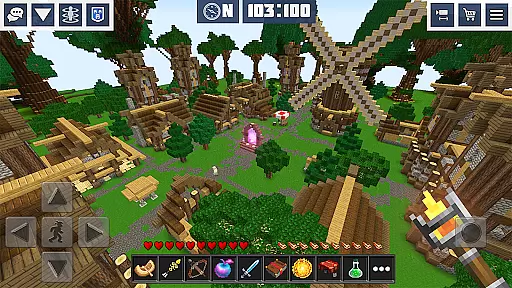
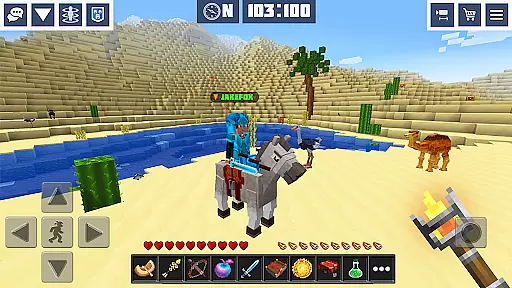
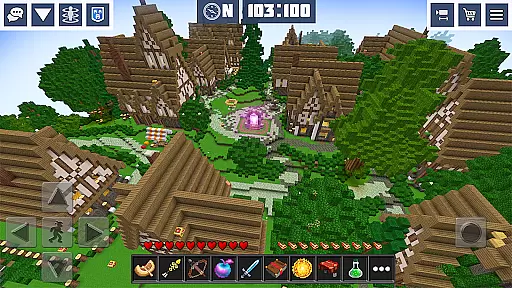
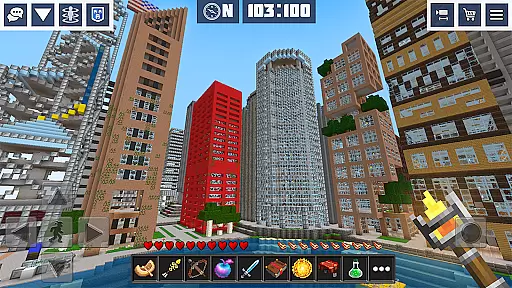
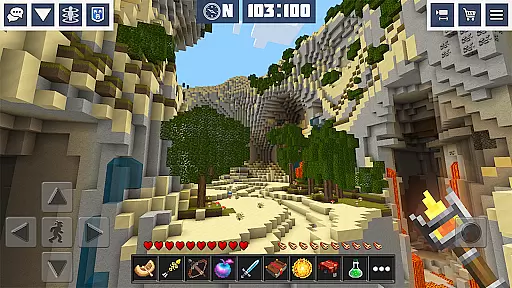
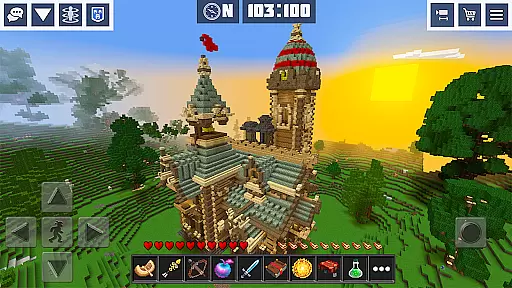
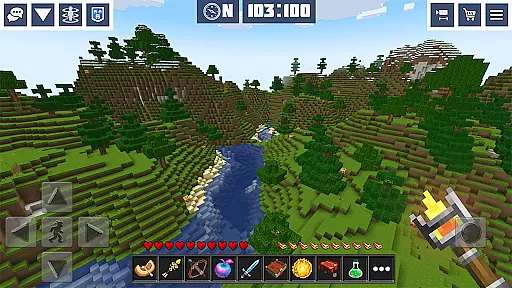
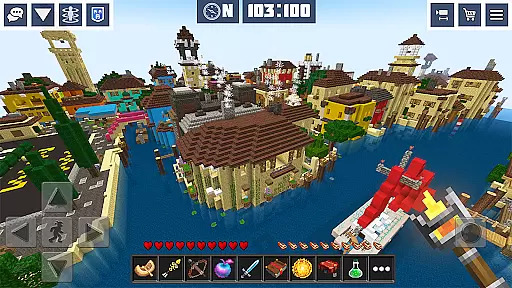
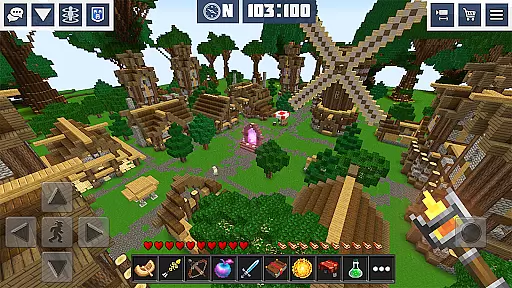
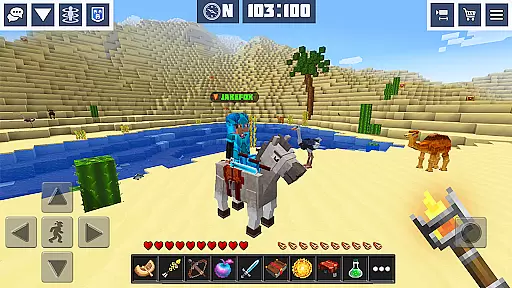
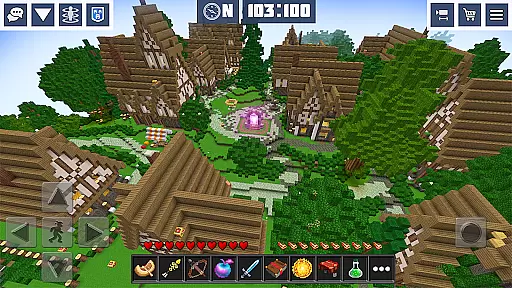
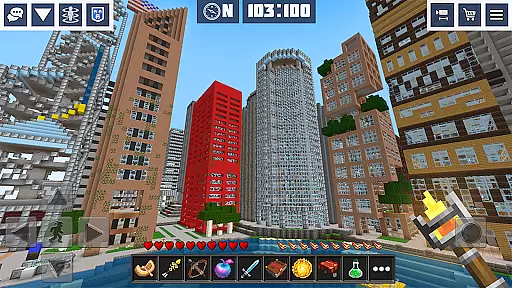
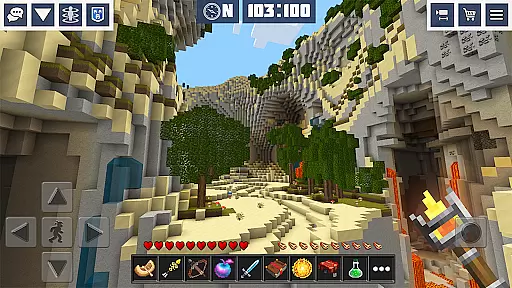
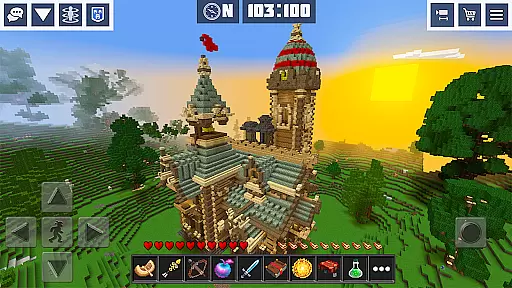
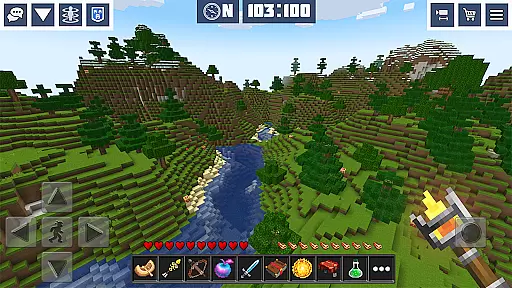
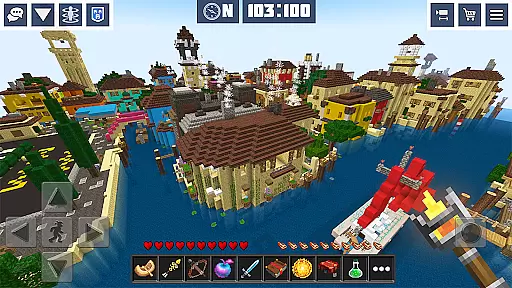
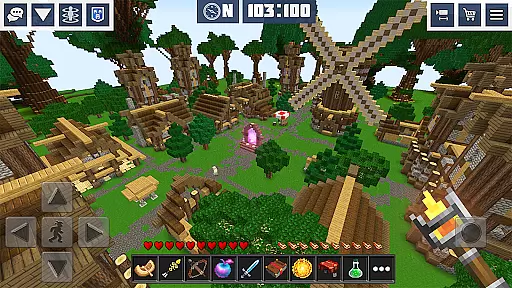
Planet Craft: Mine Block Craft is an engaging arcade-style sandbox game that allows players to immerse themselves in a virtual world filled with endless possibilities. The core function of this application is to provide users with an interactive platform where they can build, explore, and survive in a pixelated universe. With its rich set of features, it caters to both casual gamers and those seeking a more in-depth gaming experience.
The app offers various modes including survival multiplayer, creative multiplayer, and single-player options. Players can engage in crafting and building structures, adopt pets, mine resources, and even participate in mini-games. The inclusion of clans, enchanting systems, and redstone mechanics adds layers of complexity and excitement to the gameplay. Whether playing solo or with friends, users can enjoy an expansive environment that encourages creativity and strategic thinking.
This application is particularly useful for individuals looking to unwind after a long day or those who wish to express their creativity through construction projects within the game. Its easy-to-learn yet challenging-to-master nature makes it suitable for all ages, providing countless hours of entertainment while fostering problem-solving skills and collaboration among players.
Planet Craft: Mine Block Craft stands out due to its diverse range of features designed to enhance user engagement and satisfaction. One notable aspect is the open-world multiplayer functionality, which supports both survival block craft and creative modes. This feature enables players to collaborate on building projects, communicate via chat functions, and explore thousands of mini-worlds crafted by other users worldwide.
In addition to the expansive multiplayer experience, the game boasts over 300 themed skins, 10+ predefined mini-worlds, and advanced crafting recipes for tools, armor, and weapons. The incorporation of enchanting systems, redstone circuits, and a wide array of weaponry such as bows, crossbows, and potions adds depth to the gameplay. Furthermore, the ability to adopt pets, ride horses, and interact with friendly animals or hostile mobs creates a dynamic ecosystem within the game.
Each feature contributes significantly to the overall value proposition of Planet Craft: Mine Block Craft. For instance, the password-protected parental controls ensure a safe gaming environment for younger audiences, while the option to play offline provides flexibility for users without constant internet access. These elements collectively create a comprehensive gaming experience that appeals to a broad audience, making it a standout choice in the arcade category.
Arcade authenticity is a crucial aspect of any arcade-style game, ensuring that the experience resonates with the classic feel of traditional arcade games. Planet Craft: Mine Block Craft captures this essence by offering an open-world multiplayer environment where players can engage in survival and creative modes, reminiscent of timeless block-building games.
The game's dedication to recreating the nostalgic arcade experience is evident through its vast array of features. From mining resources and crafting items to adopting pets and riding horses, every element is designed to transport players back to the golden era of arcade gaming. The inclusion of mini-games like Hide & Seek further enhances this nostalgic journey.
Players benefit from this authentic arcade experience by enjoying a seamless blend of exploration, creativity, and social interaction. Whether playing solo or with friends, users can immerse themselves in an infinite cubic world filled with adventures and challenges that echo the excitement of classic arcade gameplay.
Control responsiveness is vital for an engaging arcade experience, as it directly impacts how players interact with the game. In Planet Craft: Mine Block Craft, responsive controls ensure that every action, from building structures to battling hostile mobs, is executed with precision and immediacy.
The game employs an intuitive control scheme that allows players to seamlessly navigate the expansive 3D environment. With real-time interactions and the ability to mine, craft, and build efficiently, users can fully immerse themselves in both survival and creative modes without experiencing input lag or unresponsive commands.
This high level of control responsiveness enhances user satisfaction by providing a fluid and dynamic gaming experience. Players can focus on their strategic decisions and creative endeavors, knowing that their inputs are accurately translated into in-game actions, thus maintaining the fast-paced and thrilling nature of arcade gaming.
Engaging gameplay
Variety of modes
Rich crafting system
Multiplayer support
Regular updates
Occasional bugs
High system requirements
Limited tutorial
Ads in free version
Complex controls

Try this unique restaurant sim and enjoy the fun of cooking in busy kitchens!
 4.70
4.70
Playing venom RPG alien games? Set spider alien isolation base, with no survivor
4.30
Nostalgia.GBA Pro is a high quality GBA emulator.
4.40
Reach high, and shine in the neon world in 3D!
4.5
Bounce through platforms. Avoid obstacles. Get the bouncing ball to the finish.
4.00
The precise emulator of 8 bit handheld... Now even better!
4.50
A fast, full-featured GB/GBC emulator with link cable emulation.
3.80
A fast, full-featured GBA emulator with link cable emulation.
3.90
Original Space Adventure Experience
4.60
Punch your way through the Streets of Rage once again!
4.80
*Try for free.* Survive alone in a Roguelike Reverse Bullet Hell.
4.80
Motorcycle racing games! Prove your paperboy can win in the bike race 3D!
4.50
Suck the other’s blood and be the longest surviving mosquito!
4.40
Relax and catch fish for your aquarium while earning rewards in these tank games
4.40
Three awesome new levels for The Impossible Game.
4.30
Running game: dance in a twerk battle and become the twerk hero in our fun race!
4.30
Genesis, Mega Drive, Mega CD, Master System, Game Gear Emulator!
4.20
Mine planets, upgrade your space ship, battle others, and dominate the galaxy!
3.90
A fluid, action-packed arcade space shootout!
4.5


User Reviews