

SketchPro is a professional-grade drawing and design application tailored for digital artists, illustrators, and creative professionals. The app offers an extensive suite of advanced AI tools and customizable features that cater to various artistic needs. With specialized brushes, AI-powered drawing assistance, and professional layer systems, it enables users to create detailed illustrations, comics, and manga art with precision.
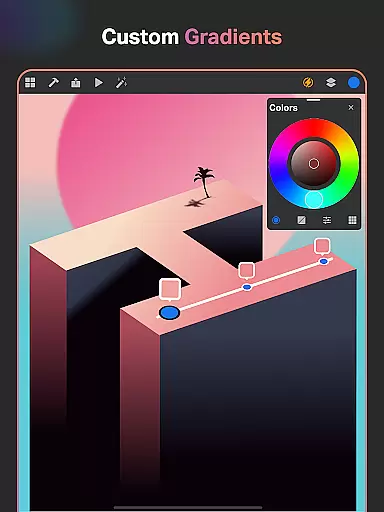
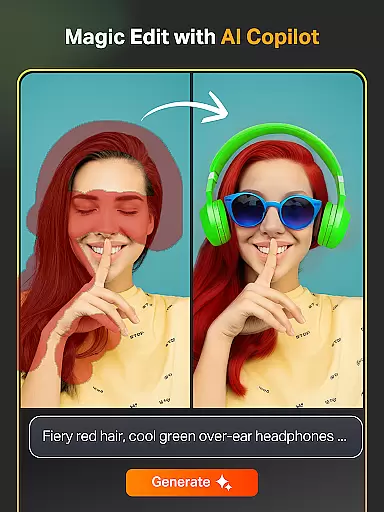
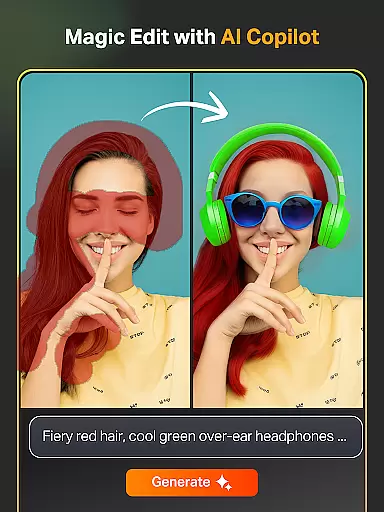
The application stands out with its Text to Image AI tool, Sketch to Image AI conversion, and Magic Edit functionalities that streamline the creative process. These features allow artists to transform simple sketches into polished artworks effortlessly. Additionally, SketchPro supports professional workflows with symmetry tools, gradient options, and an extensive shapes library, making it indispensable for graphic designers who require efficiency and versatility in their projects.
Whether you're working on complex illustrations or quick doodles, SketchPro provides a seamless experience across tablets and phones. Its cloud-syncing capabilities ensure your work is always backed up and accessible from anywhere, while the intuitive interface makes digital art approachable even for beginners looking to explore their creativity.
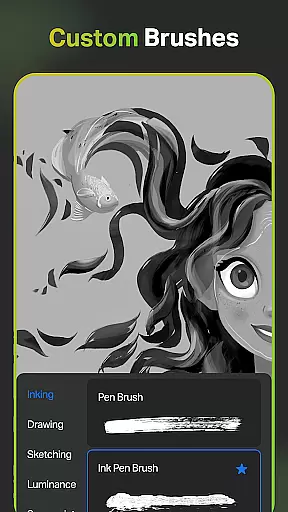
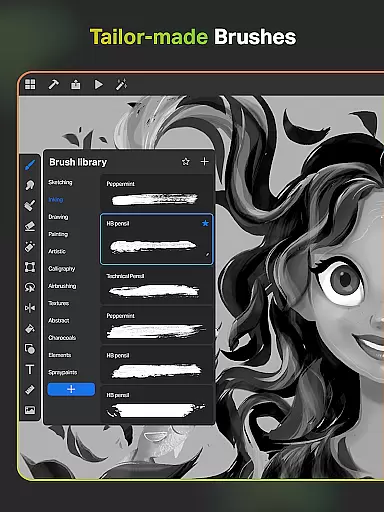
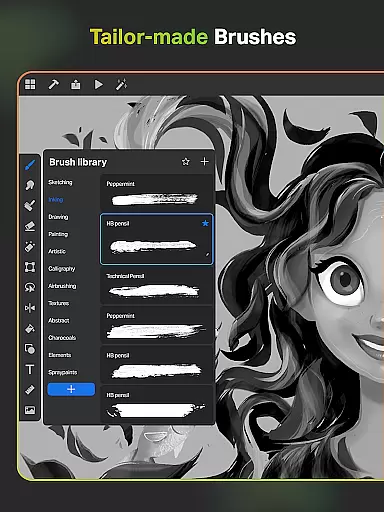
SketchPro distinguishes itself through its robust feature set designed specifically for professional digital artists. One of its core strengths lies in the customizable brush system, which includes over 100 patterns via the Free Roller Brush and allows users to tailor brushes to their unique styles. This flexibility empowers artists to achieve intricate details in sketching, painting, and illustrating with ease.
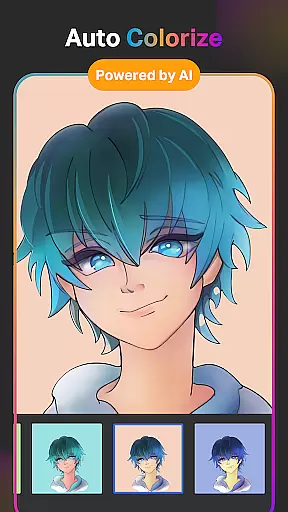
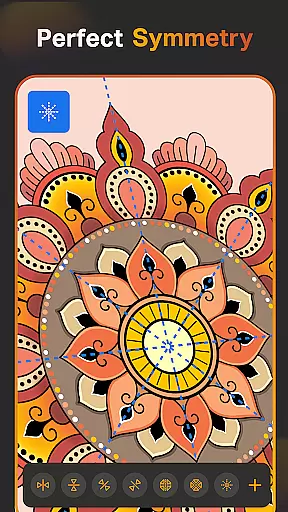
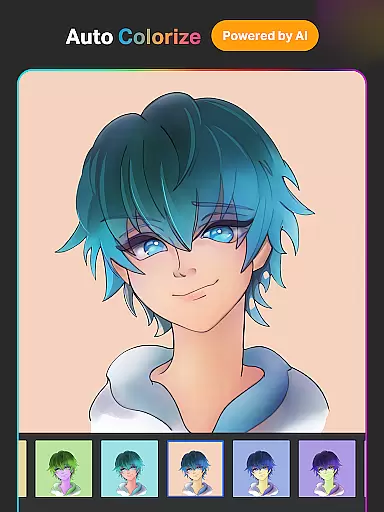
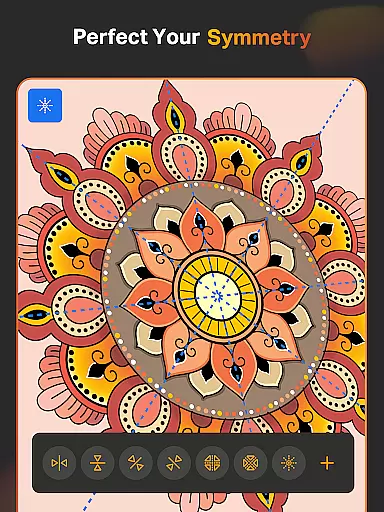
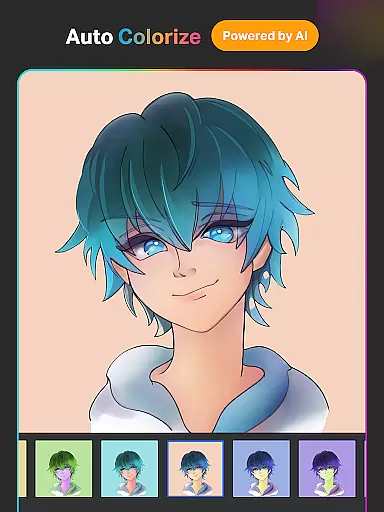
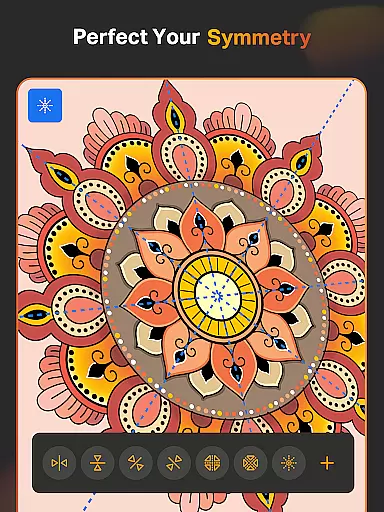
Beyond traditional drawing tools, SketchPro incorporates cutting-edge AI technologies such as Auto-Coloring, Background Removal, and Expand Artwork functionalities. These tools not only enhance productivity but also enable creators to experiment without limitations. For instance, the AI-driven Text to Image tool lets users generate artwork from simple prompts, while the Symmetry Tool ensures perfectly mirrored designs. Such innovations make the app suitable for both quick drafts and elaborate projects requiring meticulous execution.
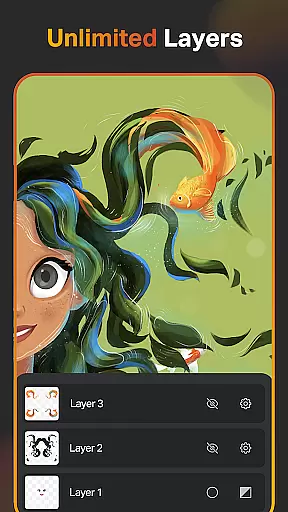
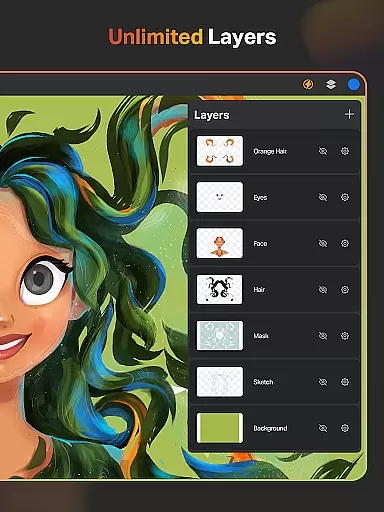
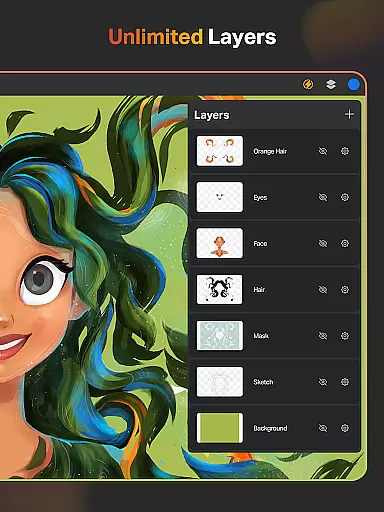
Additionally, SketchPro offers advanced organizational features like unlimited layers, customizable color palettes, and time-lapse playback for reviewing creative progress. These elements combine to create a comprehensive workspace where artists can focus on their craft without worrying about technical constraints. The app's ability to sync projects across devices further enhances its appeal, ensuring a smooth and reliable experience for all users.
SketchPro offers an extensive suite of creative tools that cater to the needs of professional digital artists. The application includes customizable brushes for sketching, painting, and illustrating, allowing users to tailor their tools to specific project requirements.
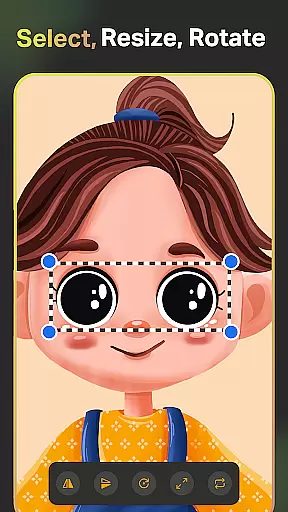
In addition to traditional drawing implements, SketchPro incorporates AI-driven features such as Text to Image, Sketch to Image, and Magic Edit, which revolutionize the creative process. These tools enable artists to transform simple prompts into complex artworks, revamp colors and textures, and modify objects within their creations seamlessly.
The app also provides a layer system with unlimited layers, essential for intricate graphic designing and digital painting. This feature supports operations like rasterizing, duplicating, and merging layers, thus offering a comprehensive toolkit for professional art production.
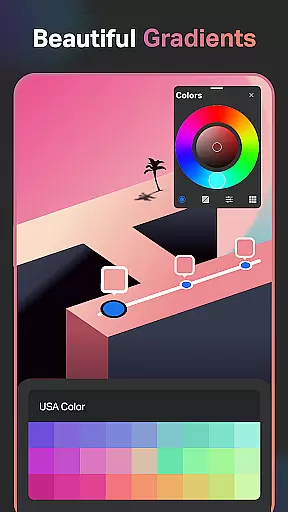
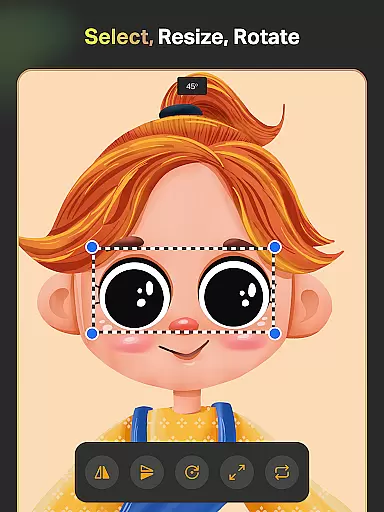
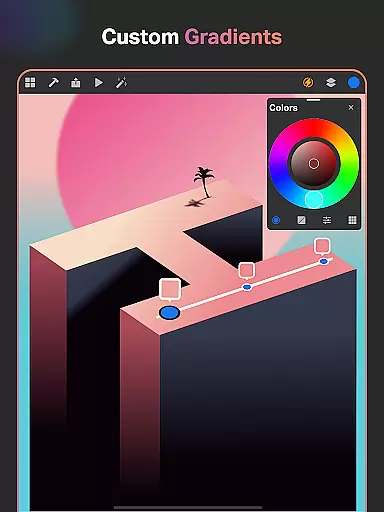
With smart shapes, gradient tools, and assisted drawing capabilities, SketchPro accelerates workflow efficiency while maintaining artistic integrity. Such complete creative toolsets ensure that both amateur doodlers and professional illustrators can achieve their desired outcomes with precision and ease.
Flexibility in canvas and format options is crucial for digital artists, and SketchPro excels in this area. Users can create on a custom canvas, adjusting dimensions to fit the scope of their work, whether it's for graphic design, illustration, or comic art.
The application allows professionals to expand their digital canvas using AI without compromising quality. This means artists aren't constrained by initial canvas size choices and can adapt their workspace dynamically as their artwork evolves.
SketchPro supports various file formats, ensuring compatibility across different platforms and usages. Artists can import colors from photos and images, use an array of fonts for text integration, and access a library of shapes and symbols, all contributing to a versatile formatting experience.
Furthermore, with cloud syncing and automatic saving features, artists can secure their work and access it anywhere, at any time. This level of canvas and format flexibility empowers creators to focus on their art, confident that SketchPro can accommodate any changes in vision or project requirements.
Advanced AI tools
Customizable brushes
Unlimited layers
Cloud syncing
User-friendly interface
High learning curve
Premium pricing
Resource-intensive
Limited offline support
Occasional bugs

Create neon drawing with magic doodle and fun doodle art effects!
 4.50
4.50
Art of Combination Wear OS Watch Faces
4.4
Create color palette from Image, RGB & RYB Color wheel harmonies, Color Scheme
4.50
Convert image to JPG PNG HEIC PDF, support almost all kinds of image formats
4.70
AI Art Generator transforms your words into AI generated art & paintings.
3.70
Draw Trace image sketch by, AR art projector app, Easy to trace any image.
4.50
Painting, drawing, & sketching
4.50
Create Logos, Tattoos, AI Art & more with our AI Photo Generator & Design Editor
4.20
AI-powered photo & video creation—fast, fun, and effortless with Quick Actions
4.60
Draw beautiful mandala's very easily
4.60
Discover Cartoon Dream : Unleash Your Creativity with CuttingEdge AI
4.50
Draw anime & manga drawing, art with templates to create stunning picture!
4.50
Video AI: Revolutionize Your Content Creation with Advanced Video Generation
4.50
Photo blender app to create overlay photos & double exposure.
4.40
800+ Drawing, Painting Lessons App to Practice, Sketch & Paint Art.
4.30
Digital Drawing: Draw & Paint
4.10
Unleash Your Creativity with Draw Cartoon - AR Drawing App
4.10
Floor Plan Creator lets you create, edit and share floor plans.
4.00
Art of Combination Wear OS Watch faces
4.5


User Reviews