
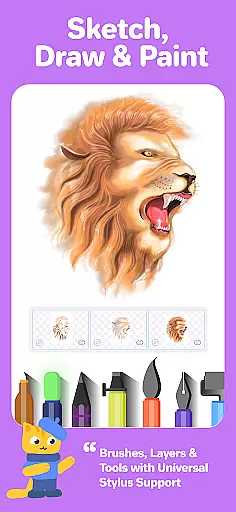
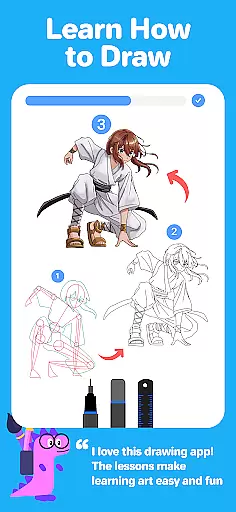
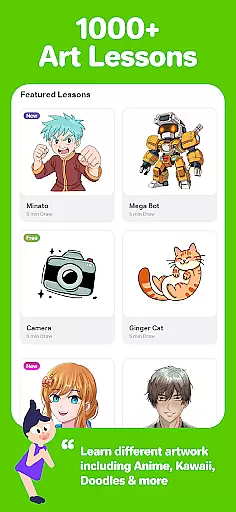
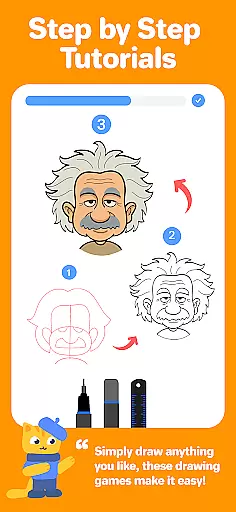
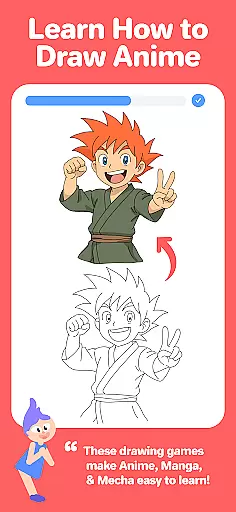
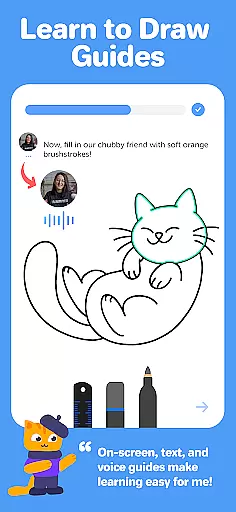
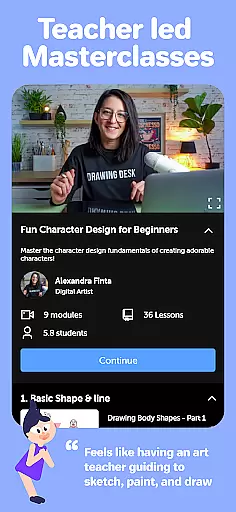
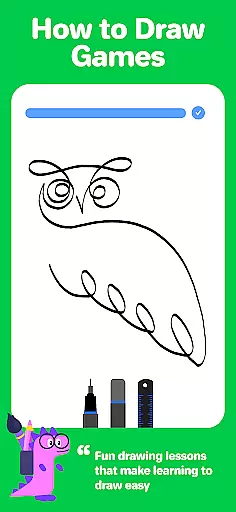
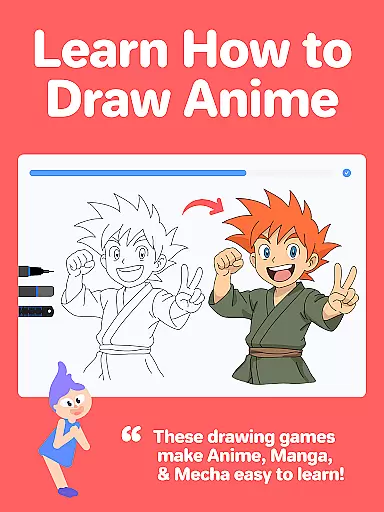
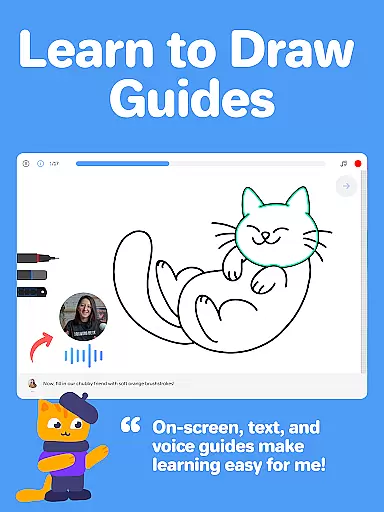
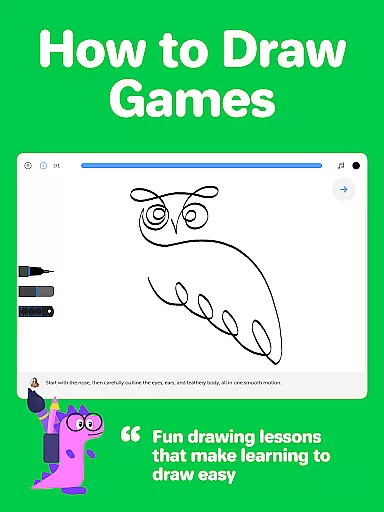
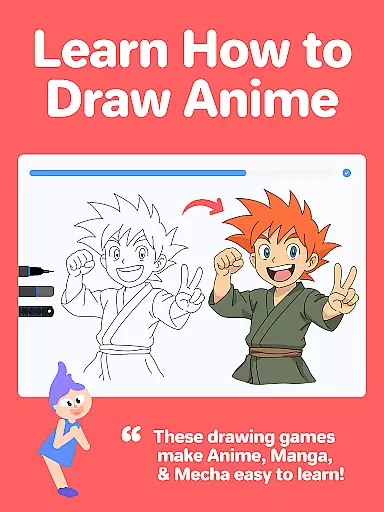
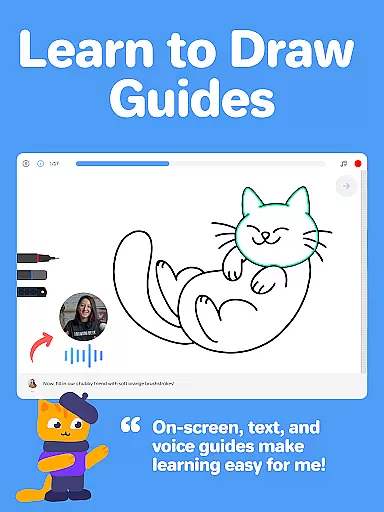
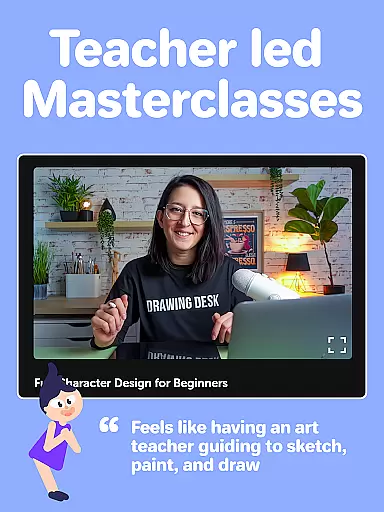
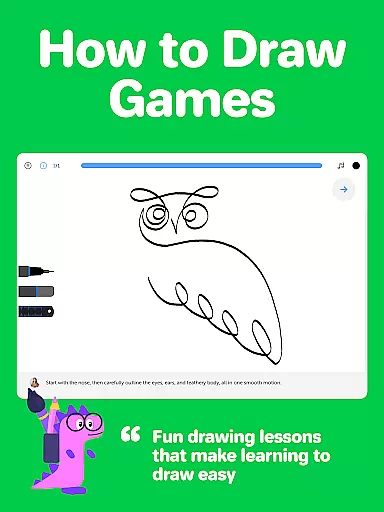
Drawing Desk stands as a premier application in the Art & Design category, trusted by over 70 million users globally. This app offers an extensive platform for both learning and practicing drawing and painting skills, making it accessible for users of all skill levels to enhance their artistic abilities.
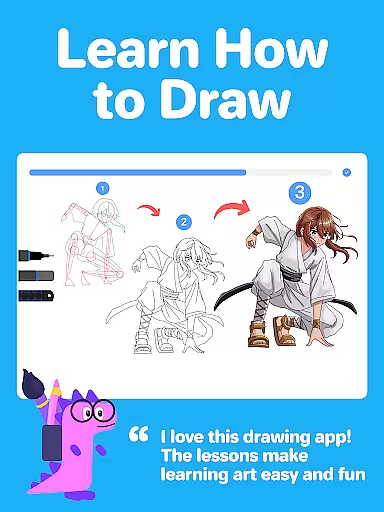
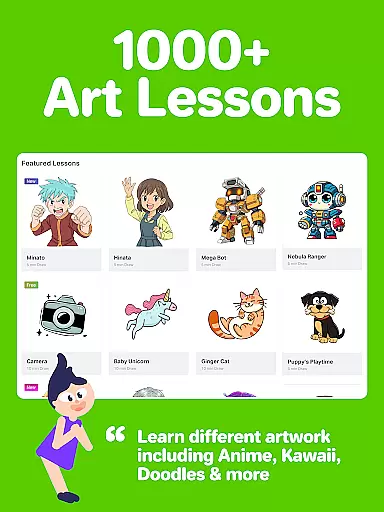
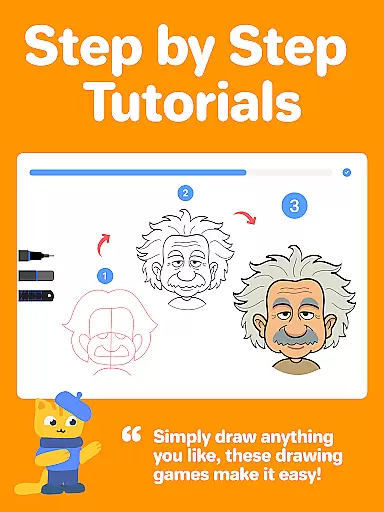
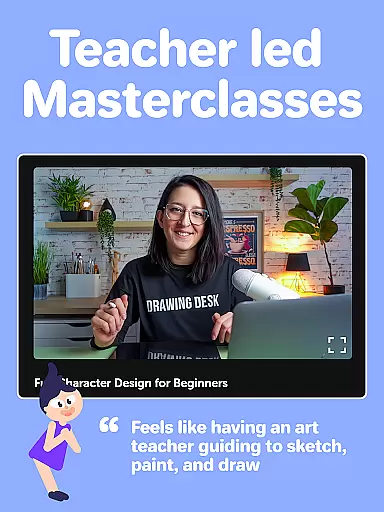
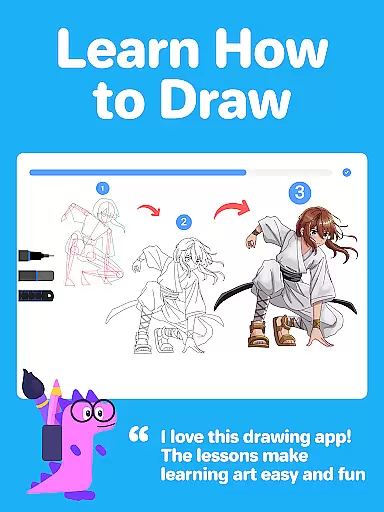
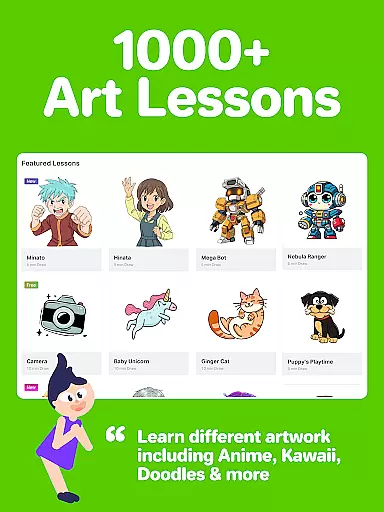
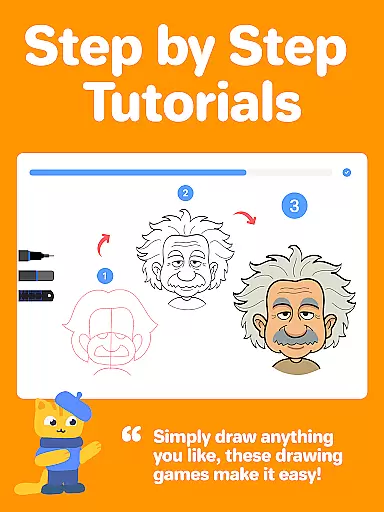
With over 1000+ step-by-step drawing lessons, including styles such as Anime, Manga, and Kawaii, Drawing Desk provides interactive guides through text, voice, and on-screen instructions. The app also features Masterclasses conducted by professional artists, offering deep dives into digital art techniques from basic to advanced levels.
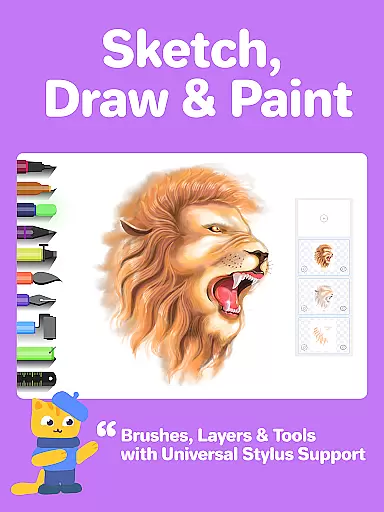
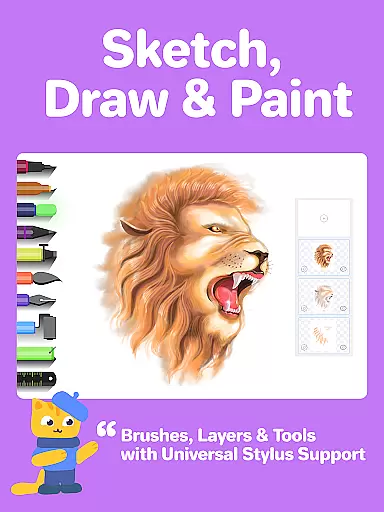
The app's utility extends beyond just tutorials; it is equipped with 25+ sketch tools like pencils, watercolor brushes, and crayons, alongside unlimited layers and canvas sizes. Its AI-powered tools further augment the creative process, enabling functionalities such as auto-colorization and background removal, thus streamlining the path from novice to proficient artist.
Drawing Desk distinguishes itself with a robust set of features tailored for artists and learners alike. The app includes more than 25 sketch tools, ranging from traditional pen and pencil options to advanced watercolor and smudge tools, facilitating a broad spectrum of artistic expressions.
One of the standout features is its structured learning paths, where users can select specific artistic goals and receive curated lesson plans. These lessons are complemented by professional video tutorials, text, and voice instructions, ensuring a comprehensive learning experience.
Additionally, Drawing Desk incorporates AI-powered tools that revolutionize digital art creation. Users can leverage Sketch to Art AI, Text to Art AI, and Auto Colorize features to expedite their workflow and refine their creations. Such innovations not only enhance user engagement but also significantly lower the barrier to entry for digital art newcomers.
Creative tool completeness is essential for any digital art application, and Drawing Desk excels in this area. The app offers over 25 sketch tools including options like pen, pencil, crayon, neon, watercolor brush, ink, smudge, eraser, and fill bucket. These diverse tools cater to various artistic styles and techniques, ensuring that users can fully express their creativity.
In addition to traditional drawing tools, Drawing Desk provides advanced features such as unlimited layers, quick shape drawing, symmetry tools, and over 200 instant shapes. Users can also work with color palettes, gradients, and textures through the fill bucket tool, which includes more than 125 texture options. This comprehensive suite of creative tools allows artists to experiment with different mediums without limitation.
The app's AI-powered tools further enhance its creative capabilities. Features like Sketch to Art AI, Text to Art AI, Auto Colorize, background removal, and object removal provide innovative ways to transform sketches and photos into artwork effortlessly. These cutting-edge functionalities set Drawing Desk apart from other drawing applications.
For both beginners and professional artists, having access to such a complete set of creative tools ensures an unparalleled digital art experience. Drawing Desk's commitment to providing all necessary instruments in one platform makes it an ideal choice for anyone looking to explore or advance their artistic skills.
Canvas and format flexibility are crucial aspects of any digital art platform, and Drawing Desk addresses these needs effectively. The app supports various canvas sizes, particularly in its Pad version, allowing artists to choose dimensions that best suit their projects. This adaptability ensures that users can create artwork tailored to specific requirements or personal preferences.
Beyond canvas size options, Drawing Desk offers multiple file format compatibilities. Artists can work with different layer configurations, utilize symmetry tools, and access over 200 instant shapes for drawing and painting. The inclusion of color palettes, gradients, and texture options through the fill bucket tool adds another layer of formatting flexibility.
The app's AI-powered features contribute significantly to its format versatility. Tools like Auto Colorize, which can color sketches in just 10 seconds, and AI-driven background/object removal functions enable artists to manipulate their work quickly and efficiently. These intelligent features save time while maintaining high-quality results across different formats.
By providing extensive canvas customization options alongside robust format support, Drawing Desk empowers artists to work freely without technical limitations. This flexibility makes the app suitable for both casual doodlers and professional illustrators seeking precise control over their digital creations.
User-friendly interface
Extensive toolset
Comprehensive tutorials
AI-powered enhancements
Versatile learning paths
Advanced features may require payment
Some tools are complex for beginners
Occasional performance lags
Limited offline functionality
Subscription model

Image/ Text to Video Generator
 4.40
4.40
Design unique, funny and adorable cat stickers that reflect your own style!
3.80
Turn your drawings into flipbook-style animations with simple creative tools
4.60
Powerful home decoration & house design that allows you to design dream home.
3.80
Get creative and make art with your Sesame Friends!
4.00
Unleash the artist in you with our AR drawing and tracing tool for photo drawing
4.10
Photo stitcher for automatically screenshot stitching into a long screenshot
4.70
Create and Design Custom Logos in Seconds with AI-Powered Tools!
4.40
Sketch and paint on your device with the feel and freedom of drawing on paper
4.00
See Color, Paint Color
4.90
Draw beautiful mandala's very easily
4.60
Painting, drawing, & sketching
4.50
Everything you need to create hand drawn animation, anywhere you go!
4.40
Nano Banana AI Image Generator, Anime Filter, AI Portrait, AI Photo Generator
4.30
Bring One UI 8.5 Icons to life -elegant dark icons with a modern, premium touch.
4.30
Custom Character Creator & PFP Maker!
4.20
Text to Image, Image to Video & AI Chat
4.20
AI Face Swap, Video Effects Editor, Realtime Morph, Funny Video FX,AI Filters
3.70
A luxurious gold watch face for an elegant and refined look.
4.4


User Reviews