
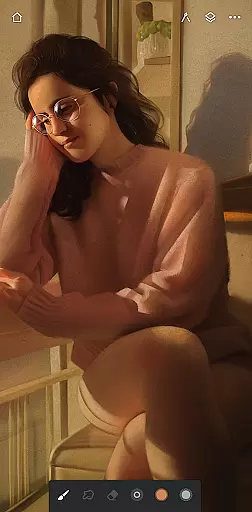
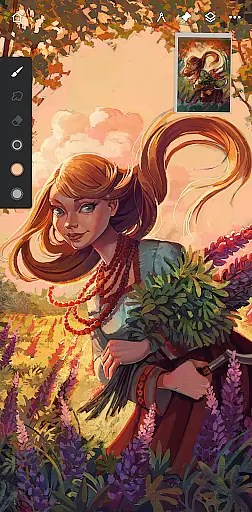
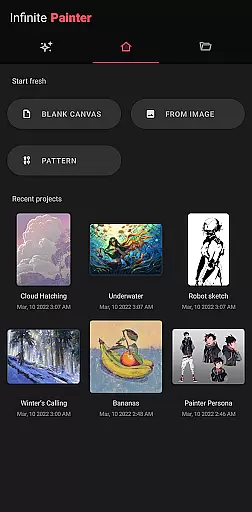
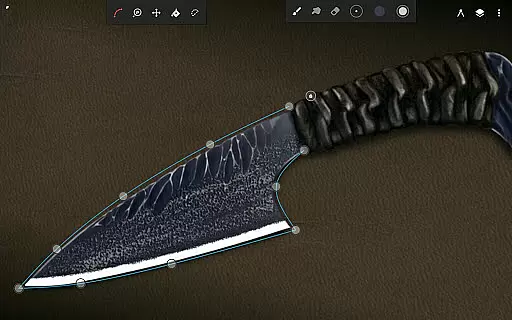
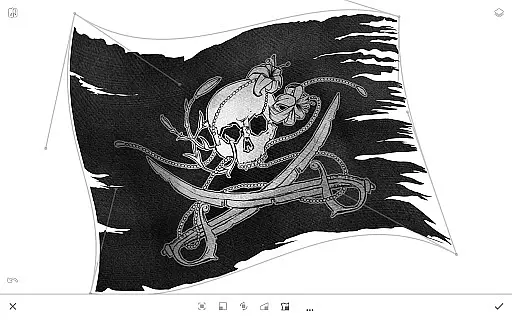
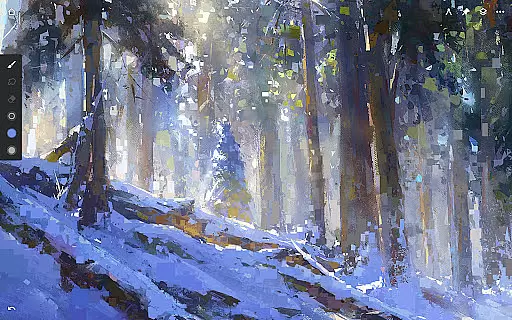
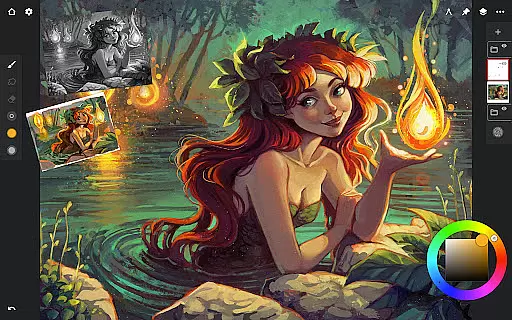
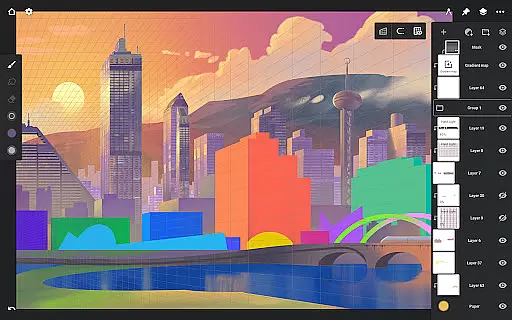
Infinite Painter stands as a premier digital art application, offering an extensive suite of tools for painting, sketching, and drawing. Designed for artists across all levels, it provides a seamless experience on tablets, phones, and Chromebooks.
With its award-winning design, Infinite Painter boasts features like best-in-class pencils, a minimal interface, and robust toolsets. The app's versatility shines through functionalities such as converting brush strokes into editable shapes and sharing timelapse recordings. Its intuitive design caters to both hobbyists and professionals, making it an essential companion for digital art creation.
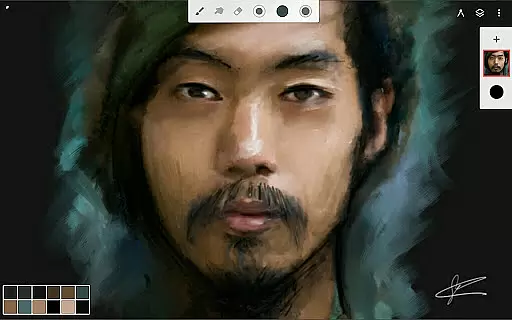
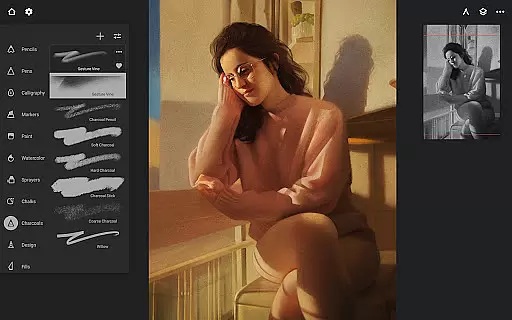
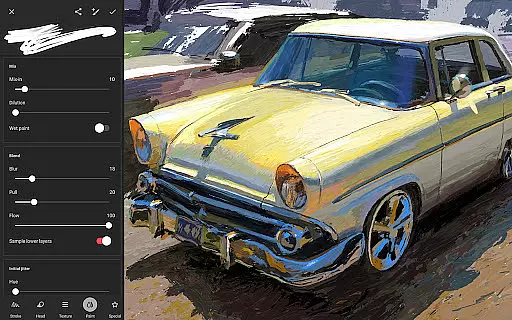
Infinite Painter redefines digital brushes with hundreds of built-in options, realistic interactions, and over 100 customizable settings. Artists can organize and share their favorite brushes, enjoying full stylus support with pressure and tilt sensitivity.
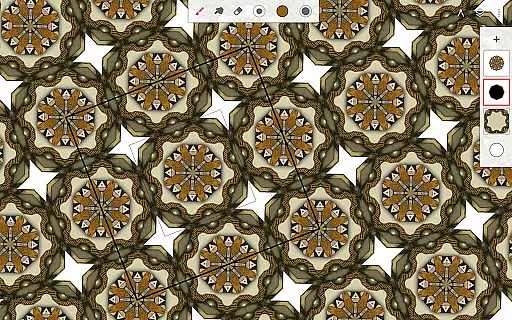
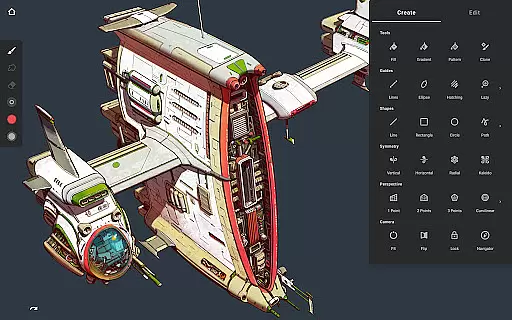
The app optimizes workspace efficiency with a clean, customizable interface that minimizes clutter. Users can assign finger functions, expand layers easily, and access quick editing tools. Innovative features like radial or kaleidoscope symmetry, perspective guides, and smart shape detection enhance precision and creativity.
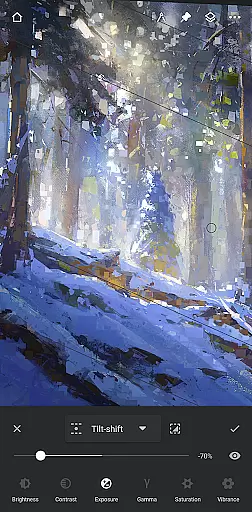
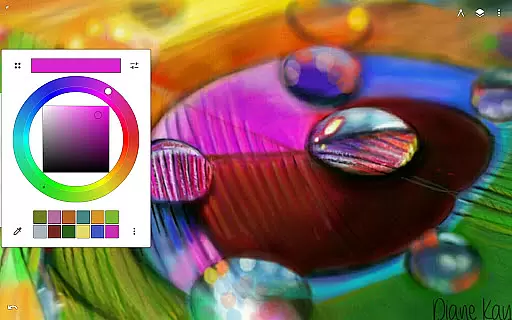
Pixel-perfect editing is achieved through advanced selection and masking tools, industry-leading transformations, and gradient fills. With professional-grade color correction and over 40 live filter effects, Infinite Painter ensures every artwork meets the highest standards of quality and detail.
Infinite Painter offers an extensive suite of creative tools that cater to both amateur and professional artists. The app includes hundreds of built-in brushes with realistic brush-to-canvas interactions, offering over 100 customizable settings. This allows users to fine-tune their tools to match their artistic style perfectly.
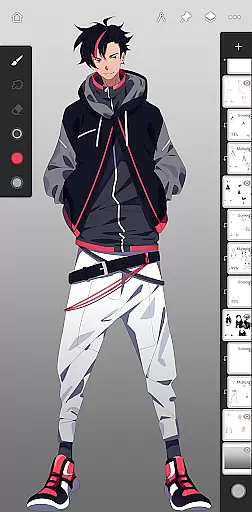
Beyond brushes, the app supports a variety of other artistic needs. Users can work with layers, each supporting 30 blend modes, and take advantage of advanced features like masks, clipping masks, and gradient maps. Infinite Painter also provides industry-leading color correction and over 40 live filter effects, ensuring every piece can be edited to the artist's exact specifications.
The app is designed for efficiency and ease of use, featuring a clean interface that maximizes canvas space. Tools and actions can be pinned to the main interface, and artists can access a quick eyedropper tool or rotate and flip the canvas with simple gestures. These features ensure that creators can focus on their art without being hindered by the software.
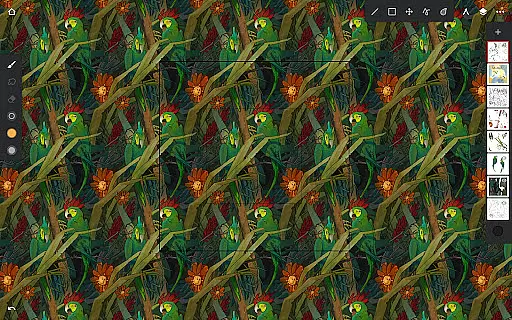
With additional functionalities such as perspective guides, smart shape detection, and seamless pattern projects, Infinite Painter equips artists with everything needed to bring their visions to life. Whether sketching, painting, or editing, this app delivers a robust set of features that enhance creativity and streamline workflow.
Flexibility in canvas and format options is crucial for digital artists, and Infinite Painter excels in this area. The app supports high-definition canvas sizes, allowing artists to work on detailed projects without worrying about resolution constraints. Additionally, users have access to tons of layers, which depend on the canvas size and device capabilities, providing ample room for complex compositions.
Infinite Painter enables artists to export their work in multiple formats, including JPG, PNG, WEBP, ZIP, layered PSD files, or Painter projects. This versatility ensures that artwork can be shared or imported into other software with ease, maintaining the quality and integrity of the original piece. The ability to save in layered PSD format is particularly beneficial for those who require further editing in programs like Photoshop.
The app also caters to various artistic disciplines by offering specialized tools. For instance, it includes perspective guides for designing 3D cityscapes and isometric perspectives ideal for game art. Furthermore, features like radial or kaleidoscope symmetry and hatching guides provide innovative ways to diversify artistic expression while maintaining precision.
Overall, Infinite Painter's canvas and format flexibility empowers artists to explore different styles and techniques without limitations. Its comprehensive feature set, combined with adaptable export options, makes it an invaluable tool for anyone looking to create high-quality digital art across diverse mediums.
Intuitive user interface
Extensive brush library
Powerful layer support
Real-time collaboration
Versatile export options
Steep learning curve
Pro features subscription
Occasional performance lag
Limited free version
Resource-intensive

AI generated images & photos, turn your words into drawing, painting & pictures.
 4.30
4.30
Your Essential Color Theory Guide: Red, Yellow, Blue (RYB)
4.1
Passport size photo maker, create ID photo and visa photo in seconds
4.80
AI Art Generator transforms your words into AI generated art & paintings.
3.70
Create stunning video, photo & magic from text with FlixAI GPT video generator.
3.10
Image resizer to resize, crop, rotate, flip, change dpi photo or picture in bulk
4.60
Photo stitcher for automatically screenshot stitching into a long screenshot
4.70
Explore future self face age filter & remove background image for a unique look.
3.50
All-in-One art, logo & collage maker. Design photos and edit video backgrounds
4.80
Create stunning art with AI.
4.80
Draw on screen: FP sDraw is a simple and lightweight drawing app
4.70
Draw beautiful mandala's very easily
4.60
Photo editor for art, avatars, filters & fun transformations.
4.60
Everything you need to create hand drawn animation, anywhere you go!
4.40
Bring One UI 8.5 Icons to life -elegant dark icons with a modern, premium touch.
4.30
Digital Drawing: Draw & Paint
4.10
AI Assistant, powered by ChatGPT GPT-4 & GPT-4o. Your intelligent companion.
3.50
Art of Combination Wear OS Watch faces (for Wear OS 5+ devices)
3.00
Art of Combination Wear OS Watch faces
4.4


User Reviews