

Slack is a comprehensive business communication platform designed to streamline collaboration and enhance productivity. It serves as a centralized hub where teams can conduct meetings, share files, collaborate on documents, and integrate with essential third-party applications. The platform supports seamless interaction with external partners and leverages AI capabilities to optimize workflow efficiency.
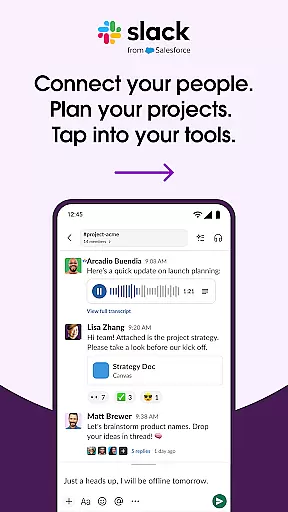
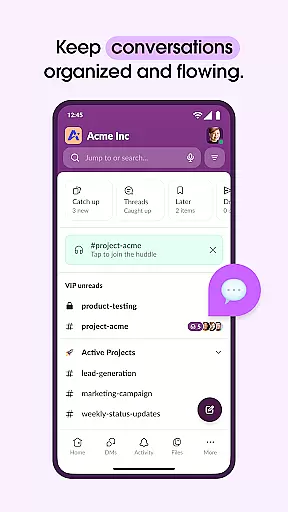
One of Slack's core strengths lies in its channel-based communication system. Each project or topic can have a dedicated channel, ensuring organized discussions and easy information retrieval. Additionally, features like video conferencing, screen sharing, and the ability to send audio/video messages make it versatile for various communication needs. These functionalities are particularly beneficial for remote teams looking to maintain effective collaboration regardless of geographical locations.
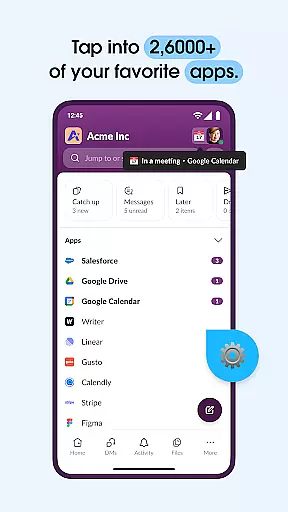
The true value of Slack emerges from its ability to integrate over 2,600 apps, including industry leaders like Google Drive and Salesforce. This interconnected ecosystem allows users to manage tasks, approve requests, and search for information without leaving the platform. For growing businesses, Slack provides the tools necessary to scale operations efficiently while maintaining cohesive teamwork.
Slack offers an extensive array of features that cater to diverse business needs. One standout feature is its highly customizable notification system, which allows users to tailor alerts based on their preferences and priorities. This ensures that important messages are never missed while minimizing distractions from less urgent communications.
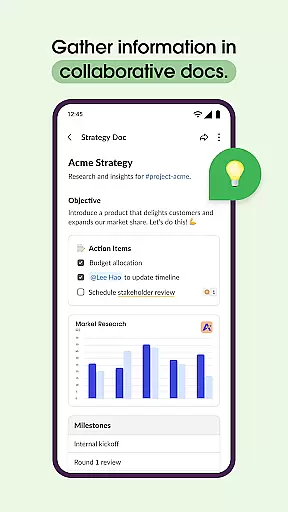
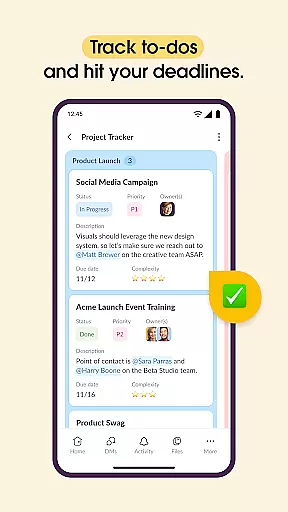
The platform also excels in document collaboration and project management. With pre-made templates and shared document capabilities, teams can efficiently organize marketing plans, product specifications, and other crucial materials. Advanced project management tools enable task assignment, milestone tracking, and to-do list management, though some of these features require upgrading to Slack Pro or higher tiers.
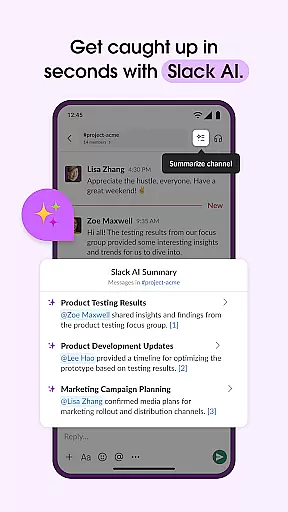
Slack's AI-powered functionalities represent another significant advantage. The AI-driven search capability helps users quickly locate files and messages, while automated meeting notes streamline documentation processes. These intelligent features not only save time but also enhance overall team productivity by reducing manual administrative tasks.
Collaborative work features are essential for modern businesses looking to enhance team productivity and communication. Slack excels in this area by providing a unified platform where teams can seamlessly interact and collaborate.
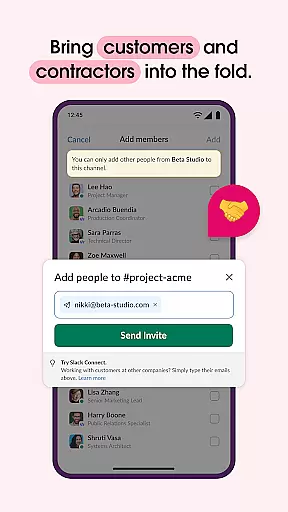
The application offers dedicated channels for every project, ensuring that discussions, files, and tasks are organized and easily accessible. With the ability to work alongside external partners, customers, and vendors, Slack breaks down communication barriers and fosters a cohesive work environment.
Slack also supports video chats and screen sharing directly within the app, allowing teams to present and discuss work live. For more complex ideas, users can record and send audio or video clips, ensuring clear and effective communication.
Effective task management is crucial for keeping projects on track and ensuring timely delivery. Slack addresses this need by integrating project management tools that help teams stay organized and focused.
With pre-made and customizable templates, teams can set up projects for success right from the start. Shared documents that live next to team conversations enable real-time collaboration on marketing plans, product specs, and more.
Additionally, Slack's task management features allow users to track to-dos, assign tasks, and map out milestones. These capabilities ensure that everyone is aligned and aware of their responsibilities, contributing to the overall success of the project.
User-friendly interface
Robust integration options
Effective team collaboration
Customizable notifications
AI-powered productivity tools
Advanced features need paid subscription
Occasional connectivity issues
Steep learning curve for new users
Limited free storage capacity
High cost for small businesses

Zoom built for Chrome OS
 3.90
3.90
Find flexible, hourly jobs hiring near you in restaurant, retail & hospitality!
4.00
The Penny Puss app with DG penny finder
4.10
One marketplace. Hundreds of services. Unlimited possibilities. All on Fiverr.
4.40
Grow your business and connect with more people with Meta Business Suite.
4.60
Start earning fast. Apply Today.
4.80
Access to Paylocity, empowering employees with information they need 24/7.
4.70
Smarter career moves start here. AI job alerts, insights & the right tools.
4.20
The app that lets you deliver with Amazon.
4.50
Job search app that finds jobs for you! Takes the work out of looking for a job!
4.90 4.70
4.70
Get instant construction estimates: accurate home repair & material calculator.
4.70
USPS Mobile®Access USPS.com’s most popular tools on-the-go.
4.70
Make invoices, bills, receipts & estimates on the go with Invoice Generator.
4.70
AI-powered document scanner with auto enhance for perfect PDFs.
4.60
Paychex Flex - Save Time and Stay Connected
4.60
ANDROID'S TOP MOBILE OFFICE - Word, Excel, PowerPoint and PDF at your fingertips
4.50
The revolutionary flexible staffing platform
4.40
Roadie connects people with stuff to send with drivers already going that way.
3.50


User Reviews