
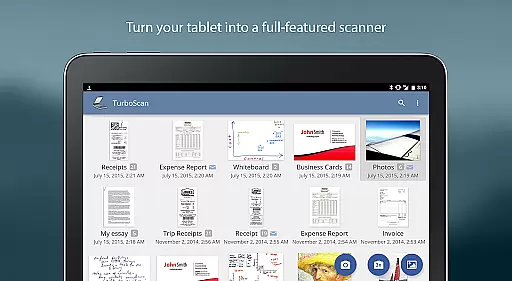
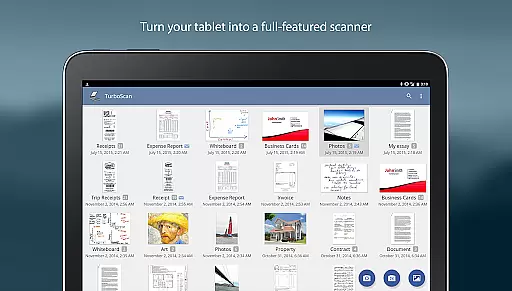
TurboScan Pro is a premier mobile scanning solution that transforms your smartphone into a versatile document scanner. Designed for professionals and individuals alike, this app allows you to digitize documents, receipts, notes, whiteboards, and photos with remarkable clarity. Utilizing advanced algorithms, TurboScan Pro detects document edges, corrects perspective, and optimizes contrast for professional-quality scans.
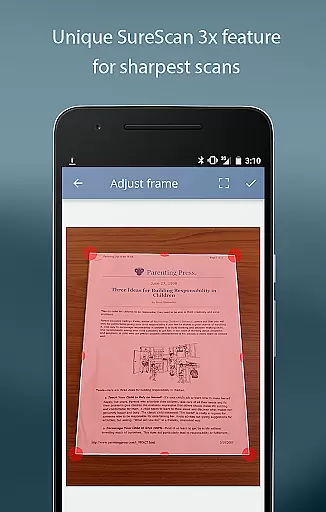
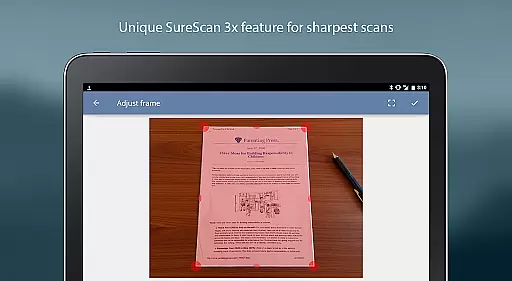
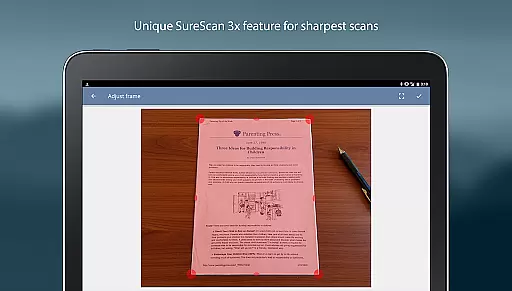
What sets TurboScan Pro apart is its SureScan mode, which ensures sharp images even in low-light conditions by capturing three images of the same document. The app supports multipage PDF and JPEG exports, making it ideal for business use. With features like 'Email to Myself' and seamless integration with cloud services such as Evernote, users can efficiently manage and share their digital documents without requiring an internet connection for processing, ensuring data privacy.
TurboScan Pro offers an array of powerful features designed to enhance productivity. Its automatic edge detection and perspective correction tools ensure every scan is perfectly aligned and clear. The proprietary SureScan technology provides users with the ability to capture ultra-sharp images, particularly useful when dealing with challenging lighting conditions.
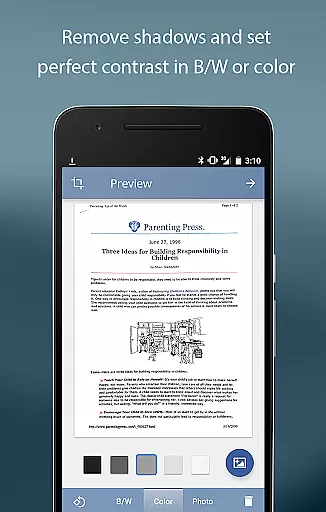
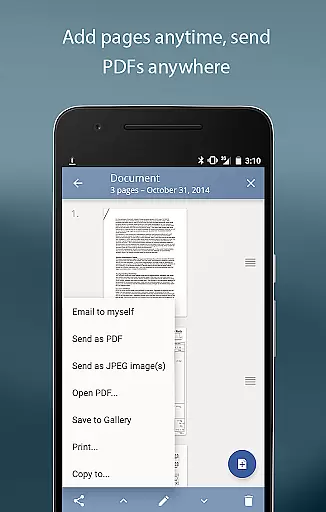
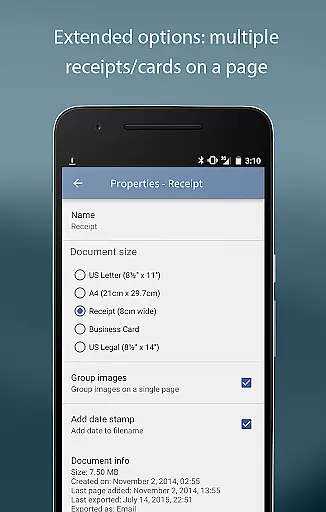
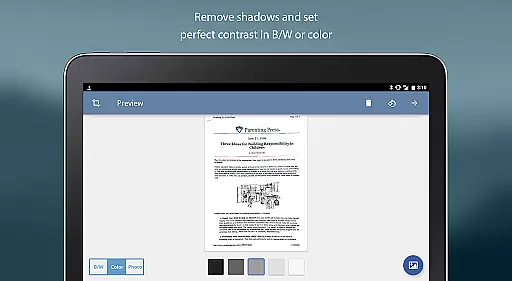
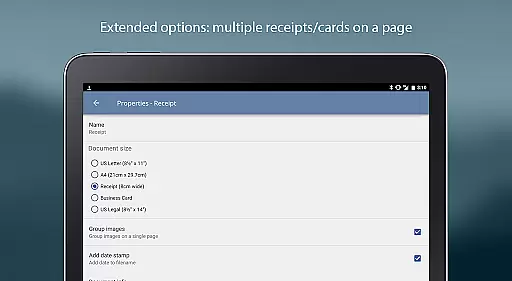
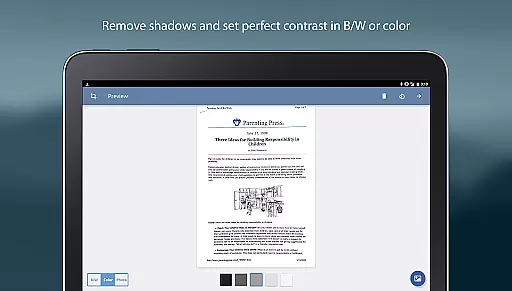
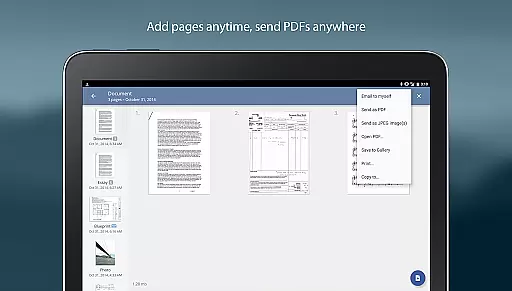
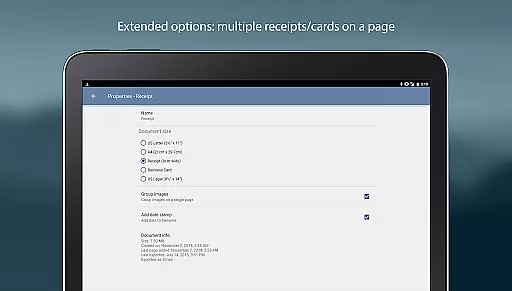
The app's intuitive interface allows for instant adjustments to brightness, rotation, and color—all accessible from a single screen. Users can organize scanned pages through multipage editing options, including adding, reordering, and deleting pages. Additionally, TurboScan Pro enables the arrangement of multiple receipts or business cards on a single PDF page, streamlining expense reports and contact management. With support for various file formats and compatibility with cloud storage solutions, sharing and storing documents has never been easier.
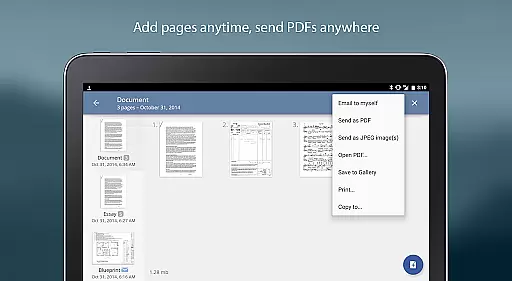
In today's fast-paced business environment, the ability to collaborate effectively is crucial. TurboScan Pro enhances collaborative efforts by providing tools that make document sharing and editing seamless. With its multipage editing feature, team members can add, reorder, and delete pages within scanned documents, ensuring everyone has the most up-to-date information.
The app also supports copying pages between stored scans, which is particularly useful when compiling reports or presentations from different sources. This functionality allows teams to merge relevant content from various documents into a single, cohesive file, streamlining workflows and boosting productivity.
Moreover, TurboScan Pro offers versatile sharing options. Users can email documents as PDF, JPEG, or PNG files, directly from the app. The 'Email to myself' feature simplifies this process further by allowing predefined email addresses for quick dispatches. Additionally, integration with cloud services like Evernote, Google Drive, and Dropbox enables effortless collaboration across different platforms and devices.
TurboScan Pro ensures that all processing occurs on the device, maintaining data confidentiality without requiring an internet connection. This approach not only secures sensitive information but also facilitates uninterrupted collaboration, even in environments with limited connectivity. By prioritizing both functionality and security, TurboScan Pro stands out as an essential tool for modern businesses focused on efficient teamwork.
Effective task management is pivotal for maintaining productivity and meeting deadlines. TurboScan Pro addresses this need by offering robust features that simplify document handling and organization. One of its standout capabilities is automatic document edge detection and perspective correction, which ensures that every scanned document is clear and professional-looking, regardless of the original condition.
The app's SureScan mode is another valuable asset for task management. It captures sharper images, especially beneficial in low-light conditions, by taking three pictures of the same document. This feature guarantees high-quality scans every time, reducing the need for rescans and saving valuable time. Additionally, TurboScan Pro boasts ultra-fast processing speeds of under three seconds per page, enabling users to complete tasks swiftly and efficiently.
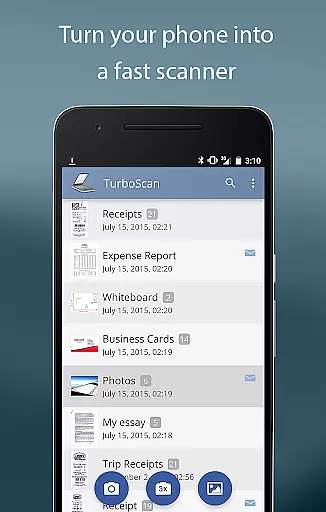
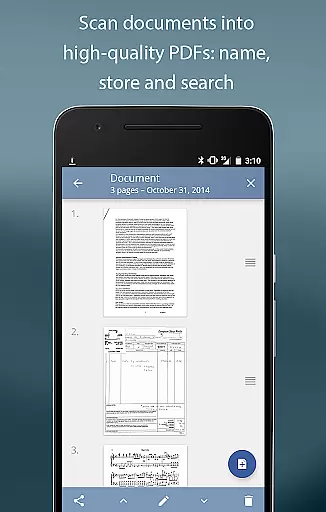
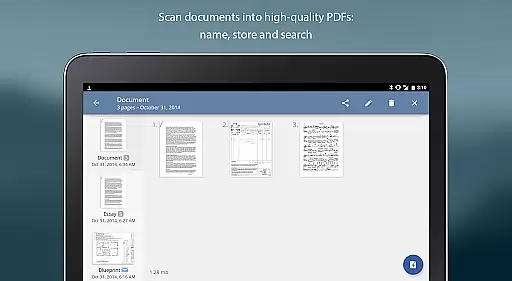
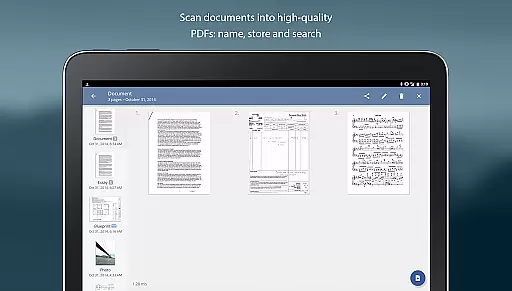
For those who deal with numerous documents, TurboScan Pro provides comprehensive document naming, storage, and search functionalities. These features allow users to categorize and retrieve files easily, keeping their digital workspace organized and clutter-free. The ability to arrange multiple receipts or business cards on a single PDF page further enhances task management by consolidating related items into one accessible location.
Furthermore, TurboScan Pro includes instant one-tap brightness, rotation, and color controls, all accessible from a single screen. This intuitive interface empowers users to make quick adjustments without navigating through complex menus, thus maintaining focus on their primary tasks. By combining speed, accuracy, and ease of use, TurboScan Pro emerges as a vital ally in managing daily responsibilities effectively.
Advanced scanning algorithms
Fast processing speed
User-friendly interface
Secure offline processing
Versatile file export options
Premium version costs
Occasional glitches
Limited free features
Requires manual updates
Ads in free version

 4.70
4.70
The All-in-One File Manager for Phone, TV, Watch, Cars, XR / VR, Chromebook
4.10
Convert Your Lovable.dev Website into a Mobile App Instantly!
4.5
Windows App allows you to connect to remote PCs and virtual apps.
3.70
Recover what matters — quickly and easily.
4.70
We are a dynamic team of creatives people of design, marketing, web & apps
3.00
Find jobs near you and temp work in minutes, from your phone.
4.50
Shop, deliver, and earn with the Spark Driver™ App
4.10
On the go? Take FedEx with you.
4.00
The MyWalmart App is available for all associates in stores.
4.70
Paychex Flex - Save Time and Stay Connected
4.60
No more passwords, easier sign-in, and greater protection for your accounts.
4.60
Drive and earn extra money
4.50
VSD Viewer - Visio Drawings Viewer for Android Preview VSD, VDX, VSDX drawings
4.10
Zoom built for Chrome OS
3.90
Simple, Fast & Lightweight
3.90
Get your benefits on-the-go.
3.80
Take the stress out of storage with the all-in-one app to manage your space.
3.70
Delivery Track App - Tracking with Fedex, USPS, UPS, DHL. Monitor your Orders.
3.20


User Reviews