
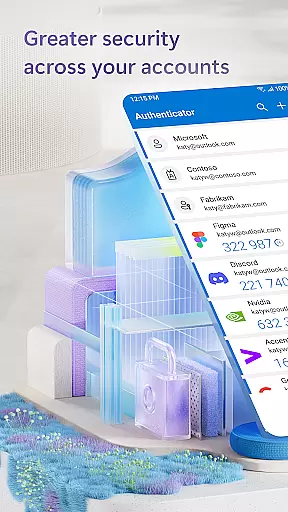
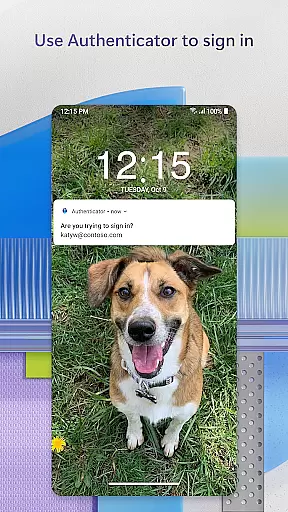
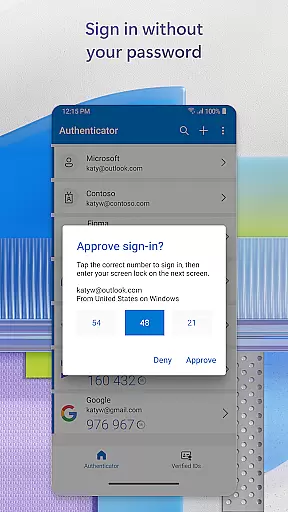
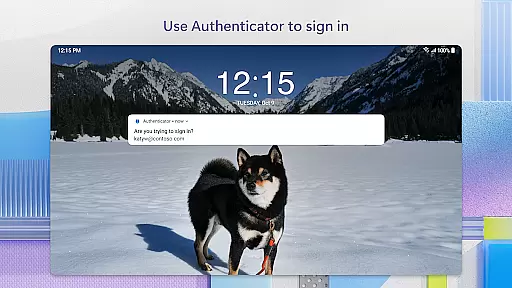
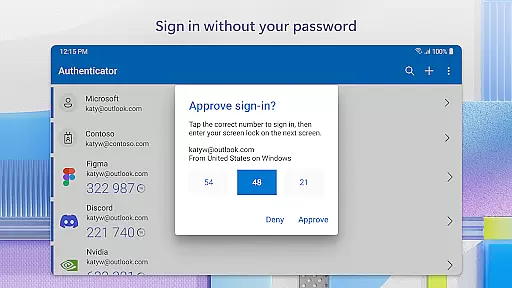
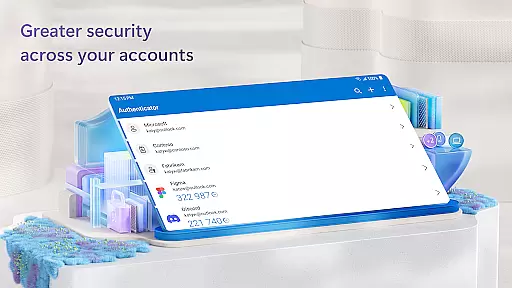
Microsoft Authenticator is a business-grade security application that provides multi-factor authentication (MFA), passwordless login, and account management for Microsoft and non-Microsoft accounts. The app ensures secure access to online accounts by requiring additional verification beyond passwords, such as approving push notifications or entering one-time passwords (OTP). This robust security measure is crucial for protecting sensitive data in professional environments.
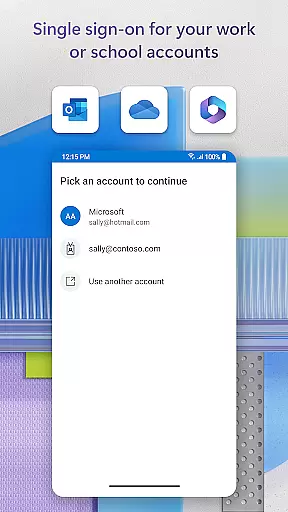
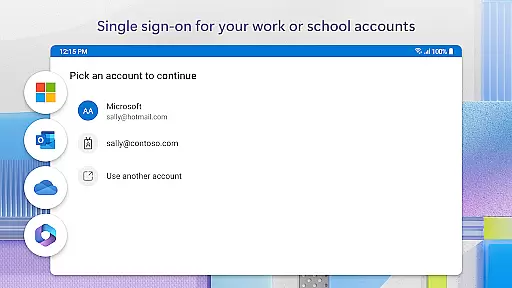
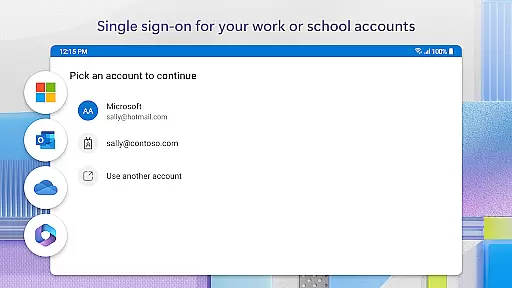
The app supports various authentication methods including fingerprint, face ID, or PIN for two-step verification, making it adaptable to different security requirements. It also enables users to add multiple accounts, from personal Microsoft accounts to third-party services like Facebook, Amazon, and Google. With its seamless integration into the Microsoft ecosystem, users can access Outlook, OneDrive, Office, and other services without repeatedly logging in, thanks to single sign-on capabilities.
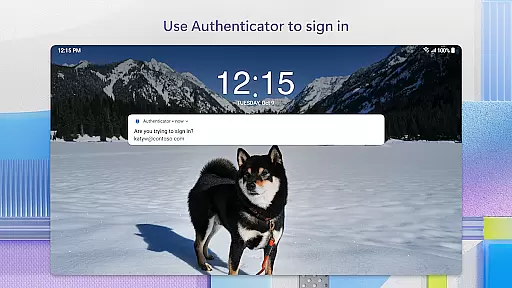
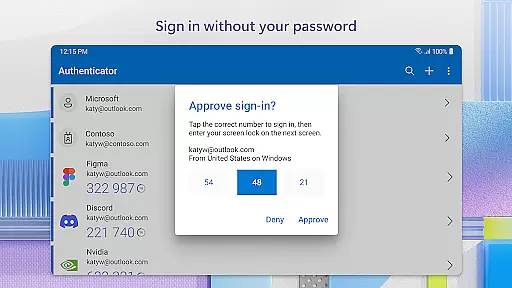
Microsoft Authenticator stands out with its comprehensive security features tailored for both individual and enterprise use. The app's multi-factor authentication process significantly enhances account protection by combining traditional passwords with additional verification steps. Users can approve login attempts through push notifications sent directly to their mobile devices, ensuring that only authorized individuals gain access.
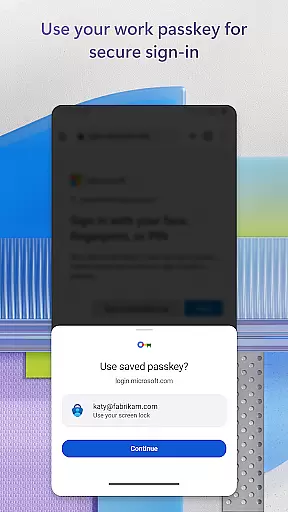
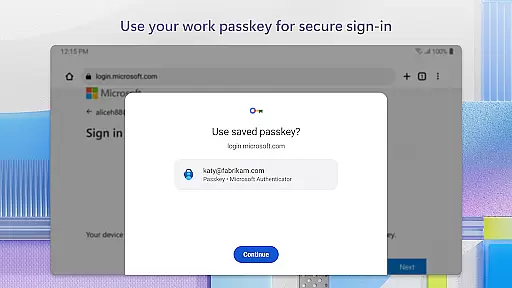
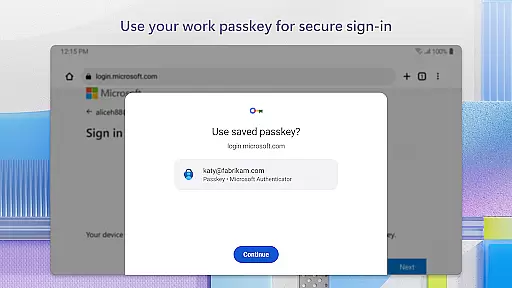
Beyond MFA, the app offers passwordless login options using biometric verification methods like fingerprint or face recognition. This modern approach to authentication not only improves security but also streamlines the login process. The app's ability to issue certificates for cert-based authentication further strengthens organizational security. Additionally, optional access permissions for location, camera, and storage provide flexibility while maintaining strict user consent protocols, making it a versatile yet secure authentication solution.
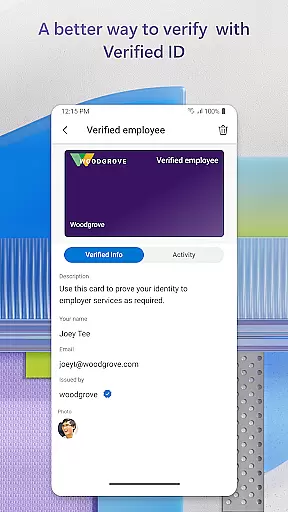
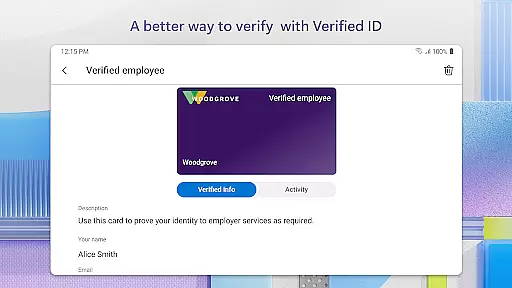
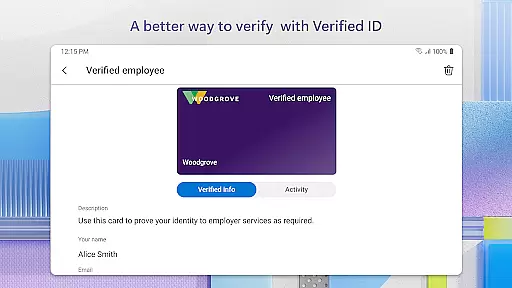
Microsoft Authenticator enhances collaborative work environments by providing secure access to essential business tools. The app supports cert-based authentication, which issues a certificate on your device, ensuring that sign-in requests come from trusted devices. This feature allows organizations to verify the identity of their employees seamlessly.
By enabling two-factor authentication (2FA) and multi-factor authentication (MFA), the app adds an extra layer of security when accessing company resources. Users can approve login notifications sent directly to their phones, using biometric verification such as fingerprint or face ID. This process not only secures individual accounts but also protects shared workspaces and documents from unauthorized access.
Furthermore, Microsoft Authenticator's single sign-on capability ensures that once users authenticate themselves, they can access all Microsoft products and services like Outlook, OneDrive, and Office without needing to log in repeatedly. This streamlined approach saves time and reduces friction in collaborative workflows, allowing teams to focus on productivity rather than managing multiple login credentials.
Task management within Microsoft Authenticator revolves around simplifying and securing the login processes for various accounts. By supporting passwordless logins, the app allows users to sign in with just their username and a mobile notification approval, eliminating the need to remember complex passwords. This method significantly reduces the risk of password-related security breaches.
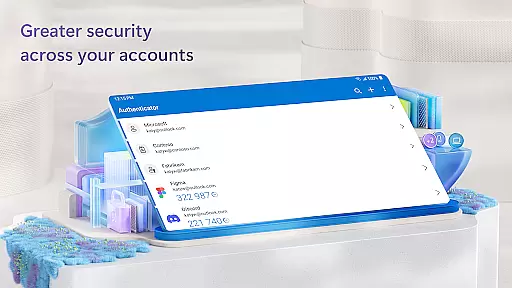
The app generates one-time passwords (OTP) that refresh every 30 seconds, ensuring that each OTP is unique and cannot be reused. These OTPs provide an additional layer of security without requiring network connectivity, making it convenient for users to authenticate their identities even in offline scenarios. Moreover, the ability to add multiple accounts, including non-Microsoft ones like Facebook, Amazon, and Google, centralizes task management for different services into one secure application.
For users managing both personal and professional accounts, Microsoft Authenticator offers a cohesive solution. It consolidates authentication tasks across various platforms, reducing the complexity of juggling multiple credentials. This consolidation not only enhances security but also improves efficiency, allowing users to focus more on their tasks and less on remembering numerous login details.
Enhanced Security
Easy Integration
Multiple Account Support
Biometric Login Options
Single Sign-On Capability
Requires Mobile Device
Occasional Notification Delays
Limited Offline Functionality
Dependent on Network for Some Features
Third-Party App Compatibility Issues

Ask Accio anything about business. Alibaba-backed, built by experts, not just AI
 4.60
4.60
Quickly open and manage PDF files on your device.
3.80
Your employer must have UKG Ready software configured for Mobile.
4.60
Amazon A to Z is the place to manage your work-life at Amazon.
4.50
One marketplace. Hundreds of services. Unlimited possibilities. All on Fiverr.
4.40
Recover what matters — quickly and easily.
4.70
USPS Mobile®Access USPS.com’s most popular tools on-the-go.
4.70
Access to Paylocity, empowering employees with information they need 24/7.
4.70
The app that lets you deliver with Amazon.
4.50
Employee Management Made Easy
4.80
Manage Your Shop
4.70
Earn money with the driver & delivery partner app for Uber, UberEats & Postmates
4.60
Drive and earn extra money
4.50
Build a store in minutes with our full suite of AI tools. Start for free!
4.20
VSD Viewer - Visio Drawings Viewer for Android Preview VSD, VDX, VSDX drawings
4.10
Work happy with AI Companion
4.10
Find flexible, hourly jobs hiring near you in restaurant, retail & hospitality!
4.00
Delivery Track App - Tracking with Fedex, USPS, UPS, DHL. Monitor your Orders.
3.20
Completed Course Lectures on how to use IBM Maximo in Maintenance issues
4.2


User Reviews