
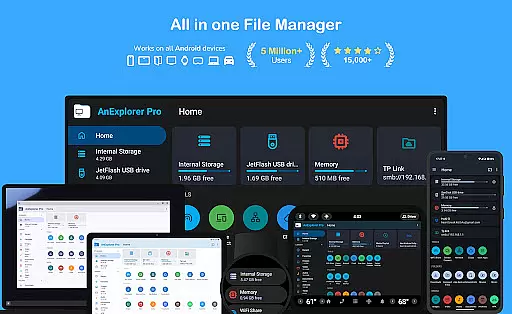
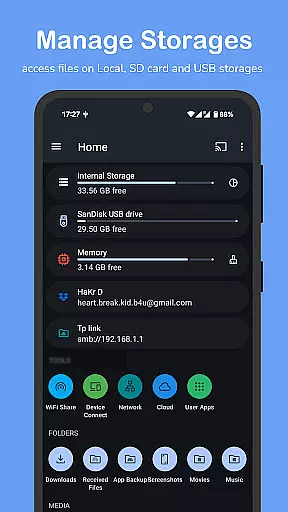
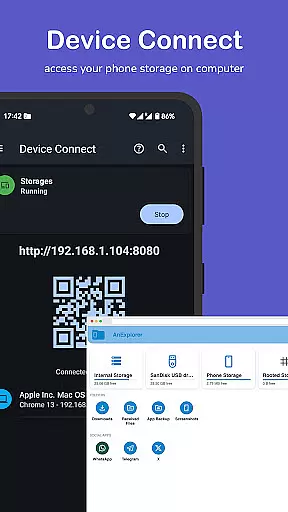
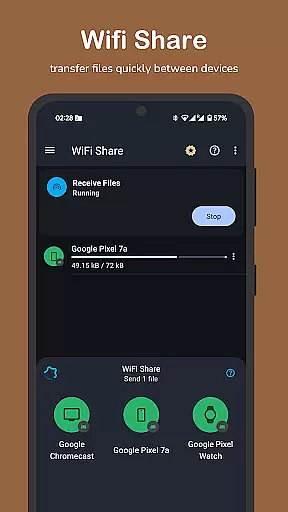

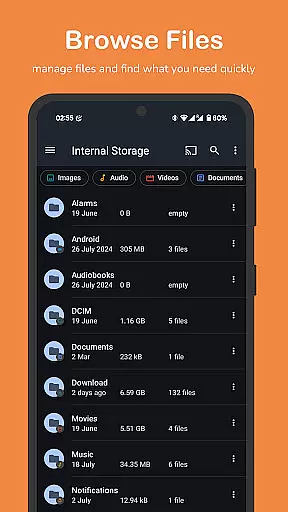
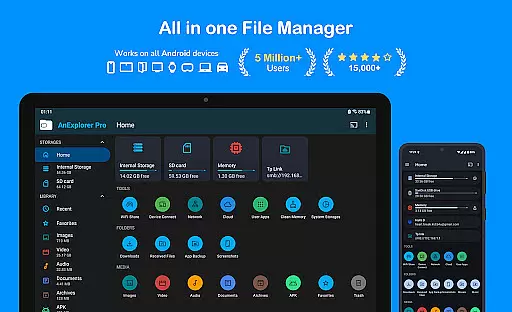
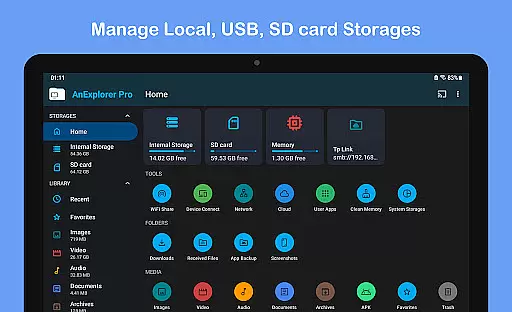
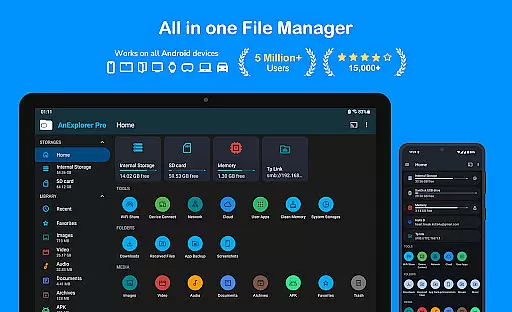
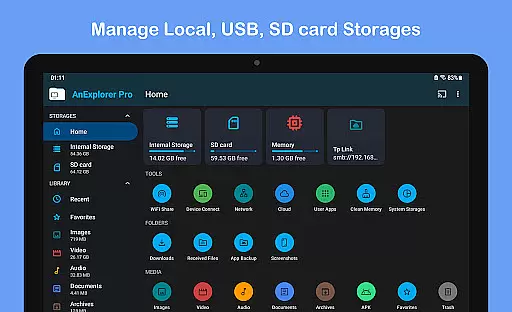
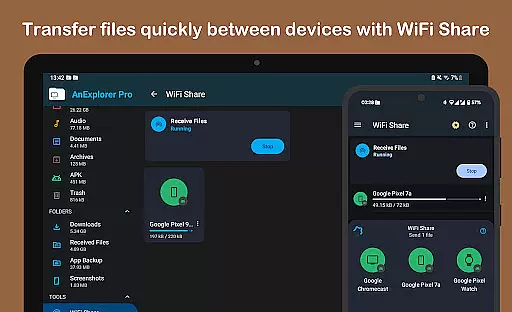
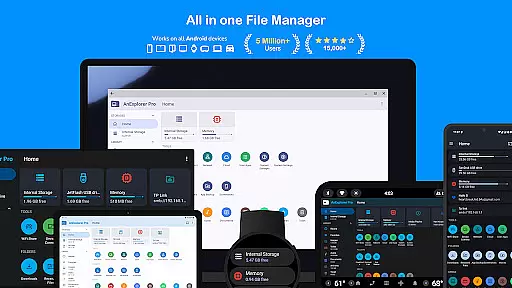
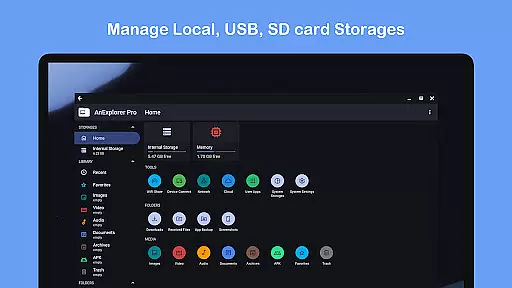
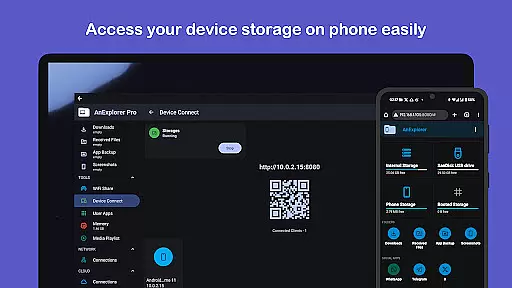
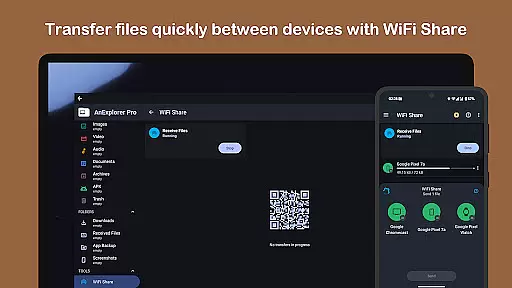
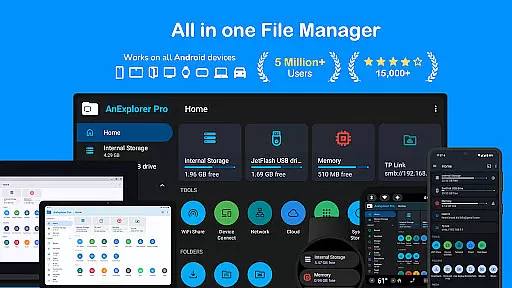
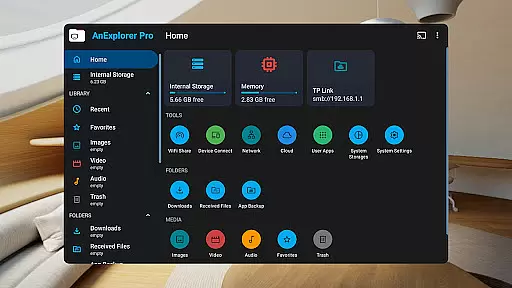
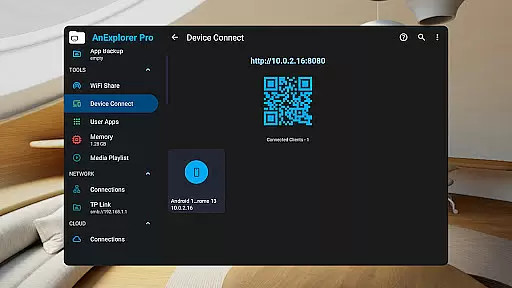
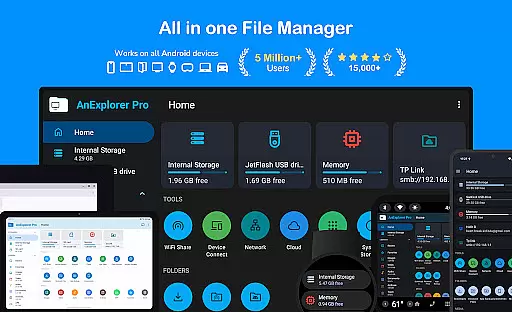
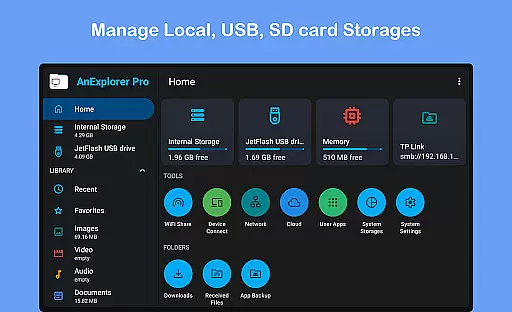
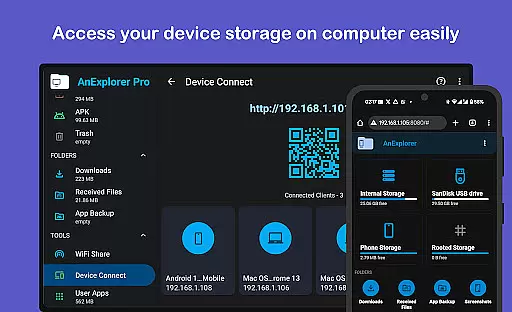
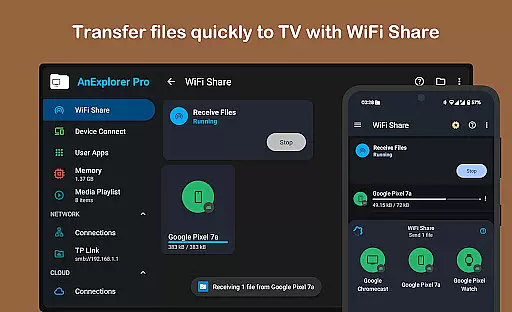
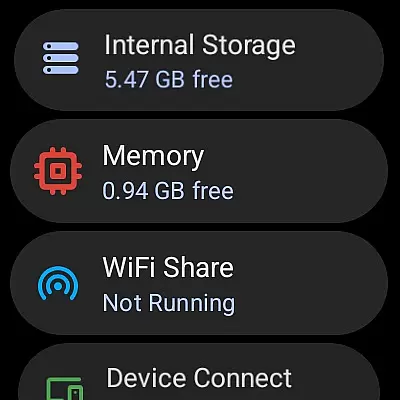



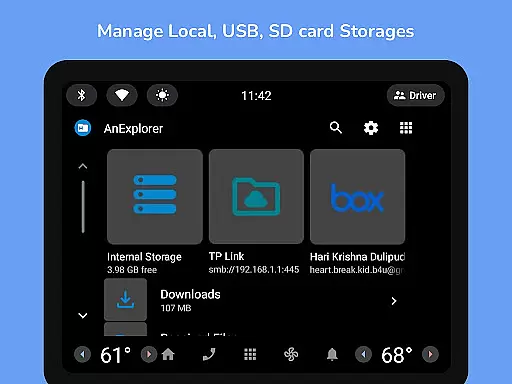
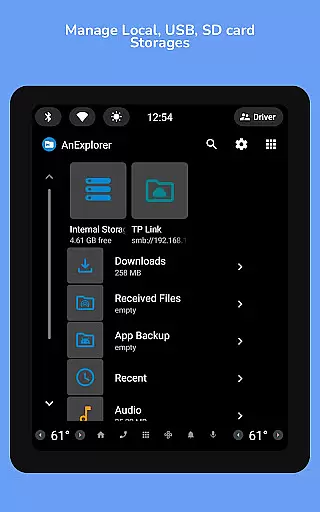
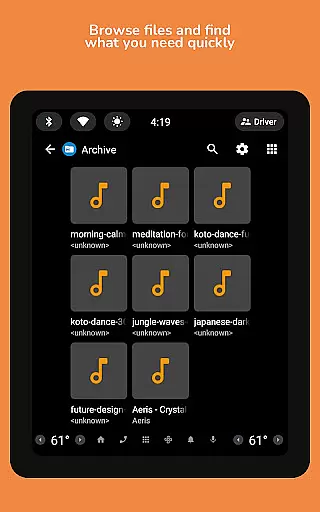
AnExplorer Pro File Manager is a versatile business tool designed for efficient file management across various Android devices. This powerful app allows users to seamlessly browse, organize, and transfer files on phones, tablets, TVs, cars, and more. With support for multiple storage types including USB, SD cards, network drives, and cloud services, it ensures comprehensive file access and management.
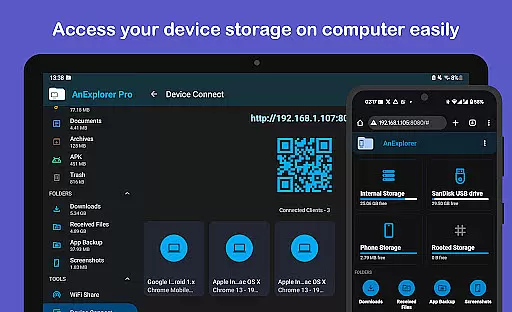
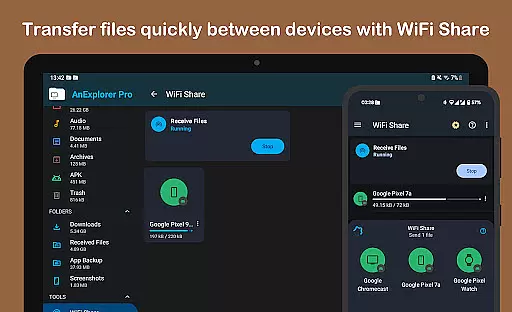
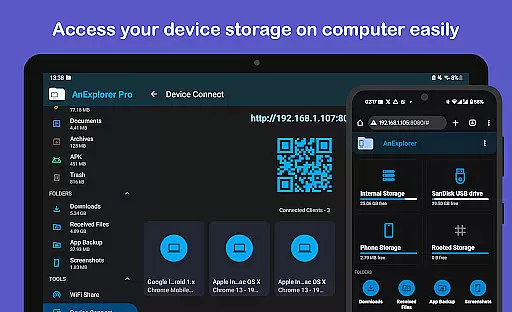
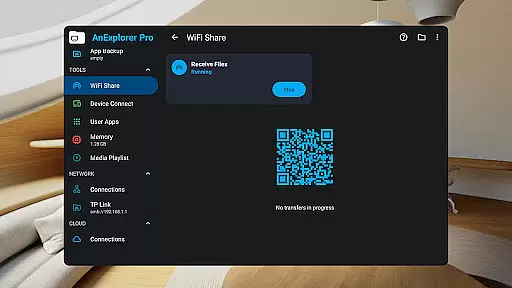
The app stands out with its clean, intuitive interface and robust feature set. Key capabilities include file organizing, photo viewing, music playback, archive management, and text editing. Advanced functionalities like root mode, FTP connectivity, and offline WiFi sharing make it an indispensable tool for both regular users and power users in a business environment.
AnExplorer Pro offers an impressive array of features that cater to diverse business needs. The app's file management capabilities are extensive, allowing users to copy, move, rename, delete, compress, and extract files with ease. Its support for various file systems including FAT32 and NTFS ensures compatibility with different storage devices.
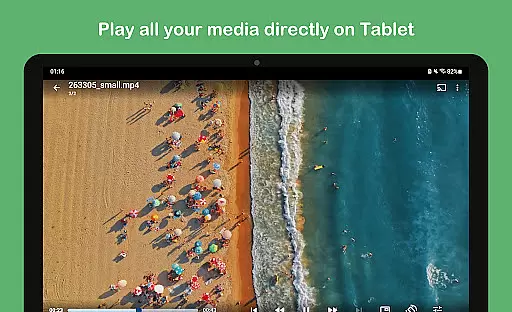
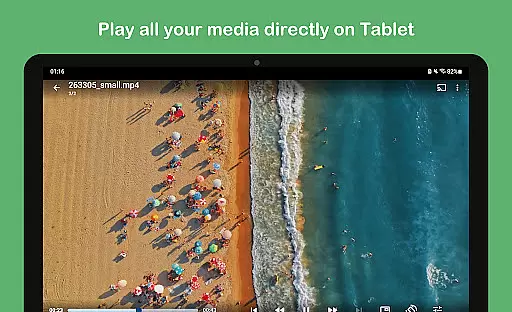
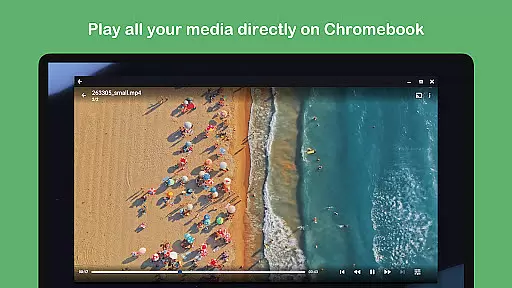
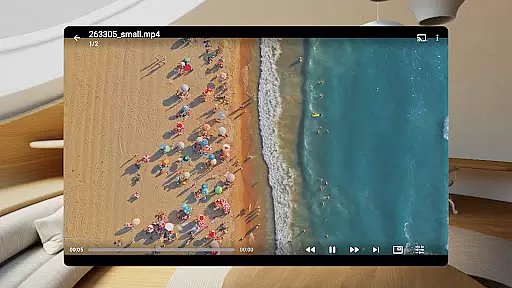
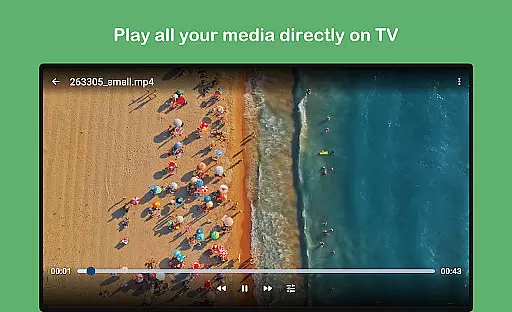
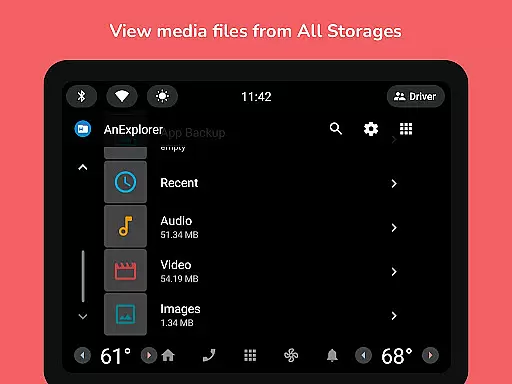
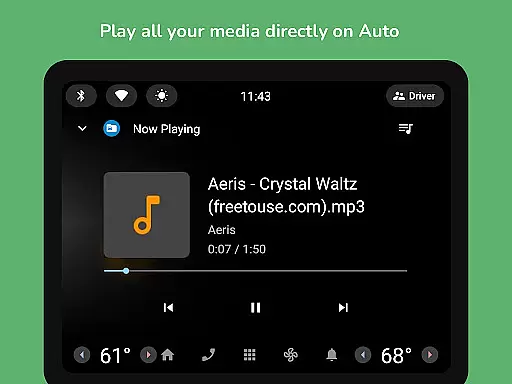
Beyond basic file operations, the app includes specialized tools for media management. Users can view and organize photos, play music and videos, edit text files, and manage archives. The inclusion of advanced features like network file management, cloud integration, and root access makes it a comprehensive solution for businesses requiring sophisticated file handling and device management.
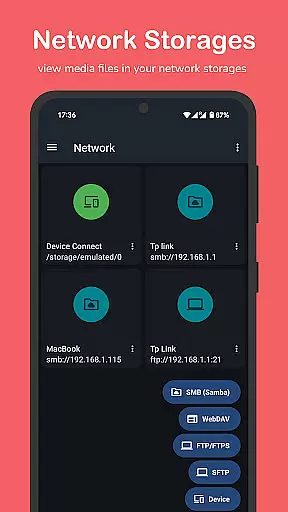
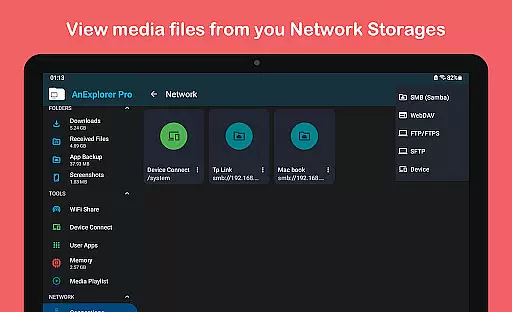
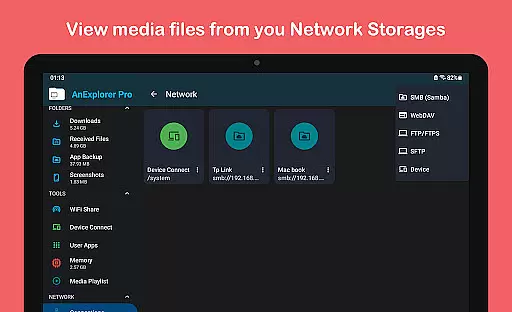
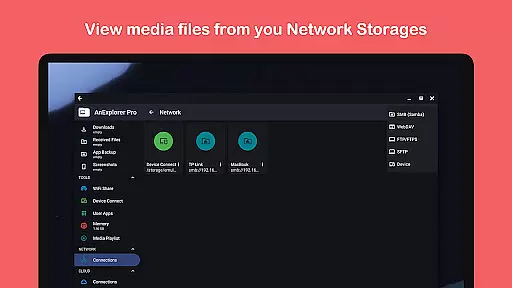
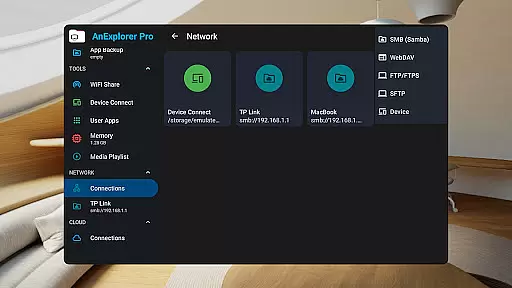
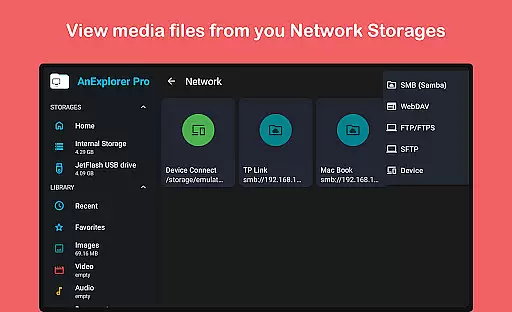
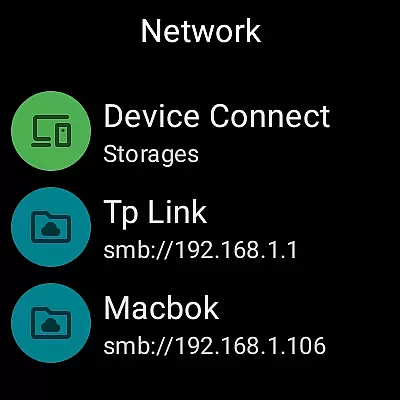
Collaborative work features are essential for modern business applications, enabling teams to work together efficiently regardless of location. AnExplorer Pro File Manager supports this through its network file management capabilities, allowing users to connect to FTP, FTPS, SMB, and WebDAV servers.
This functionality facilitates seamless file sharing and collaboration across different devices and platforms. Users can stream and transfer files from NAS devices and shared folders, ensuring that all team members have access to the necessary resources when they need them.
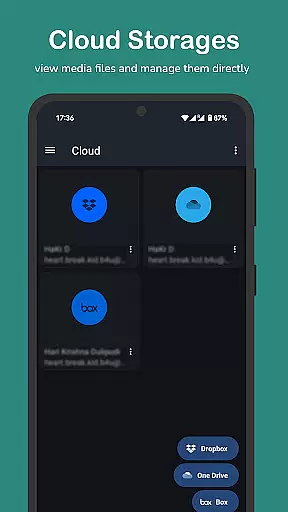
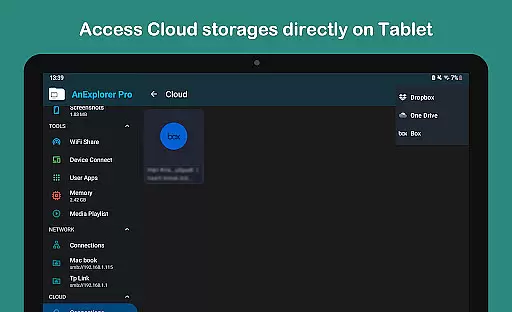
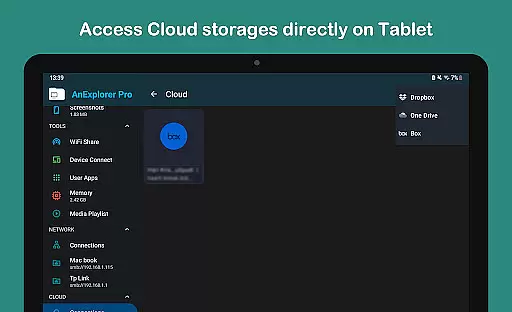
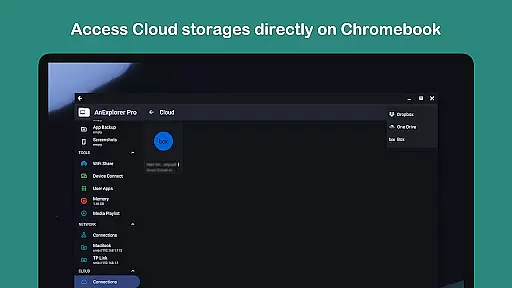
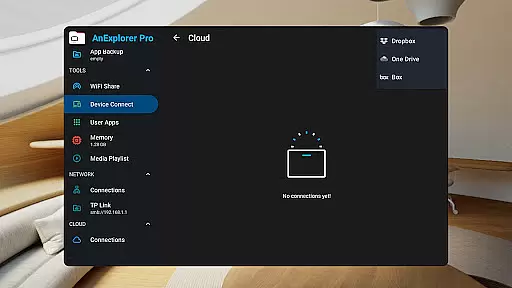
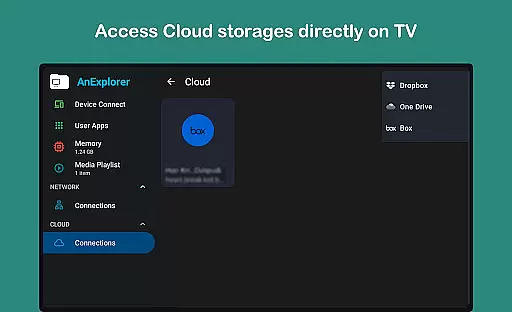
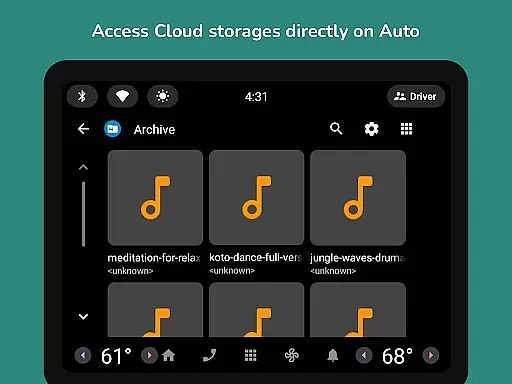
The app's cloud file manager further enhances collaborative efforts by integrating with popular services like Box, Dropbox, and OneDrive. This allows teams to manage, upload, download, delete, or preview media directly in the cloud, promoting a flexible and dynamic work environment.
By providing these robust collaborative tools, AnExplorer Pro File Manager ensures that businesses can maintain productivity and cohesion among their teams, even in remote or hybrid work settings.
Effective task management is crucial for maintaining productivity and ensuring that projects progress smoothly. AnExplorer Pro File Manager offers several features that contribute to efficient task management, particularly through its file organization and media library management capabilities.
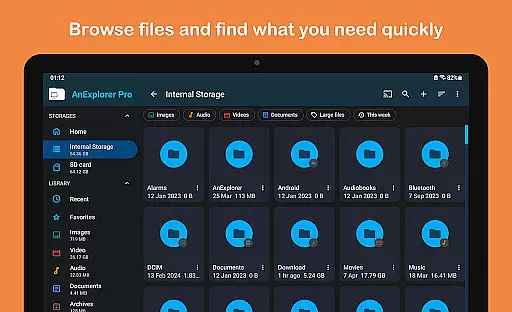
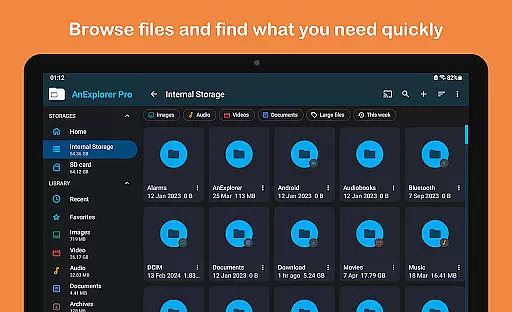
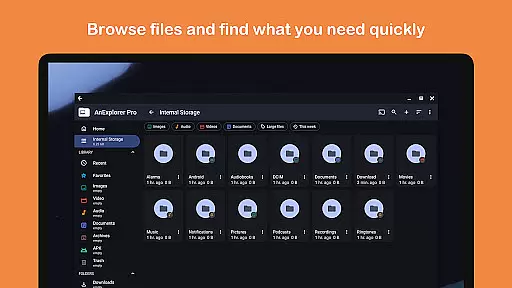
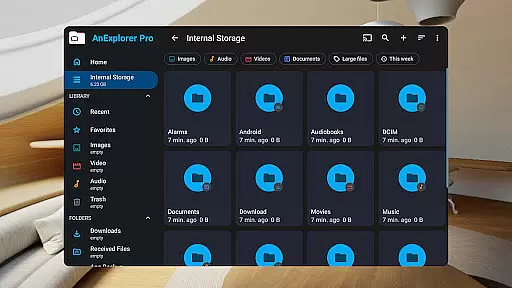
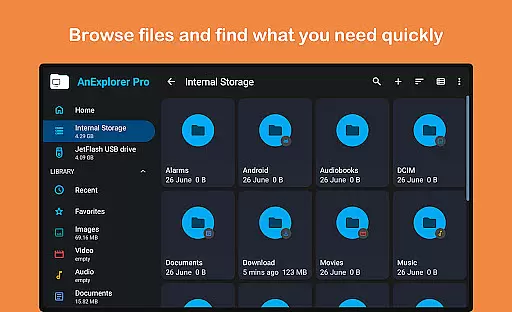
The file organizer feature allows users to browse, copy, move, rename, delete, compress, and extract files and folders easily. This helps in keeping the workspace tidy and ensures that files are readily accessible when needed. Additionally, the ability to search by file name, type, size, or date and filter by media types aids in quickly locating specific files, saving valuable time.
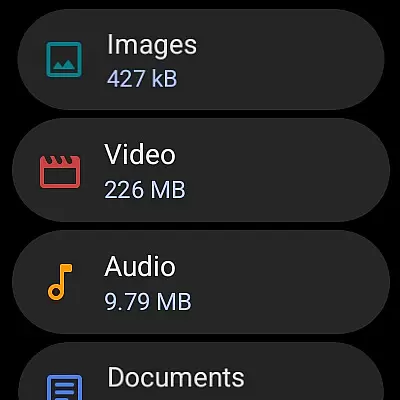
AnExplorer's media library manager auto-categorizes files into Images, Videos, Music, Documents, Archives, and APKs, making it simple to organize downloads and Bluetooth transfers. Users can also bookmark favorite folders for quick access, streamlining their workflow and enhancing overall efficiency.
These task management features ensure that users can focus on their core responsibilities without being bogged down by disorganized files, ultimately leading to a more productive and stress-free work experience.
Comprehensive file management
Cross-platform compatibility
Advanced root access
Cloud storage integration
Offline file sharing
Complex for beginners
Feature overload possible
Paid pro version
Requires technical knowledge
Interface not modern

AI-powered document scanner with auto enhance for perfect PDFs.
 4.60
4.60
FX Plus adds media, networking, and cloud capabilities to FX File Explorer.
4.10
Scan Business Cards & Conference Badges - Capture Leads at Events & Tradeshows
4.20
Windows App allows you to connect to remote PCs and virtual apps.
3.70
Take the stress out of storage with the all-in-one app to manage your space.
3.70
Mobile POS for any business: sales, invoices, retail, restaurants & appointments
4.60
USPS Mobile®Access USPS.com’s most popular tools on-the-go.
4.70
Shop, deliver, and earn with the Spark Driver™ App
4.10
ADP Mobile Solutions is an employee self service app
4.50
FaxCover - Create fax cover pages. Works with any app or fax machine.
4.90
BuildCalc - the easiest AND the most advanced construction calculator app.
4.80 4.70
4.70
Find the right fit, faster.
4.70
Find jobs and make money fast with JobStack.
4.60
ANDROID'S TOP MOBILE OFFICE - Word, Excel, PowerPoint and PDF at your fingertips
4.50
The revolutionary flexible staffing platform
4.40
Find flexible, hourly jobs hiring near you in restaurant, retail & hospitality!
4.00
Get your benefits on-the-go.
3.80
Roadie connects people with stuff to send with drivers already going that way.
3.50


User Reviews