
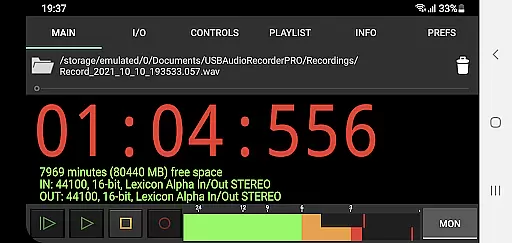
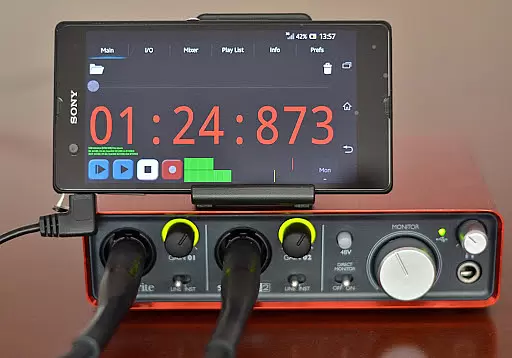
USB Audio Recorder PRO is a specialized audio recording and playback application designed for users who require high-quality audio processing directly through their USB audio interface. The app offers an extensive range of features including mono, stereo, and multichannel recording options, supporting bit depths of 16-, 24-, and 32-bit depending on the connected device. With sample rates reaching up to 384 kHz, it ensures professional-grade audio capture. It also provides essential tools like level meters with peak hold functionality and input/output selection, making it ideal for both amateur and professional audio projects.
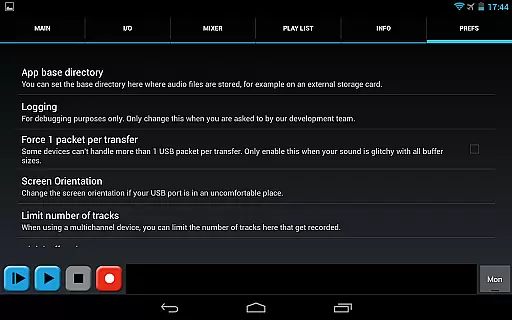
The app's unique selling point lies in its custom USB audio driver, which has been developed from scratch to overcome limitations found in many Android devices that either lack USB audio support or fail to deliver full audio quality. This makes USB Audio Recorder PRO compatible with class-compliant USB 1.1 and USB 2.0 devices without requiring root access. Additionally, the app allows users to record in various formats such as WAV, FLAC, OGG, and AIFF while offering basic playback functionalities for recorded files. Its compatibility with external USB microphones and mixers further enhances its versatility for field recordings or studio setups.
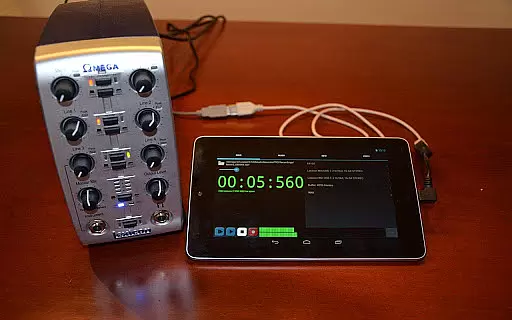
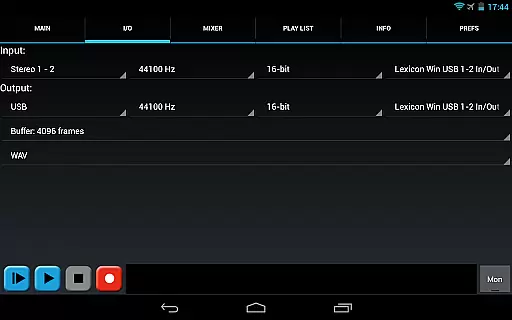
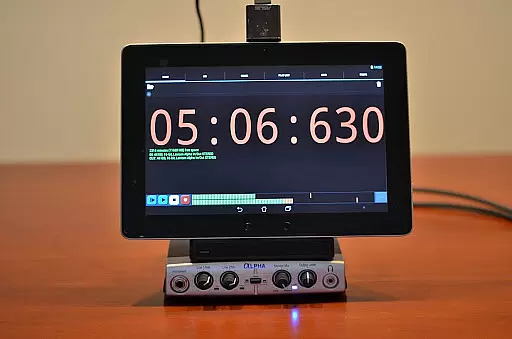
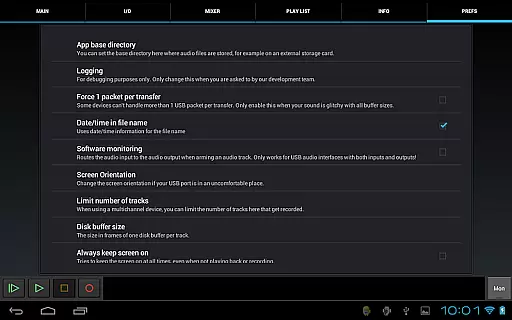
This app is particularly useful for musicians, podcasters, and sound engineers who need reliable mobile solutions for capturing high-fidelity audio. By connecting a compatible USB audio device before launching the app, users can leverage advanced settings like buffer size adjustments (ranging from 1024 to 16384 frames) and folder customization for saving recordings onto external SD cards. Moreover, the ability to share recordings via platforms like GMail or SoundCloud adds convenience for collaborative projects or quick distribution of content.
USB Audio Recorder PRO stands out due to its comprehensive feature set tailored specifically for audiophiles and professionals alike. One of its key highlights is the support for both USB audio recording and playback, accommodating mono, stereo, and multichannel configurations. For playback, stereo output is utilized even when connected to multichannel devices, ensuring broad compatibility. The app dynamically adjusts to the capabilities of your USB audio device, offering resolutions up to 384 kHz and multiple bit-depth options based on hardware specifications.
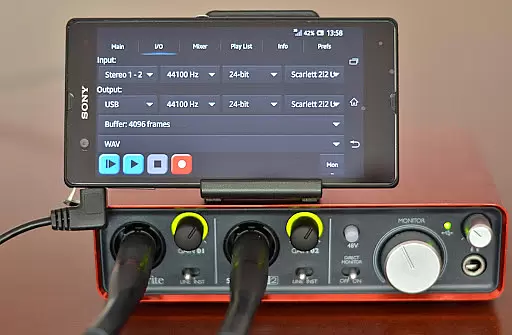
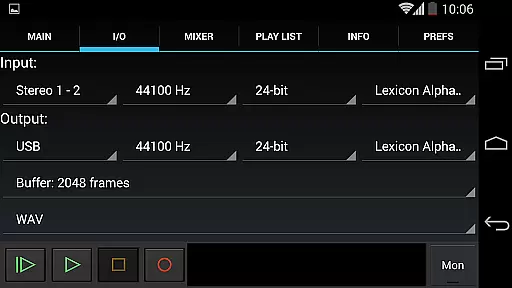
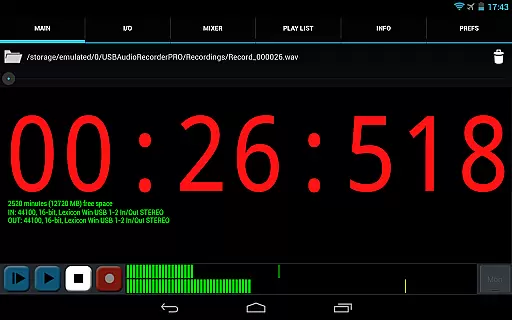
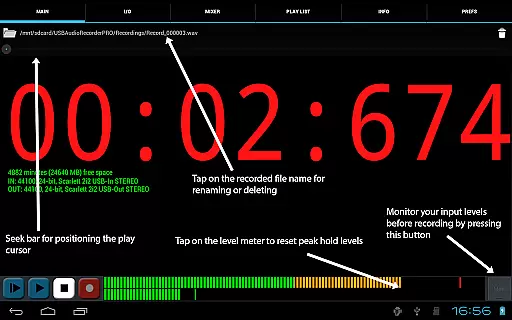
Another notable aspect is the flexibility provided by customizable settings such as input/output selection, buffer size configuration, and recording format choices including WAV, FLAC, OGG, and AIFF. These options empower users to fine-tune their recording environment according to specific project requirements. Furthermore, the inclusion of level meters with peak hold functionality aids in precise monitoring during sessions, allowing users to optimize gain staging before committing to a take. Additional conveniences include renaming or deleting recordings directly within the app and viewing available disk space to manage storage efficiently.
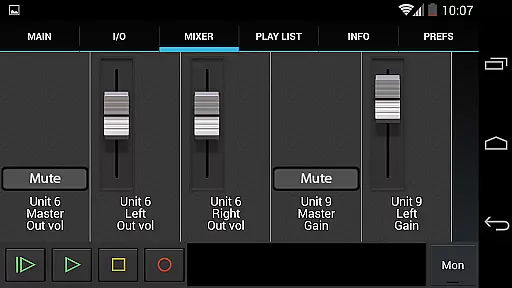
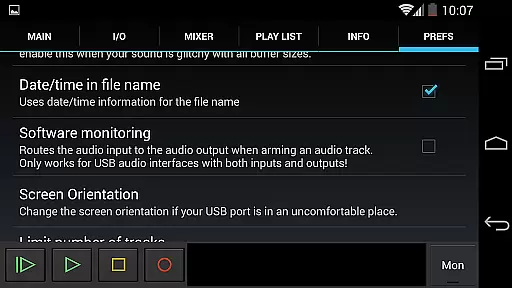
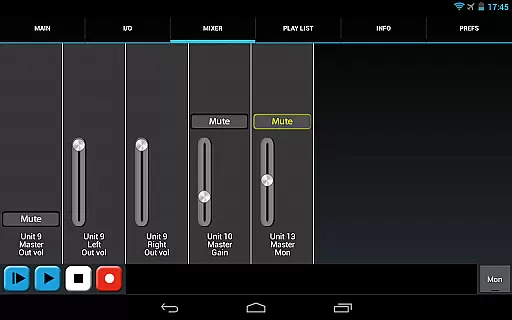
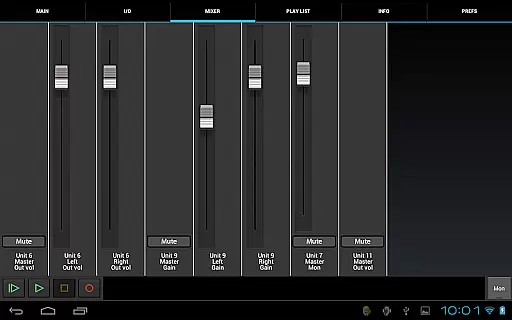
Beyond technical prowess, the app addresses practical needs by integrating internal controls like gain, volume, and mute adjustments if supported by the connected device. Users can route audio through their Android device's internal speakers or headset when using input-only peripherals such as USB microphones. A rudimentary playlist feature caters to user requests for directory-based playback, although the primary focus remains on delivering robust recording capabilities rather than elaborate playback graphics or MP3 support.
USB Audio Recorder PRO offers a comprehensive suite of features for high-quality audio recording and playback, ensuring users have access to an extensive range of functionalities.
This application supports various audio formats such as WAV, FLAC, OGG, and AIFF, which means your music library can be vast and versatile, accommodating different user preferences and requirements.
Regarding copyright authenticity, the app respects intellectual property by steering clear of patented formats like MP3, encouraging users to opt for open formats such as OGG, thus promoting legal compliance and ethical use.
The ability to record in mono, stereo, or multichannel further expands the creative possibilities for musicians and audio professionals alike.
One of the standout features of USB Audio Recorder PRO is its support for high-definition audio recording and playback, making it an ideal tool for audiophiles and professionals.
It accommodates bit depths of 16-, 24-, and 32-bit, depending on the connected device's capabilities, allowing users to capture audio with exceptional clarity and detail.
Additionally, the app supports sample rates of up to 384 kHz, providing pristine audio quality that meets the demands of even the most discerning audio engineers.
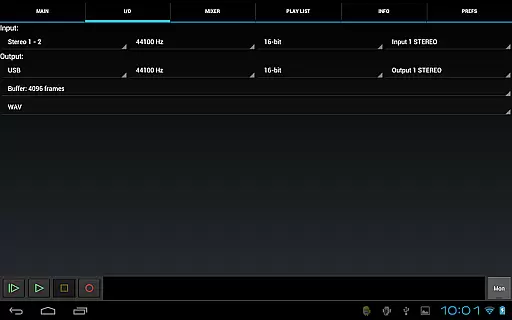
With adjustable buffer sizes ranging from 1024 to 16384 frames, users can fine-tune their recording setup to balance between latency and performance, ensuring optimal audio fidelity.
User-friendly interface
High-quality audio recording
No root required
Wide format compatibility
Customizable settings
Limited device compatibility
No MP3 support
Requires OTG cable
Basic UI design
Device-specific issues

Remove ads permanently from Music Visualizer
 4.1
4.1
Powerful beat maker & DJ mixer to remix tracks, make music, & perform DJ mix
3.70
Network/Cloud Streaming, Visualization, Graphic Equalizer and Sound Effects.
4.20
The only true audiophile music player with Hi-Fi audio rendering and DSP engine
3.90
The ultimate media player for Android devices
3.90
Music, News & Sports Radio Tuner App. Tune in Live FM & AM Radio Stations.
4.80
Slow music down without changing pitch.
3.70
Powerful 10-Band equalizer pro with sound booster improves Android audio quality
4.30
The iconic iOS metronome app is now on Android.
3.70
Offline Music Player & MP3 Player.Powerful equalizer, Lyrics, Themes, Tag Editor
4.80
Unleash your creativity! Turn simple prompts into full fledged songs.
4.70
Pay Once, no monthly payment
4.60
Recording studio w/ 10k beats, pro vocal FX and a network of 20M rappers & fans!
4.60
A synth that really lets you shape your sounds!
4.50
Save hundreds of dollars for a physical strobe tuner and instead use this app.
4.50
Guzheng Master supports many playing techniques as an acoustic Guzheng
4.50
Enjoy singing any song, no matter how high or low it is
4.30
Learn and play 2M+ music tabs & chords on guitar, ukulele, bass, and more
4.30
Sheet music reader, piano & music note player. Play music score & learn to read.
3.90


User Reviews