
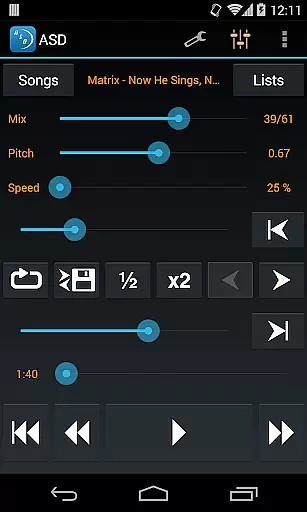
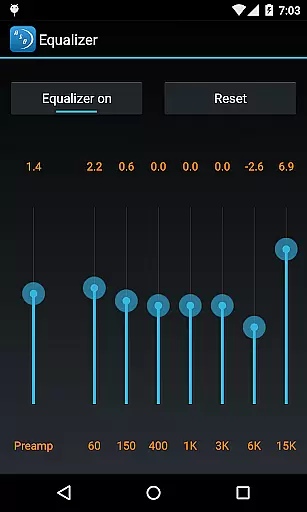
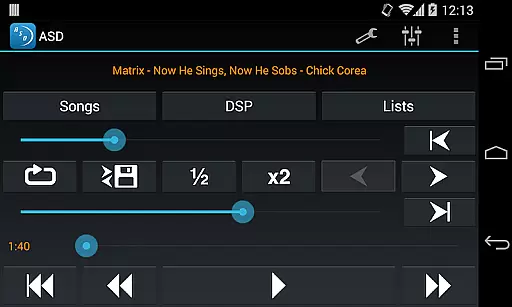
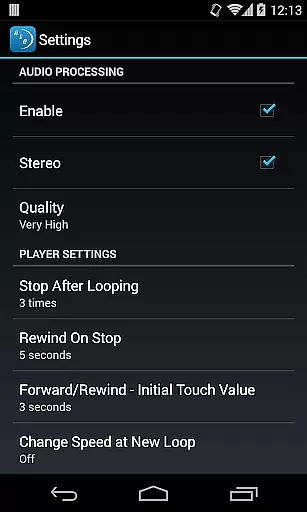
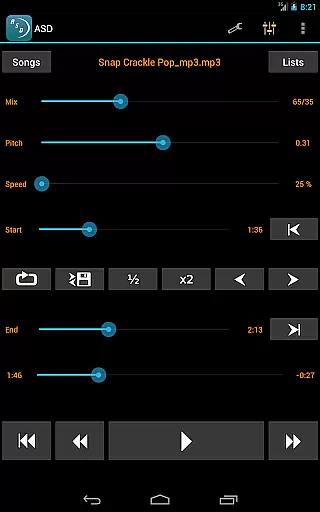
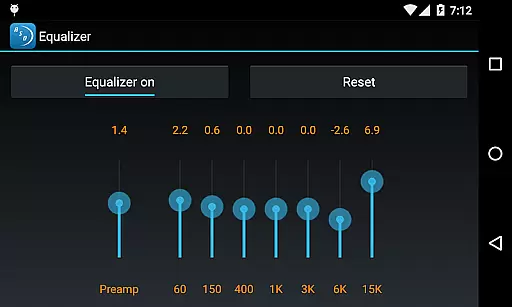
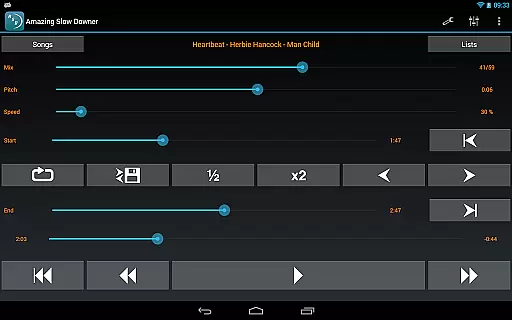
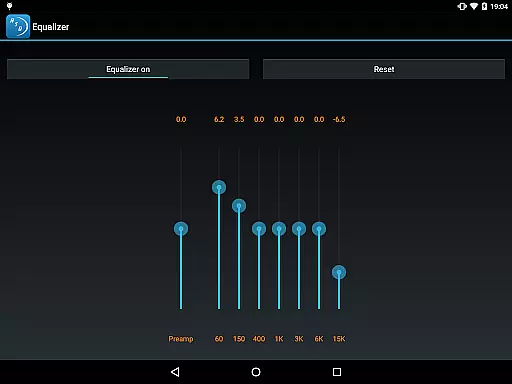
Amazing Slow Downer is a powerful tool designed for musicians, transcribers, and dancers who want to learn and improve their skills. This app allows users to slow down music without changing the pitch, making it easier to learn new songs and techniques. With the ability to adjust playback speed from 25% to 200%, you can practice at your own pace.
In addition to speed control, Amazing Slow Downer also offers seamless looping functionality and the ability to change the musical key. The app delivers outstanding sound quality, ensuring an optimal listening experience. Whether you're practicing an instrument or perfecting dance routines, this app provides the flexibility needed to master your craft.
Amazing Slow Downer stands out with its unique set of features tailored for music learners. One of its main highlights is the ability to change playback speed between 25% and 200% without affecting the pitch, allowing for customized learning experiences. You can repeat any section of the music at full speed, slow it down, or even speed it up as per your requirement.
The app also supports changing the tuning or musical key, which is particularly useful for musicians who need to adapt to different instruments or vocal ranges. Setting up seamless loops is intuitive, simply touch the 'Set' buttons during playback to create precise loops. These features combined make Amazing Slow Downer an indispensable tool for anyone serious about improving their musical abilities.
When evaluating a music application like Amazing Slow Downer, the size and authenticity of its music library are crucial factors. This app allows musicians to import their own music files, ensuring that users have access to a vast array of tracks without legal concerns. The ability to use personal files means there's no limit to the library size, as it depends on the user's collection.
The app supports various audio formats, which enhances its compatibility with different music libraries. Users can be confident in the copyright authenticity since they're using their legally acquired music. This feature is particularly beneficial for musicians who need to practice with specific tracks that they already own.
Amazing Slow Downer doesn't provide pre-loaded music but focuses on giving users tools to manipulate their existing tracks. This approach ensures that all music used is legitimate and personalized to the musician's needs. The emphasis on personal files maintains high standards of copyright compliance while offering unparalleled flexibility.
Audio quality is paramount when slowing down or speeding up music tracks. Amazing Slow Downer excels in this area by maintaining outstanding sound quality even when altering playback speed. Users can adjust tempo between 25% and 200% of the original speed without experiencing pitch changes or noticeable degradation in audio quality.
The app employs advanced algorithms to preserve sound integrity during speed modifications. This technological advantage allows musicians to learn new techniques and songs without being distracted by poor audio performance. The seamless loops feature further enhances the listening experience by enabling precise section repeats without audio glitches.
For professional musicians and transcribers, maintaining high-quality audio across different speeds is essential. Amazing Slow Downer meets these demands by delivering crystal-clear sound at any selected playback rate. This capability makes it an invaluable tool for anyone looking to improve their musical skills while enjoying exceptional audio fidelity.
User-friendly interface
High-quality audio processing
Flexible speed adjustments
Seamless looping functionality
Pitch preservation at various speeds
No official Spotify support
Limited free version features
Occasional bugs reported
Subscription cost required
Interface may feel dated

 4.70
4.70
VB-AUDIO Software / VBAN-Receptor allows listening to any VBAN Streams
4.10
Ultimate Sonos Controller
4.70
Bass Booster & Volume Equalizer Pro improves your music and video sound quality
4.60
Record, Mix & Master with all n-Track effects, 64-bit audio and Stem Separation.
4.70
The alternative folder based music player.
4.20
The official Sonos app
4.10
Reverse your voice & songs instantly! Fun singing challenge with cool effects.
4.60
Play your music offline without limits
4.80
24,000 free audio books and no ads!
4.90
JBL PartyBox APP works with 110/310/710/120/320/520/Encore/Encore 2/Encore Ess 2
4.80
Make songs with AI! Any genre, custom lyric, song generator for music creation!
4.80
Performance-Synthesizer & Multi-Track-Sequencer, polyphonic + multi timbral!
4.70
Recording studio w/ 10k beats, pro vocal FX and a network of 20M rappers & fans!
4.60
Manage your Sonos system directly from your home-screen!
4.40
Versatile MP3 recorder with auto-backup to Dropbox and Google Drive
4.10
Permanently backup Now Playing. Maps, filters & listening stats.
4.00
Sheet music reader, piano & music note player. Play music score & learn to read.
3.90
The Minimalistic Premium Music Player. Handmade with passion for music
2.20


User Reviews