
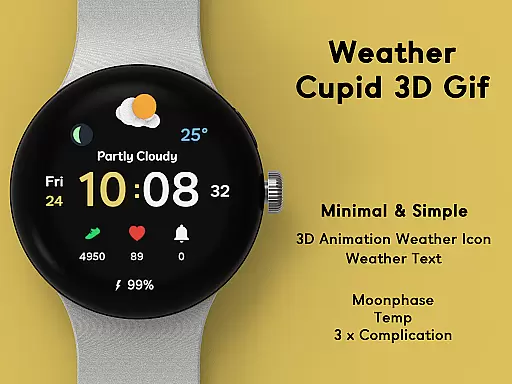
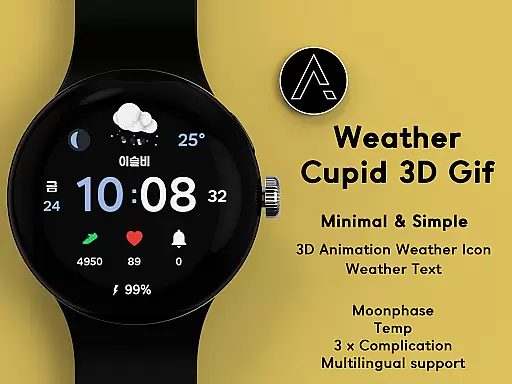
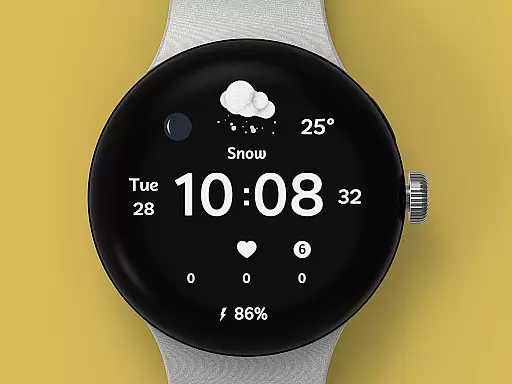
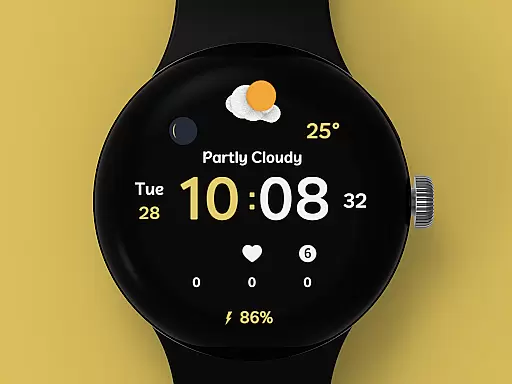
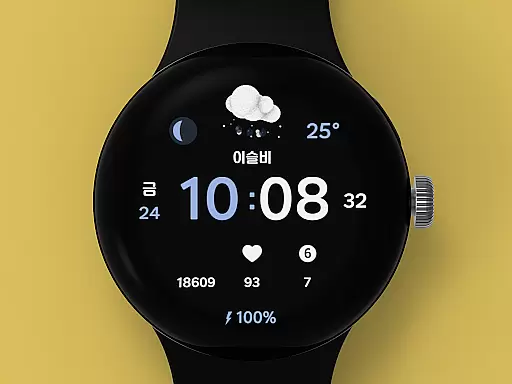
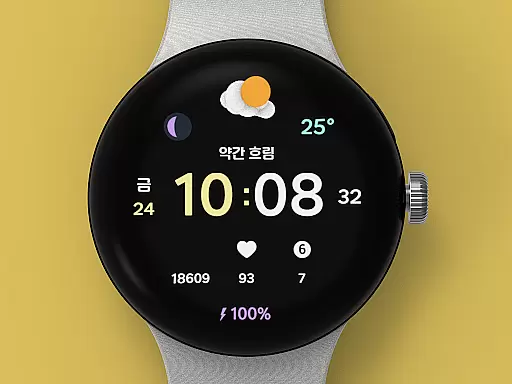
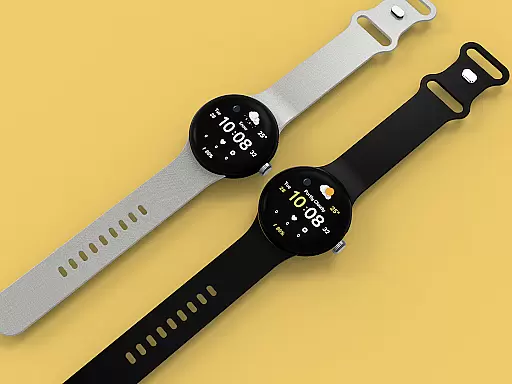
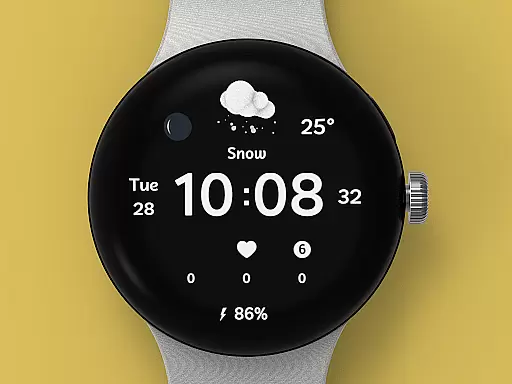
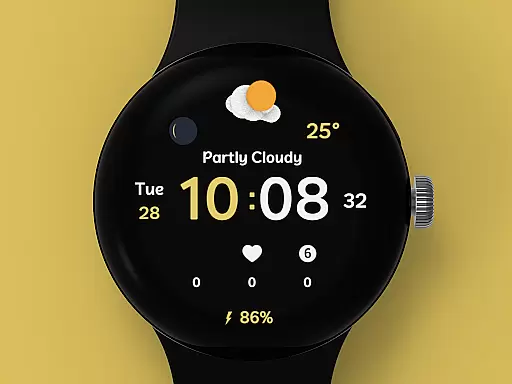
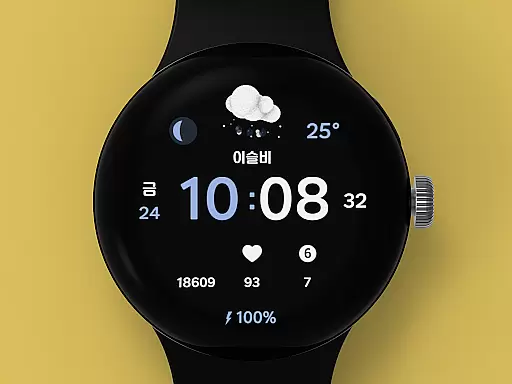
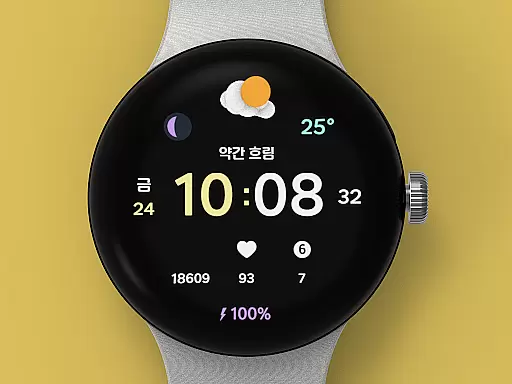
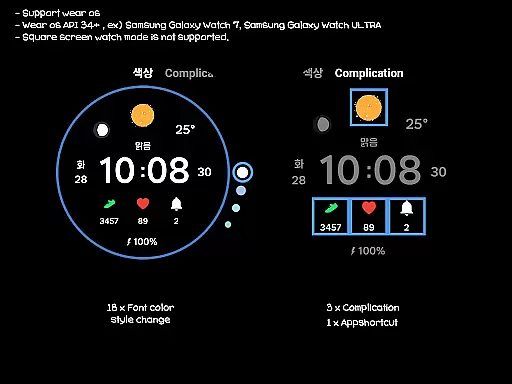
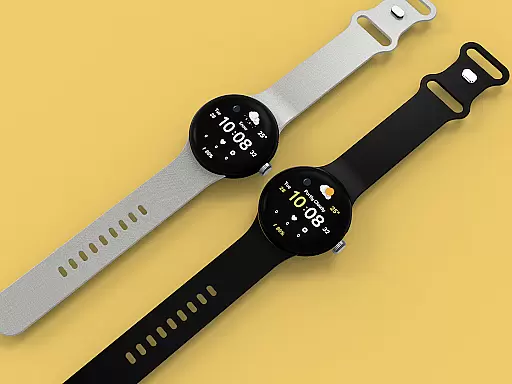
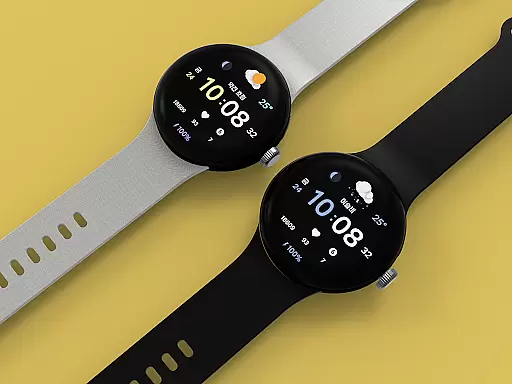
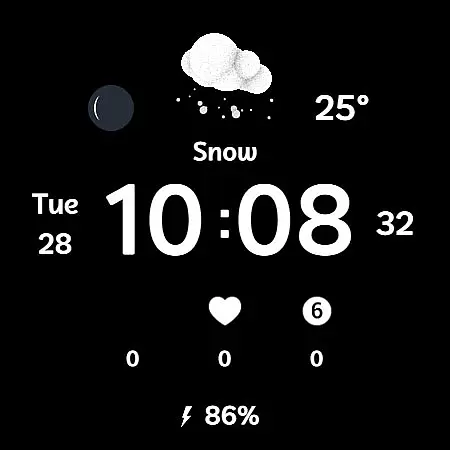
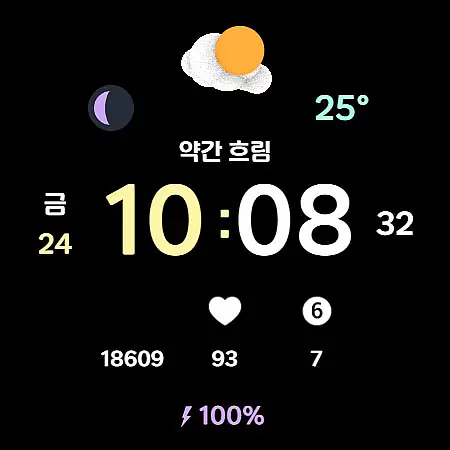
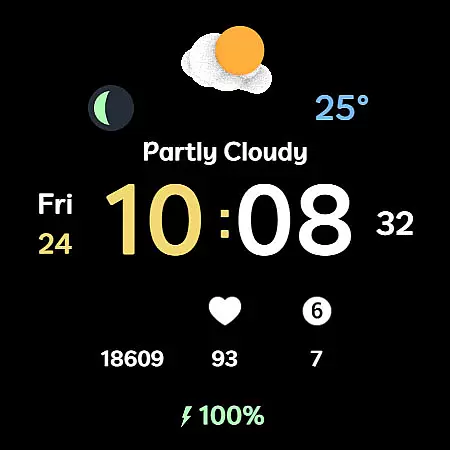
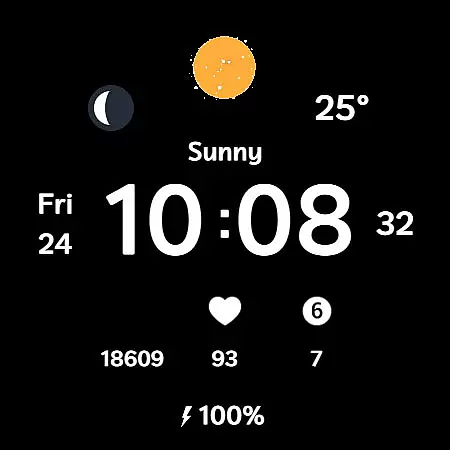
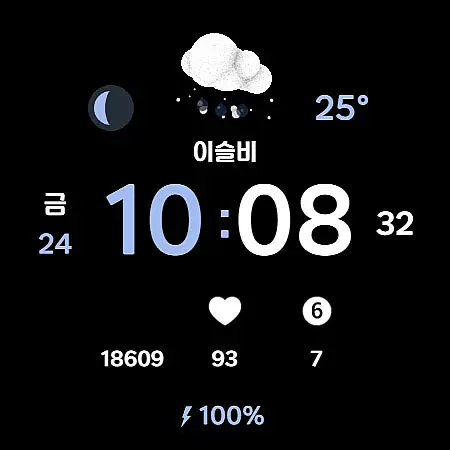
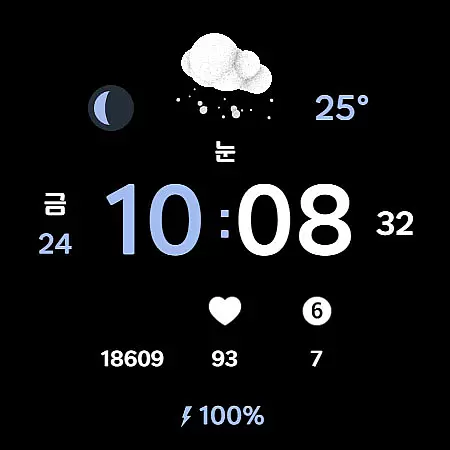
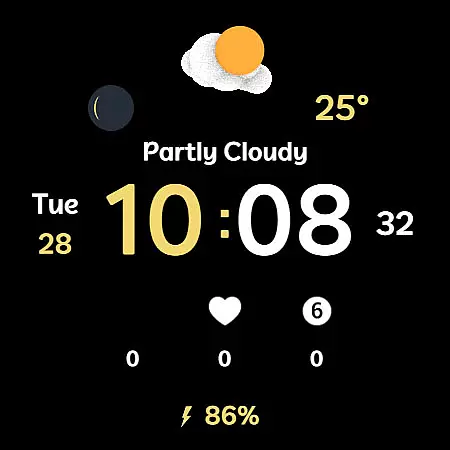
Weather Cupid 3D Gif is a visually appealing Wear OS watch face that combines functionality with aesthetics. This digital watch face features a minimalistic design complemented by lively 3D animated weather icons, making it both practical and engaging. Users can easily check essential information such as temperature, moon phase, and battery percentage directly from their watch screen.
The app supports multiple languages and offers both 12-hour and 24-hour time formats, catering to a global audience. With automatic weather updates every 30 minutes and customizable font colors, this watch face ensures users have access to current weather data while maintaining personal style preferences. The intuitive interface allows for seamless interaction, ensuring that even first-time users can navigate effortlessly.
Whether you're an outdoor enthusiast needing quick weather updates or a professional seeking a sleek digital watch face, Weather Cupid 3D Gif provides a perfect blend of utility and design. Its compatibility with Samsung's weather API ensures reliable information, although slight variations may occur compared to other providers.
Weather Cupid 3D Gif stands out with its unique combination of features tailored for Wear OS devices. The watch face displays temperature readings in both Celsius and Fahrenheit, catering to international users. It also includes a moon phase indicator, adding an extra layer of astronomical detail not commonly found in standard watch faces.
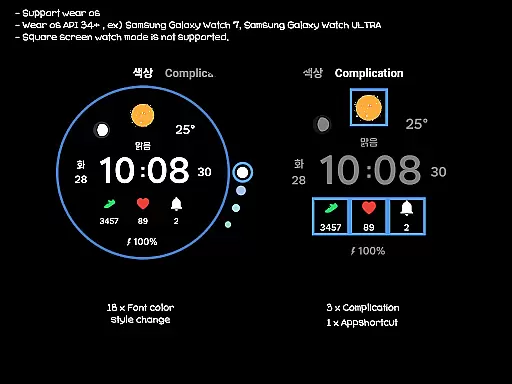
One of the standout features is the inclusion of multilingual support, allowing users worldwide to interact with the watch face in their preferred language. The 12h/24h digital time display and battery percentage indicators provide essential information at a glance. Additionally, the app supports up to three complications and one app shortcut, enabling further customization options.
Users can choose from 18 different font color styles to personalize their watch face. Although square screen modes aren't supported, the app's compatibility with various round-screen Wear OS devices ensures broad usability. The installation process is straightforward, either through the mobile guide app or directly via the Google app on the watch itself.
Weather Cupid 3D Gif provides accurate weather forecasts based on Samsung's API, ensuring reliable data for users. The temperature updates every 30 minutes, offering both Celsius and Fahrenheit support to cater to global audiences.
With multilingual support and animated 3D weather icons, the app delivers an intuitive experience while maintaining forecast precision. Users can manually update weather information through complications, ensuring they have the latest details at their fingertips.
The integration of moon phases and health information adds another layer of utility, making it more than just a weather app. This comprehensive approach ensures that users receive credible and actionable weather data tailored to their location.
This Wear OS watch face excels in providing temporal and spatial weather forecasts. Its automatic updates every 30 minutes ensure users stay informed about current conditions without frequent manual checks.
While the weather information may not always display after restarting the watch, this minor issue is quickly resolved by reapplying the watch face. Once operational, it offers localized weather insights, including UV index and battery percentage.
Although the forecast relies on Samsungu2019s API, which might differ slightly from other providers, the app ensures broad compatibility with various Wear OS devices. This makes Weather Cupid 3D Gif a dependable choice for those seeking timely and geographically relevant weather updates.
User-friendly interface
Customizable design
Reliable weather updates
Multilingual support
3D weather animations
Limited square screen support
Weather update delay
No manual sync option
Battery consumption
Occasional display issues

Ultimate weather forecast + moon phase for Wear OS 5+ (Pixel, Galaxy, et al.)
 4.70
4.70
Hourly and daily weather forecast, current condition, temperature, UV and more!
4.70
Retro TV-style digital watch face with weather, heart rate, steps & events!
4.5
Global weather forecast, powered by layered radar & hourly weather updates
4.10
Powerful US and worldwide earthquake feed with earthquake alerts and maps.
4.60
Accurate Weather App: various widgets, real-time storm radar, hurricane tracker.
4.50
Weather watch face for Wear OS 5+
4.40
My Aurora Forecast Pro is the app for the Northern Lights and Aurora Borealis.
4.70
Live NOAA weather app to track storm, rain, wind, lightning & real local updates
4.20
Aviation weather made simple. Visual decoder for METAR & TAF
4.90
My Tide Times Pro is the only tide tables and forecasts application you'll need.
4.80
The moon phases app for tracking the lunar calendar, blue moon and full moon.
4.80
Weather related custom complications for Wear OS. UV, Hi-Lo, AQI and more!
4.40
Personal Weather Station PRO - Meteo monitor to check your WU info and charts.
4.20
Stay ahead of the weather with Daily Weather
4.10
An unofficial app version of the National Weather Service (Weather.gov)
3.90
A powerful weather forecast to get real-time weather information
3.60
Most precise & accurate compass app give true North South East West directions.
3.00
Get instant weather & temperature predictions right on your Wear OS smartwatch!
4.3


User Reviews