
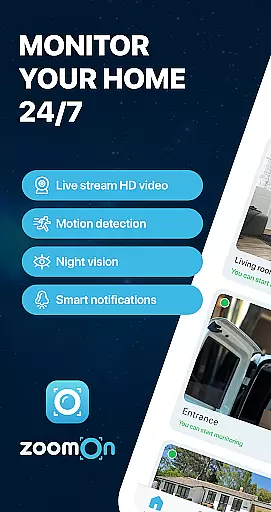
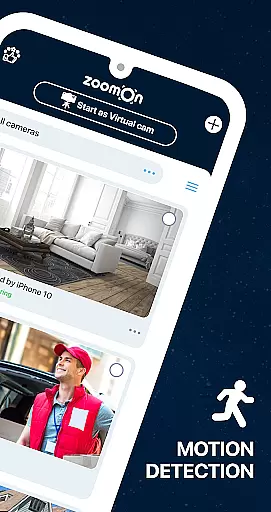
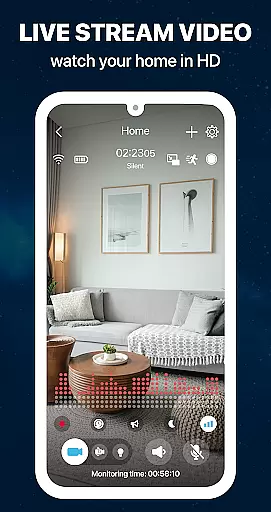
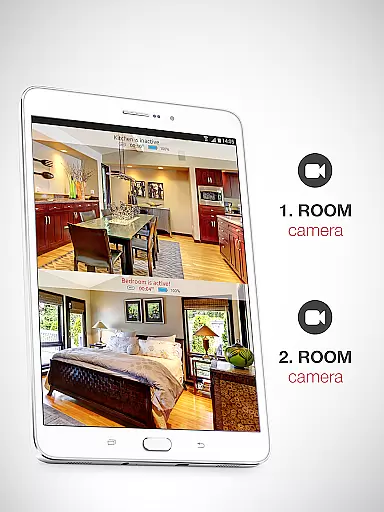
ZoomOn Home Security Camera is a smart home monitoring solution that transforms old smartphones into a robust security system. The app allows users to connect two devices, turning one into a surveillance camera and the other into a monitoring station. With features like live HD video streaming, motion detection, night vision, and two-way audio, it provides comprehensive home security.
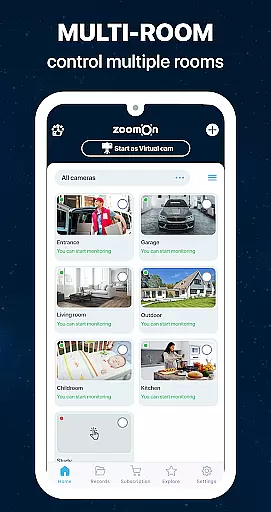
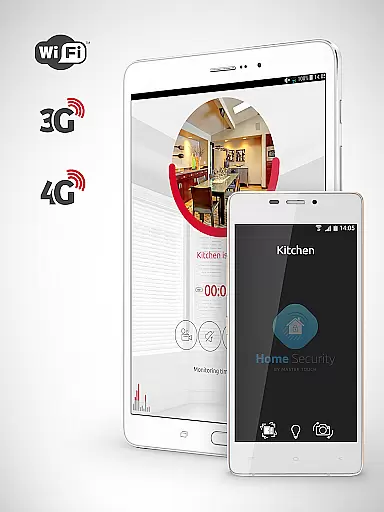
The app supports multi-room monitoring, making it ideal for safeguarding different areas of your house simultaneously. It operates seamlessly across various networks including WiFi, 3G, 4G, and 5G, ensuring uninterrupted connectivity. Whether you're at work or on vacation, ZoomOn keeps you connected to your home with smart notifications and secure encrypted communication.
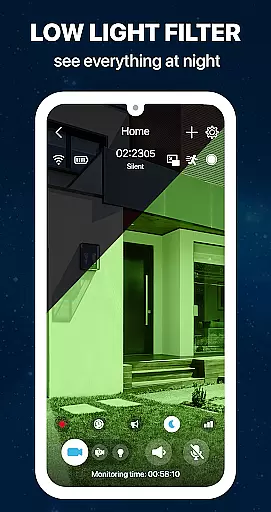
ZoomOn offers an impressive range of features designed to enhance home security. The live video streaming in HD ensures crystal-clear footage, while the unlimited reach across multiple network types guarantees reliable monitoring. Night mode with green screen filtering and flashlight functionality provides visibility even in complete darkness.
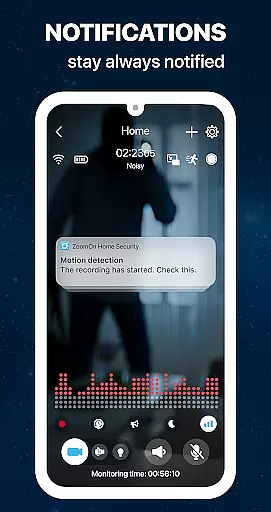
Advanced detection capabilities include motion and noise sensors that trigger instant alerts. Users can customize sensitivity settings and access detailed activity charts. The app also supports multi-platform usage and is compatible with some ONVIF-compliant security cameras, allowing integration with existing systems while maintaining top-notch security through private cloud encryption.
When it comes to home security, the authenticity of your monitoring system is crucial. ZoomOn Home Security Camera ensures that every connected device is verified and securely paired through a numeric or QR code authentication process. This guarantees that only authorized devices can access your live video stream.
The app's compatibility with ONVIF-compliant security cameras further enhances its reliability. By detecting available IP security cameras on your Wi-Fi network, ZoomOn allows you to integrate professional-grade equipment into your home monitoring setup. This feature ensures that all connected devices are genuine and fully functional.
Users benefit from complete peace of mind knowing that their security system is built on verified technology. The app's robust verification mechanisms prevent unauthorized access while maintaining seamless connectivity between devices.
This level of authenticity in device pairing and integration creates a trustworthy home security ecosystem, where every camera feed represents an accurate and real-time view of your property.
ZoomOn offers comprehensive home management features that transform any smartphone into a sophisticated security system. The app's multi-room monitoring capability allows users to strategically place multiple devices throughout their home, creating a network of surveillance points that cover every corner.
Advanced functionalities like motion detection, noise detection, and smart notifications provide proactive home management. Users receive instant alerts for suspicious activities or technical issues such as low battery warnings or connection disruptions, enabling them to respond quickly to potential threats.
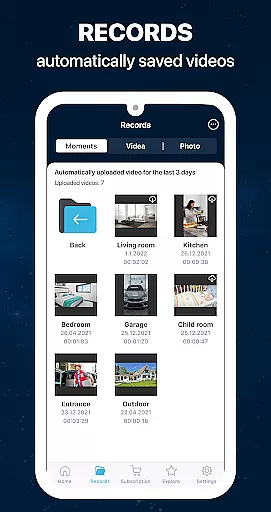
The time planning feature and automatic timeline generation offer structured monitoring sessions, helping homeowners maintain organized records of their property's security history. These tools facilitate efficient home management by providing clear documentation of monitoring periods.
By repurposing old smartphones and supporting various network types including WiFi, 3G, 4G, 5G, and LTE, ZoomOn delivers a cost-effective yet powerful home management solution that adapts to modern living needs.
User-friendly interface
Multi-room monitoring
HD video quality
Secure cloud encryption
Free trial available
Requires two devices
Subscription fees apply
Limited ONVIF compatibility
Battery drain on monitoring device
Dependent on network stability

Tailored Care Guides For Houseplants, Indoor Plants, Garden Plants & Flowers.
 4.60
4.60
B-hyve Pro App for landscape irrigation professionals
4.70
Find paints using a Color Muse & ColorSnap® Match
3.60
AI-powered home design, interior design, home decor, and room design solutions
4.50
Parcel Pending Resident App
4.50
The only mappable smart lights for custom decoration.
4.50
View houses and apartments for rent, updated daily.
4.80
Fire & Power Safety
4.50
WiZ smart light system
4.40
Download today to join the community to help bring lost pets home faster.
4.70
Plants, Beauty, Collectibles
4.60
Rent on-the-go with TurboTenant’s app made just for renters
4.50
Security App with HD Video, 2-way Audio, and event detection for Home monitoring
4.40
Plan your remodel AI home renovation easily using planner 5D and home decor AI.
4.40
3D House Design and AI Room Planner - from floor plans to full interior design.
4.40
For all of your Airthings devices
4.30
Control your Vivint Smart Home with the next generation Vivint App.
4.30
Design your dream home with 3D planning app, Visualize your dream home in 3D.
4.20
Draw your floor plan smartly. Make house design blueprint with home planner app
3.60


User Reviews