
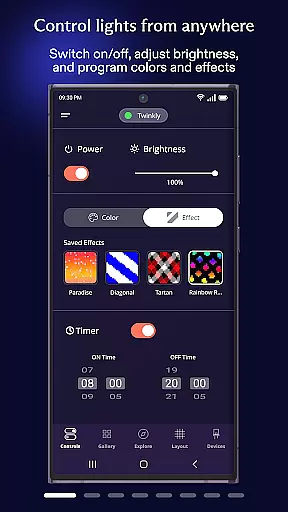
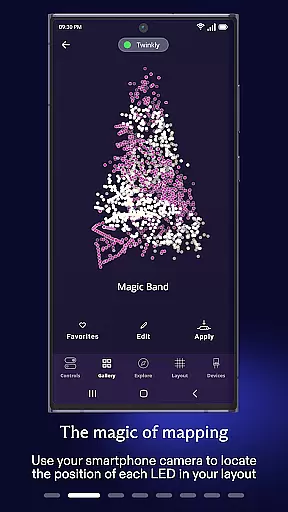
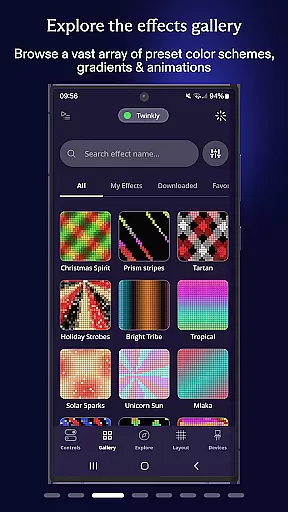
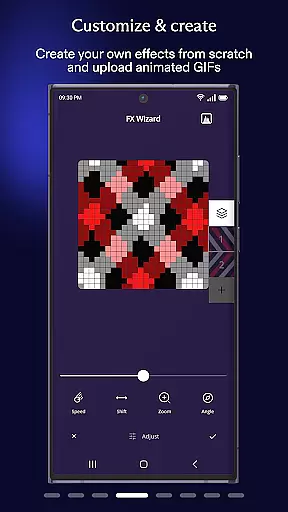
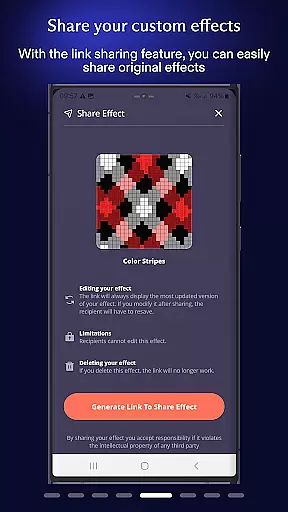
Twinkly is a smart lighting control application designed to enhance your home's ambiance through customizable light effects and intuitive device management. The app allows users to precisely map their LED lights, create stunning visual effects, and manage multiple devices within a single interface.
With support for advanced features like voice control integration through Amazon Alexa and Google Assistant, Twinkly makes it easy to adjust brightness, set timers, and even sync lights to music. Whether you're preparing for a holiday celebration or creating a personalized home atmosphere, this app provides the tools to bring your lighting visions to life.
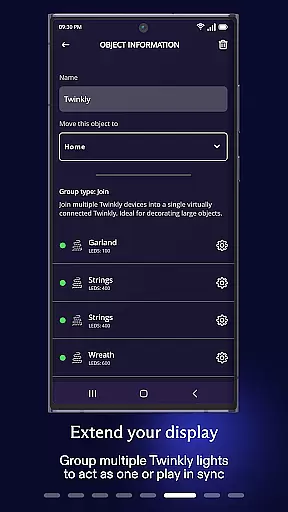
Twinkly offers an impressive array of features that cater to both casual users and lighting enthusiasts. The app's mapping functionality lets you design custom effects by arranging virtual representations of your lights. You can group multiple devices into installations, assign different user roles for shared spaces, and create automated playlists for various occasions.
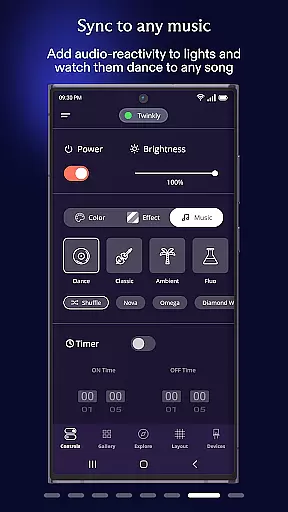
The application supports seamless integration with popular smart home ecosystems including Amazon Alexa and Google Assistant, enabling hands-free voice control. Advanced customization options allow you to fine-tune brightness levels, synchronize lights with music through Twinkly Music, and respond to environmental sounds. These features combine to create a comprehensive smart lighting solution that adapts to your lifestyle.
When it comes to managing your smart home devices, the authenticity and accuracy of listings are crucial. The Twinkly App ensures that every device you connect is accurately represented within the app interface.
This includes detailed mapping features that allow users to precisely position their lights and other Twinkly products. By doing so, the app guarantees that the effects and settings you apply will work as intended in your physical space.
The app also supports grouping devices into installations, which helps maintain an organized and authentic representation of your home setup. This feature allows for a more streamlined management process, ensuring all devices are accounted for and properly configured.
With verified compatibility with Amazon Alexa and Google Assistant, users can trust that their voice control functionalities are genuine and reliable, providing peace of mind when integrating these services into their home environment.
Effective home management is at the core of the Twinkly App's offerings. It provides a comprehensive suite of tools designed to enhance how you interact with your lighting and other connected devices.
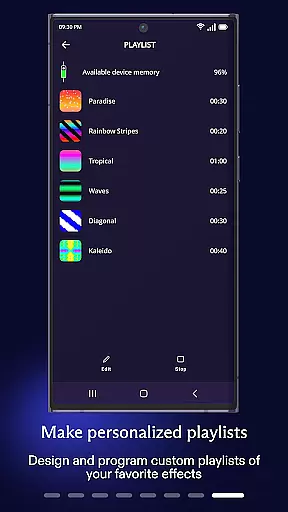
One standout feature is the ability to set timers and create playlists for your light effects. This functionality allows users to automate their lighting schedules, ensuring that their home ambiance is always just right without manual intervention.
The app also enables brightness adjustment across all devices, giving users precise control over their environment's lighting conditions. This level of granular control is essential for creating the perfect atmosphere for any occasion.
Furthermore, the integration with Twinkly Music adds another dimension to home management by allowing lights to sync with sounds and music. This feature transforms your living space into an immersive entertainment environment, showcasing the app's commitment to providing innovative home management solutions.
User-friendly interface
Voice control integration
Advanced effect customization
Multi-device management
Music synchronization
Premium features locked
Occasional connectivity issues
Limited color options
High energy consumption
Steep learning curve

Make Renting Easy
 4.40
4.40
Turn your phone into a wifi cam with smart features and umlimited reach.
4.20
SmartRent - Opening Doors To A Smarter World
4.40
Innovative and budget-friendly housing options
4.60
Night Owl Protect helps you secure, protect, and connect your world!
4.60
Fire & Power Safety
4.50
Control your thermostat, comfort, and home monitoring from your phone
4.30
MLS-powered real estate app to find homes for sale & apartments for rent
4.70
Find homes for sale and apartments for rent in the best neighborhood.
4.70
Home Ideas | Renovation Advice | Local Pros. Go From Dream to Home with Houzz.
4.70
Search for Homes, Rentals, Agents & Schools
4.70
AI-powered home design, interior design, home decor, and room design solutions
4.50
Parcel Pending Resident App
4.50
Rent on-the-go with TurboTenant’s app made just for renters
4.50
Security App with HD Video, 2-way Audio, and event detection for Home monitoring
4.40
Set up your devices, customize settings, and monitor your home—from anywhere
4.40
Smart AI plant care schedules, Real plant experts, support & Thriving community!
4.20
Samsung remote app helps control all Samsung Smartthings TVs. Fast and Stable!
4.10
Use Home by ShowingTime to easily manage showings, tours, feedback and more
3.60


User Reviews