
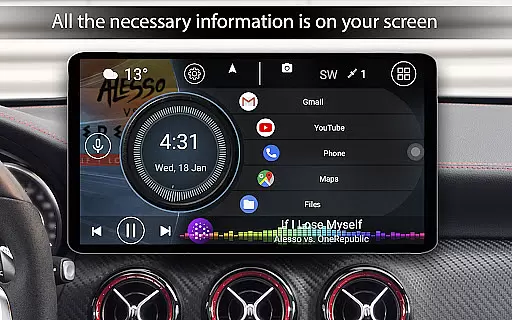
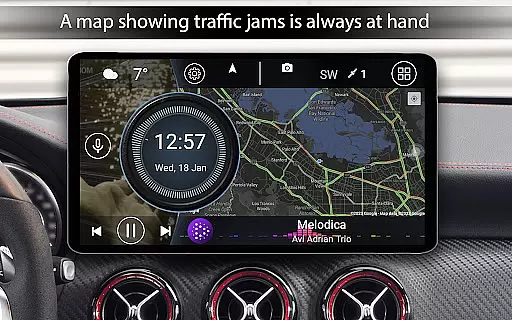
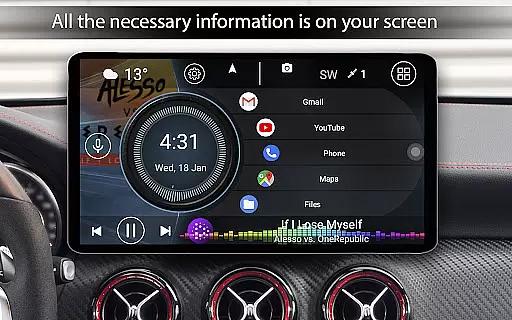

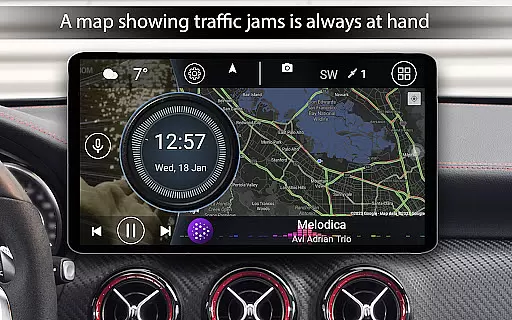
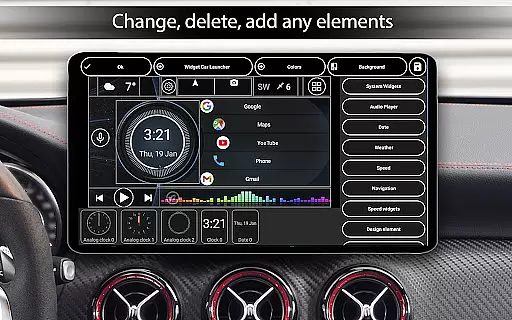
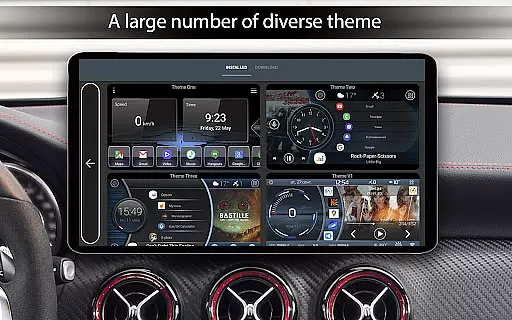
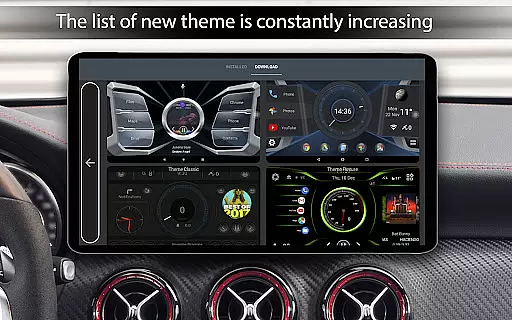
Car Launcher Pro is a specialized application designed for automotive use, enabling users to seamlessly interact with their devices while driving. This app transforms your phone, tablet, or car stereo system into an intuitive interface tailored for vehicle environments.
The program combines essential features such as GPS-based speed display, customizable widgets, and an easy-access menu for quick app launching. It also includes an onboard computer that tracks trip data, providing valuable insights into distance traveled, average speed, and acceleration metrics.
Ideal for drivers who require quick access to navigation, media controls, and vehicle performance stats, Car Launcher Pro enhances the driving experience by offering a safe and efficient way to use Android devices on the road.
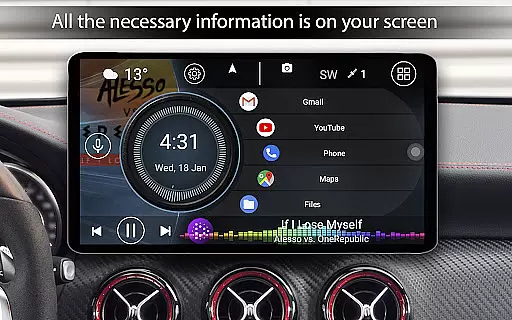
Car Launcher Pro boasts an array of innovative features that cater specifically to drivers. One standout capability is its advanced speed tracking, which displays current speed prominently on the home screen using GPS data, ensuring drivers can monitor their speed at a glance.
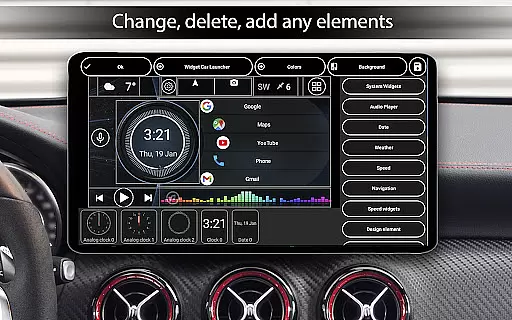
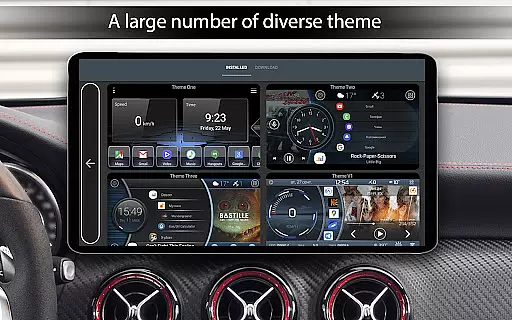
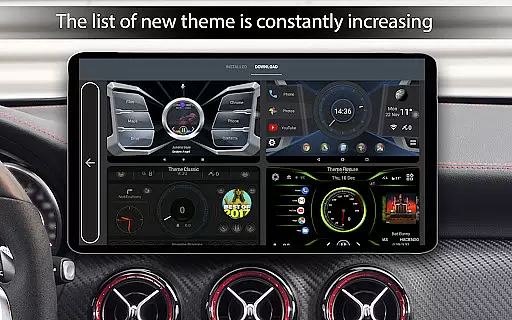
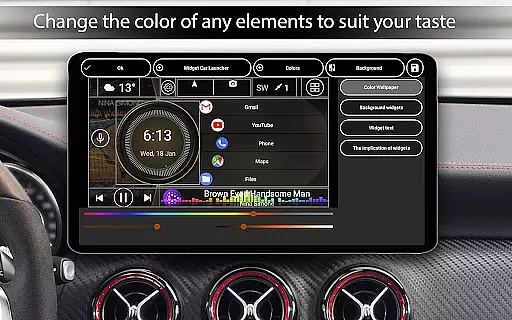
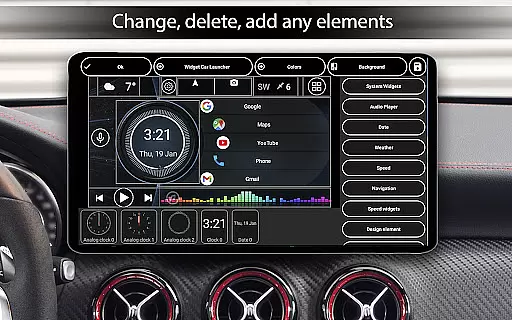
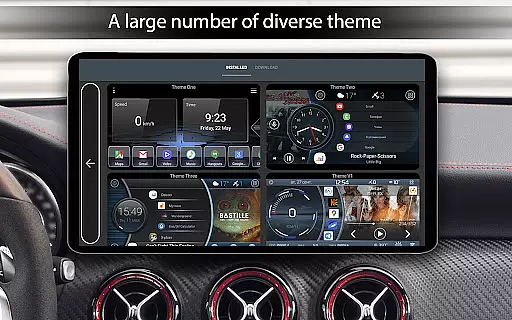
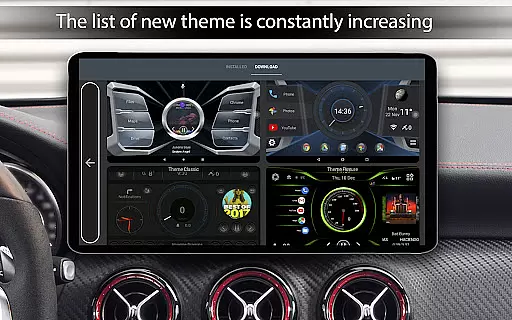
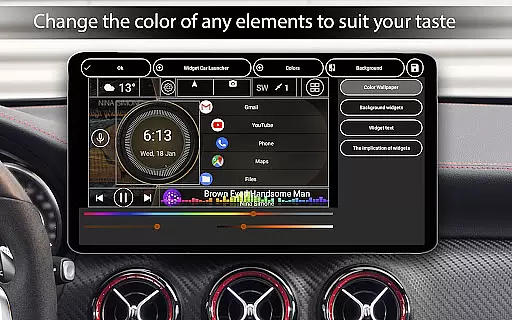
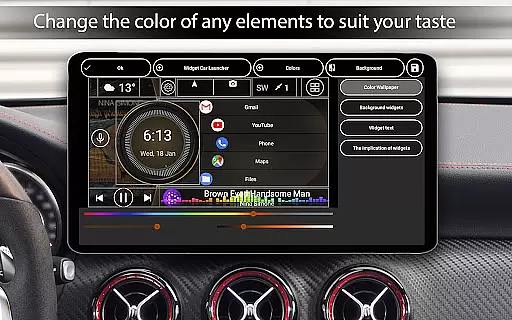
The app offers extensive customization options, allowing users to tailor the interface with different themes, color schemes, and widgets. Users can create personalized layouts featuring analog speedometers, address widgets, and more, making it adaptable to individual preferences and needs.
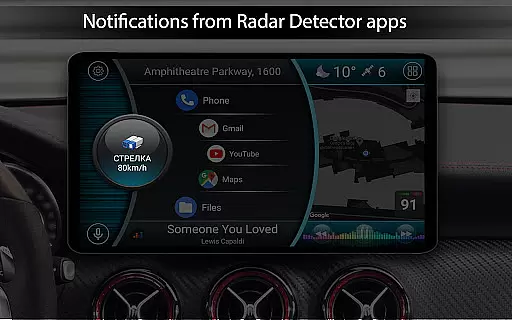
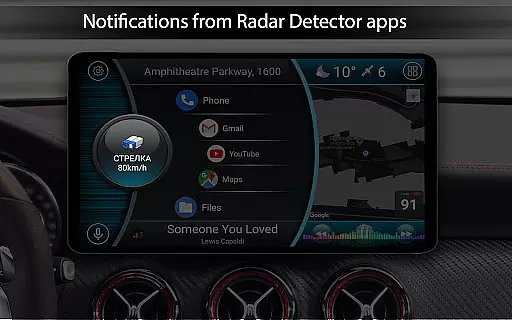
Additionally, the launcher supports third-party plugins for weather updates, music player integration, and system widgets, enhancing functionality. Its automatic brightness control and screen saver modes further optimize usability during day or night driving conditions.
Car Launcher Pro provides comprehensive vehicle data through its advanced interface, making it an essential tool for drivers who want to stay informed about their car's performance. The application uses GPS data to display real-time speed, distance traveled, and average speed directly on the home screen.
The level of detail extends to specific metrics like maximum speed, acceleration times from 0 to 60 km/h, 0 to 100 km/h, and even 0 to 150 km/h. These measurements help users understand their vehicle's capabilities in various driving conditions. Additionally, the app tracks quarter-mile times, offering a benchmark for performance enthusiasts.
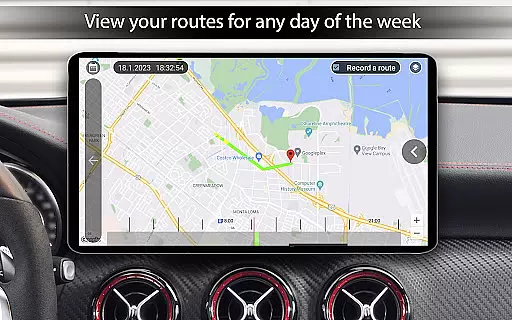
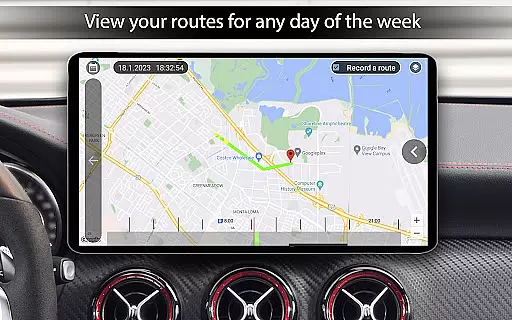
What sets this app apart is its ability to provide detailed analytics over different time periods - trip duration, daily, weekly, monthly, or since installation. This feature allows users to monitor trends in their driving habits and make necessary adjustments for optimal vehicle use.
All displayed information can be customized to show either kilometers or miles, catering to user preferences and regional standards. The app's integration with the vehicle's system ensures that all data is accurate and up-to-date, providing peace of mind for drivers who rely on precise vehicle information.
One of the key advantages of Car Launcher Pro is its transparent pricing model for premium features. While the basic version offers substantial functionality, the PRO version unlocks advanced capabilities without hidden costs or subscription fees. Users can clearly see what features are available in each version before making a purchase decision.
The app provides detailed descriptions of both free and paid features, ensuring customers understand exactly what they are getting. For instance, while the free version allows adding applications for quick launch, the PRO version enables creating multiple folders for better organization. This clarity helps users determine which version best suits their needs.
Additional premium features include enhanced customization options, such as advanced widget settings and expanded theme support. These features come with a one-time payment, eliminating concerns about unexpected charges. The app also displays all costs upfront during the setup process, maintaining complete transparency throughout the user journey.
This straightforward approach to pricing builds trust with users, as they can access powerful vehicle management tools without worrying about concealed expenses. The visible value proposition makes upgrading to the PRO version an easy decision for those seeking full functionality.
User-friendly interface
Customizable widgets
GPS speed tracking
Onboard computer
Third-party plugin support
Limited free version
Background GPS drains battery
Complex setup process
Premium features cost extra
Occasional bugs reported

Theme for Car Launcher
 4.3
4.3
Listings of Tesla's with FSD - Included package
4.60
A full featured, real-time transit locator system
4.30
Boost profits and hit your goals faster with GigU's amazing tools for gigworkers
4.00
BlueDriver® is a Premium Diagnostic OBD2 Scan Tool. www.BlueDriver.com
3.90
Shop cars & see your financing
4.60
Available in select states.
4.00
Your go-to app for car, truck & SUV parts, DIY tools, and expert repair help.
4.70
Autotrader is your online solution for buying and selling new and used cars.
4.40
Trip computer+car diagnostic tool with widest variety of features and dashboard!
4.70
Browse millions of cars, track vehicle listings or sell your car today
4.70
OBDII - ELM327 Terminal tool for 96-00 Volvos
4.50
Your car is talking. Start listening.
4.30
ODB2 based monitoring application for the Chevy Bolt (2017-2021)
4.00
Simplify your drive
3.90
Mobile Phone Parking - So easy to park
3.70
Earn and save with Fuel Rewards®
3.20
Attention! This is the theme for the Car Launcher app
4.2
Theme for Car Launcher
4.0


User Reviews