
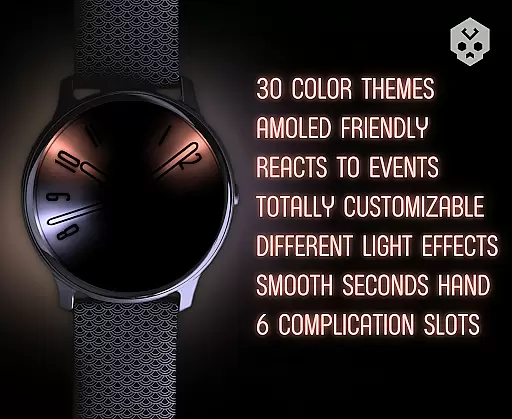
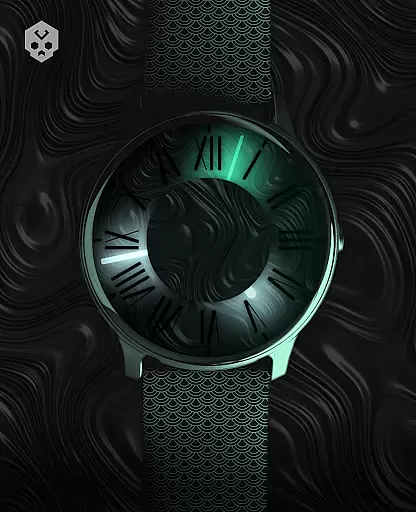
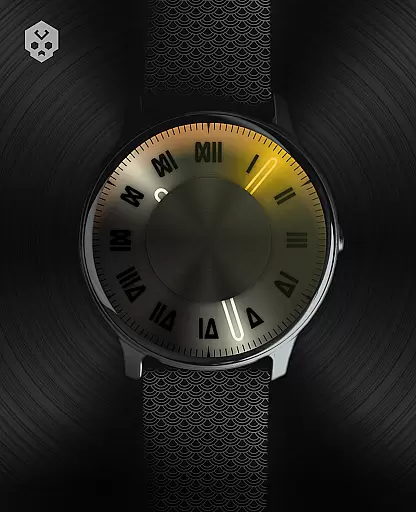

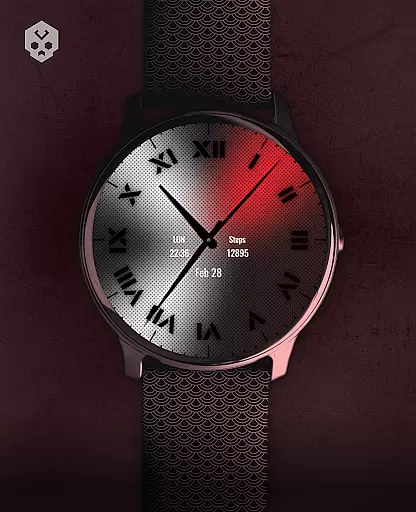
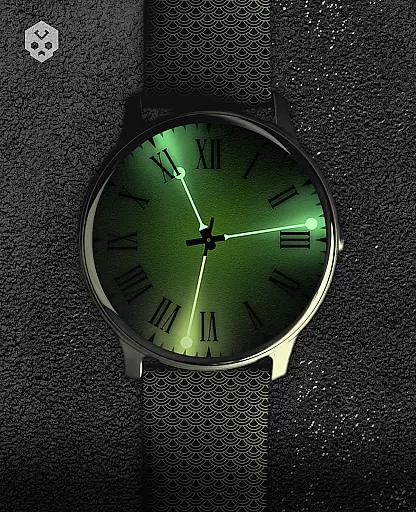
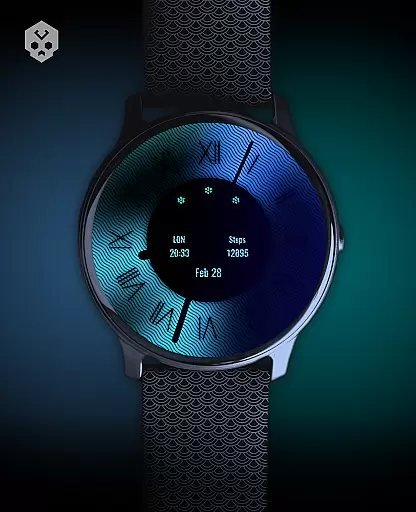
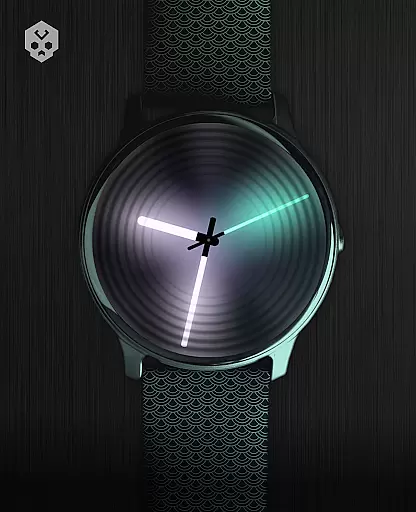
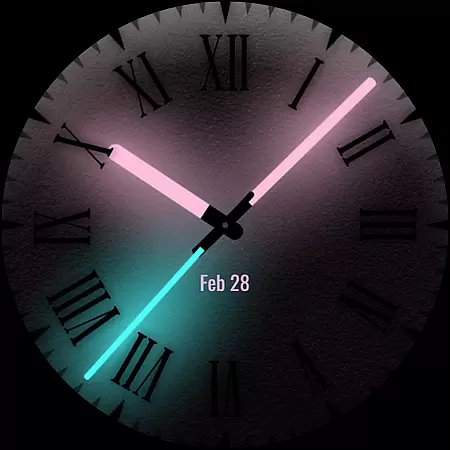
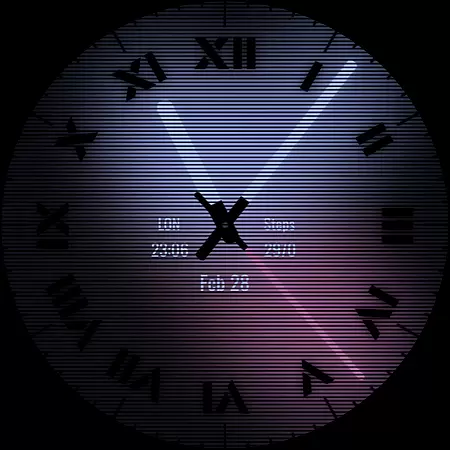
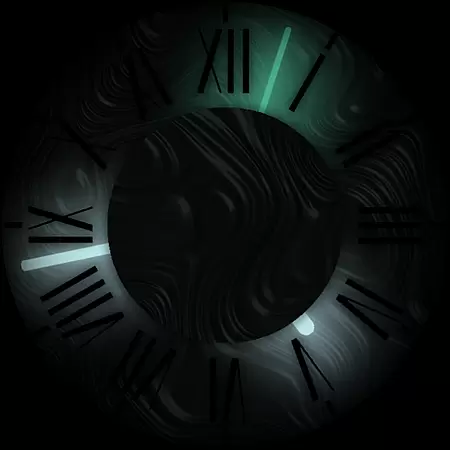

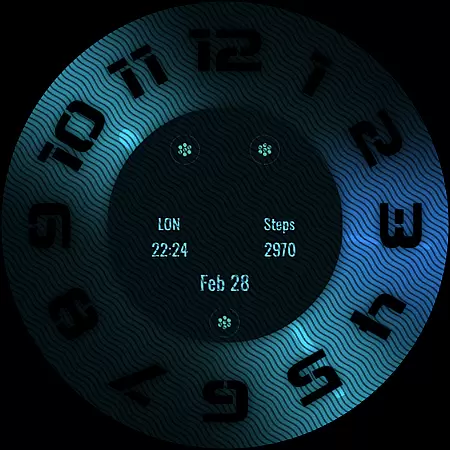
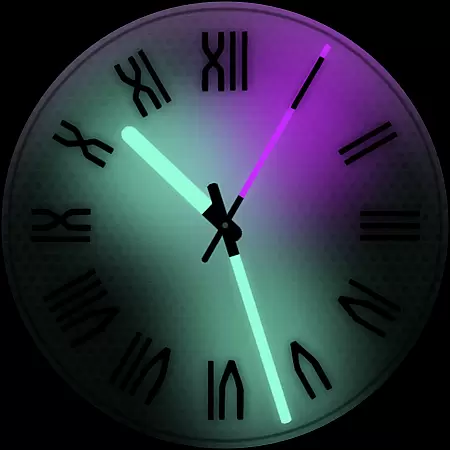
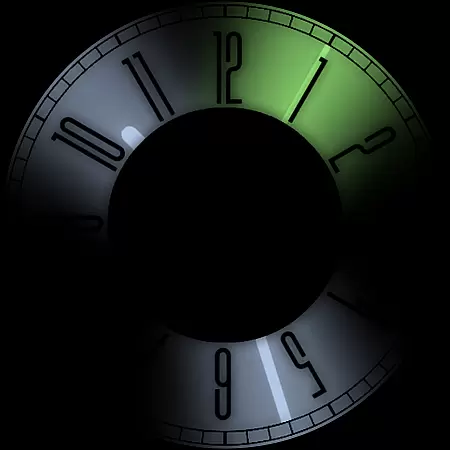
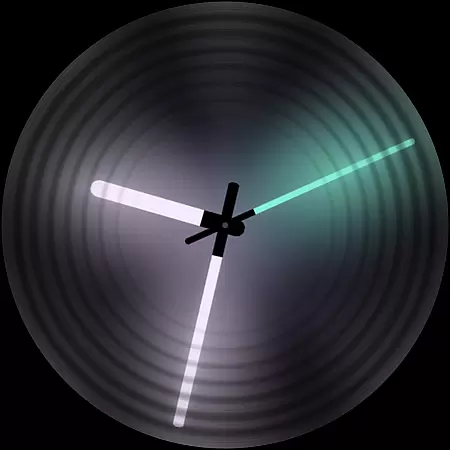
Dark Metal Saber Watch Face is a highly customizable Wear OS watch face designed for style-conscious users. It offers 30 color schemes and numerous customization options, including clock hands, index, decorator, and more. The watch face reacts to low battery, notifications, and charging, ensuring both functionality and aesthetics.
This standalone app works on various smartwatches like Samsung, Mobvoi Ticwatch, Fossil, Oppo, and Xiaomi. Its unique handcrafted design makes it stand out from other watch faces. With 5 customizable complications in different sizes, users can personalize their experience while enjoying an easy-to-use interface.
Dark Metal Saber stands out with its extensive customization capabilities. Users can choose from 30 color schemes and modify clock hands, index, decorators, overlays, backlight, logo, and background. The watch face also reacts dynamically to low battery, notifications, and charging states.
The companion app simplifies installation and management. Despite some compatibility issues with non-Wear OS devices, the app provides clear instructions and support. Regular updates ensure bug fixes and feature enhancements, maintaining a balance between style and functionality.
Customization is at the heart of Dark Metal Saber Watch Face, offering users an extensive range of options to tailor their smartwatch interface. With 30 color schemes available, this application allows for personal expression through a diverse palette that caters to every style and mood.
Beyond colors, the app provides numerous customizations including clock hands, index decorators, overlays, backlight settings, logos, and backgrounds. Each element has been designed with meticulous attention to detail, ensuring that users can craft a look that's uniquely theirs while maintaining the sleek aesthetic inspired by shades and lights.
The ability to react to low battery, notifications, and charging states adds another layer of functionality. This responsiveness not only enhances visual appeal but also ensures practicality in everyday use. By adapting its appearance based on these conditions, it keeps you informed at a glance without compromising on style.
Dark Metal Saber Watch Face stands out for its seamless integration across various Wear OS devices, ensuring consistent performance and visual fidelity regardless of whether you own a Samsung, Mobvoi Ticwatch, Fossil, Oppo or Xiaomi smartwatch. Its native standalone nature guarantees broad device support without sacrificing quality.
This watch face is crafted with compatibility as a priority, allowing users to enjoy their personalized design on many leading smartwatch brands running Wear OS. The handcrafted approach taken during development means that each feature works harmoniously within different hardware environments, delivering an experience tailored specifically for your wristwear.
Moreover, with easy-to-use companion app features such as straightforward installation procedures and uninstallation options, managing your customized themes becomes hassle-free. Whether setting up new designs or troubleshooting potential issues like account mismatches between phone and watch, comprehensive guidance ensures smooth operation throughout your customization journey.
Highly customizable
Unique handcrafted design
Reacts to device states
Multiple color schemes
Regular updates
Paid app
Compatibility issues
Requires same account
Limited to Wear OS
Installation steps

Classic analogue watch face. For wear os devices.
 4.60
4.60
Ultra realistic gold analog watch face with lots of customization options.
4.50
Fingerprint Lock Screen & Live Animations with 4K Wallpapers as Live Wallpaper
4.40
Interactive Miniature Painting Catalogue
3.30
More than 3000+ themes and 9000+ wallpapers for everybody!
4.10
Zip lock screen with magic wallpaper to decorate your phone with fun zipper lock
4.60
Icons made of colorful linear lines
4.60
Your home screen, just the way you like it.
3.80
Cool custom fonts & keyboard themes! Symbols & font changer for Instagram
4.50
350+ widgets with a premium glass-style finish, perfect for home & lock screens.
4.70
400+ Beautifully crafted widgets inspired by NOTHING.
4.70
Embrace the Night. Unleash the power of darkness with Raven Dark Icon Pack
4.60
App Icon Changer & Shortcut Creator. Customize your icons without any watermarks
4.30
Launcher OS™ Pro without ads help make your phone simple and pretty
4.30
Realistic animated snow on your wrist, with 10 images landscapes to choose from
4.00
Transfer your live wallpapers from Windows to Android using Wallpaper Engine!
4.00
Emoji Maker app - Design custom emojis and effortlessly blend them with Mixer
3.80
Adaptive Dot Style IconPack with Light & Dark Theme.
3.70
⭐ OneUI inspired Fluffy Icon Pack – Soft. Stylish. Standout. ⭐
4.1


User Reviews