
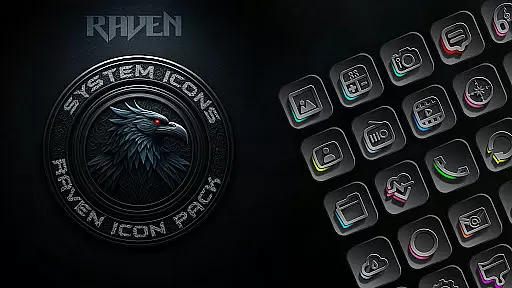
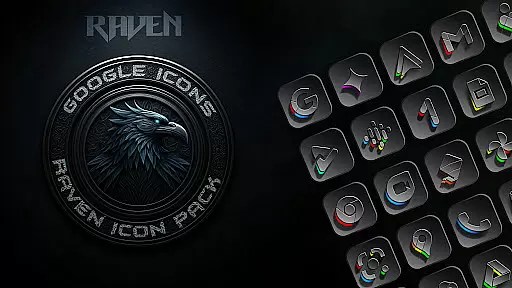
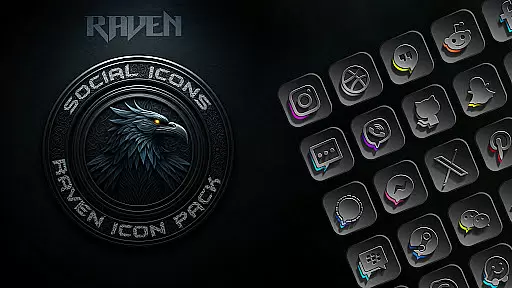
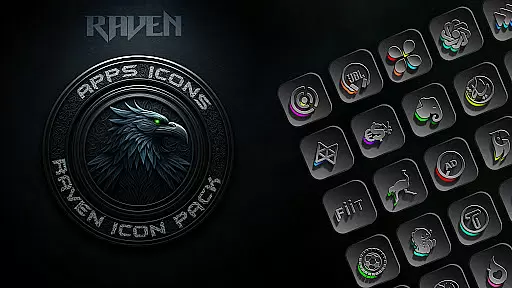
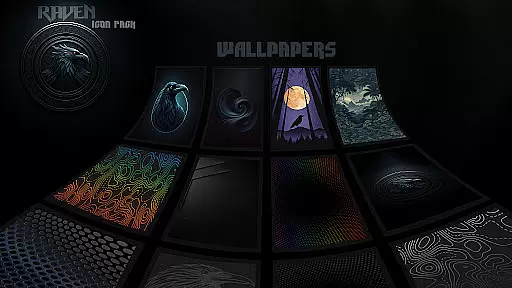
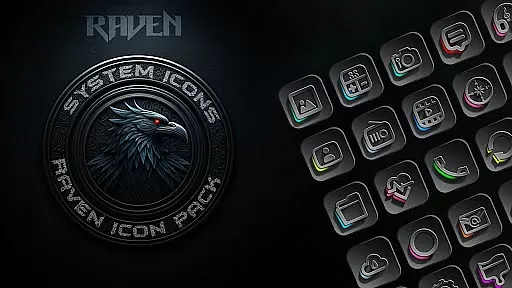
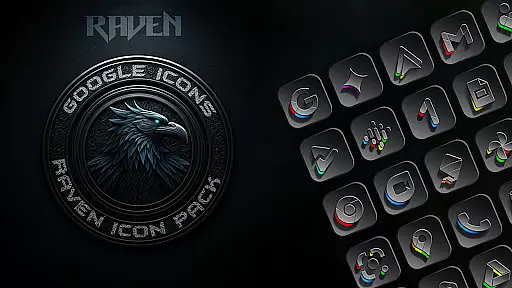
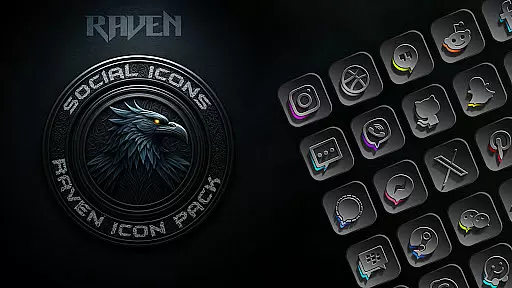
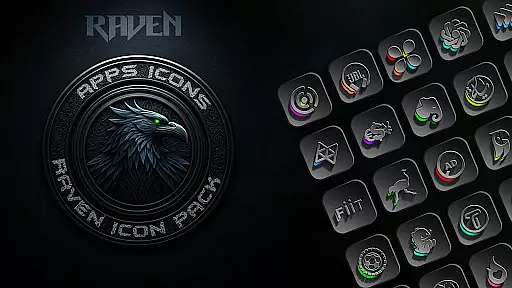
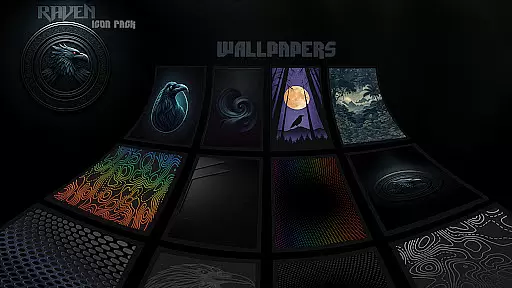
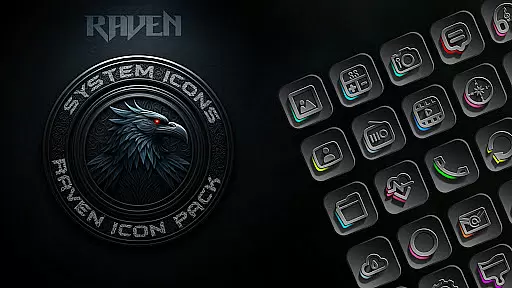
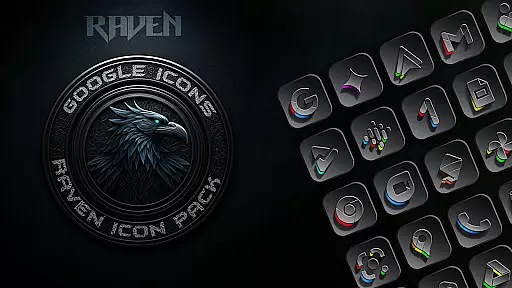
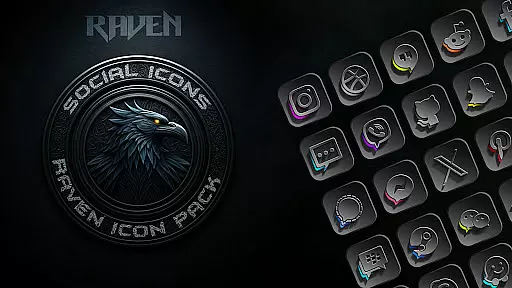
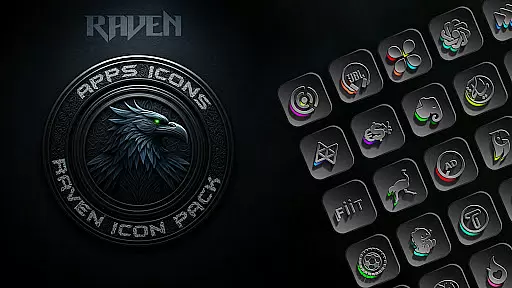
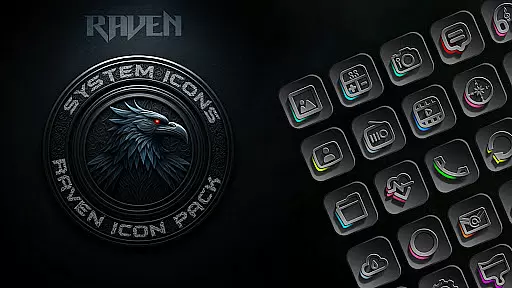
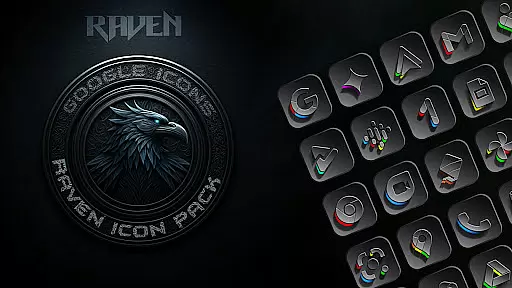
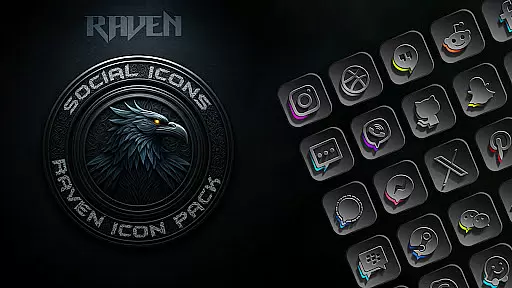
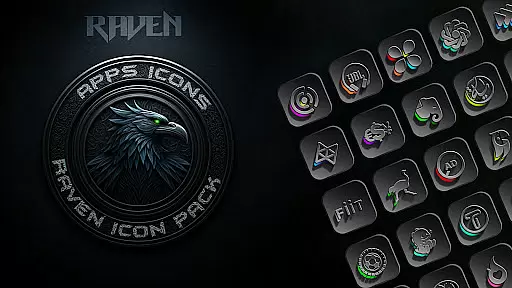
Raven Dark Icon Pack offers a sleek, dark-themed collection of 4500+ icons designed to give Android devices an elegant and mysterious aesthetic. With compatibility across most launchers, it allows users to customize their home screens with ease.
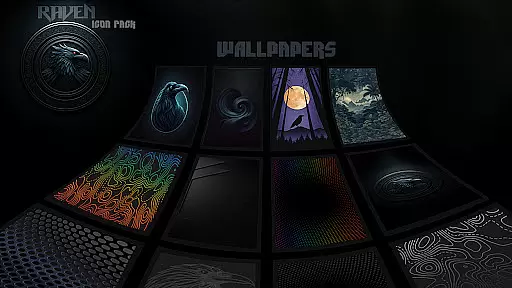
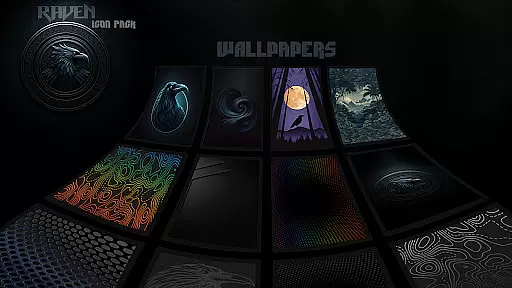
The pack features minimalist designs, regular updates based on user requests, and cloud-based wallpapers that complement its nocturnal theme. Its deep blacks, greys, and vibrant accents create a captivating look while maintaining functionality and visual harmony.
This icon pack stands out with its vast library of unique icons, including alternate designs for popular apps. The dark and moody color palette is enhanced by subtle vibrant accents, offering both style and usability in one package.
Users benefit from regular updates ensuring new icons are added frequently. Additionally, the inclusion of an icon request tool empowers users to ask for specific app icons not yet included. Cloud-based wallpapers further enhance personalization options, making this pack a comprehensive solution for those seeking a stylish interface transformation.
Raven Dark Icon Pack offers an extensive range of customization options that cater to personal preferences and device aesthetics. With over 4500 unique icons, users can transform their Android home screens into a sleek, dark-themed interface.
The pack includes alternate icons for popular apps, ensuring that most of the frequently used applications are covered. This vast selection allows users to enjoy a cohesive look across their devices, enhancing visual harmony and providing a professional finish to their home screens.
Additionally, the inclusion of a cloud-based wallpaper selection gives users the ability to complement their icon choices with stunning, curated backgrounds. This feature ensures that the overall aesthetic is not only limited to app icons but extends to the entire screen, offering a complete customization experience.
Compatibility is a crucial aspect of any icon pack, and Raven Dark Icon Pack excels in this area by supporting a wide array of launchers. From popular choices like Nova Launcher to more niche options such as Zero Launcher, this pack ensures that users can apply their desired theme regardless of their launcher preference.
For Samsung users, the pack requires Android 12 with Samsung One UI 4.0 or newer, alongside the Theme Park app from the GOOD LOCK store, to fully utilize its features. This compatibility ensures that even those with specific device requirements can enjoy the benefits of a personalized, dark-themed interface.
It's important to note that while Google Now Launcher does not support icon packs, the comprehensive list of supported launchers means that most users will find a suitable option. This broad compatibility enhances user accessibility, allowing more people to experience the elegance and functionality of the Raven Dark Icon Pack.
Extensive icon library
Regular updates
Cloud-based wallpapers
Icon request feature
Wide launcher support
No Google Now Launcher support
Requires compatible launcher
Limited Samsung compatibility
Premium price tag
Design may not suit all

Customizable Glass widgets. Over 360+ stunning widgets and more!
 4.70
4.70
Wear Os Watch Face - Seasonal - Animated Snow Effect - 9 Animals
4.20
App Icon Changer & Shortcut Creator. Customize your icons without any watermarks
4.30 3.50
3.50 4.50
4.50
HappyLighting is a Bluetooth lamp control software.
3.40
Unleash Your Creativity and Connect with Loved Ones with Lockscreen Drawing!
4.20
One 8 icons glass color version
4.80
300+ Stunning and well-designed widgets inspired by NOTHING.
4.70
Shimeji adds cute animated characters to your screen, lively and fun.
4.70
A minimalist productivity launcher. One-hand-friendly. Zero ads.
4.70
Bring adorable pets to life on your screen. Playful, interactive and full of fun
4.60
300+ widgets inspired by Material You and Material 3 expressive design.
4.60 4.50
4.50
Yandex Browser — stylish and secure, with voice search and data compression
4.40
Themes - Widget & Wallpaper: Customize home screen, icon changer w unique themes
4.30
Run multiple accounts of the same app on a single device
4.10
Prank your friends with realistic broken screen and cracked HD effects!
4.2
Modern Glass Icon Pack with glossy icons, clean minimal theme & aesthetic style
4.4


User Reviews