
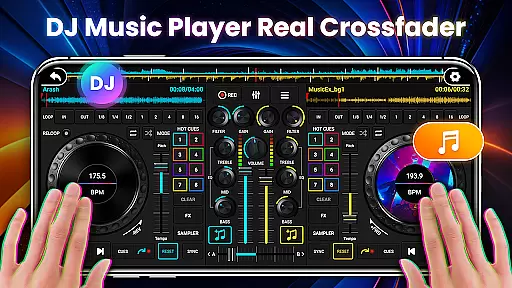
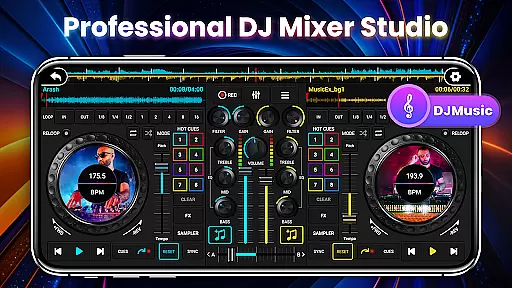
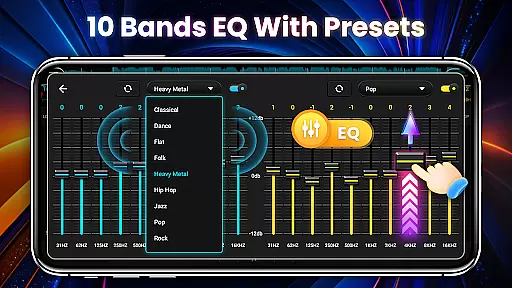
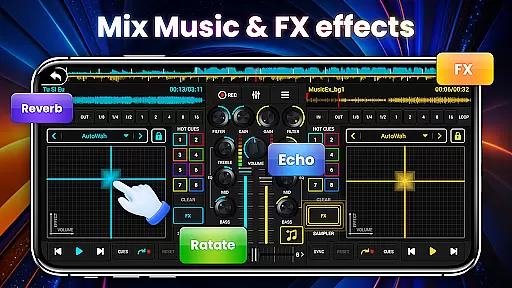
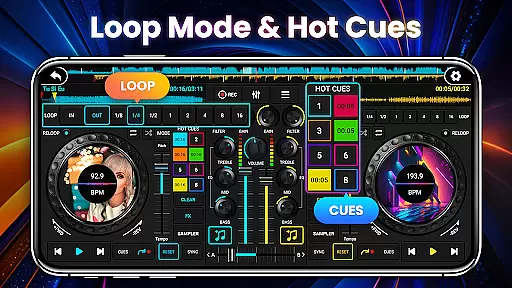
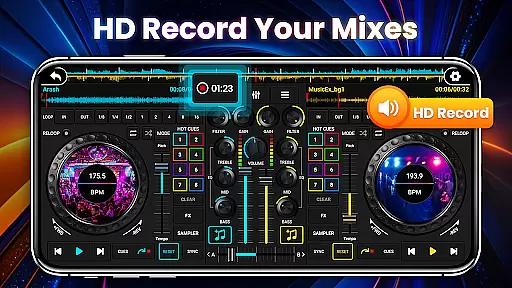
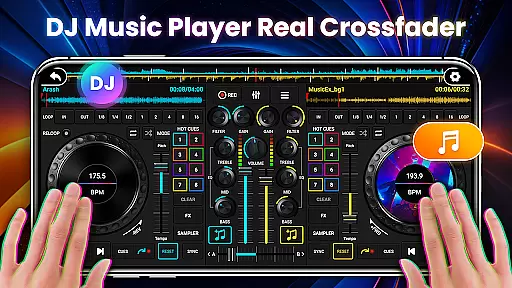
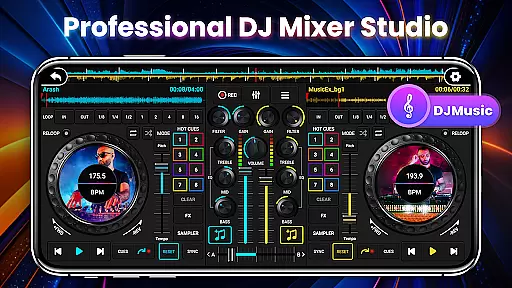
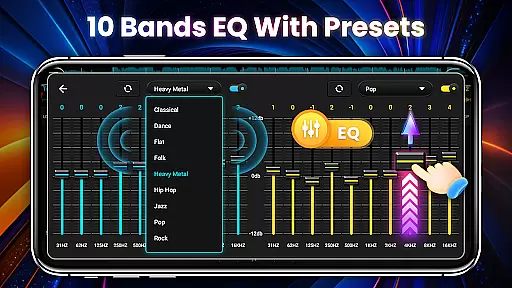
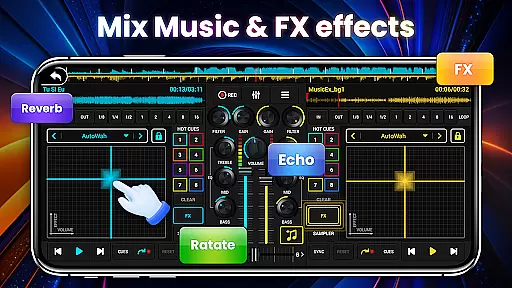
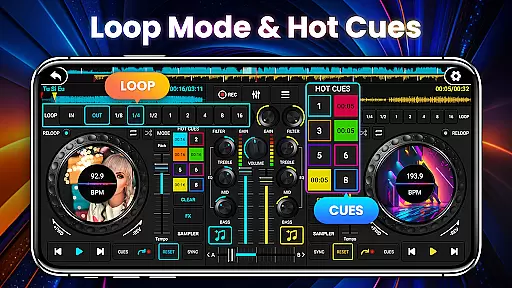
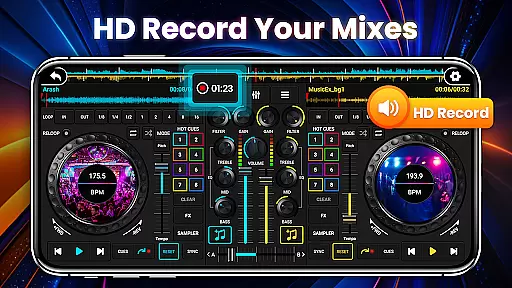
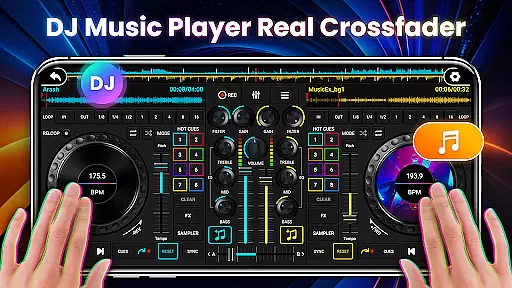
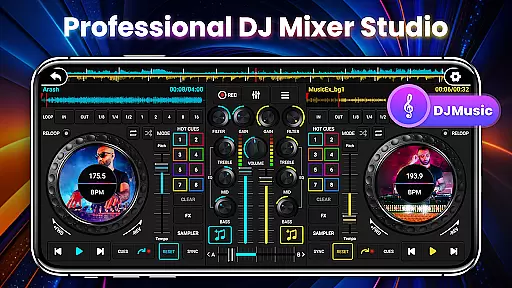
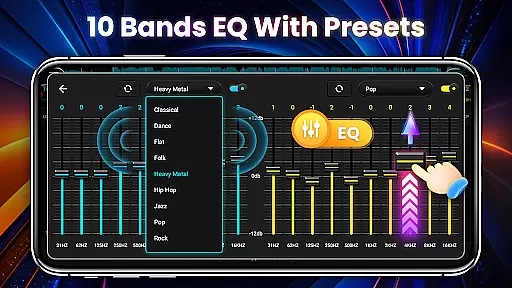
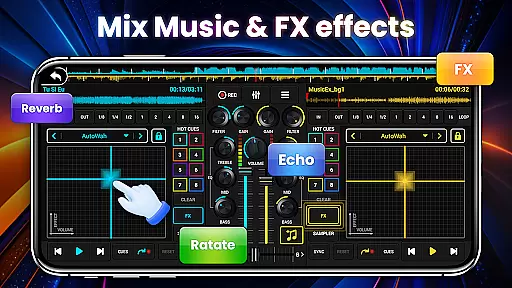
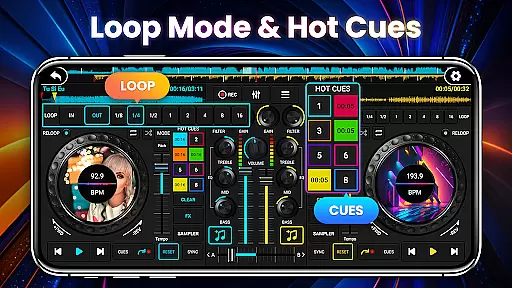
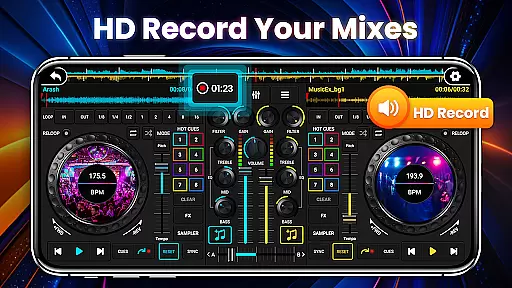
DJ Mixer Studio Pro is a professional-grade virtual DJ music studio designed for both beginners and experienced DJs. The app offers an ad-free experience with advanced features like a 3-band EQ mixer, FX effects, and a 10-band equalizer with bass booster. It simulates a real DJ console, providing users with an interactive experience where they can slide control bars, rotate knobs, and scrub discs back and forth.
The app supports simultaneous playback on two decks, allowing users to create stunning remixes and music effects. With precise BPM synchronization, high and low pass filters, and crossfader functionality, it meets the needs of professional DJs while remaining accessible to newcomers. Its intuitive interface and beginner tutorials make it suitable for all ages, enabling users to quickly master professional DJ skills.
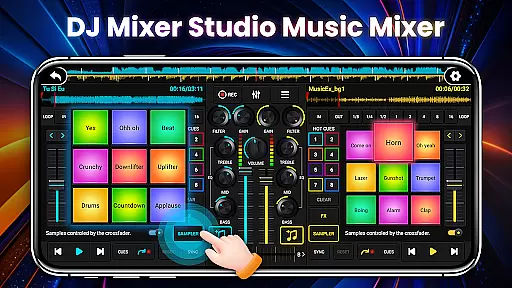
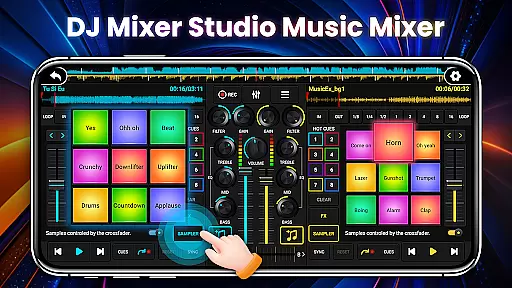
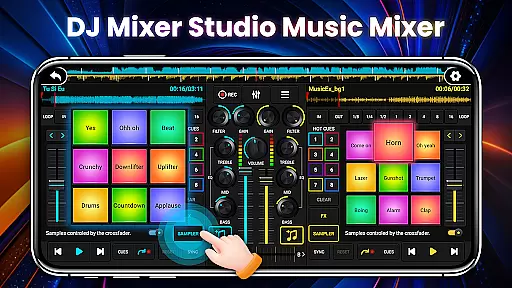
DJ Mixer Studio Pro stands out with its comprehensive feature set tailored for professional music mixing. The app includes seven FX effects processors such as AutoWah, Echo, and Reverb, along with eight loop modes ranging from 1/8 to 16 beats. Users can set up to eight hot spots and access 27 free sample packages with stunning sound effects.
The app's interface simulates a real DJ console, adapting to the phone's screen size with color-coded buttons for intuitive operation. It provides real-time BPM display and synchronization between tracks, ensuring smooth transitions. The tone-locking function allows BPM adjustments without affecting pitch, while the crossfader enables seamless volume transitions between tracks. These features combine to create a natural and professional DJ experience.
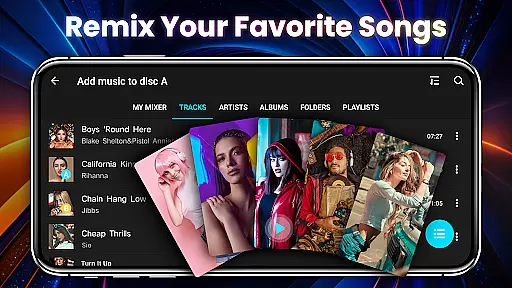
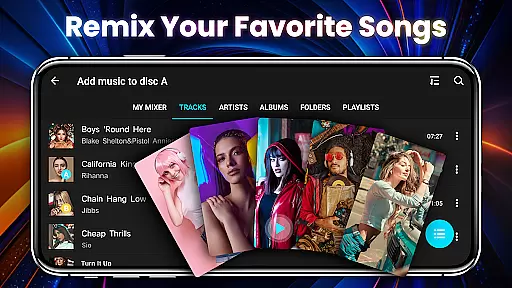
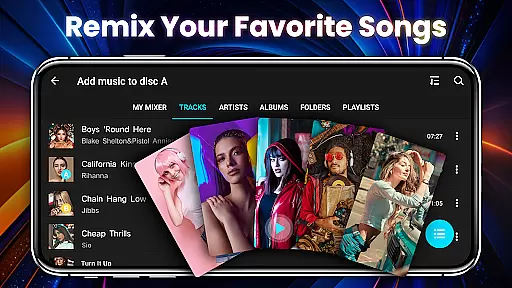
In the realm of DJ Mixer Studio Pro, users are granted access to an extensive music library that caters to all their mixing needs. This vast collection is not just about quantity but also quality, ensuring that every track is licensed and cleared for use, thus upholding copyright authenticity.
The application meticulously curates its music offerings, providing a diverse range of genres and styles that inspire creativity and innovation in music mixing. Users can explore various sounds and beats, knowing that each piece respects intellectual property rights.
Furthermore, the app's commitment to copyright compliance means peace of mind for DJs who wish to share or even monetize their mixes. With DJ Mixer Studio Pro, artists can focus on honing their craft without worrying about legal repercussions related to unauthorized music usage.
DJ Mixer Studio Pro stands out with its superior audio quality options, allowing users to fine-tune their listening experience. The app supports high-definition audio formats, ensuring crystal-clear sound reproduction that captures every nuance of a track.
Users have the flexibility to adjust audio settings according to their preferences or equipment capabilities. Whether itu2019s tweaking the equalizer for optimal bass and treble balance or selecting from multiple bitrate options for streaming, the app empowers DJs to deliver professional-grade sound.
This dedication to audio excellence enhances the overall user experience, making DJ Mixer Studio Pro an indispensable tool for both amateur enthusiasts and seasoned professionals looking to elevate their performances with pristine sound quality.
User-friendly interface
Comprehensive FX options
Real-time BPM sync
Ad-free experience
Professional-grade tools
High learning curve
Resource-intensive
Limited free samples
No cloud backup
Premium price tag

The Cubase remote control app
 3.60
3.60
Full-featured, High-Quality Groovebox Workstation, perfect for Live Performance!
4.80
Most Advanced AI Song Generator and Music Creator. Rap, Pop, Rock, Gospel & more
4.70
Brian Eno and Peter Chilvers’ acclaimed music app Bloom, radically reinvented.
4.80
The only true audiophile music player with Hi-Fi audio rendering and DSP engine
3.90
Slow music down without changing pitch.
3.70
Learn the notes on the guitar fretboard fast with this easy and fun app
4.60
Sing, record, and create music together — enhanced by smart voice tools.
4.00
Turn Every Moment into Music
3.60
Make songs with AI! Any genre, custom lyric, song generator for music creation!
4.80
Simple & Intuitive Metronome
4.70
Offline Music Player&MP3 Player with themes, equalizer, lyrics, music play mode
4.60
Guzheng Master supports many playing techniques as an acoustic Guzheng
4.50
Powerful 10-Band equalizer pro with sound booster improves Android audio quality
4.30
The alternative folder based music player.
4.20
Versatile MP3 recorder with auto-backup to Dropbox and Google Drive
4.10
Turn your phone into a musical instrument from the future!
3.90
Simple mp3 and mp4 player with advanced features.
3.40
Control your MIDI USB or Bluetooth devices in app and avoid some trampling
3.30


User Reviews