
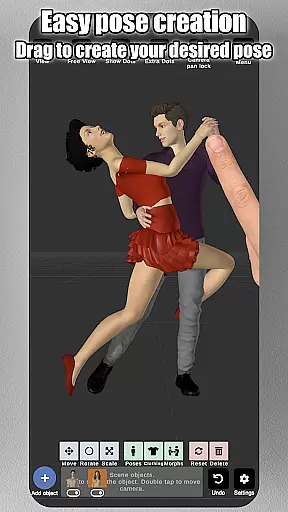
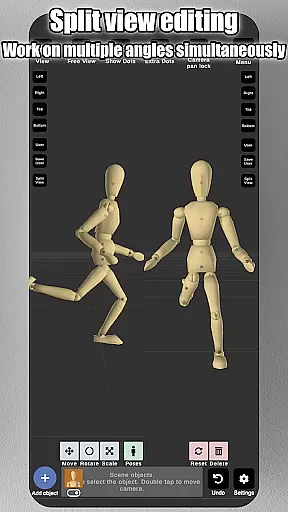
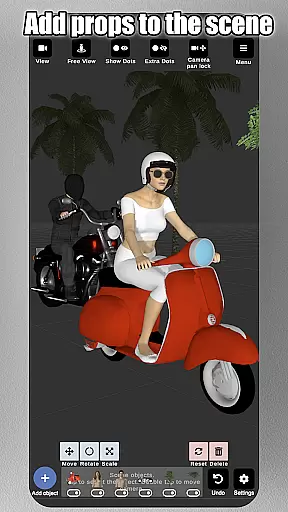
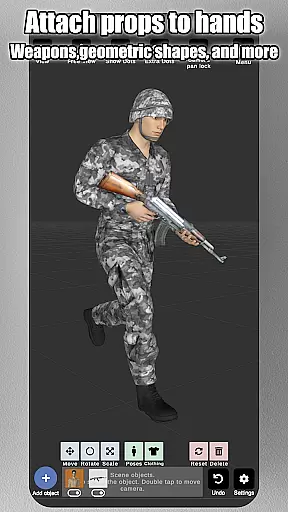
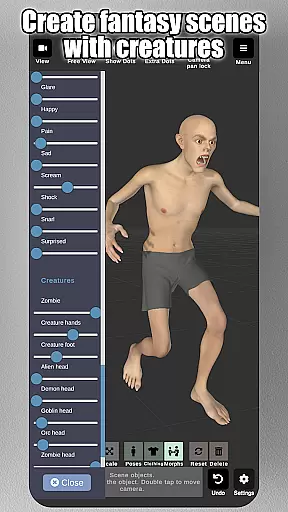
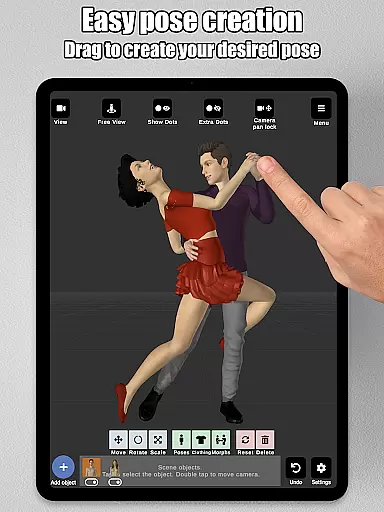
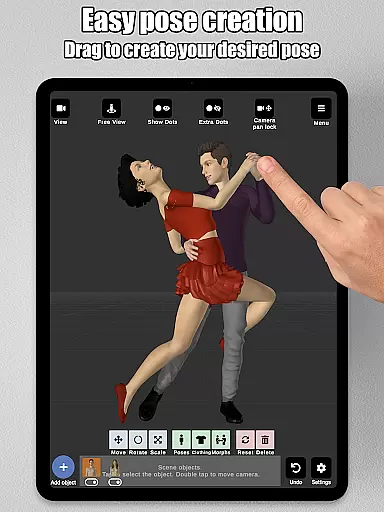
Art Model is a feature-rich 3D posing app designed for artists and designers. This powerful tool allows users to pose and morph an unlimited number of human models simultaneously, making it ideal for character design, illustrations, and storyboarding. With realistic male and female models, as well as a wooden mannequin option, the app caters to both digital and traditional artists.
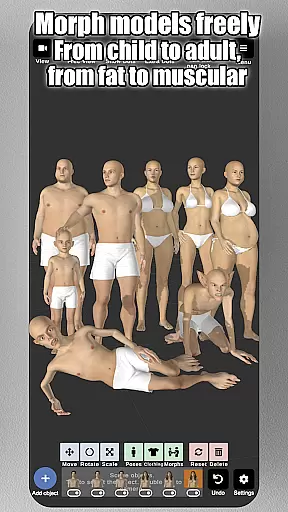
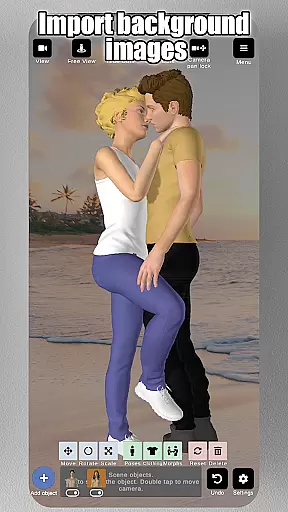
The app's intuitive control system lets users create poses by simply tapping and dragging limbs into position, eliminating the need for complex joint rotations. The advanced morphing system enables customization of models from children to adults, skinny to muscular, and everything in between. Artists can also import background images and add various props to create detailed scenes.
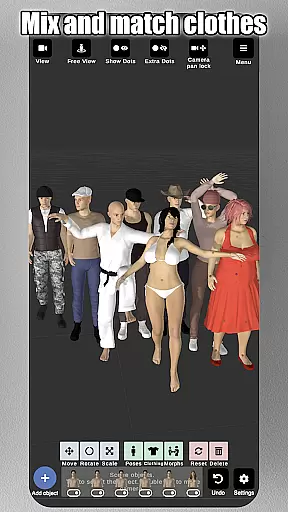
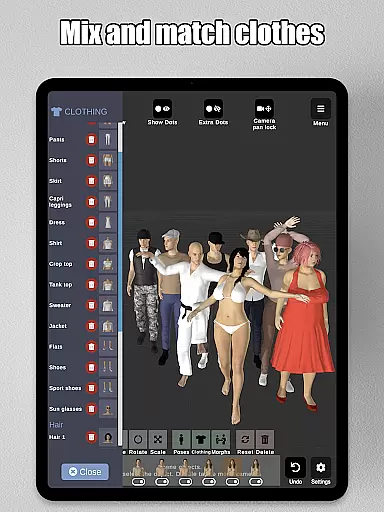
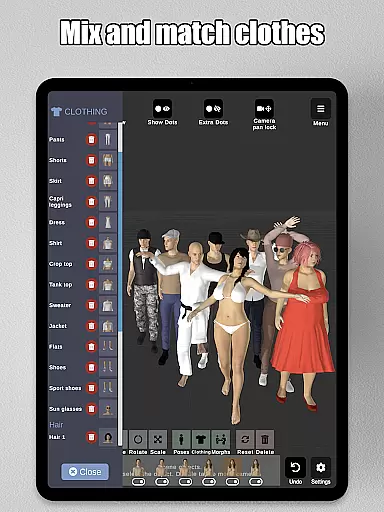
With split-view editing, customizable lighting, and options for clothing and accessories, Art Model provides a comprehensive solution for artists seeking a professional-grade posing tool. Whether you're improving your drawing skills or working on professional projects, this app offers the flexibility and features needed to bring your artistic vision to life.
Art Model stands out with its extensive feature set tailored specifically for artists. The app's core functionality revolves around its innovative posing system that allows users to manipulate 3D models with unprecedented ease. By simply tapping control points and dragging limbs, artists can create natural-looking poses faster than ever before.
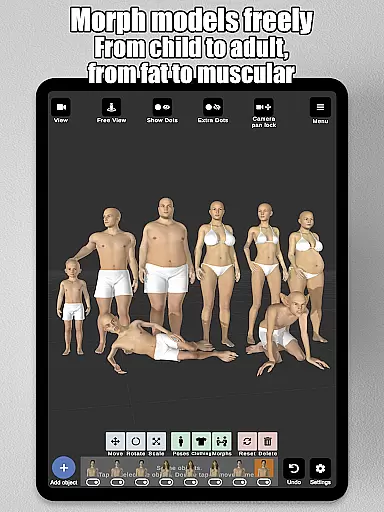
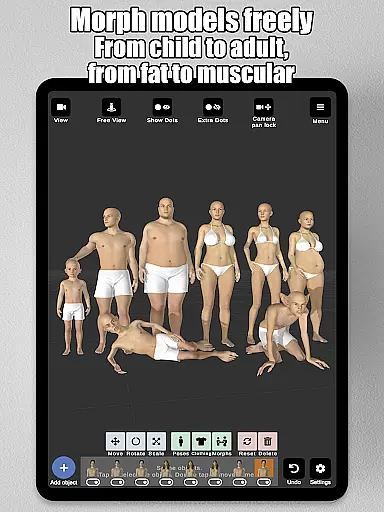
The morphing capabilities are particularly impressive, offering both full-body transformations and individual body part adjustments. Users can create unique characters ranging from children to adults, and from slender frames to muscular builds. The inclusion of traditional wooden mannequins alongside realistic models provides versatility for different artistic styles and preferences.
Additional features include advanced scene enhancement tools such as background image importing, prop integration, and split-view editing. These tools allow artists to build complete compositions within the app. The ability to save and load poses, combined with preset options and various accessories, makes Art Model an indispensable tool for professional artists and hobbyists alike.
Art Model - 3D Art pose tool offers an extensive suite of creative tools that cater to both digital and traditional artists. The app includes realistic 3D male and female models, as well as a wooden mannequin option for those who prefer classic drawing references.
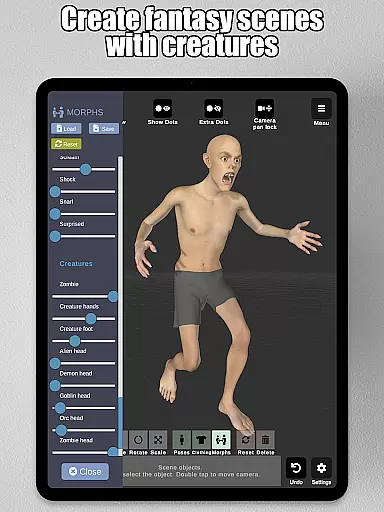
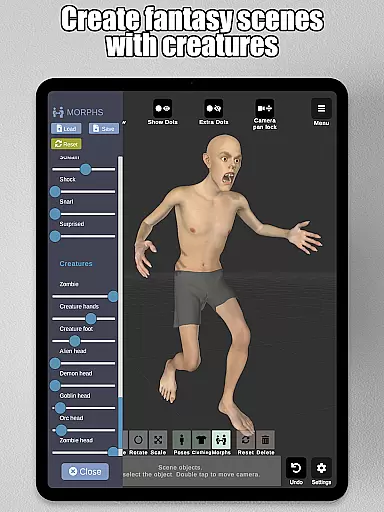
The morphing system is one of the standout features, allowing users to create an unlimited range of unique models. Whether you want to transform your model from a child to an adult, adjust body types from skinny to muscular, or experiment with fantastical creatures, this app provides the tools to do so.
In addition to full-body morphs, specific body parts like the chest, arms, and legs can be individually adjusted, offering unparalleled customization. This flexibility ensures that artists can create precisely the reference model they need for their work.
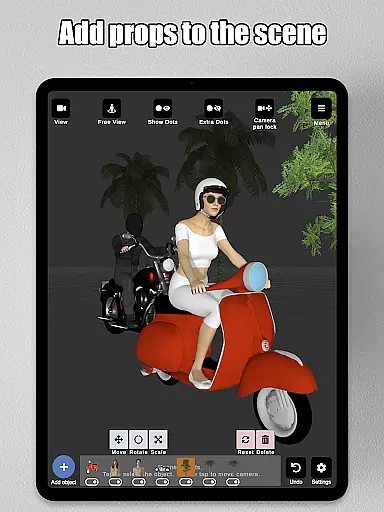
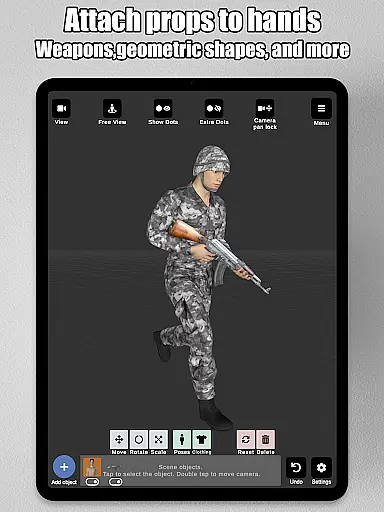
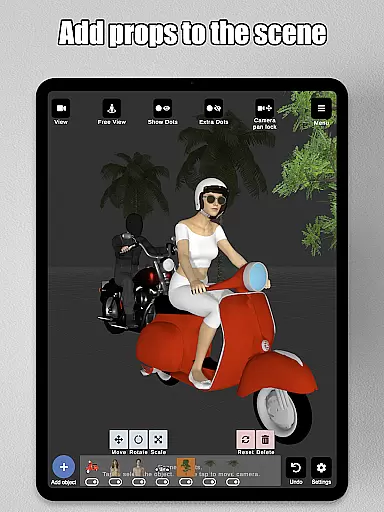
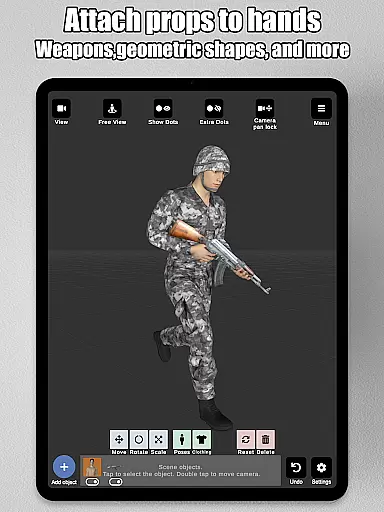
With advanced lighting options, a variety of headgear choices, and the ability to add props such as chairs, tables, and weapons, Art Model equips artists with everything necessary to bring their creative visions to life.
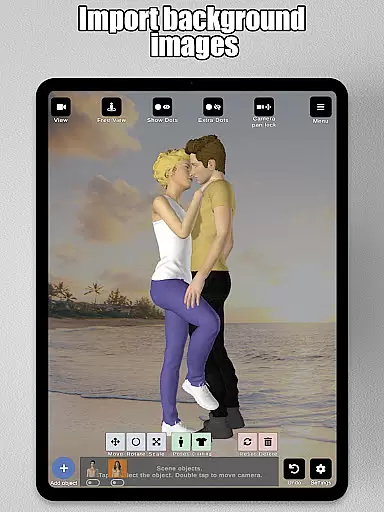
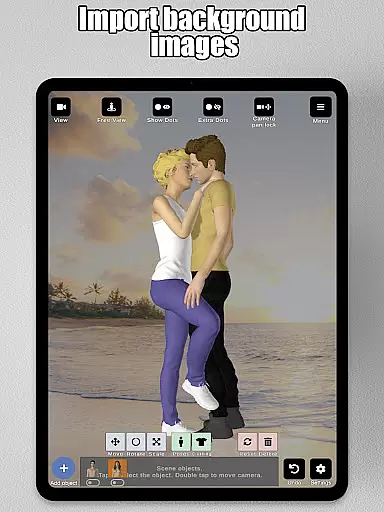
Art Model excels in providing canvas and format flexibility, essential for various artistic projects. Users can import background images to enhance scenes or use them as drawing references, making it easier to visualize characters in real-world settings.
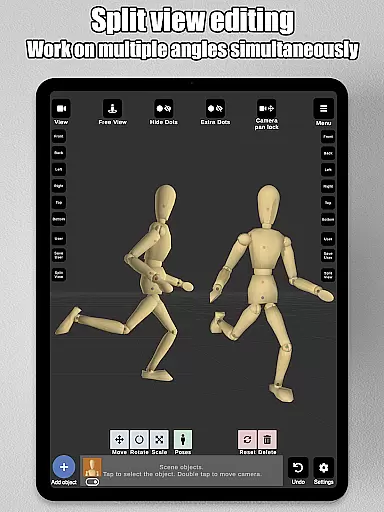
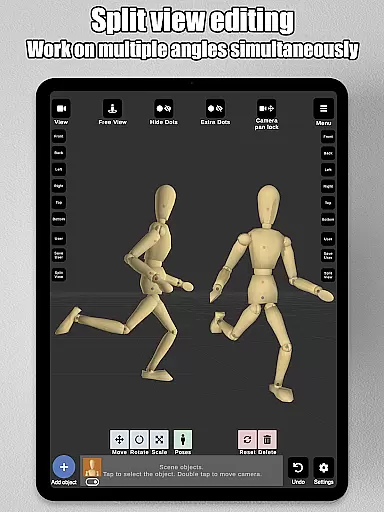
The split view editing feature allows artists to view their models from two different camera angles simultaneously. This functionality is particularly useful for precise adjustments without the need to constantly rotate the scene, streamlining the creative process.
Artists can zoom in and out with a two-finger pinch, rotate the camera with a two-finger drag, and pan the camera with a one-finger drag. These intuitive controls ensure smooth navigation and manipulation of the canvas.
Furthermore, the ability to save and load poses and morphs adds another layer of convenience, enabling artists to pick up right where they left off or reuse elements across different projects. This adaptability makes Art Model an ideal choice for character design, illustrations, storyboarding, and improving drawing skills.
User-friendly interface
Extensive morphing options
Realistic model rendering
Versatile posing controls
Comprehensive prop library
Steep learning curve
High system requirements
Limited free content
Occasional performance issues
Complex UI for beginners

Vidu is an AI video generator made for creators and aspiring makers.
 3.30
3.30
Customizable Outlined Fonts. Watch Face Format. Battery friendly Digital Clock.
4.20
Nano Banana AI Image Generator, Anime Filter, AI Portrait, AI Photo Generator
4.30
Resize photos and print photos in exact size with our powerful photo printer!
3.80
Inky runs Inkscape on Android devices and Chromebooks
2.90
Share the joy of painting with ibis Paint! Drawing anime and manga art.
4.50
Create and Design Custom Logos in Seconds with AI-Powered Tools!
4.40
Kling AI is an image and video generation and editing studio powered by AI.
4.50
Turning simple sketches into captivating tales filled with life and motion
3.90
Make your phone cooler and have a fantastic experience
4.80
Logo Generator powered by AI: Create stunning logos effortlessly!
4.70
Minecraft & Roblox Clothes
4.70
Unleash your drawing and painting potential
4.50
Create color palette from Image, RGB & RYB Color wheel harmonies, Color Scheme
4.50
Draw Trace image sketch by, AR art projector app, Easy to trace any image.
4.50
Painting, drawing, & sketching
4.50
AI Tattoo Generator: Create Tattoo Designs & Get Ideas! Ink & Stencil Maker
4.50
AI Art Generator transforms your words into AI generated art & paintings.
3.70
AI Assistant, powered by ChatGPT GPT-4 & GPT-4o. Your intelligent companion.
3.50


User Reviews