




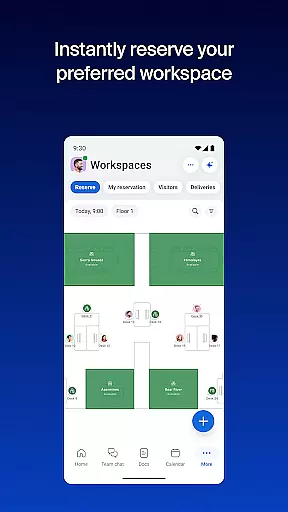

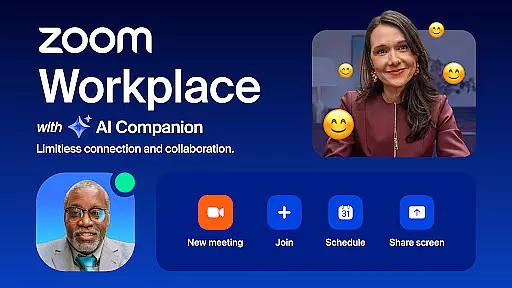
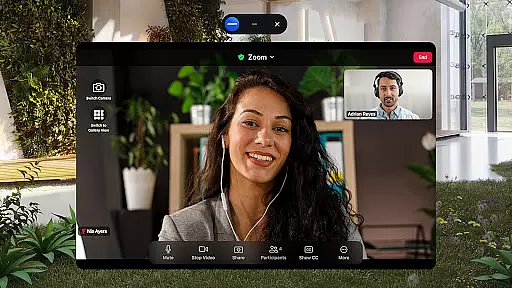
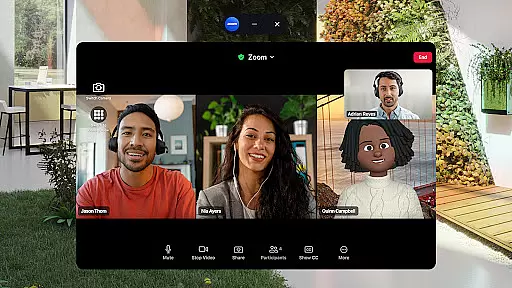
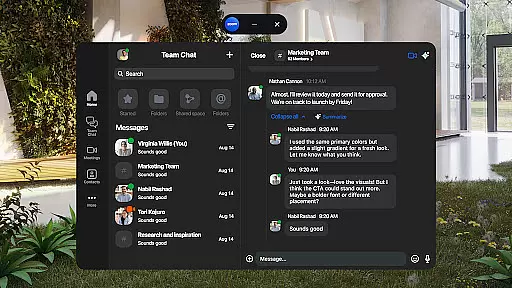
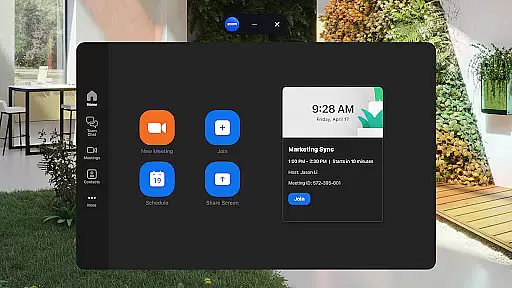
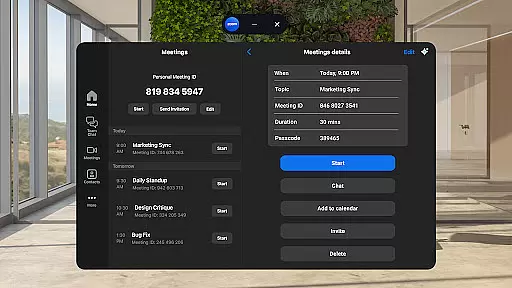
Zoom Workplace is a comprehensive business communication platform designed to enhance team productivity through its AI-driven features. The app integrates essential workplace tools such as team chat, video conferencing, phone capabilities, collaborative whiteboards, shared calendars, and document management. With a focus on seamless integration across devices, it allows professionals to stay connected and maintain workflow continuity regardless of location.
This versatile application caters to various business needs by offering advanced functionalities like AI Companion, which helps users quickly catch up on unread messages, draft content, and keep discussions organized. Whether you're managing internal communications or connecting with external partners, Zoom Workplace provides a unified solution that streamlines collaboration while maintaining enterprise-grade security standards.
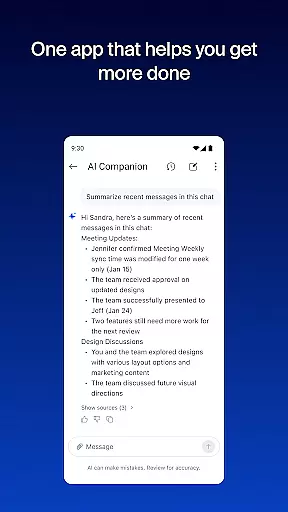
Zoom Workplace distinguishes itself through its all-in-one approach to business communication. The platform's key feature is its AI Companion, which uses artificial intelligence to summarize unread messages, generate content drafts, and provide meeting preparation assistance. This functionality significantly reduces the time required for routine communication tasks while enhancing overall message clarity.
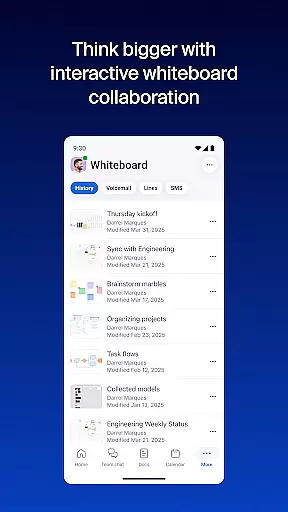
The application also excels in cross-platform functionality, enabling users to seamlessly transition meetings between mobile devices and desktop systems. Its productivity-enhancing tools include virtual whiteboards for brainstorming sessions, automated meeting summaries, and integrated document management through Zoom Docs. Additionally, the platform supports modern work practices with features like Picture-in-Picture for multitasking on phones and Split Screen functionality for tablets.
Zoom Workplace revolutionizes collaborative work by integrating essential communication tools into a single platform. The application combines team chat, video meetings, phone capabilities, and collaborative whiteboards, all accessible from your mobile device.
With an AI-first approach, the app provides AI Companion, which is designed to enhance productivity. This feature allows users to quickly get summaries of unread messages, draft new content, and maintain impactful conversations. It acts as a personal assistant, streamlining the way teams interact and ensuring that every member stays informed and engaged.
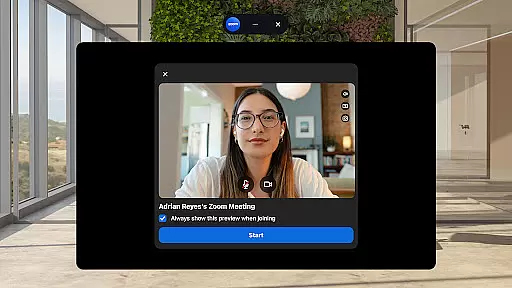
The streamlined communication experience is further enhanced by the ability to schedule or join meetings with just one tap. Users can also place and receive phone calls or send SMS text messages, making it a versatile tool for businesses of all sizes.
Task management within Zoom Workplace is seamlessly integrated to improve overall productivity. The platform offers automated meeting summaries through its AI Companion, ensuring that users can easily keep track of discussions and action items without manual input.
Zoom Docs allows teams to organize and share information efficiently at scale. This feature supports the creation and collaboration of documents, making it easier for teams to work together regardless of their physical location.
Additionally, the ability to move live meetings or calls between devices with one tap enhances task continuity. Users can start a meeting in Zoom Rooms and then transition smoothly to their mobile device, maintaining workflow without interruption. This flexibility ensures that task management is not confined to a single device or location.
User-friendly interface
Comprehensive feature set
Strong security protocols
Seamless device integration
AI-powered assistance
Paid features required
Limited free version
Internet dependency
Subscription costs
Feature restrictions

FX Plus adds media, networking, and cloud capabilities to FX File Explorer.
 4.10
4.10
FaxCover - Create fax cover pages. Works with any app or fax machine.
4.90
The MyWalmart App is available for all associates in stores.
4.70
Manage Your Shop
4.70
Take the stress out of storage with the all-in-one app to manage your space.
3.70
Find work, shifts and gigs near you. Jobs lasting a few hours to a few months.
4.30
enjoy effortless PDF reading anytime, anywhere
3.90
Make invoices, bills, receipts & estimates on the go with Invoice Generator.
4.70
All-in-one Mobile solutions for employees & managers to succeed at work
4.30
BuildCalc - the easiest AND the most advanced construction calculator app.
4.80
Grow your business and connect with more people with Meta Business Suite.
4.60
Amazon A to Z is the place to manage your work-life at Amazon.
4.50
The revolutionary flexible staffing platform
4.40
One marketplace. Hundreds of services. Unlimited possibilities. All on Fiverr.
4.40
Deliver and earn money
4.30
Make money as a delivery driver with DoorDash and work when you want as a Dasher
4.30
Scan Business Cards & Conference Badges - Capture Leads at Events & Tradeshows
4.20
The Penny Puss app with DG penny finder
4.10
All document reader, pdf viewer app, read docs & excel files
3.80


User Reviews