
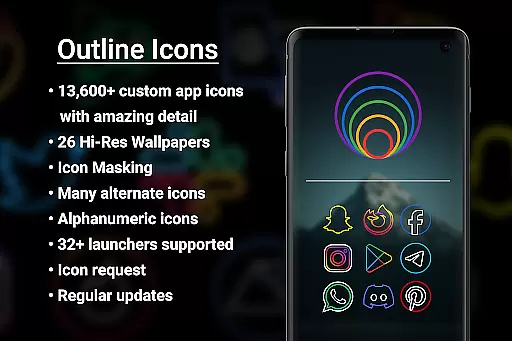

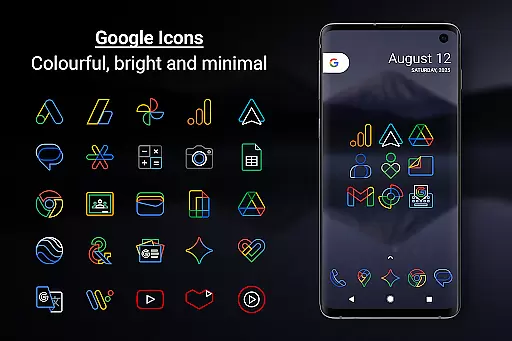
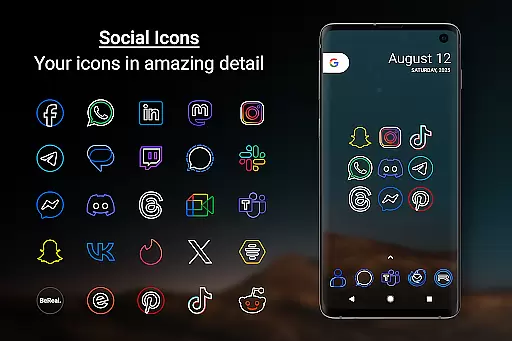
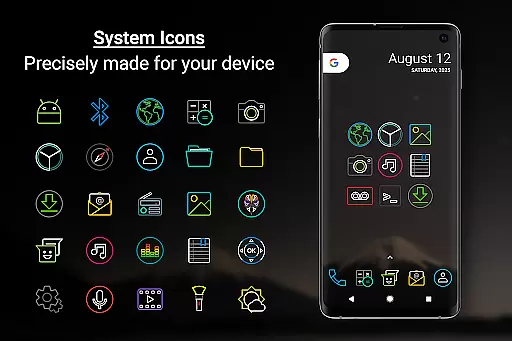
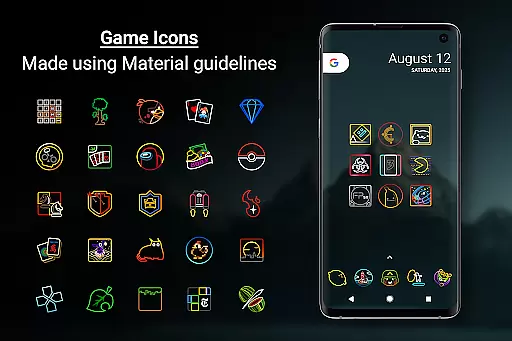
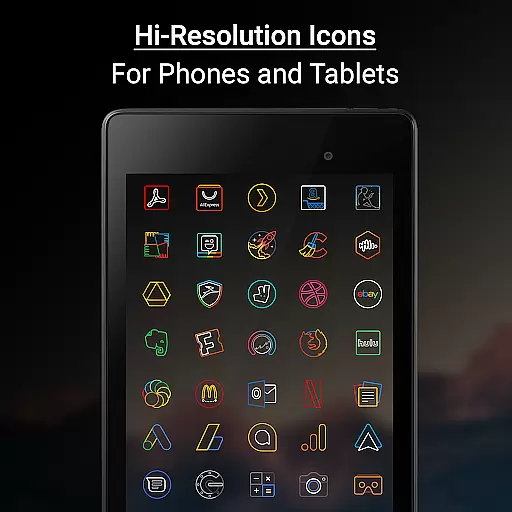

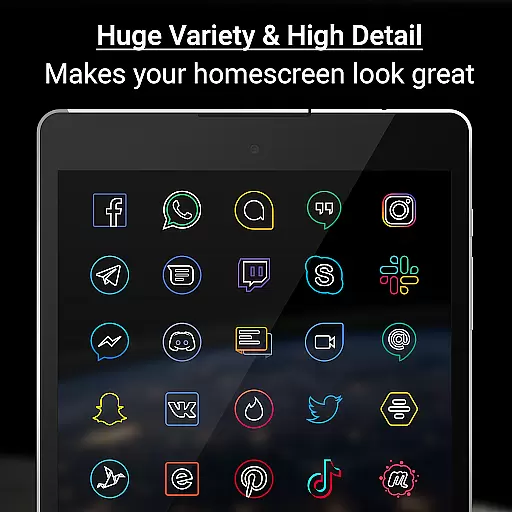
Outline Icons is a premium icon pack that transforms your device's home screen with a unique outline design. Featuring over 13,600 handcrafted icons in bright colors and precise details, these icons meet material design standards and work seamlessly across both phones and tablets.
The pack includes 26 high-resolution wallpapers that complement the minimal style of the icons. With support for 32+ launchers and various features like icon masking, dynamic calendar support, and alternate color options, Outline Icons offers extensive customization possibilities. Whether you're using Nova Launcher or Samsung's OneUI, this icon pack provides a consistent visual experience.
This icon pack is ideal for users who want to personalize their Android devices with clean, colorful, and minimal icons that look great on any wallpaper, especially AMOLED displays.
Outline Icons stands out with its comprehensive set of features designed to enhance user customization. The pack includes over 13,600 HD icons, each meticulously crafted in an outline style at xxxhdpi resolution, ensuring sharpness on all screen types. These icons are compatible with more than 32 launchers, including popular options like Nova Launcher and Lawnchair.
Beyond basic icons, the pack offers dynamic calendar support for multiple calendar apps, category folders in various colors, and alphanumeric icons in ten different colors. Users can also access 26 royalty-free wallpapers that perfectly match the icon design. Additional features include icon masking for unthemed icons and a robust icon request system.
With regular updates and a premium icon request option, Outline Icons ensures users receive new content and requested icons quickly. The pack maintains a clean, colorful, and minimal aesthetic that works beautifully on both light and dark backgrounds, making it versatile for any home screen setup.
Outline Icons offers an extensive range of customization options that cater to personal preferences and device aesthetics. With over 13,600 hand-crafted HD icons, users can transform their home screens into a visually cohesive space.
The icon pack supports more than 32 launchers, ensuring compatibility across various devices and platforms. This widespread support allows users to maintain a consistent look and feel regardless of their choice of launcher.
In addition to the vast array of icons, Outline Icons provides features like Icon Masking for unthemed icons, Category Folders in multiple colors, and Alphabet icons in ten different colors. These elements contribute to a highly personalized user experience.
Users also benefit from dynamic calendar support, alternate color system icons, and regular updates with new icons and wallpapers. Such comprehensive offerings make Outline Icons a versatile tool for personalizing any Android device.
Theme compatibility is a crucial aspect of Outline Icons, ensuring that its design integrates seamlessly with various launchers and devices. The pack adheres to material design standards, making it suitable for both phones and tablets.
Each icon is meticulously crafted at a resolution of 192 x 192 pixels (xxxhdpi), guaranteeing sharpness and detail on any screen. This high standard of quality ensures that icons remain visually appealing across different devices and display types.
Outline Icons includes 26 high-resolution wallpapers that complement the minimal and subtle style of the icons. These wallpapers enhance the overall aesthetic and work well with dark or blurred backgrounds, including AMOLED displays.
For Samsung users running OneUI 4.0 or newer, the Samsung Theme Park app facilitates the use of icon packs without needing an alternative launcher. This compatibility extends the reach and usability of Outline Icons, providing a seamless integration with Samsung's native interface.
Extensive Icon Library
Vibrant Color Palette
Regular Updates
Wide Launcher Support
High-Resolution Wallpapers
Premium Features Locked
Complex Setup Required
Limited Free Options
No iOS Support
Occasional Update Delays

Ultra realistic high quality analog watch face for Wear OS.
 4.60
4.60
Adult video chat, dating, making friends, random matching
4.20
Want to make your phone more special than ever?
4.60
100+ Stylish Fonts, Emojis, Symbols keyboard for Instagram & TikTok!
4.80 4.50
4.50 3.50
3.50
Yandex Browser — stylish and secure, with voice search and data compression
4.40
300+ Beautifully crafted widgets inspired by OneUI.
4.60
Your home screen, just the way you like it.
3.80
Only for Wear OS devices!
4.90
Gun Chase - Let the chase begin.
4.80
Wallpaper HD 4K Live - Thousands of high-quality Anime backgrounds for you.
4.80
Shimeji adds cute animated characters to your screen, lively and fun.
4.70
Classic analogue watch face. For wear os devices.
4.60
A retro cartoon style watch face and a punch right in the face of the copyright
4.60
Handcrafted pixel art icons, widgets & wallpapers
4.60
Aesthetic Widgets, HD Wallpapers, Themes in Mico Widget for Home and Lock Screen
4.50
Transform your device in a game console
4.40 4.10
4.10


User Reviews