
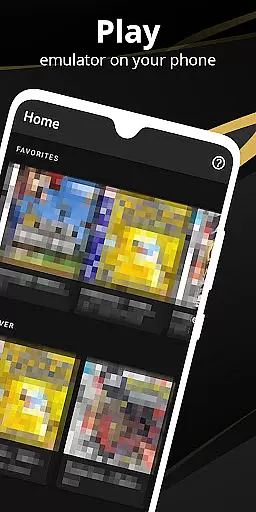

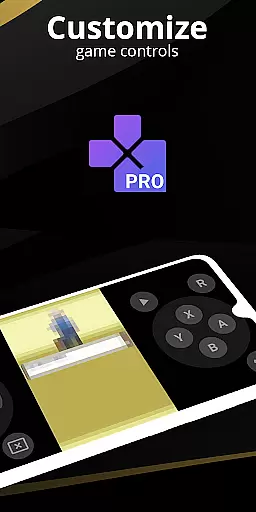
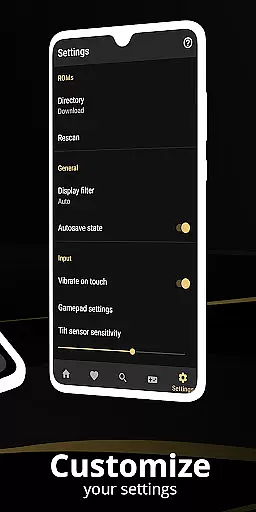
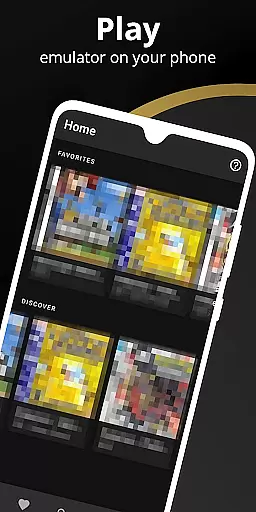
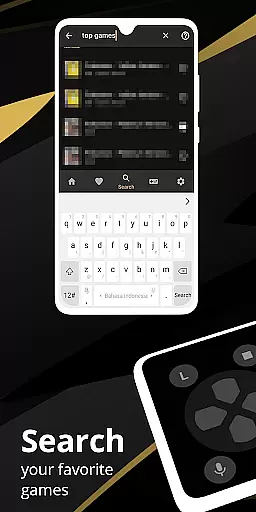
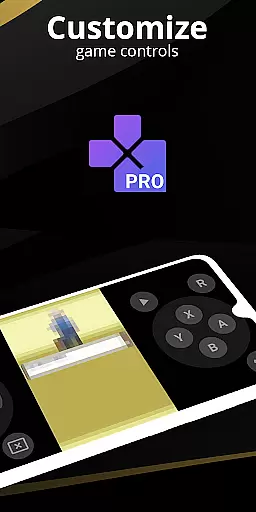
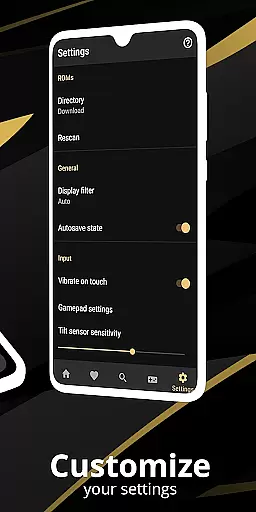
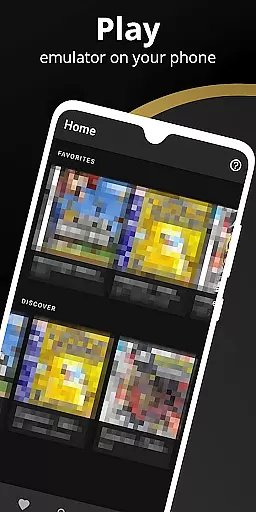
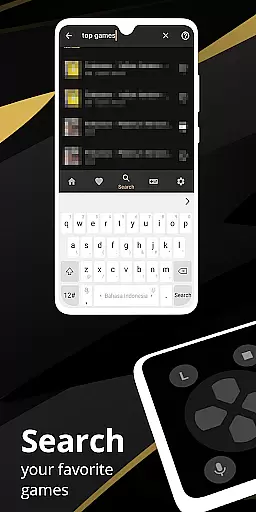
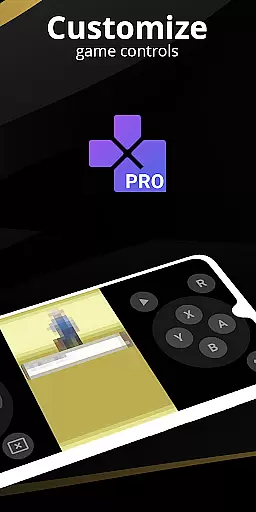
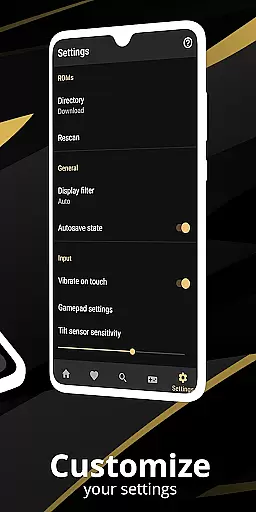
Pro Emulator for Game Consoles is a versatile emulator designed to bring classic gaming experiences to Android devices. This powerful tool supports emulation of various consoles, ensuring high compatibility across devices from phones to TVs. The app automatically saves and restores game states, provides quick save/load functionality, and offers optimized touch controls with customizable size and position.
One of the standout features is its ability to emulate link cables across devices using Bluetooth or Wi-Fi. It also supports advanced functionalities like gyroscope, tilt, solar sensor, and rumble emulation. With OpenGL rendering and GLSL shader support, users can enjoy enhanced video quality while maintaining optimal performance. The emulator's clean interface seamlessly integrates with modern Android versions, making it user-friendly for both casual and hardcore gamers.
This emulator is particularly useful for retro gaming enthusiasts who want to relive classic games on modern hardware. By supporting legitimate digital copies and physical game collections, it offers an authentic experience while encouraging legal usage. Whether you're playing solo or engaging in local multiplayer, this app delivers a comprehensive console-like experience on mobile devices.
The Pro Emulator for Game Consoles stands out with its comprehensive feature set tailored for gaming enthusiasts. One of its key strengths is the high-level BIOS emulation that eliminates the need for BIOS files, coupled with ROM scanning and indexing capabilities. This ensures nearly universal game compatibility, allowing users to run most titles without issues.
Advanced customization options are another major advantage. The app offers a powerful screen layout editor where users can precisely define positions and sizes for on-screen controls and game video. It supports external controllers like MOGA, includes tilt-to-stick functionality, and enables creating different key-mapping profiles. The fast-forward feature helps skip lengthy story sequences while slow-motion assists in challenging sections.
Cloud save synchronization and display simulation (LCD/CRT) enhance the user experience further. The emulator supports both single-player and local multiplayer modes, allowing multiple gamepads to connect to one device. These features collectively create a robust platform that caters to diverse gaming preferences while maintaining excellent performance across different Android devices.
For an emulator like Pro Emulator for Game Consoles, core function accuracy and effectiveness are paramount. This app ensures precise emulation of various gaming consoles, allowing users to relive classic gaming experiences on modern devices. The software meticulously replicates the original systems' features, ensuring that each game runs as it was originally intended.
The emulator supports a wide array of functionalities including automatic save and restore states, quick save/load slots, and lightning-fast emulation that conserves device battery. These features collectively enhance the user experience by providing seamless gameplay without unnecessary interruptions or excessive resource consumption.
Furthermore, the app offers very high game compatibility, enabling nearly all games to run without issues. It also includes advanced features such as link cable emulation over Bluetooth or Wi-Fi, gyroscope/tilt/solar sensor, and rumble emulation. Such comprehensive support ensures that users can enjoy their favorite games with the full range of controls and interactions they remember.
Ultimately, the precision in emulating both hardware and software aspects of classic consoles delivers an authentic and enjoyable gaming experience. Users benefit from not just playing games but experiencing them as they were originally designed, making Pro Emulator for Game Consoles a reliable tool for retro gaming enthusiasts.
Interface simplicity and intuitiveness are crucial for any tool-based application, especially one as feature-rich as Pro Emulator for Game Consoles. The app boasts a clean and simple yet well-designed user interface that integrates seamlessly with the latest Android versions. This ensures that users can navigate through the app effortlessly, finding the features they need without confusion or frustration.
One standout aspect is the powerful screen layout editor, which allows users to define the position and size for each of the on-screen controls, as well as for the game video. This level of customization ensures that every user can tailor the interface to their specific preferences and needs, enhancing overall usability.
In addition to customizable touch controls, the emulator supports external controllers such as MOGA controllers, adding another layer of convenience and familiarity for users who prefer physical inputs. Tilt-to-stick support further enriches the intuitive control scheme, making gameplay feel natural and responsive.
By combining a straightforward design with advanced customization options, Pro Emulator for Game Consoles provides an interface that is both easy to use and highly adaptable. This balance ensures that users of all skill levels can enjoy their favorite games without being hindered by a steep learning curve or cumbersome controls.
High game compatibility
Customizable controls
Multiplayer support
Cloud save sync
Powerful emulation
Device limitations
Legal concerns
Battery consumption
Complex setup
Occasional bugs

 4.10
4.10 4.50
4.50
A convenient photo, video, and file recovery tool.
4.00
HD Camera captures every special moment.
4.60
Just swipe the edge to do something!
4.40
Complete kernel toolbox with features to manage and tweak your rooted device
4.30
App that Recover your pictures, videos or files after you delete them.
4.20
WiFi Signal Strength Meter help you detect WiFi Signal Strength in real time.
4.80
Automate everything from settings to photos, SMS to speech. ADC2 prize winner.
4.10
Change your GPS location instantly. Simulate routes anywhere in the world.
4.90
Powerful collection of electronics tools and reference.A must for any enthusiast
4.90
Protect your device with antivirus, storage cleanup, and system monitoring
4.70
Quickly switch to an encrypted DNS server on Android TV
4.50
Universal TV remote control all TVs, Roku, LG, Samsung, Fire, Vizio, Sony, TCL.
4.40
Clean up large files and similar photos, fast and easy to use
4.40
View detailed information about your Nissan Leaf the dealer never shows you.
4.10
A powerful, easy-to-use flight computer on your phone or tablet!
3.80
A recovery soft,it features photo recovery, video recovery, file recovery.
3.40
Transfer Files, APK from Phone to Watch & Install.
4.4


User Reviews