
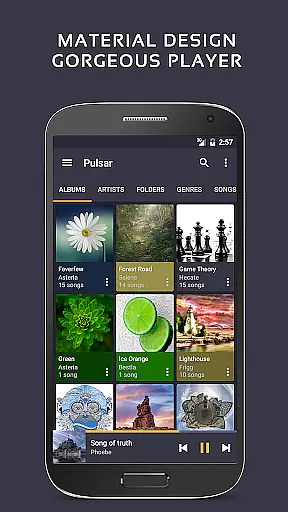
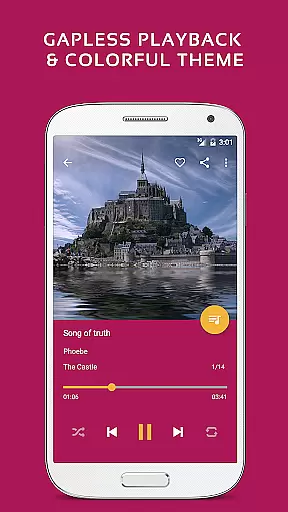
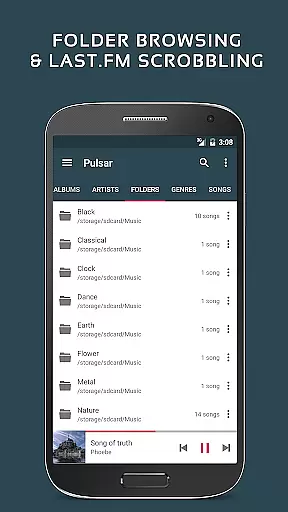
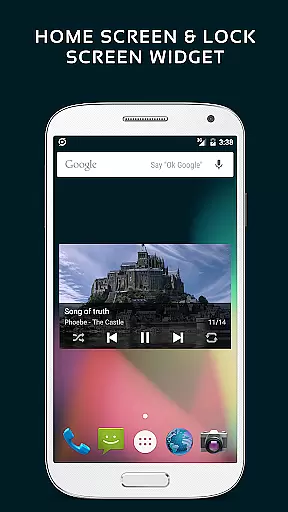
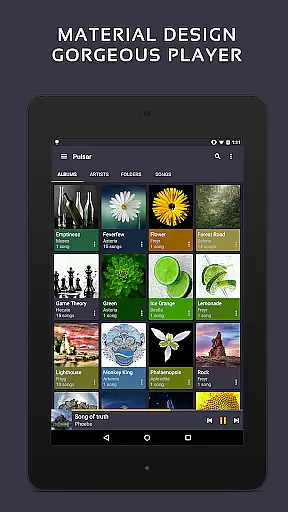
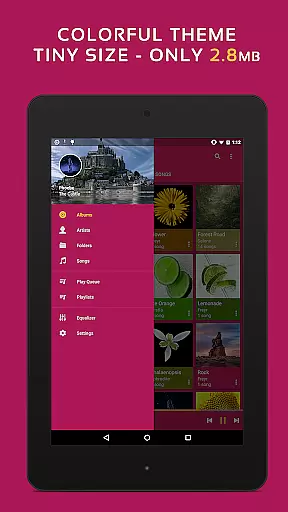
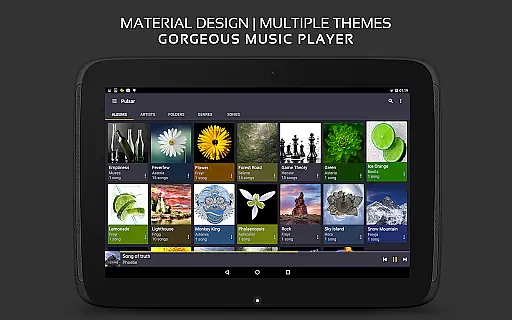
Pulsar Music Player Pro stands as a premium music player on Android, offering an ad-free offline audio experience. It strictly adheres to material design guidelines, providing users with a visually appealing interface. The app is packed with essential features such as gapless playback, lyrics display, crossfade, and play speed adjustment, catering to audiophiles' needs.
With functionalities like tag editing, last.fm scrobbling, Chromecast support, and an equalizer, Pulsar ensures a comprehensive and customizable music experience. Its capability to render music visualizations and support for various audio formats makes it versatile for different user preferences. Whether you're managing music by album, artist, folder, or genre, Pulsar provides smart playlists and fast search options to enhance your music journey.
Pulsar Music Player Pro shines with its rich feature set tailored for music enthusiasts. The app supports high-quality audio formats and offers gapless playback, ensuring uninterrupted listening sessions. With built-in metadata tag editing and lyrics display, users can personalize their music library and enjoy synchronized lyrics.
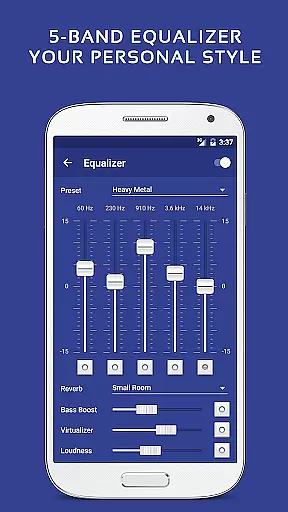
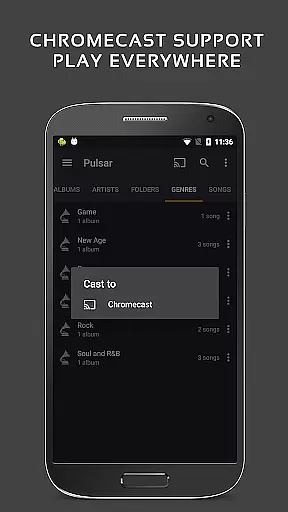
Advanced functionalities include a 5-band equalizer with 9 pre-built presets, bass booster, and reverb effects, allowing for sound customization. Integration with Chromecast, Android Auto, and Google voice commands extends usability across devices. Additionally, the sleep timer, automatic sync of missing album/artist images, and theme customization provide convenience and personalization, making Pulsar a top choice for discerning listeners.
Pulsar Music Player Pro offers an extensive music library that supports a wide range of audio file formats including MP3, AAC, FLAC, OGG, and WAV. This ensures that users can enjoy their music collection without compatibility issues.
The application respects copyright laws by providing tools for managing legally owned music files. Users can import their personal collections and access them through the app's intuitive interface, ensuring a seamless listening experience while maintaining legal integrity.
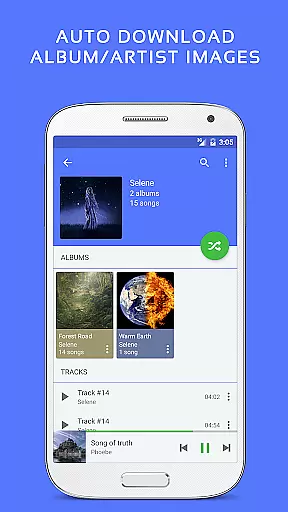
With features like automatic syncing of album and artist images, Pulsar enhances the user's library with accurate metadata. This not only enriches the visual appeal but also helps in organizing music files effectively.
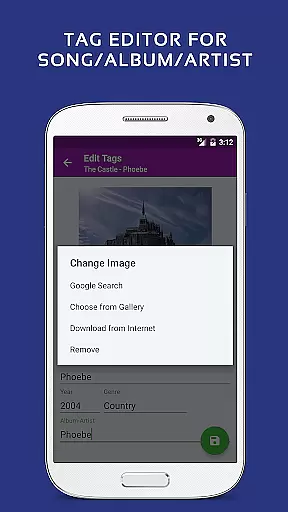
Additionally, Pulsar's tag editing functionality allows users to modify metadata details such as song titles, artists, and genres, giving them control over their music library's organization and presentation.
Pulsar Music Player Pro places a strong emphasis on audio quality, offering advanced features such as gapless playback and ReplayGain volume normalization. These functionalities ensure that listeners experience uninterrupted music flow and consistent volume levels across different tracks.
The built-in 5-band equalizer controller with nine pre-built presets allows users to customize their sound output according to personal preferences or specific audio equipment characteristics. This flexibility caters to audiophiles seeking optimal acoustic performance.
Additional audio enhancement options include bass boosters and reverb effects, which add depth and richness to the listening experience. Such features make Pulsar stand out among other music players in terms of sound customization capabilities.
Moreover, the app supports high-resolution audio formats, preserving the original quality of recordings and delivering studio-grade sound directly to the user's ears.
Ad-free experience
Gapless playback
Equalizer with presets
Chromecast support
Customizable themes
Paid version only
No cloud integration
Limited format support
Occasional bugs
Heavy on resources

Taal player that lets you sing any Indian & Western song with Tabla & Tanpura
 4.60
4.60
Gorgeous UI, Powerful music Search and Equalizer, the great choice for you!
4.70
VB-AUDIO Software / VBAN-Receptor allows listening to any VBAN Streams
4.10
Walkout Song DJ is the most intuitive app to manage your sports music.
4.70
The best music and audio player, with beautiful UI, music search and equalizer.
4.60
A sleek, no-frills player designed for true music lovers.
4.20
Make songs with AI! Any genre, custom lyric, song generator for music creation!
4.80
The iconic iOS metronome app is now on Android.
3.70
Get alarms that fit your lifestyle and wake up to the sounds you love.
4.80
Your song collections with lyrics and chords on Android smartphones and tablets.
4.80
Responsive piano with great sounds, graphics, and songs
4.80 4.70
4.70
Bass Booster & Volume Equalizer Pro improves your music and video sound quality
4.60
Learn the notes on the guitar fretboard fast with this easy and fun app
4.60
Formerly known as Spotistats! View your top tracks, artists, albums and more!
4.40
Play KORG’s revolutionary touch-based instrument on a variety of devices.
4.40
Ringtone Maker is free app create ringtone from music files or your recording.
4.40
Time Guru will strengthen your internal sense of musical time via random muting.
4.30
Background pads for your band
3.80


User Reviews