
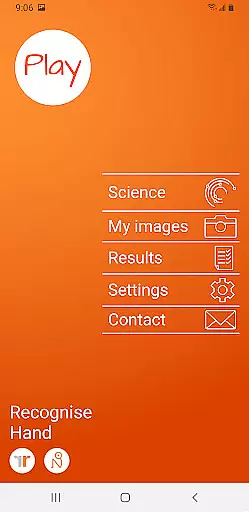
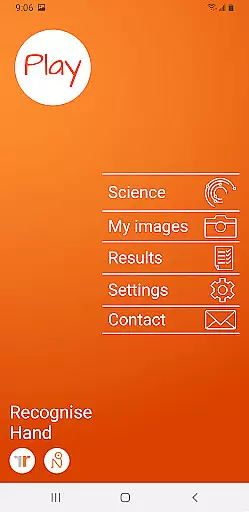
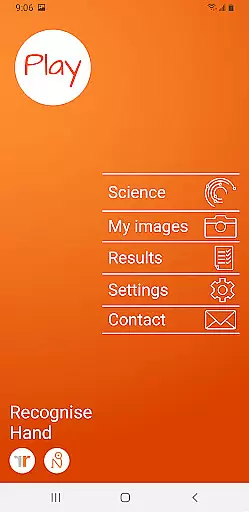
Recognise Hand is a specialized health and fitness application designed to assist users in reducing pain, enhancing performance, and aiding rehabilitation through a structured Graded Motor Imagery program. The app focuses on improving the user's ability to discriminate between left and right body parts quickly and accurately.
With its comprehensive training tools, Recognise Hand harnesses the brain's neuroplasticity to aid recovery from complex pain and injury states. Users can capture their own images and incorporate them into personalized training sessions, ensuring a tailored experience that evolves with their progress.
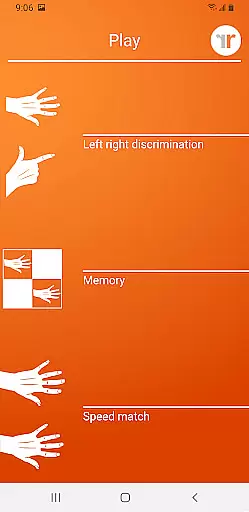
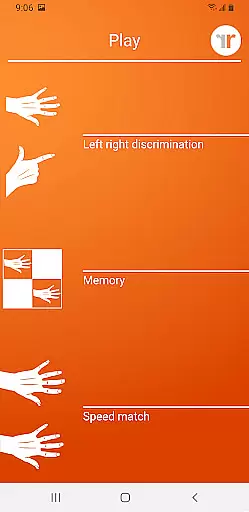
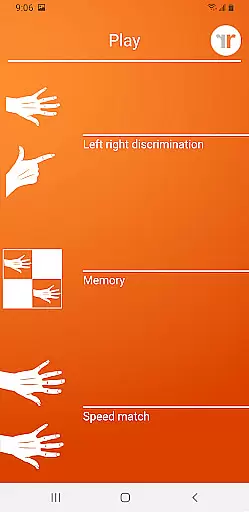
Recognise Hand offers an array of distinctive features aimed at maximizing the user's rehabilitation potential. The 'Memory' and 'Speed match' tools provide advanced training options that challenge the user's cognitive abilities and push the boundaries of their recognition skills.
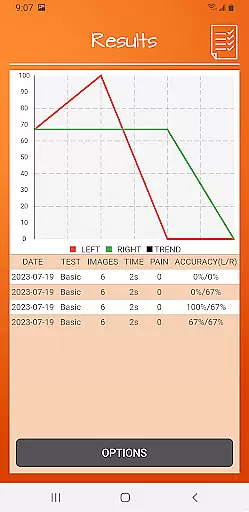
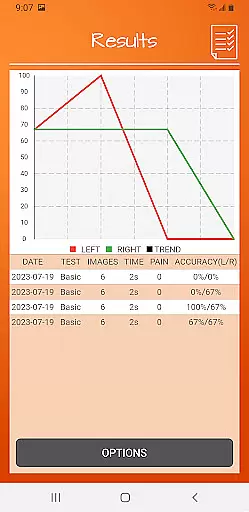
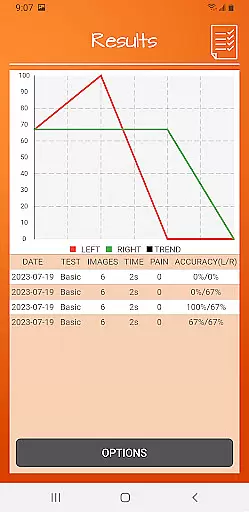
The app includes graded difficulty levels and personal best challenges to keep users engaged and motivated. Detailed onscreen results and graphs allow for meticulous tracking of improvement over time. Additionally, powerful clinical integration tools enable users to export and email their results directly to healthcare providers, facilitating professional guidance and support.
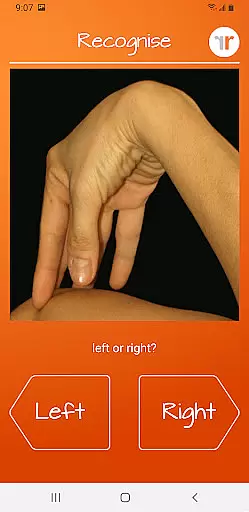
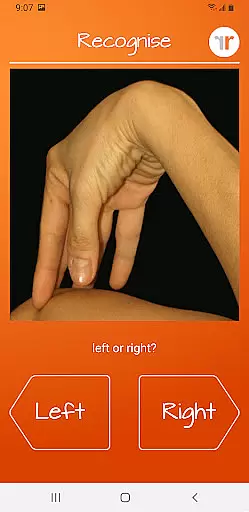
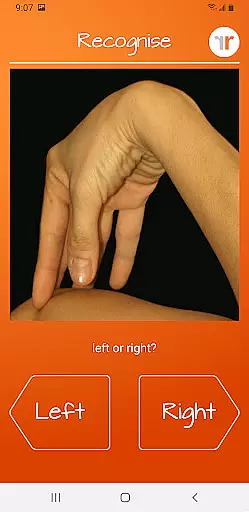
Recognise Hand offers a personalized approach to motor imagery training, which is crucial for rehabilitation and performance enhancement. The app's core functionality revolves around Left/Right Discrimination exercises, enabling users to train their brain's neuroplasticity through graded difficulty levels.
The application provides various tools such as 'Memory' and 'Speed match', allowing users to customize their training intensity and type. This personalization ensures that each user can progress at their own pace, making the rehabilitation process more effective and engaging.
With detailed onscreen results and graphs, users can track their improvement over time. These analytics help in creating a feedback loop, where users can adjust their training based on real data, thus optimizing their personalized plans continuously.
By capturing your own images and incorporating them into training sessions, the level of personalization increases, catering specifically to individual rehabilitation needs and goals.
Visualizing progress is a key motivator in any rehabilitation program, and Recognise Hand excels in this area. The app provides comprehensive graphical representations of user performance, including accuracy and speed metrics for Left/Right Discrimination tasks.
Users can view their achievements through detailed onscreen results and graphs that map their journey over time. This feature not only tracks improvement but also helps maintain user engagement by setting personal best challenges.
Furthermore, the ability to export and email results directly to clinicians or therapists enhances the progress tracking experience. It allows healthcare providers to monitor patient progress remotely and adjust treatment plans accordingly.
This robust integration of clinical tools within the app ensures that both patients and healthcare professionals have a clear understanding of rehabilitation progress, leading to more informed decision-making and better outcomes.
Effective pain management
Enhances cognitive ability
Customizable training modules
Detailed progress tracking
Clinical data sharing
Requires consistent use
Limited to specific therapy
Premium version costly
Complex for beginners
Dependent on device camera

Easy access to health benefits
 4.70
4.70
Relax to calm sounds, white noise, music, guided meditation and bedtime stories
4.40
Sync your activities of the most popular sports tracking services
2.70
The Official Blood Type Diet® App - know your categorized foods anytime.
4.50
The Crunch Mobile app - Find a gym, manage favorites, reserve & cancel classes.
4.60
Turn your steps into cash, gift cards & rewards with our step counting pedometer
3.80
Fast Body building & Weight Loss. Home Workouts with Daily Coach, No Equipment.
4.30
Easy to use step counter, calorie counter helps lose weight, count steps offline
4.80
Jogging app for calorie counter and distance tracker. Running app to lose weight
4.20
Beauty Care, Makeup & Skin Care Scanner | Pregnancy App For A Mom | Healthy Baby
5.00
Power-lifting, weightlifting and Wendler 531 app to track your workout program.
4.90
Step Counter, track steps when you walk or run
4.70
Get lasting results with Chair Yoga, Wall Pilates, and Walking workouts!
4.60
The most accurate heart rate app to monitor and track your heart rate & pulse.
4.40
Your personal BP tracking companion, focus on helping you achieve wellness goal.
4.10
Your Health Assistant
3.90
FitCloudPro takes care of your health every minute.
3.70
Control your sleep in real-time wearing Garmin device
3.60
Using Recognise™ has been shown to reduce pain, and improve performance.
4.1


User Reviews