
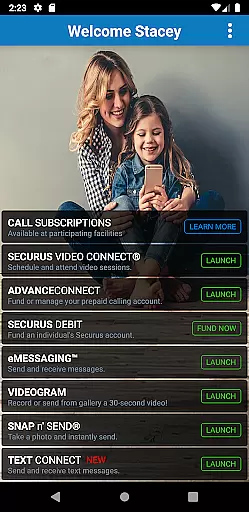
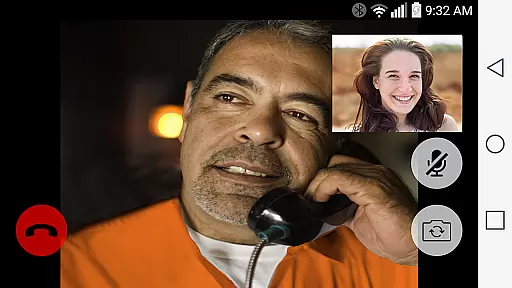
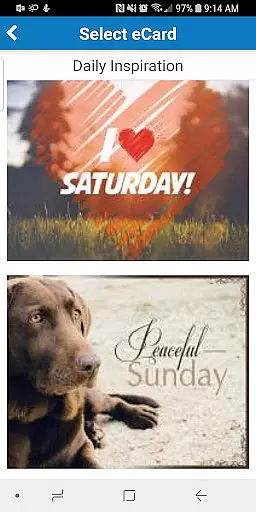
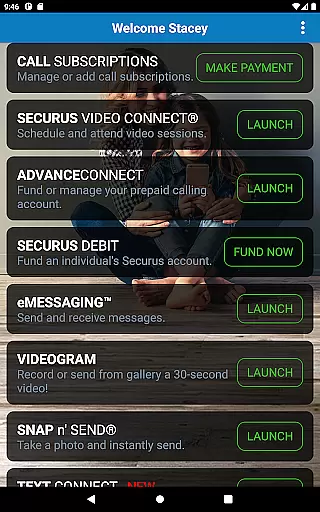
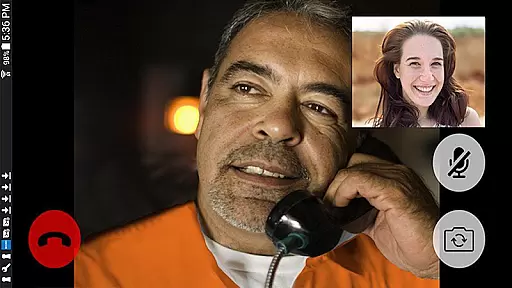
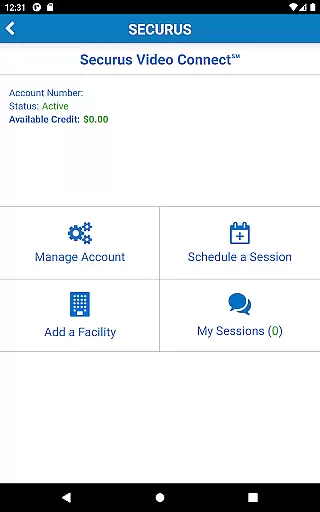
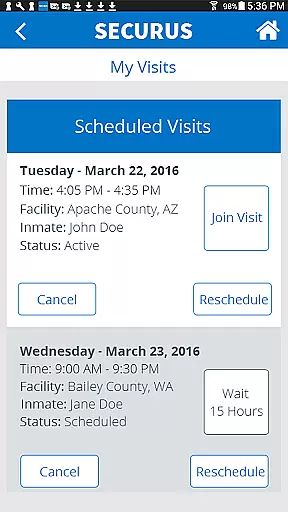
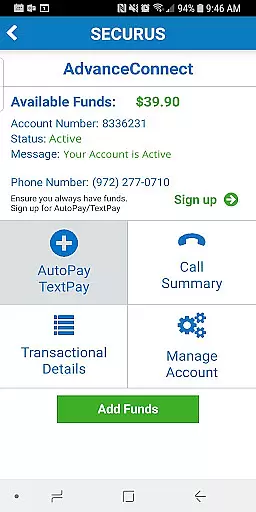
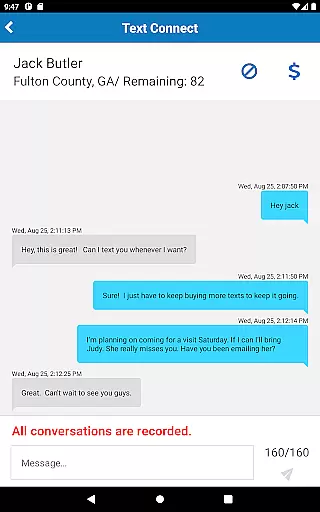
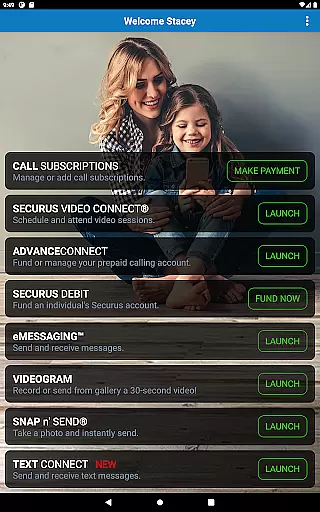
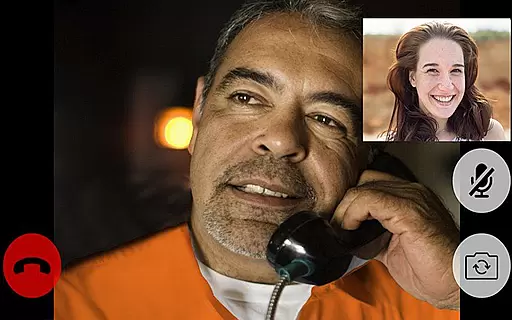
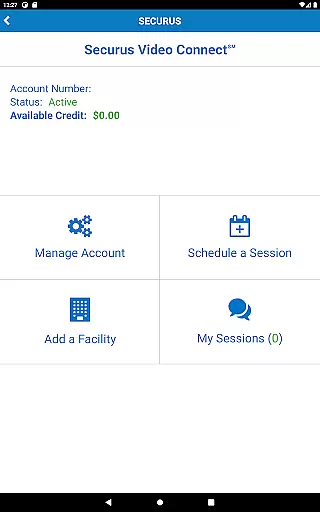
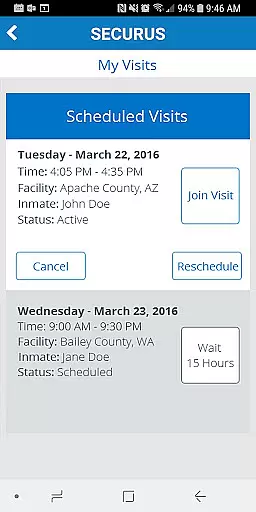
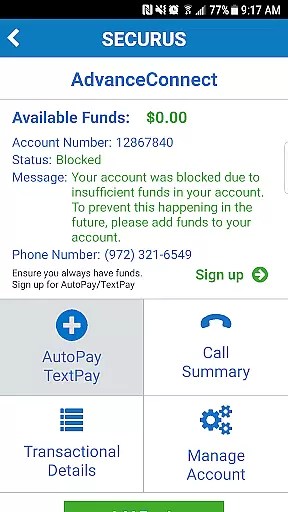
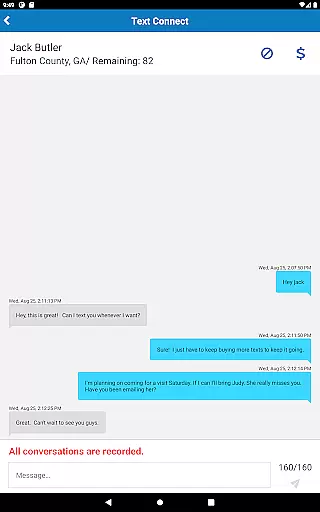
Securus Mobile is a comprehensive communication app designed specifically for staying connected with incarcerated individuals. The app offers multiple ways to maintain contact, including video calls, messaging services, and prepaid calling account management. With features like Video Connect, users can schedule and conduct video sessions from anywhere with Wi-Fi or cellular data service. The messaging services include eMessaging and Securus Text Connect, allowing users to send messages, photos, and digital greeting cards called eCards. Additionally, the app provides robust account management tools for handling funds and personal information securely.
The application requires Android 11.0 or higher and is particularly useful for families and friends who want to stay in touch with loved ones in correctional facilities. By offering functionalities such as AdvanceConnect and Securus Debit, it ensures that users can manage their accounts efficiently and securely, providing peace of mind and reliable communication channels.
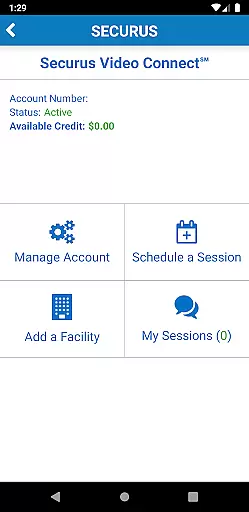
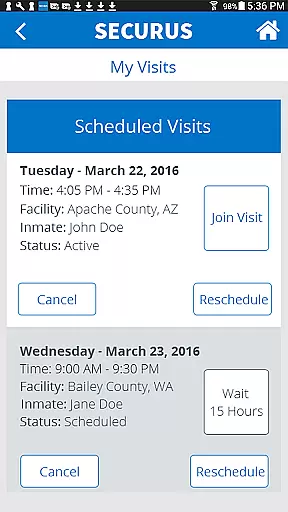
Securus Mobile boasts an array of features tailored to streamline communication with incarcerated individuals. One of its standout features is Video Connect, which allows users to enroll, schedule, and manage video sessions seamlessly. Users can sync session details with their calendars, receive notifications, and even test their internet connection quality for optimal performance. Another significant feature is the messaging service, which includes eMessaging and Securus Text Connect. These services enable users to send text messages, photos, and eCards, with options to attach multiple files and send short video messages known as VideoGrams.
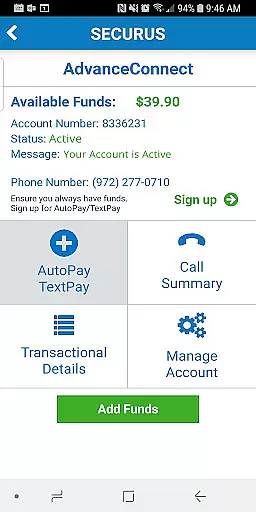
Account management is another strong suit of Securus Mobile. Users can create and manage Securus Online accounts, change passwords and PINs, and set up security questions. The app also supports managing prepaid calling accounts through AdvanceConnect and Securus Debit, where users can add funds, view transaction histories, and update payment methods. These features collectively ensure a secure, flexible, and user-friendly experience, making it easier than ever to stay connected with loved ones in correctional facilities.
Real-time messaging speed and reliability are crucial for maintaining seamless communication, especially in environments where timing is essential. Securus Mobile excels in this area by providing multiple robust messaging services tailored to meet the needs of its users.
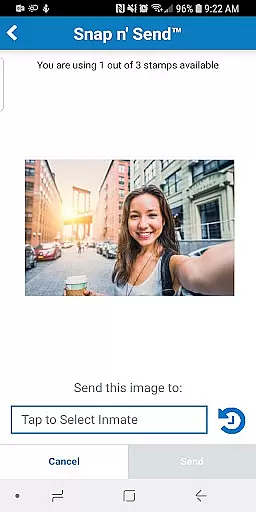
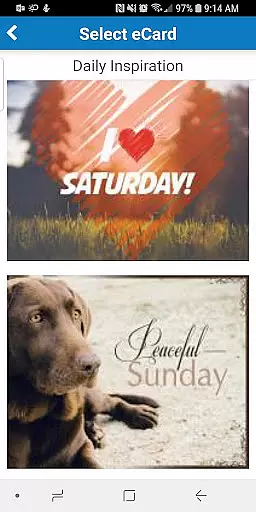
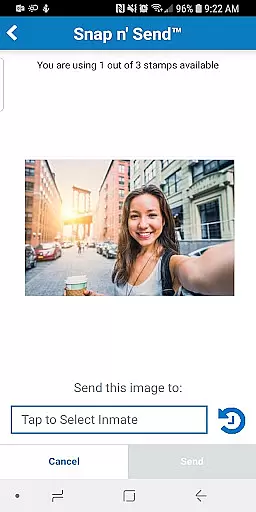
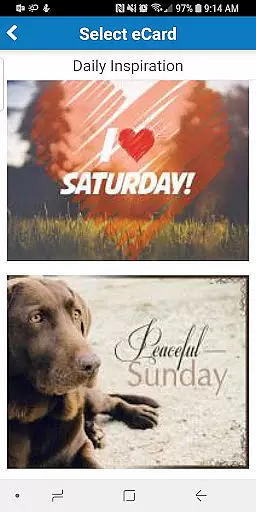
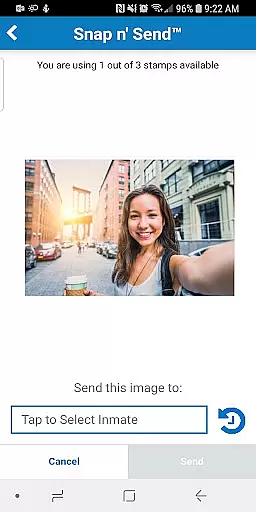
The app offers eMessaging, which allows users to send and receive messages, digital greeting cards known as eCards, and even attach photos to their messages. With features like Snap n' Send, users can snap a selfie or choose an image from their gallery to send to their contacts. These capabilities ensure that communication is not only fast but also enriched with personal touches.
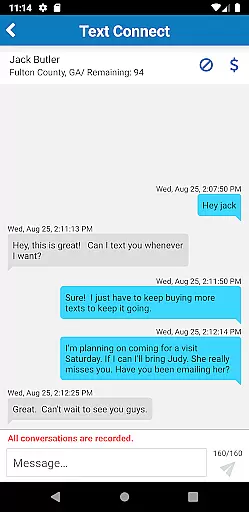
Additionally, Securus Text Connect facilitates real-time two-way short message communication between users and incarcerated individuals. By purchasing a package of 'Connects,' users can send text messages through the app and receive replies, ensuring continuous interaction. The ability to set up automatic re-purchase of Connects when the balance gets low further enhances the reliability of maintaining ongoing conversations.
Overall, Securus Mobile's comprehensive messaging services provide dependable and swift communication options, making it easier for users to stay connected with their contacts in real-time, regardless of location.
Media sharing support is a vital feature for any communication app, allowing users to exchange various forms of media seamlessly. Securus Mobile addresses this need effectively by integrating versatile media-sharing capabilities within its platform.
One of the standout features is the ability to attach multiple media files to messages. Users can attach up to five eCards and photos to a single message, enhancing the richness of their communication. This flexibility ensures that users can share more than just text, adding visual elements that convey emotions and experiences more vividly.
Moreover, the app supports VideoGrams, enabling users to send 30-second video clips. This feature adds another layer of personalization and immediacy to interactions, allowing users to capture and share moments in a dynamic format. The inclusion of such multimedia options significantly boosts the app's media-sharing capacity.
In summary, Securus Mobile's robust media sharing support empowers users to communicate more expressively and effectively. Whether through photos, eCards, or VideoGrams, the app ensures that media sharing is both comprehensive and user-friendly, enriching the overall communication experience.
User-friendly interface
Comprehensive account management
Multiple communication options
Secure transaction handling
Real-time notifications
Requires Android 11.0+
Limited to specific facilities
In-app purchases necessary
Occasional connectivity issues
Complex setup for beginners

Identify unknown numbers, block spam calls, customize calls with cool themes.
 4.60
4.60
SMS Messenger ensures that communication become effortless and accessible.
3.80
Messages: Fast, simple SMS app with scheduling and smart features.
4.00
Phone Dialer with Caller ID, Address Book & Contacts Manager.
4.30
Google's fast and secure browser
4.10
At select facilities, you now have an easy way to video visit your loved ones!
3.30
2nd Phone Number Line for Anonymous Texting, Calling, and Picture Messages
4.30
Measure BHP, Torque & 0-60 Clear car OBD faults View engine data in Google Earth
4.00
Caller ID, Spam Call & SMS Blocker
3.80
Read OBD2 data and DTCs Create custom dashboards Enhanced diagnostics available
4.70
Welcome to the future of phone service.
4.60
The ultimate productivity solution for all your email communication needs.
4.40
Block spam calls & scam - no more annoying calls with the call blocker function
4.30
Chill zone on your phone: relax with fun reels & hype shorts!
4.20
Messenger app for faster and simpler SMS text messaging, and personalized themes
4.10
Federated instant messaging for your mobile device (Jabber, XMPP, Snikket)
4.10
Call Forwarding is easy and simple application to use.
3.80
Fast, Simple And Secure Application That Provides SMBv3 Server On Your Device
3.30
Comprehensive and powerful scan tool app with enhanced functions
3.00


User Reviews