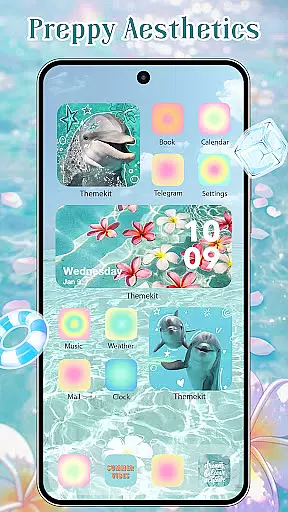
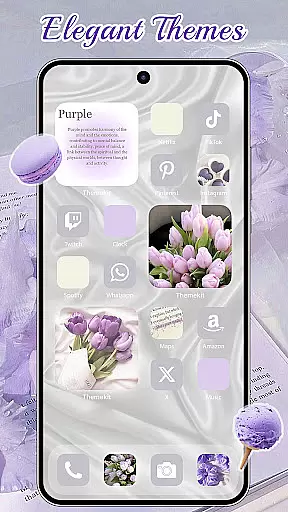
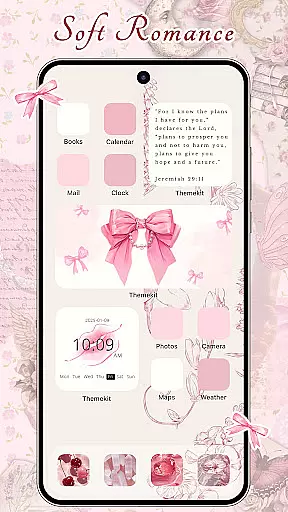
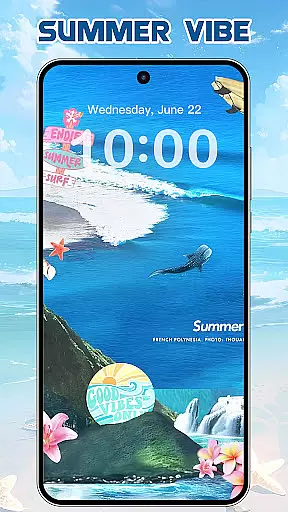
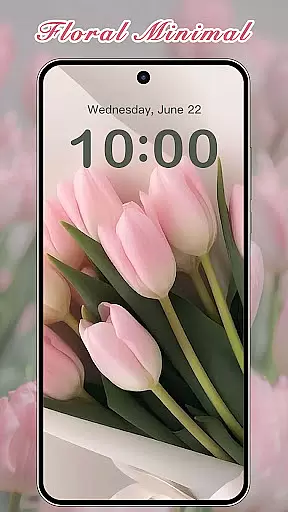
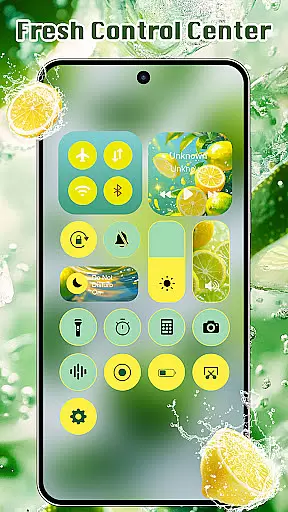
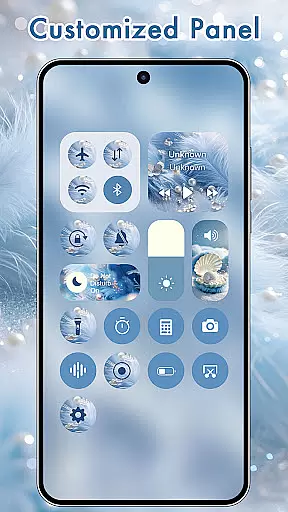
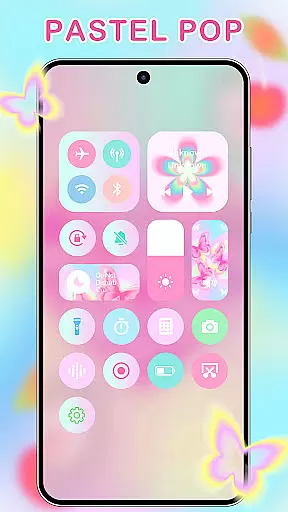
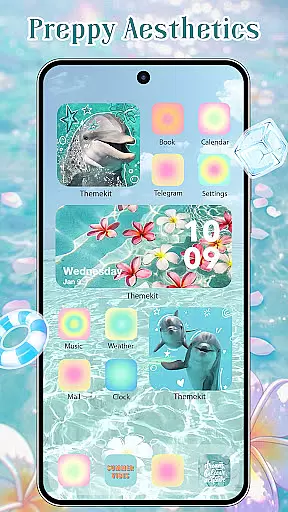
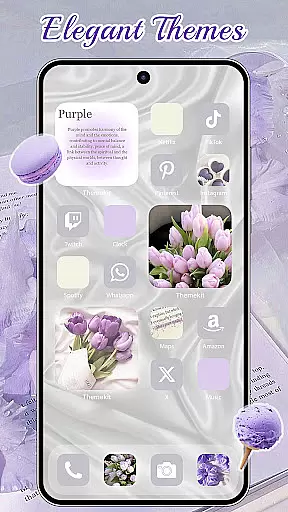
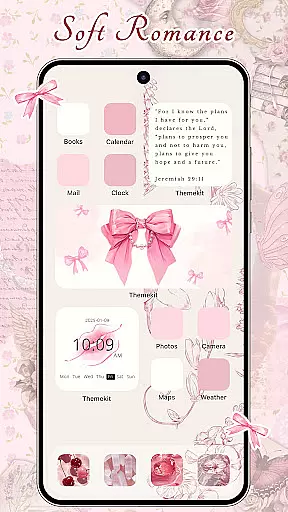
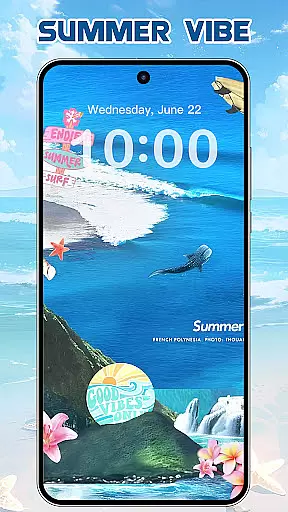
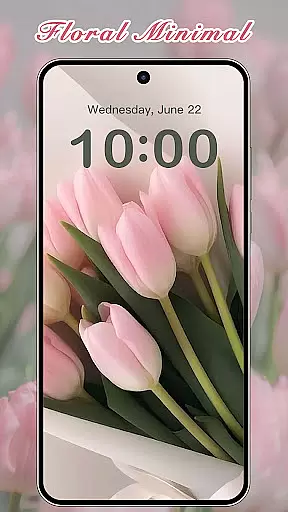

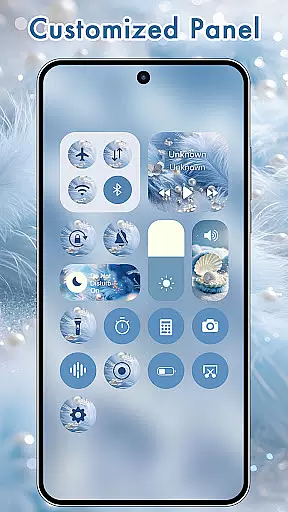
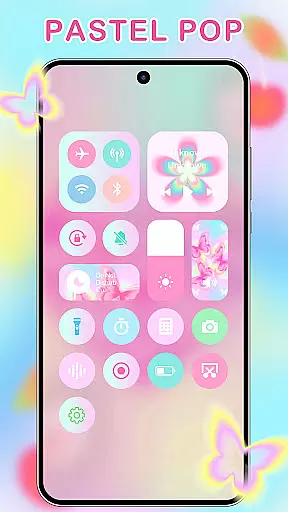
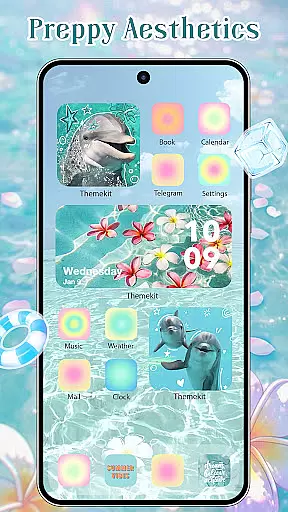
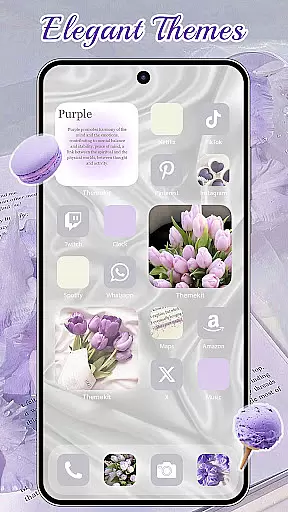
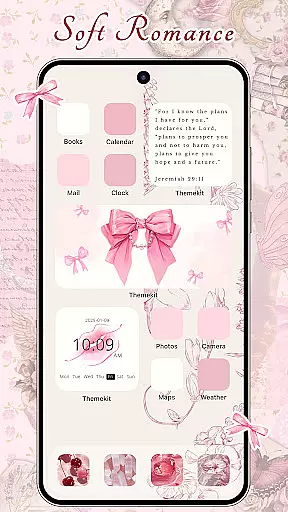
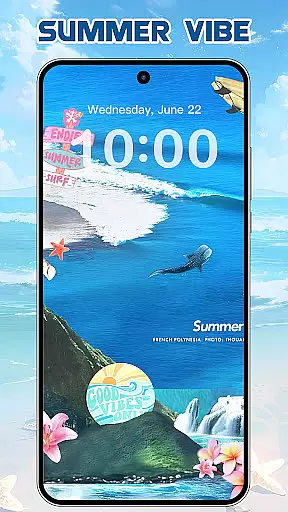
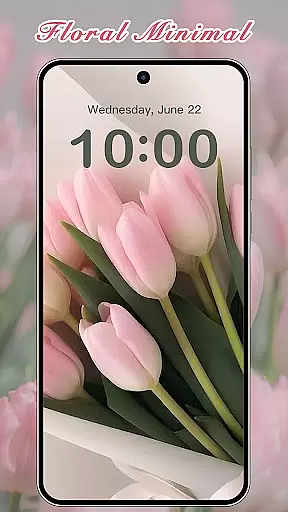
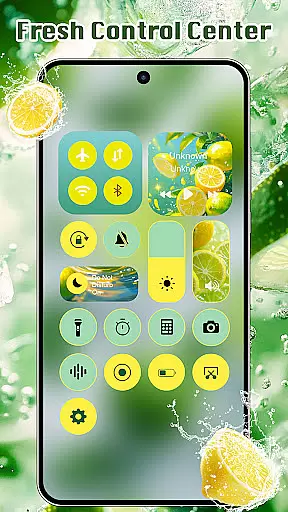
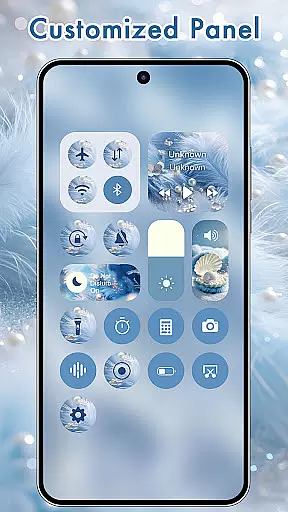
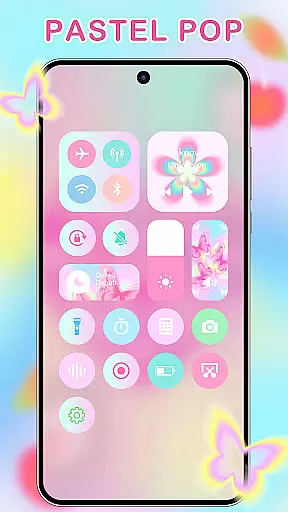
ThemeKit is a comprehensive personalization app designed specifically for Android users who want to enhance their device's aesthetics. This app offers an extensive collection of icon packs, widgets, and wallpapers that allow users to customize their home screens with ease. With over 5000 icons, 3000 themes, and 9000 widgets, ThemeKit provides limitless possibilities for personal expression.
The app stands out with its DIY capabilities, enabling users to design unique icons and widgets using personal photos. Whether you're looking for seasonal themes like Christmas or Summer Vacation, or specific styles such as Aesthetic, Dark, or Minimalism, ThemeKit has something for everyone. The app also features daily updates to keep up with the latest trends in mobile aesthetics.
ThemeKit is not just about looks; it's about creating a personalized experience that reflects your personality. From 4K wallpapers to customizable widgets, this app ensures your phone becomes a true extension of yourself. Compatible with various Android devices and supporting multiple languages, ThemeKit makes personalization accessible to a global audience.
ThemeKit boasts an impressive array of features that cater to every aspect of phone customization. The app includes a powerful icon changer that works without requiring a separate launcher, allowing users to create shortcuts with custom icons directly on their home screen. With access to thousands of professionally designed icons and the ability to use personal gallery images, the possibilities for icon customization are virtually endless.
One of ThemeKit's standout features is its comprehensive widget kit. Users can edit and customize hundreds of widget styles, similar to popular widget creation tools. The app also offers a 4K wallpaper changer with daily updates, providing users with fresh, high-quality background options. These features combine to create a complete home screen customization solution that goes beyond basic theming apps.
Additional benefits include seamless integration with Android devices from various manufacturers, ensuring compatibility across Samsung, Vivo, OPPO, and Xiaomi devices. The app maintains a user-friendly interface while offering advanced features like countdown timers and weather widgets. With support for multiple languages and no watermarks on created content, ThemeKit delivers professional-grade customization tools to all users, regardless of their location or language preference.
ThemeKit offers an extensive range of customization options that allow users to personalize their Android devices like never before. With over 5000 aesthetically designed icons, 3000 themes, and 9000 widgets, the app provides a comprehensive suite for home screen personalization.
The app's DIY function empowers users to design unique icons and widgets using their own album pictures and wallpapers. This feature not only enhances personal expression but also ensures that each user's device reflects their individuality and style.
Users can choose from various categories such as Summer Sadness, Festival, Dark, Pink, Fantasy, Cartoon, Gothic, Anime, Aesthetic, Brat Green, Kpop, and more. The availability of these diverse themes means there is something for everyone, catering to all tastes and preferences.
By providing daily updates and new trends, ThemeKit ensures that users always have fresh content at their fingertips. Whether it's the latest Christmas or Autumn themes, or special event-based designs like the European Cup or Super Bowl, users can keep their devices up-to-date with current events and seasons.
ThemeKit excels in theme compatibility, ensuring that its vast library of themes, icons, and widgets work seamlessly across different Android devices. Regardless of whether you're using a Samsung, Vivo, OPPO, or Xiaomi device, ThemeKit's offerings are optimized to provide a consistent and high-quality experience.
The app supports multiple languages, breaking down language barriers and making it accessible to a global audience. This inclusivity ensures that users from various regions can enjoy and utilize the full potential of ThemeKit without any hindrance.
One of the standout features is the icon changer functionality, which works without needing a separate launcher. Users can easily swap out icons on their home screens with new ones from the gallery or included icon packs, enhancing both aesthetics and usability.
Additionally, ThemeKit provides free widget kits that let users edit and customize their home screens with hundreds of widget styles. These widgets include practical tools like countdown timers and weather updates, combining functionality with personal flair. Such versatility makes ThemeKit a top choice for those seeking both beauty and utility in their device's appearance.
User-friendly interface
Extensive customization options
Daily content updates
Cross-device compatibility
Multilingual support
Some features may require accessibility permissions
Advanced options might overwhelm beginners
Occasional performance issues on older devices
Limited iOS availability
Premium content requires purchase

A retro cartoon style watch face and a punch right in the face of the copyright
 4.60
4.60
Themes - Widget & Wallpaper: Customize home screen, icon changer w unique themes
4.30
Interactive Miniature Painting Catalogue
3.30
Aesthetic Widgets, HD Wallpapers, Themes in Mico Widget for Home and Lock Screen
4.50
Color phone with cool effects for call screen, flash alert & ringtones music
4.50
Adorable pets roam and play right on your phone screen!
3.30
300+ Stunning and well-designed widgets inspired by NOTHING.
4.70
400+ Beautifully crafted widgets inspired by NOTHING.
4.70
Install amazing sticker packs: endless styles, always cool.
4.70
100+ Stylish Fonts, Emojis, Symbols keyboard for Instagram & TikTok!
4.80
Stylish Pink Cute Hippo keyboard with 10000+ customized keyboard themes!
4.60
Ultra realistic gold analog watch face with lots of customization options.
4.50
Customizable screen pets that play, climb, and keep you company.
4.50
Turn text & photos into stunning AI videos, art, and creative visual stories.
4.50
Fingerprint Lock Screen & Live Animations with 4K Wallpapers as Live Wallpaper
4.40
Yandex Browser — stylish and secure, with voice search and data compression
4.40
Unique Fonts, typefaces and stylish text. Fonts for Instagram, Whatsapp & others
4.20
Create unique, fun emojis with Funny Emoji Maker! Unlimited creativity!
4.00
Custom edge gestures for volume control, brightness, apps, and shortcuts.
4.5


User Reviews