
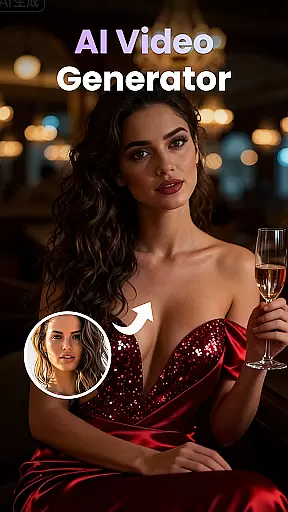
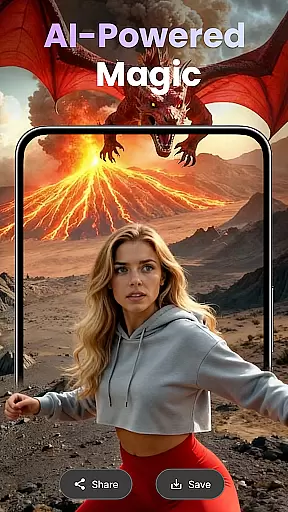
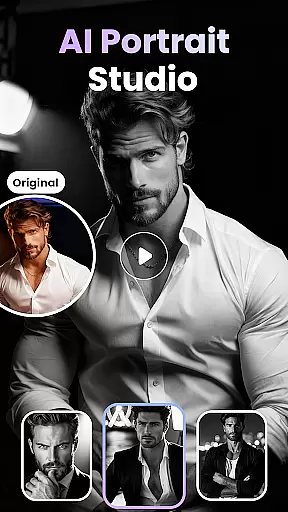
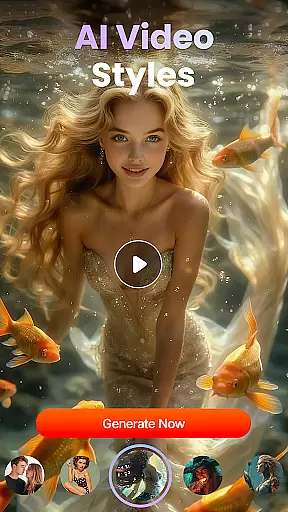
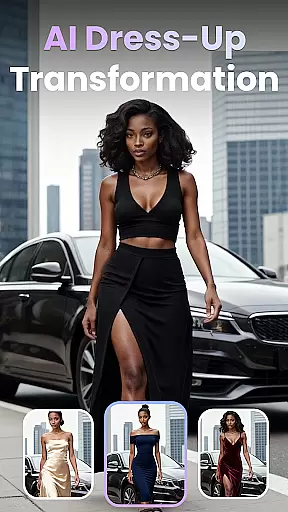
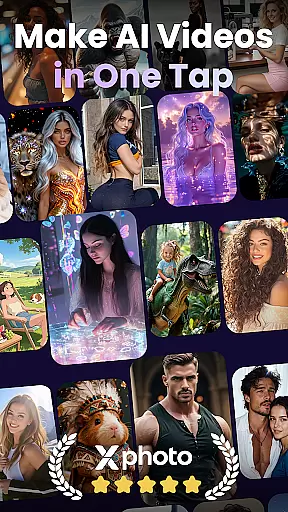
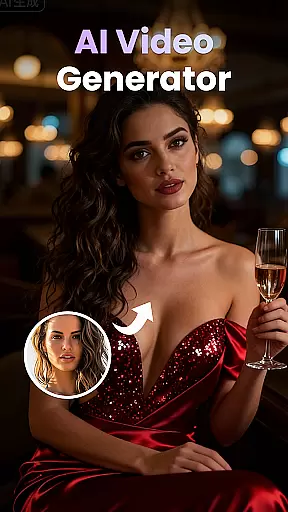
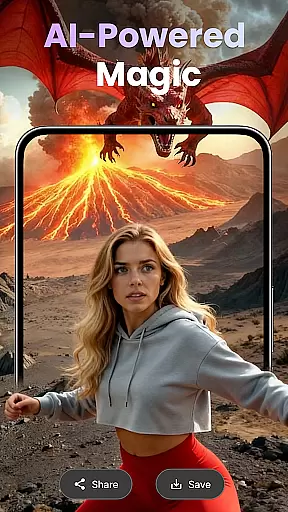
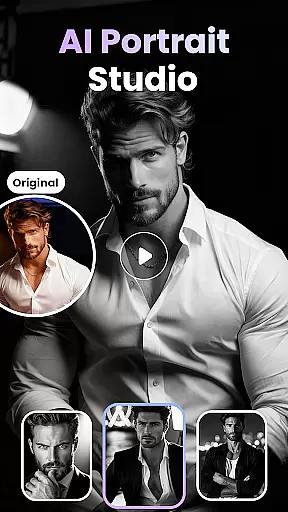
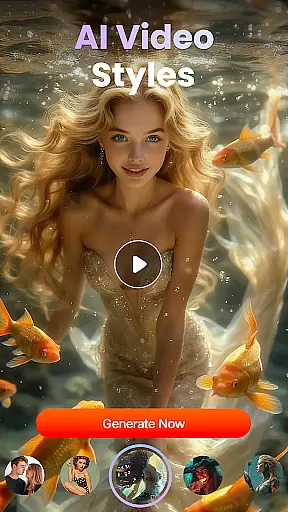
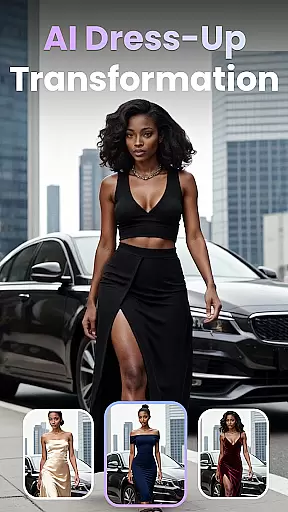
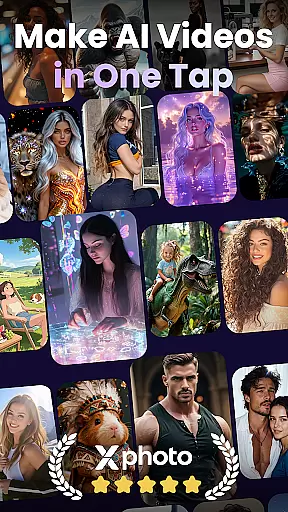
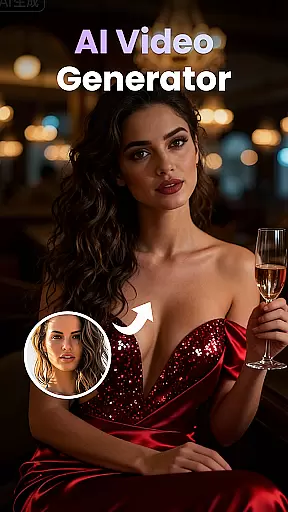
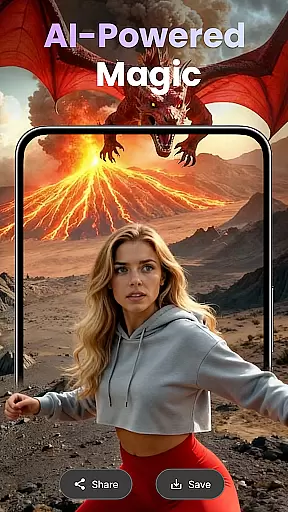
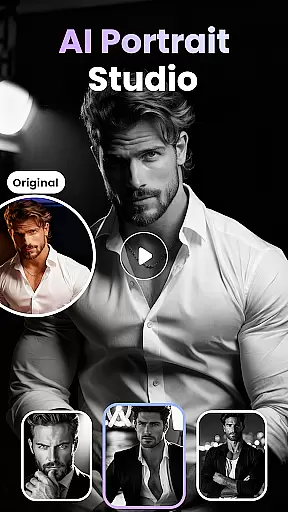
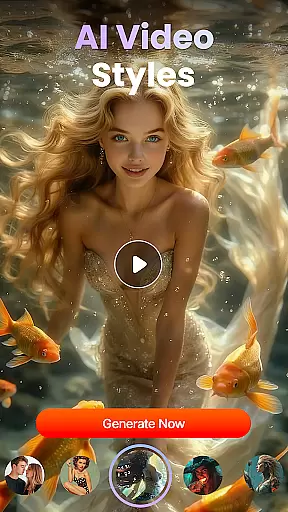
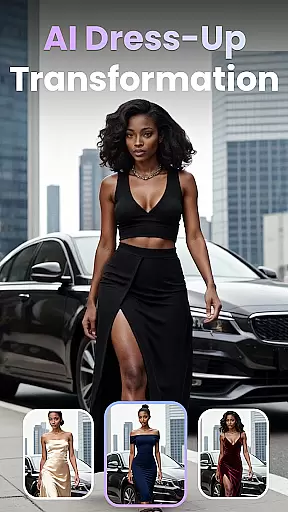
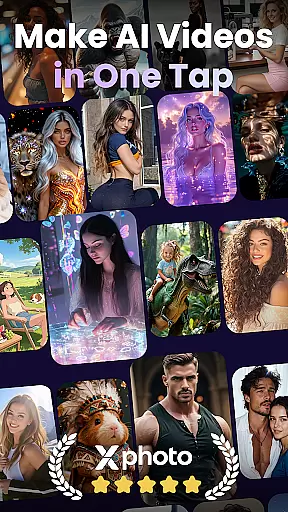
XPhoto is an AI-powered creative studio that transforms text prompts into professional-grade videos and animated clips. With advanced AI technology, it allows users to create stunning visuals for content creation across platforms like TikTok, Instagram Reels, and YouTube Shorts.
Key features include AI Text to Video, Photo to Video Animation, and Face Swap tools. These capabilities make XPhoto ideal for influencers, artists, and storytellers who want fast, high-quality results without technical complexity.
Whether you're crafting viral trends or producing cinematic shorts, XPhoto provides a seamless experience with HD export options and smart editing tools, empowering creators to bring their ideas to life effortlessly.
XPhoto offers a robust suite of creative tools designed to enhance visual storytelling. Its standout feature is the AI Text to Video functionality, which converts simple descriptions into cinematic videos in seconds. This eliminates the need for complex video production processes.
In addition, the app includes Photo to Video Animation, allowing users to animate still images with emotional depth. The Face Swap & AI Effects tool enables effortless creation of engaging content, while Smart Editing Tools provide automatic captioning, music integration, and voiceovers.
With support for 1080p and 4K exports, XPhoto ensures professional-grade quality for all projects. These features collectively cater to both beginners and professionals seeking efficient yet powerful solutions for their creative needs.
Customization is at the heart of XPhoto, allowing users to tailor their creative projects with precision. The app offers a wide array of customization options that cater to both beginners and professionals in the realm of visual content creation. With features like AI Text to Video, Text to Image Generator, and Photo to Video Animation, users can bring their unique visions to life.
XPhoto stands out by providing diverse creative video templates alongside smart editing tools. These tools enable the addition of captions, background music, or voiceovers, ensuring each piece of content can be personalized to fit the creator's style and needs. Such extensive personalization empowers creators to craft compelling narratives without needing deep technical expertise.
The ability to apply Face Swap & AI Effects further enhances the personalization experience. Users can effortlessly create viral trends and engaging content that resonates with their audience. This level of customization not only boosts creativity but also significantly improves user engagement across platforms like TikTok, Instagram Reels, and YouTube Shorts.
Theme compatibility in XPhoto ensures that all creations maintain visual consistency across different formats and platforms. Whether you're designing for TikTok, Instagram, or YouTube, XPhotou2019s output seamlessly adapts to each platform's requirements while preserving the intended aesthetic. This adaptability is crucial for influencers and content creators who need their work to look professional everywhere.
XPhoto supports high-definition exports up to 4K, with no watermarks, which guarantees that your videos retain their quality and original appearance on any device or platform. This feature underscores the importance of theme compatibility, as it allows creators to share their work confidently, knowing it will appear as envisioned.
Moreover, the app's beginner-friendly yet powerful nature means that even those new to design can achieve visually stunning results. By offering HD export options and ensuring cross-platform theme integrity, XPhoto provides an invaluable toolset for anyone looking to produce consistent, high-quality visual content. This reliability fosters trust among users, making XPhoto a go-to solution for personalized, professional-grade visuals.
User-friendly interface
High-quality video output
Versatile design templates
Fast rendering speeds
Advanced AI effects
Limited free features
Premium subscription required
Occasional glitches
Heavy on storage
Learning curve for new users

A launcher for Samsung Good Lock and Good Guardians modules without ads
 4.70
4.70
Ultimate widget creator. Design custom widgets for a truly unique home screen!
3.90
Run multiple accounts of the same app on a single device
4.10 4.50
4.50 4.50
4.50
Launcher OS™ Pro without ads help make your phone simple and pretty
4.30
Yandex Browser — stylish and secure, with voice search and data compression
4.40
Crystal-clear, square icon provides a sleek and sophisticated visual upgrade
4.00
400+ Beautifully crafted widgets inspired by NOTHING.
4.70
Add cute Shimeji pets to screen, interact with them and relax with cute motions
4.60
Handcrafted pixel art icons, widgets & wallpapers
4.60
Beautiful realistic hybrid watch face with numerous customization options.
4.50
Customizable screen pets that play, climb, and keep you company.
4.50
Your home screen, just the way you like it.
4.30
Unique Fonts, typefaces and stylish text. Fonts for Instagram, Whatsapp & others
4.20 4.10
4.10
Create unique, fun emojis with Funny Emoji Maker! Unlimited creativity!
4.00
Capture moments that pass like a storm, second by second.
4.1
Prank your friends with realistic broken screen and cracked HD effects!
4.4


User Reviews