
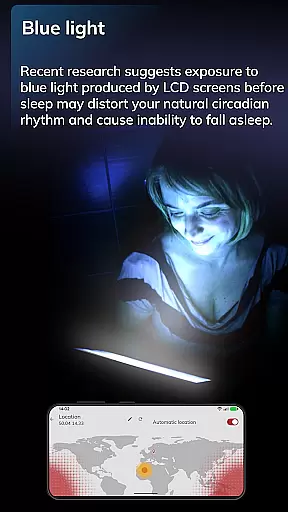
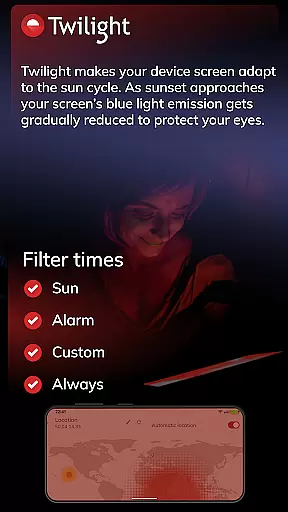
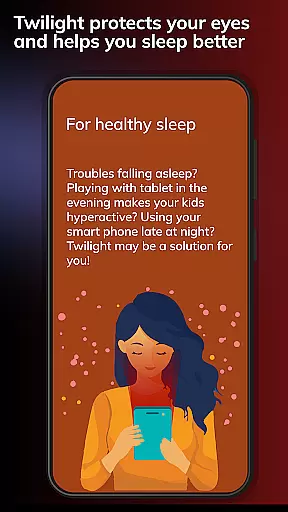
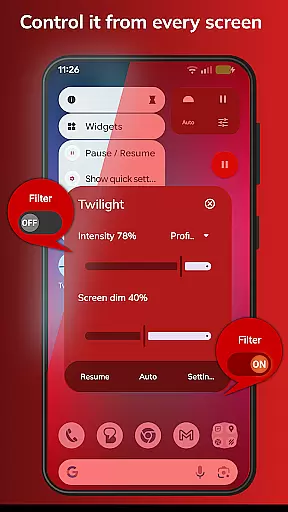
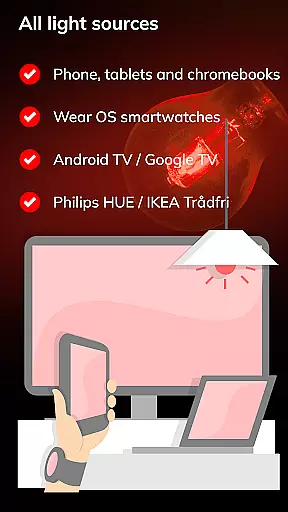
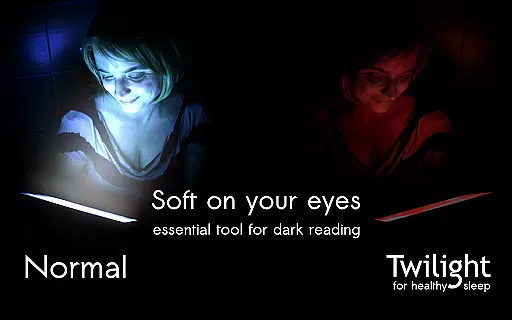
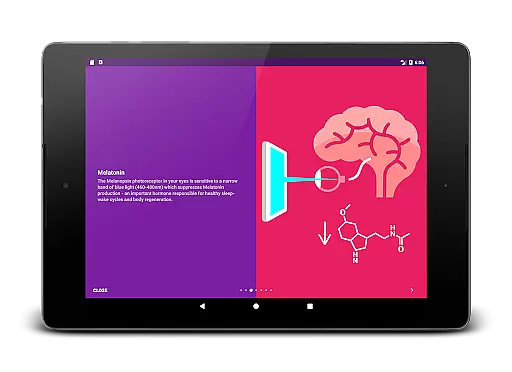
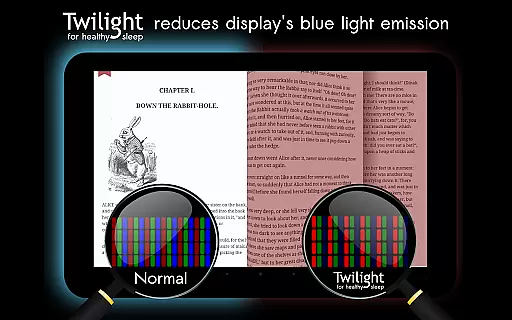
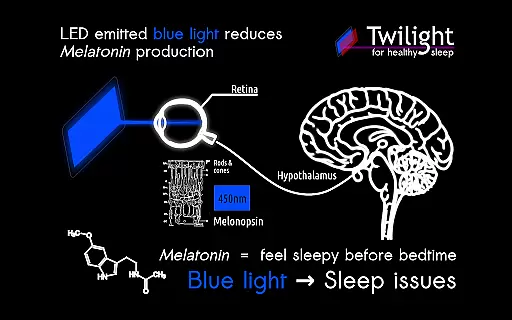
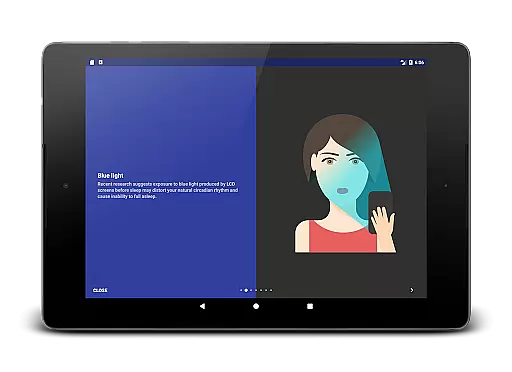
Twilight Pro Unlock is a specialized application designed to help users improve their sleep quality by reducing blue light exposure from mobile devices. The app filters the blue spectrum on your phone or tablet screen after sunset, replacing it with a soft red filter that adjusts based on your local sunrise and sunset times. This feature aims to protect your eyes and maintain healthy sleep-wake cycles by minimizing melatonin suppression caused by blue light.
The app offers advanced PRO features including multiple customizable profiles, adjustable transition times, and the ability to disable the service during inactive periods. These functionalities provide users with greater control over their screen's light settings. Whether you're reading before bed or concerned about your children's device usage at night, Twilight Pro provides a practical solution for maintaining healthy circadian rhythms.
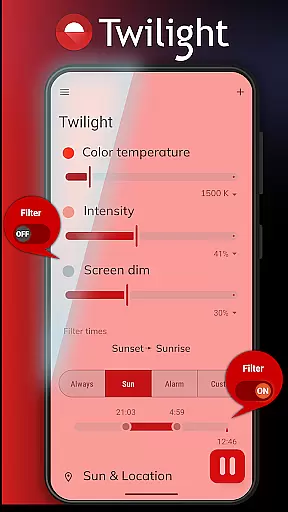
Twilight Pro Unlock stands out with its scientifically-backed approach to addressing sleep issues related to blue light exposure. The app's core functionality revolves around its ability to dynamically adjust screen color temperature based on the time of day. After sunset, it gradually increases the intensity of the red filter while reducing blue light emission, creating a more sleep-friendly environment.
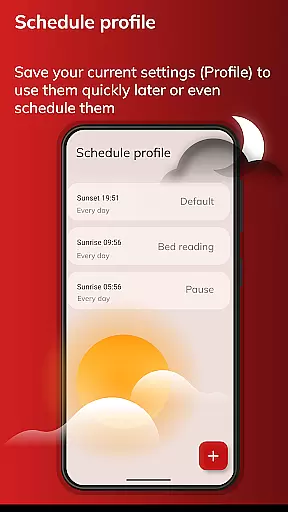
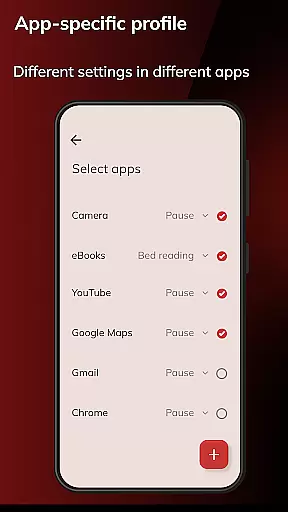
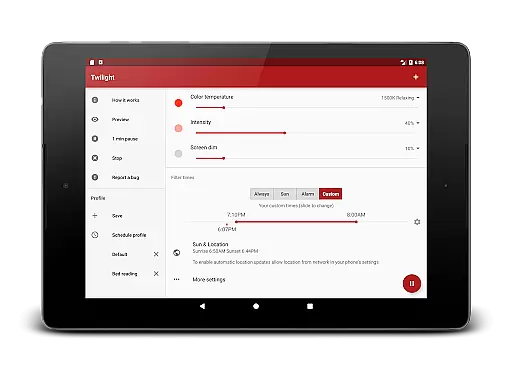
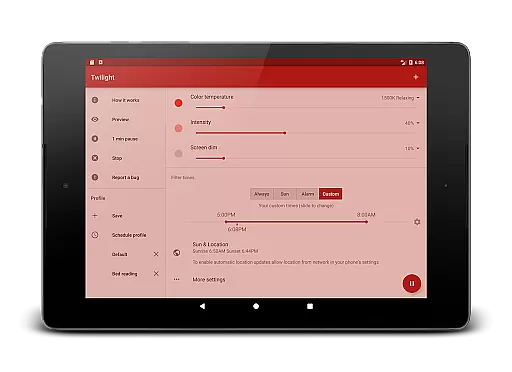
Beyond basic filtering capabilities, the PRO version offers enhanced customization options. Users can create more than two personalized profiles to match different usage scenarios, set specific transition times for filter activation, and even completely turn off the service during designated hours. These features ensure minimal disruption to regular device usage while still providing maximum protection when needed most. The app's intelligent design makes it an essential tool for anyone looking to improve their digital wellness.
Personalized planning in Twilight Pro Unlock involves tailoring the screen's blue light filtering to match your daily schedule and environment. This feature is crucial for maintaining a healthy circadian rhythm, especially when using digital devices before bedtime.
The app achieves personalized planning by allowing users to set custom profiles that adjust the intensity of the red filter based on local sunset and sunrise times. Users can create more than two predefined profiles, ensuring their device adapts perfectly to different scenarios throughout the day.
By utilizing this feature, users benefit from improved sleep quality as the adjusted screen minimizes melatonin suppression. The tailored profiles ensure that whether you're working late or reading before bed, your eyes are protected, and your sleep cycle remains undisturbed.
This level of personalization demonstrates Twilight Pro Unlock's commitment to user-centric solutions, providing an effective tool for managing exposure to blue light and promoting healthier sleep patterns.
Progress visualization in Twilight Pro Unlock refers to how the app displays changes in light filtering over time, giving users insight into how their screen adjustments align with their sleep schedules. Understanding this process is essential for users who want to monitor their progress towards better sleep hygiene.
Twilight Pro Unlock visualizes progress through smooth transitions of the red filter's intensity, which users can observe as it gradually adapts to the sun cycle. With adjustable transition times, users have control over how quickly these changes occur, offering a clear view of the shift from daytime to nighttime settings.
Users gain peace of mind knowing exactly when and how the screen modifications take place, reinforcing trust in the app's ability to aid in sleep improvement. This transparency helps users understand the correlation between screen adjustments and their own physiological responses.
By focusing on progress visualization, Twilight Pro Unlock empowers users to make informed decisions about their screen time habits, ultimately leading to enhanced well-being and optimized sleep cycles.
Effective blue light reduction
Customizable filter profiles
Automatic time-based adjustment
Advanced PRO features
Scientifically supported solution
Premium version cost
May affect color accuracy
Requires manual setup
Limited free features
Device compatibility issues

Live Heart Rate Pro - Real Time Heart & Workout Data For Wear OS & Bluetooth BLE
 3.20
3.20
Home workouts for fitness & fast bodybuilding at home - no equipment needed.
4.90
Meditation app, head space app provides calm music to help you meditate & sleep
5.00
A simple way to calculate peptide doses and also to convert different units.
4.4
When the night comes, we prepare your eyes for deep, sweet dreams
4.70
Using Recognise™ has been shown to reduce pain, and improve performance.
4.5
The Sleep Miracle Sound Machine: Soothes baby to sleep with a gentle "Shhh"
3.00
Find Paid Clinical Trials In Your Area
3.70
This is an application that serves as a companion app for smart watch.
4.20
Beauty Care, Makeup & Skin Care Scanner | Pregnancy App For A Mom | Healthy Baby
5.00
Medbridge GO gets you moving - get back to doing what you love, faster!
4.90
Wall Pilates at home & Pilates workout for beginners for core and weight loss.
4.80
Load the bar with this barbell & plate calculator. It's leg day, not brain day!
4.70
You deserve easy access to important insurance information. Download for FREE.
4.70
Drink water reminder app. Track water intake. Smart simple hydration tracker.
4.70
Effortlessly and naturally release anxiety by harnessing the power of your brain
4.60
Fast Body building & Weight Loss. Home Workouts with Daily Coach, No Equipment.
4.30
Looking to take control of your health? Our psychology-based programs can help.
4.10
FitCloudPro takes care of your health every minute.
3.70


User Reviews