
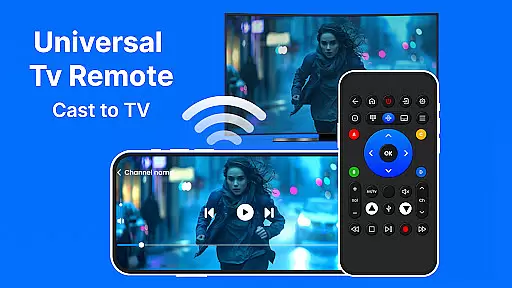
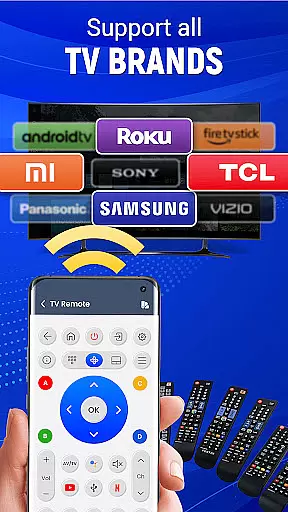
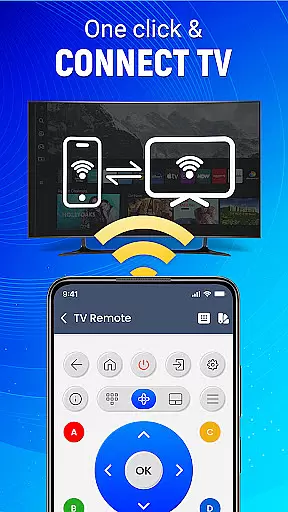
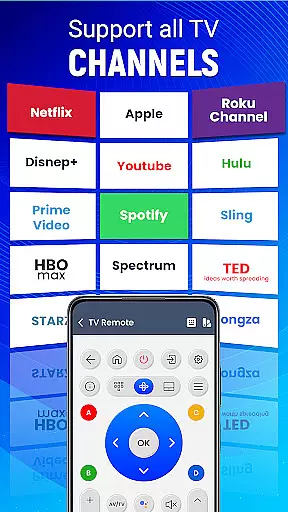
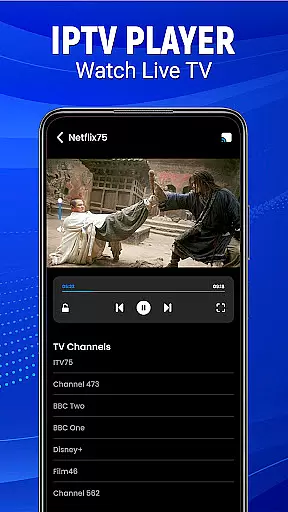
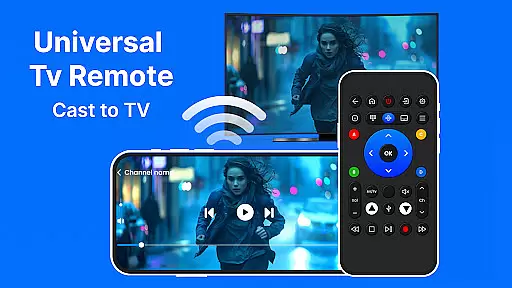
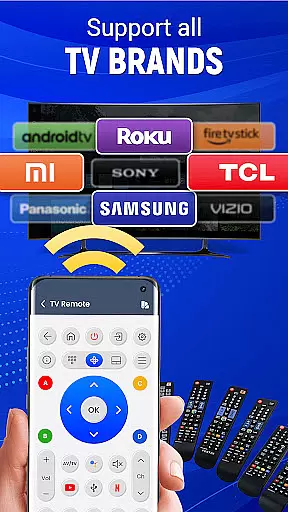
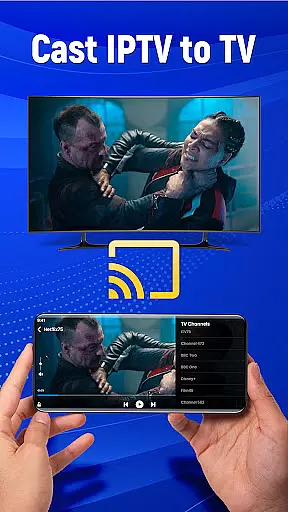
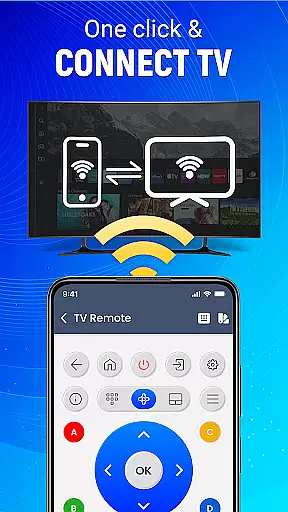
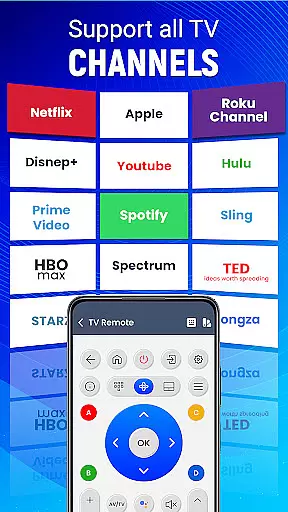
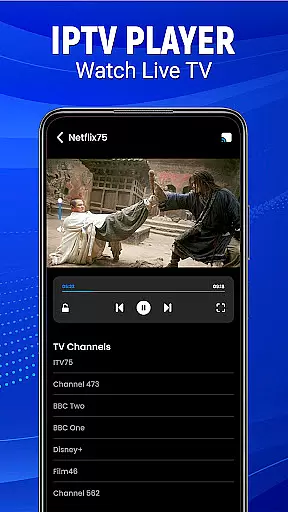
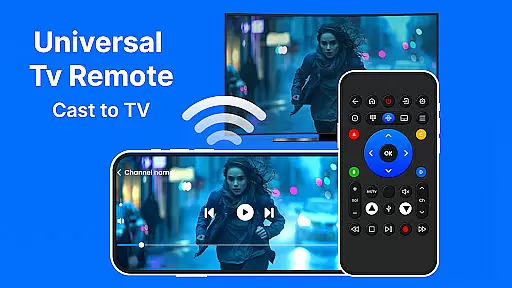
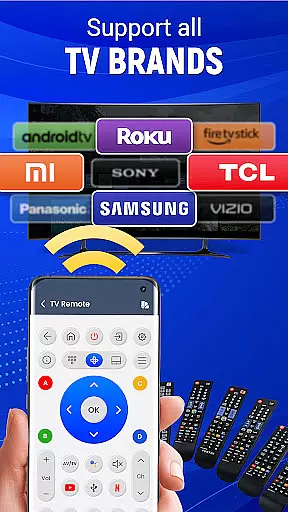
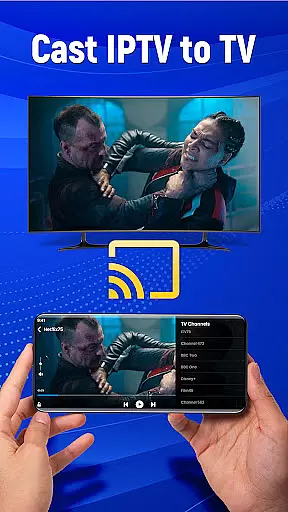
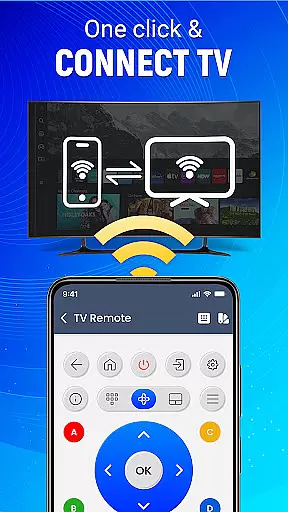
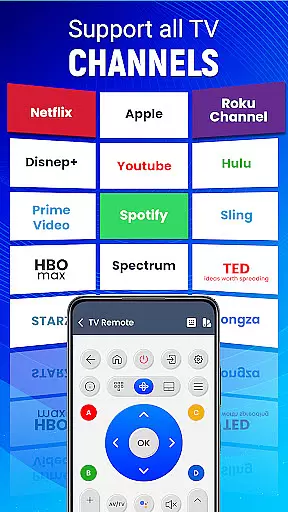
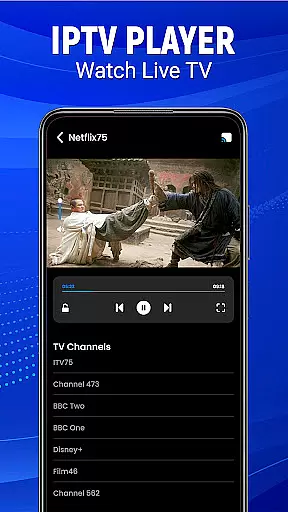
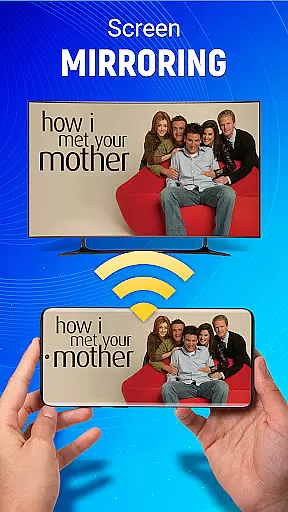
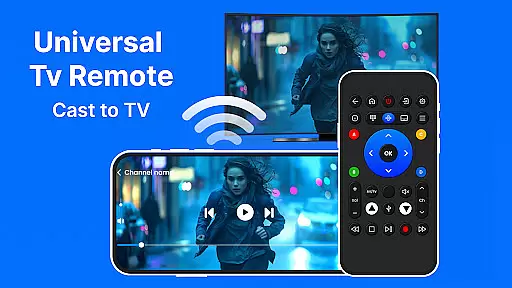
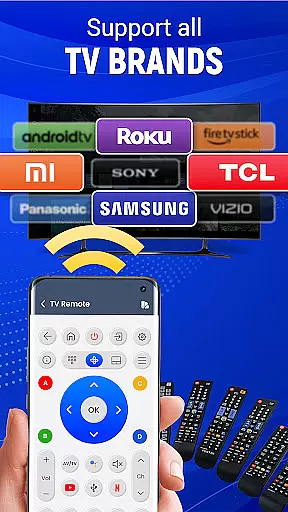
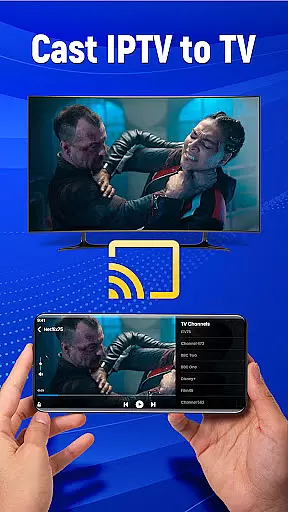
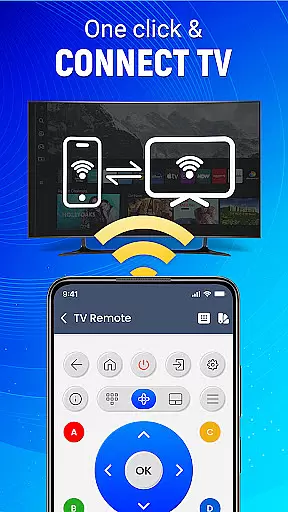
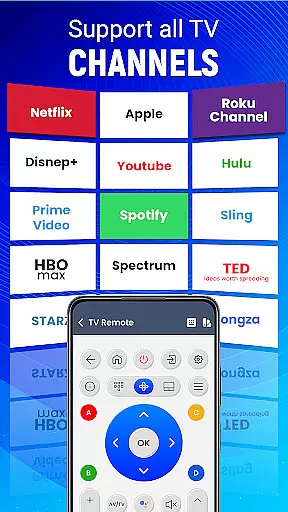
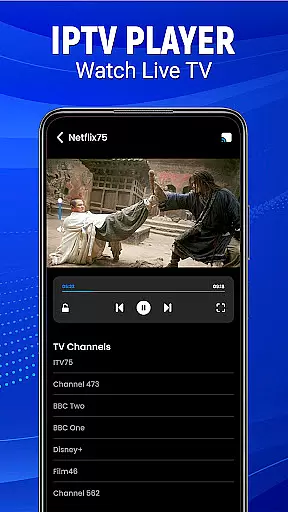
Universal TV Remote-Cast to TV is a versatile home utility application that transforms your smartphone into a universal remote control for televisions. This app supports all major TV brands and offers multiple connectivity options including infrared and Wi-Fi, making it compatible with both older and newer TV models. The application's core functionality lies in its ability to seamlessly control various TV functions such as channel surfing, volume adjustment, and input switching.
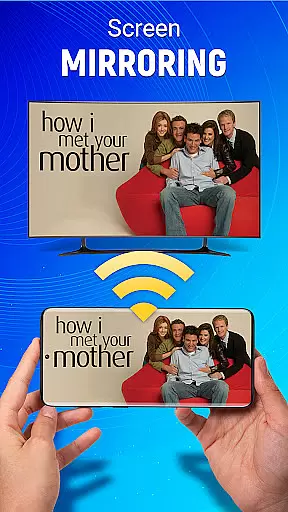
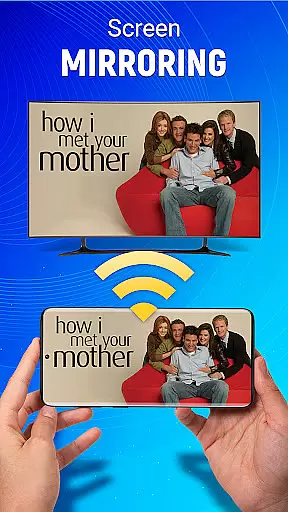
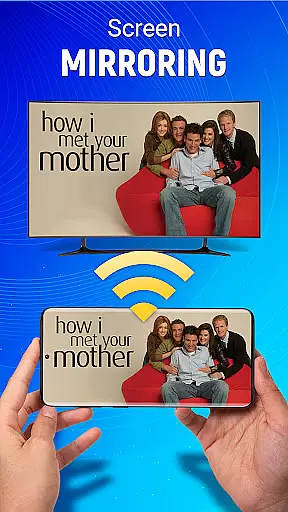
Beyond basic remote capabilities, the app features advanced functions like screen mirroring, allowing users to cast their mobile device's display directly to their television without any wired connections. The inclusion of voice command support and gesture-based navigation adds another layer of convenience, enabling users to operate their TVs through simple voice instructions or intuitive touch gestures. These smart features make it an ideal solution for those seeking to streamline their home entertainment system control.
The app finds particular value in modern smart homes where users often juggle multiple remotes. By consolidating all TV control functions into a single application, it eliminates the clutter of traditional remotes while offering additional smart features. This not only simplifies daily TV operation but also enhances the overall viewing experience through its comprehensive feature set and user-friendly interface.
The Universal TV Remote-Cast to TV application distinguishes itself through its comprehensive feature set designed to enhance television control. One of its most notable characteristics is the dual connectivity option, supporting both traditional infrared communication and modern Wi-Fi based control. This dual capability ensures compatibility with virtually all television models, from older sets requiring line-of-sight IR signals to newer smart TVs utilizing network-based commands.
A key innovation is the app's implementation of advanced control methods. The voice command feature allows users to execute common TV functions through natural language processing, while the gesture navigation system enables precise control through intuitive swipes and taps on the smartphone screen. These features are complemented by customizable remote layouts, letting users personalize their control interface according to their preferences and usage patterns.
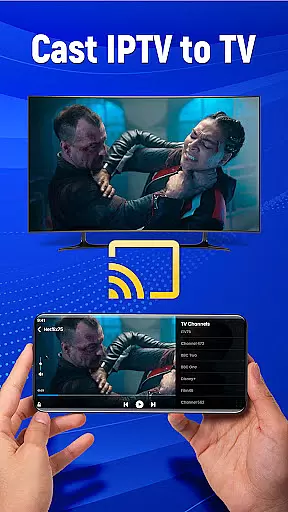
The screen mirroring functionality represents another significant advantage, enabling wireless content sharing between mobile devices and televisions. This feature supports various media types and applications, making it suitable for presentations, media sharing, and extended workspace scenarios. Additionally, the app's optimization for Android devices ensures smooth performance and reliable connectivity, while its support for multiple TV brands provides users with unprecedented flexibility in managing their home entertainment systems.
In the context of smart home management, ensuring the authenticity and reliability of connected devices is crucial. Universal TV Remote-Cast to TV provides a trustworthy solution by offering verified compatibility with numerous television brands.
The application undergoes rigorous testing to ensure its functionality matches the specifications of supported televisions. This meticulous verification process guarantees that users can confidently control their TVs without concerns about compatibility issues.
By maintaining an updated database of supported models and their specific features, the app ensures accurate representation of its capabilities. This commitment to transparency allows users to manage their home entertainment systems with peace of mind.
The result is a reliable tool that transforms your smartphone into a universal remote controller, providing seamless integration with your existing home entertainment setup while maintaining complete feature parity.
Beyond basic remote control functions, modern home management applications must offer comprehensive features for optimal device control. Universal TV Remote-Cast to TV excels in this aspect by providing advanced home management capabilities.
The application's sophisticated feature set includes voice command support, gesture navigation, and customizable preferences. These elements combine to create an intuitive control center for your home entertainment system, accessible from anywhere within Wi-Fi range.
Particularly noteworthy is the app's ability to handle complex tasks such as screen mirroring and source switching. The cast-to-TV functionality enables wireless content sharing, while the comprehensive control options allow users to manage multiple devices through a single interface.
These integrated home management features transform your smartphone into a powerful command center, streamlining daily interactions with your entertainment system while enhancing overall user experience.
User-friendly interface
Wide brand compatibility
Voice command support
Wireless connectivity
Customizable controls
Requires compatible hardware
Limited iOS support
Occasional connection issues
Ads in free version
Learning curve for features

The official app for Home Assistant. Control your home anywhere in the world.
 4.30
4.30
Tailored Care Guides For Houseplants, Indoor Plants, Garden Plants & Flowers.
4.60
Wobble Fix Tool
4.40
Draw your floor plan smartly. Make house design blueprint with home planner app
3.60
Book your local plumber 24/7, track your service order & get exclusive coupons
4.00
Find contractors for all home renovation projects. Remodeling, repair, and more.
4.20
Security App with HD Video, 2-way Audio, and event detection for Home monitoring
4.40
MLS-powered real estate app to find homes for sale & apartments for rent
4.70
Turn old phones into security cameras, baby monitors, pet cams, and more.
4.70
Connect with reliable pros for maintenance services, plumbing, and home design!
4.80
A Smarter Home in Seconds
4.70
Convert your Phone to HiSense Smart TV Remote Control
4.70
Plants, Beauty, Collectibles
4.60
Innovative and budget-friendly housing options
4.60
AI-powered home design, interior design, home decor, and room design solutions
4.50
The Merkury Smart app makes it easy to control your smart devices.
4.50
Turn your phone into a wifi cam with smart features and umlimited reach.
4.20
Design your dream home with 3D planning app, Visualize your dream home in 3D.
4.20
An awesome mobile app for Home Security Surveillance - uses ZoneMinder
3.20


User Reviews