
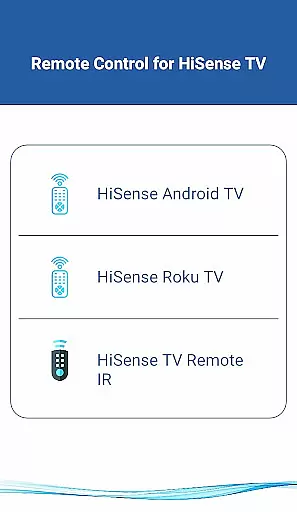
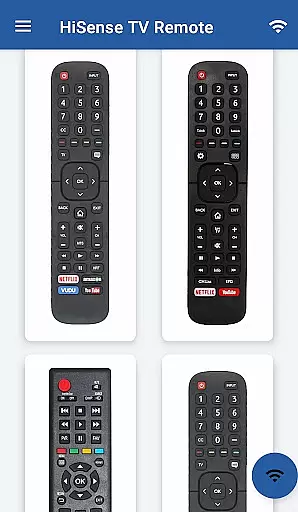
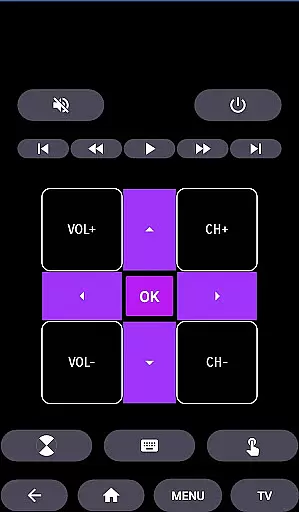
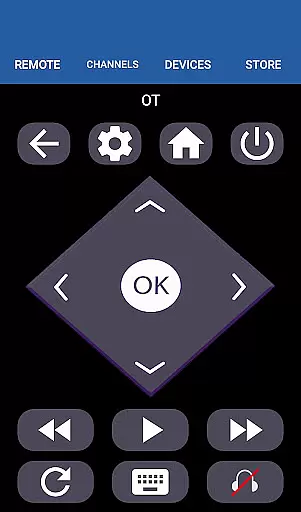
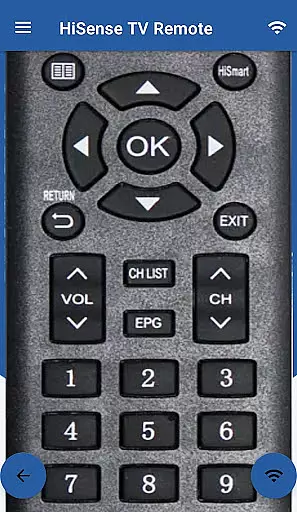
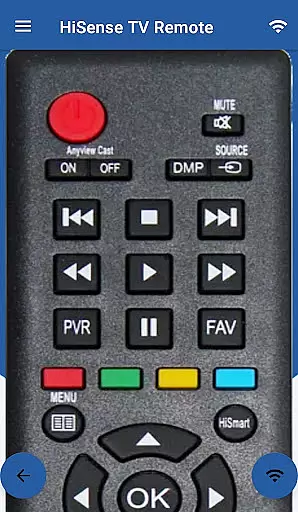
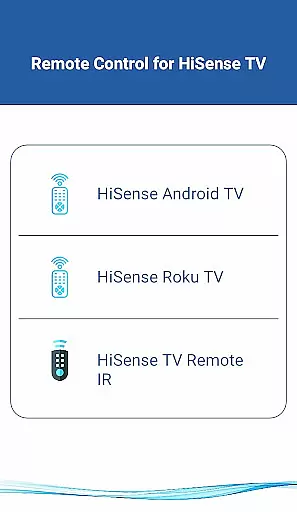
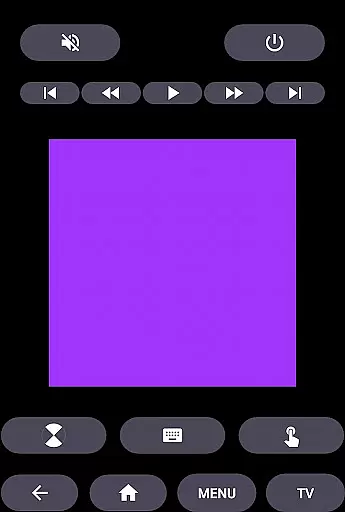
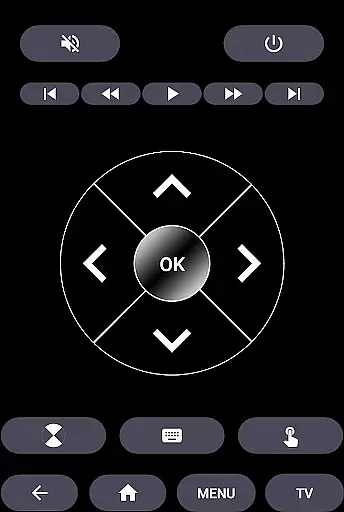
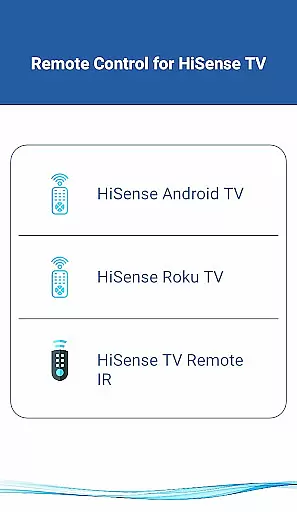
HiSense Smart TV Remote transforms your mobile device into a versatile remote control solution for HiSense Smart TVs and other compatible devices. The app supports multiple operating systems including Android OS, Android TV, and Roku OS, while also maintaining compatibility with traditional IR-based TV models.
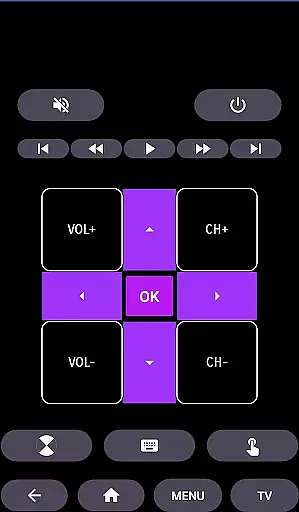
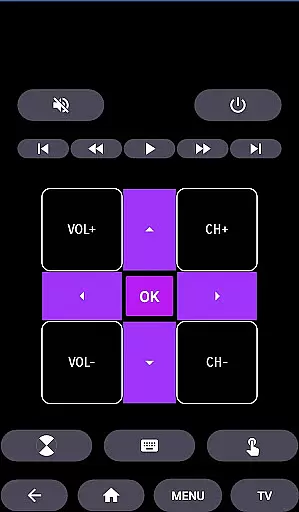
Key features include comprehensive power management, volume and channel controls, mute functionality, navigation tools, multimedia controls, and more. Users can conveniently operate their smart TVs through a Wi-Fi network connection or traditional IR communication, depending on their device specifications. This makes the app suitable for both modern smart TV owners and those with older model televisions.
The application's true value lies in its ability to replace physical remotes, eliminating issues with battery drainage and hardware malfunctions. Its intuitive interface and wide compatibility make it an essential tool for managing various entertainment devices from a single mobile application.
HiSense Smart TV Remote offers an impressive array of features designed to enhance user interaction with their entertainment systems. The app provides complete control over essential TV functions including power management, volume adjustment, channel switching, and mute capabilities. Advanced navigation controls and multimedia management tools further expand its functionality.
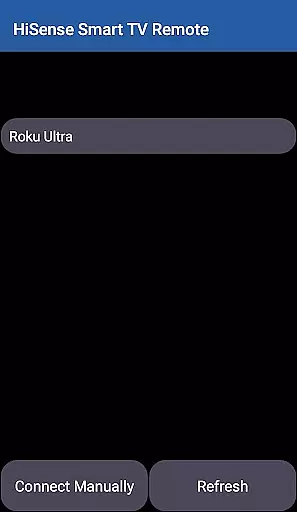
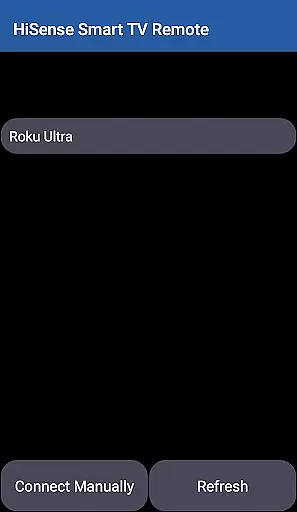
One standout feature is its dual compatibility system - the app works seamlessly with both modern Wi-Fi connected smart TVs and traditional IR-based television models. For Wi-Fi operation, users simply need to ensure both devices are on the same network and enter the displayed PIN code. The IR functionality requires a smartphone with an integrated IR blaster.
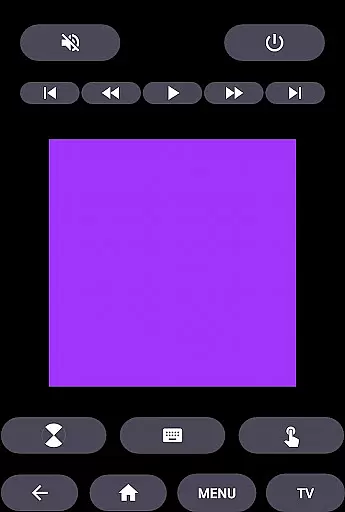
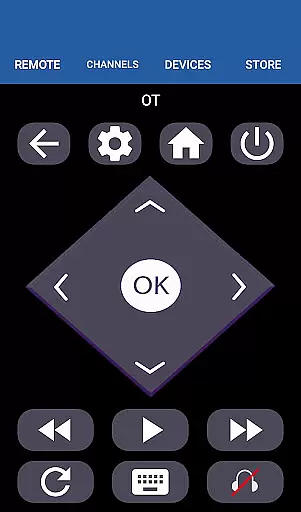
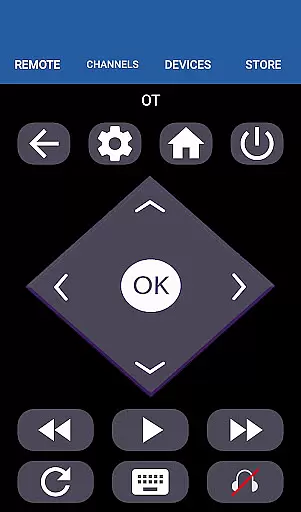
Additional innovations include touchpad support, home button navigation, and compatibility with multiple TV operating systems such as Android OS, Android TV, and Roku OS. These features collectively create a comprehensive remote control solution that adapts to various user needs and device configurations.
When it comes to managing your smart home devices, ensuring the authenticity and reliability of listings is crucial. The HiSense Smart TV Remote app provides accurate information about supported devices, ensuring users can trust the compatibility with their HiSense Smart TVs.
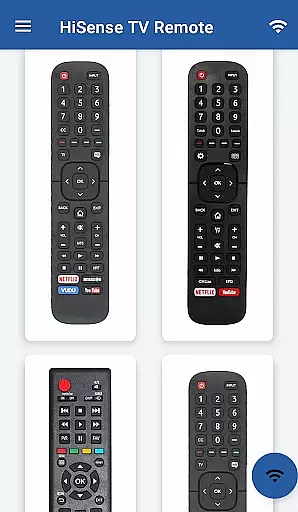
The app supports a wide range of HiSense Smart TVs including models with Android OS, Roku OS, and traditional IR devices. This comprehensive support ensures that users can confidently use the app as a universal remote control solution for various HiSense TV models.
By offering precise details on network requirements, such as the need for both the TV and mobile device to be on the same Wi-Fi network, the app enhances user confidence in its functionality. The requirement to enter a PIN displayed on the TV further confirms the legitimacy of the connection process.
Users benefit from this transparency as they can easily identify if their specific TV model is supported, avoiding frustration and ensuring a seamless smart home integration experience.
Beyond just serving as a remote control, the HiSense Smart TV Remote app offers essential home management features that enhance the overall smart home experience. With functionalities ranging from basic ON/OFF commands to advanced multimedia controls, the app provides a complete suite of tools for managing your entertainment system.
The app includes volume and channel controls, mute options, navigation features, and multimedia management capabilities. These diverse functions allow users to fully operate their HiSense Smart TVs without needing additional physical remotes or controllers.
For traditional IR devices, the app supports all standard remote functions, while also offering enhanced features for modern smart TVs like touchpad navigation and home screen access. This dual capability makes it an invaluable tool for households with mixed device ecosystems.
By consolidating these various control features into one intuitive interface, the app simplifies daily operations and maintenance tasks, making smart home management more efficient and user-friendly.
User-friendly interface
Wide device compatibility
Comprehensive function set
Reliable connection options
Regular feature updates
Requires Wi-Fi for smart features
IR needs phone hardware
Not official HiSense app
Limited Roku support
Occasional connectivity issues

Map-based search app for apartments and homes for rent.
 4.60
4.60
Draw house plans, floor plans 3d & house design with house plan drawing 3d app
3.60
Universal TV remote Control for Roku TV brands via WiFi remote
4.3
Calculate baluster spacing with ease and precision.
4.0
B-hyve Pro App for landscape irrigation professionals
4.70
Universal TV Remote for TV, control all Smart TVs with your mobile phone.
4.4
Book your local plumber 24/7, track your service order & get exclusive coupons
4.00
Find contractors for all home renovation projects. Remodeling, repair, and more.
4.20
Make your phone a surveillance camera remote with a home camera app for Android!
4.40
Download today to join the community to help bring lost pets home faster.
4.70
Find your next home, house, apartment, condo, casa, flat, rental, studio, or bed
4.70
Control your Daikin, Amana & Goodman heating & cooling systems from anywhere
4.40
SmartRent - Opening Doors To A Smarter World
4.40
For all of your Airthings devices
4.30
Design your dream home with 3D planning app, Visualize your dream home in 3D.
4.20
AI floor creator to design your dream house, plan rooms & style your home
4.00
Find paints using a Color Muse & ColorSnap® Match
3.60
Control Fire TV & mirror your phone screen instantly over Wi-Fi.
3.30
An awesome mobile app for Home Security Surveillance - uses ZoneMinder
3.20


User Reviews