
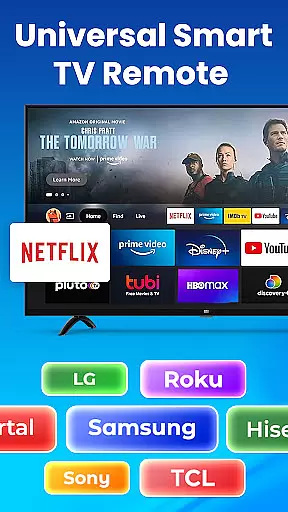
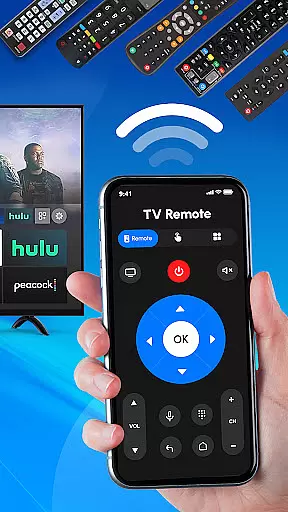
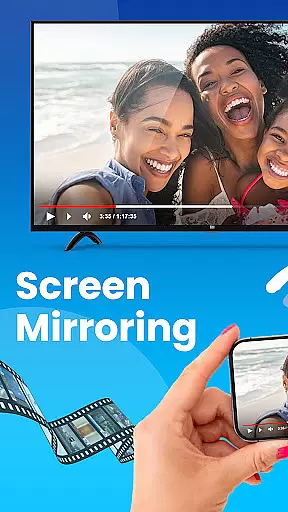
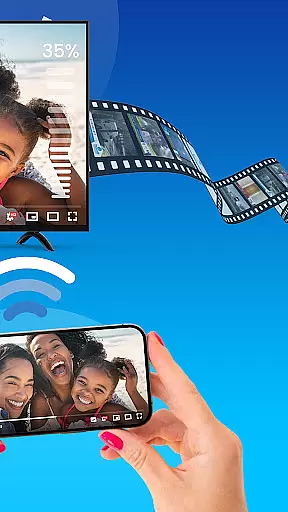
Universal TV Remote Control is a versatile application designed to replace traditional TV remotes for all major TV brands. This app supports Roku, Samsung, LG, Sony, and many other popular brands, offering seamless control over smart TVs and non-smart TVs alike. With features like Wi-Fi and Bluetooth support, users can easily manage their TV functions directly from their mobile devices.
The app provides an all-in-one solution for TV management, allowing users to adjust volume, change channels, switch input sources, and even control streaming devices such as Roku sticks or boxes. Its compatibility with various TV models makes it an essential tool for modern households, ensuring convenience and eliminating the need for multiple remotes.
Whether you're looking to simplify your living room setup or need a backup remote, Universal TV Remote Control delivers a reliable and user-friendly experience. The intuitive interface and easy setup process make it accessible for all users, enhancing the overall TV viewing experience without any additional hardware requirements.
Universal TV Remote Control stands out with its comprehensive feature set tailored for maximum user convenience. One of its key highlights is the universal compatibility with major TV brands including Roku, Samsung, LG, and Sony. This ensures that regardless of your TV model, you can enjoy full control through this single app.
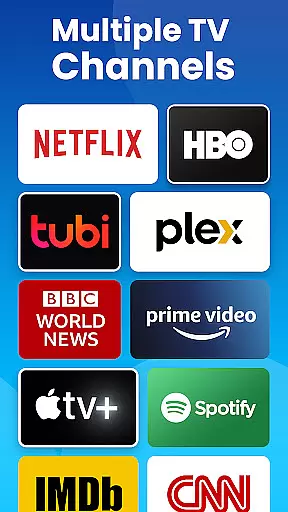
The app leverages both Wi-Fi and Bluetooth technologies to offer a responsive and reliable connection. Users can operate their smart TVs seamlessly, while also managing older models that may not have smart capabilities. Additionally, the app includes dedicated support for Roku streaming devices, enabling effortless navigation and streaming management.
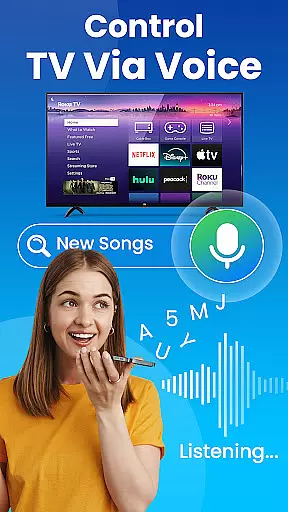
Another notable feature is the ability to customize controls based on personal preferences. From adjusting volume levels to switching between different input sources, every function is streamlined for ease of use. Voice control options further enhance accessibility, making it possible to manage your TV hands-free. These innovative features collectively create a superior remote control experience that adapts to various user needs.
In the context of smart home management, ensuring the authenticity and reliability of connected devices is crucial. Universal TV Remote Control provides a verified list of supported TV brands, including Roku, Samsung, LG, Sony, and more.
The app maintains an up-to-date database of compatible devices, ensuring users can trust that their specific TV model will work seamlessly. This verification process prevents connection issues and ensures optimal performance.
By offering transparent compatibility information, users can confidently use the app knowing their TV's control functions will operate as expected. The application's rigorous testing protocols guarantee reliable remote functionality across different TV brands.
This commitment to authenticity extends to regular updates that maintain compatibility with new TV models, providing users with peace of mind when managing their home entertainment systems.
Universal TV Remote Control offers comprehensive home management capabilities for modern households. The application consolidates control of multiple TV brands into a single interface, streamlining home entertainment management.
With features supporting Wi-Fi and Bluetooth connectivity, the app enables users to manage various TV functions including power, volume, channel switching, and input selection from their mobile device.
The inclusion of smart TV support demonstrates the application's adaptability to different home setups. Users can seamlessly switch between controlling smart TVs and traditional models, creating a unified home management experience.
Additional convenience features include voice control options and support for streaming devices, making it an essential tool for efficient home entertainment system management across multiple rooms and devices.
User-friendly interface
Wide brand compatibility
No additional hardware needed
Free to use
Voice control option
Limited advanced features
Occasional connectivity issues
Requires Wi-Fi access
No physical buttons
Dependent on device performance

Unlock AI-based barcode scanning and support the development of Grocy Android
 4.0
4.0
Download today to join the community to help bring lost pets home faster.
4.70
Resident Center, powered by Buildium, is designed with simplicity in mind.
4.50
Smart AI plant care schedules, Real plant experts, support & Thriving community!
4.20
Schlage Lock Company LLC
4.00
Security App with HD Video, 2-way Audio, and event detection for Home monitoring
4.40
MLS-powered real estate app to find homes for sale & apartments for rent
4.70
A Smarter Home in Seconds
4.70
Find homes for sale and apartments for rent in the best neighborhood.
4.70
Plants, Beauty, Collectibles
4.60
The only mappable smart lights for custom decoration.
4.50
The Merkury Smart app makes it easy to control your smart devices.
4.50
Control your Daikin, Amana & Goodman heating & cooling systems from anywhere
4.40
Control your thermostat, comfort, and home monitoring from your phone
4.30
Fully control your Philips TV with this all-in-one remote control app.
4.20
Universal Tv Remote Control for all Tv. Cast for chromecast & all Tv Controller
4.20
Samsung remote app helps control all Samsung Smartthings TVs. Fast and Stable!
4.10
Use Home by ShowingTime to easily manage showings, tours, feedback and more
3.60
Find paints using a Color Muse & ColorSnap® Match
3.60


User Reviews