
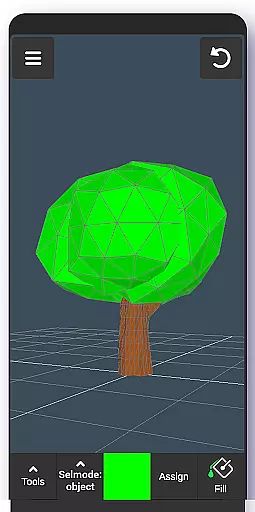
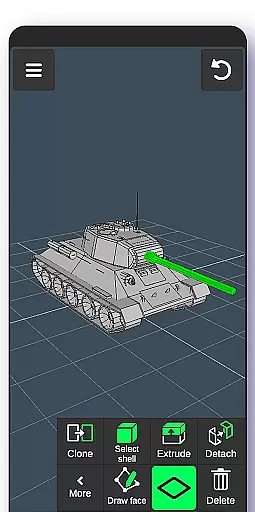
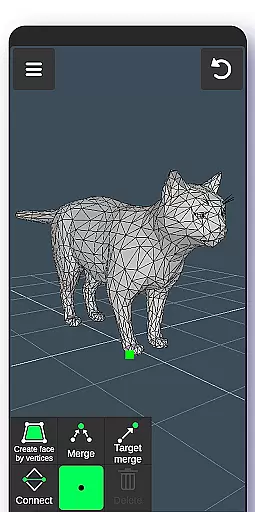
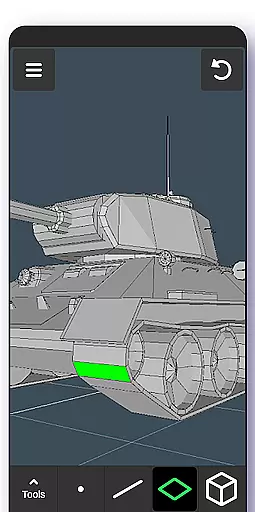
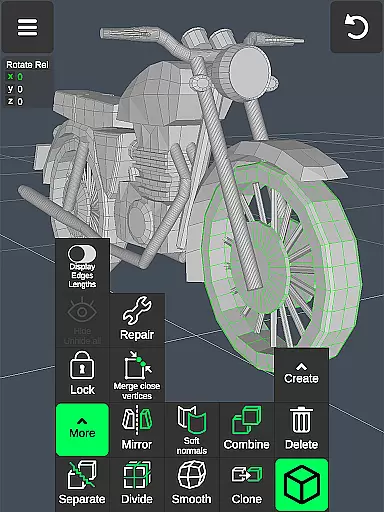
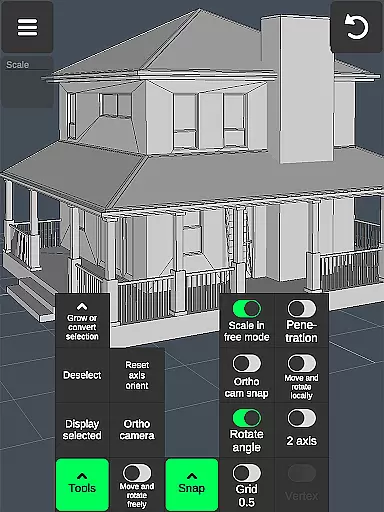
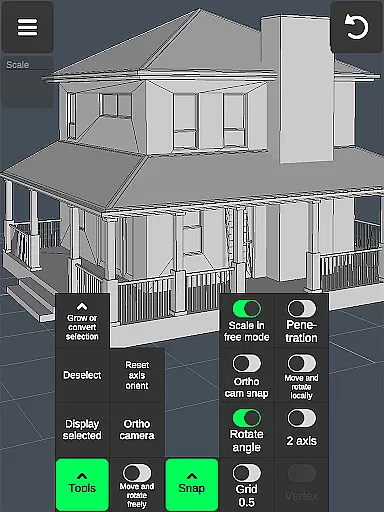

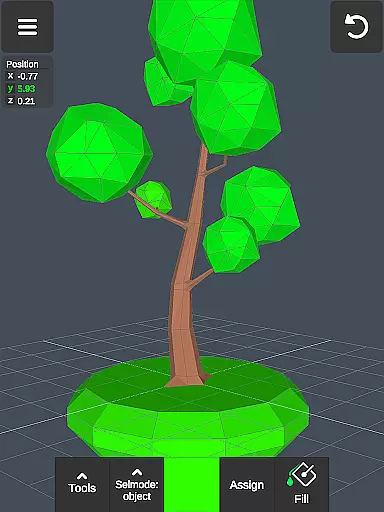
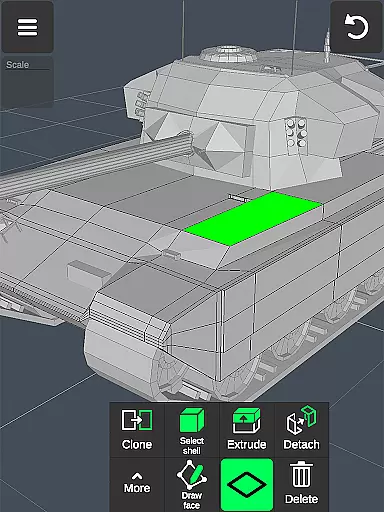
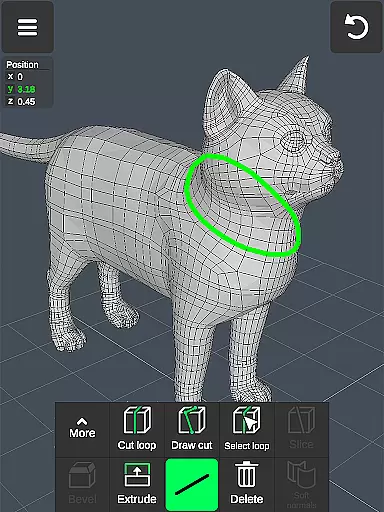
3D Modeling App is a comprehensive mobile solution for creating 3D models, objects, and art directly on your phone or tablet. The app supports various professional use cases, from graphic design to industrial applications, making it an essential tool for artists, engineers, and game developers. With intuitive gesture controls, users can easily manipulate 3D images, scale objects, and switch between tools seamlessly.
The application stands out with its robust feature set that includes vertex, edge, face, and object tools, as well as advanced sculpting and display options. Whether you're designing characters for games or modeling intricate physics, this app provides the necessary tools to bring your ideas to life. Its versatility extends to exporting and importing .obj files, ensuring compatibility with major 3D modeling and CAD software.
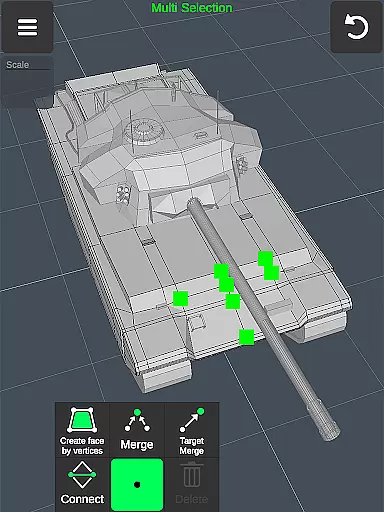
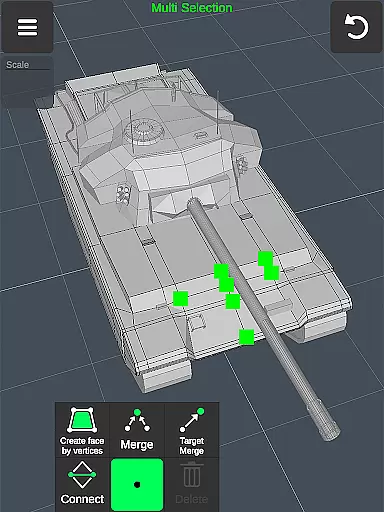
One of the standout features of 3D Modeling App is its fast workflow capabilities. Users can move, rotate, and scale 3D objects using simple gestures, allowing for quick adjustments and seamless transitions between different tools. The app also supports multi-selection of vertices, edges, faces, and objects through intuitive touch controls, enhancing productivity and precision in your projects.
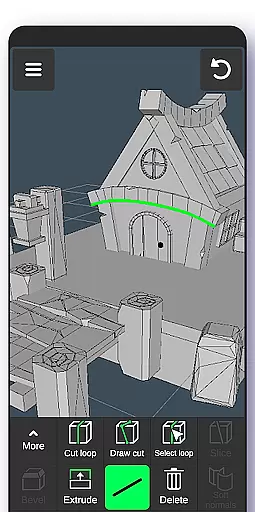
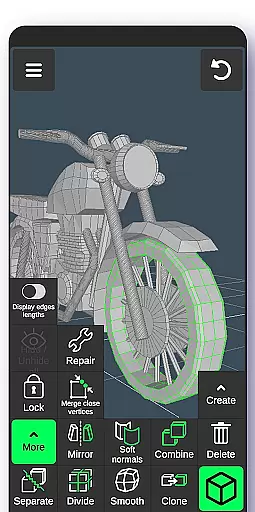
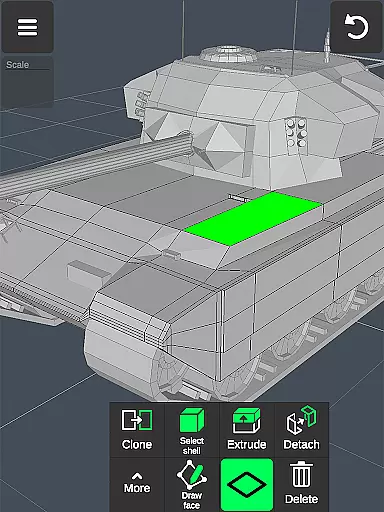
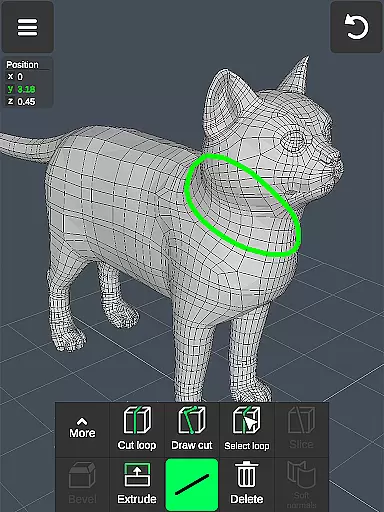
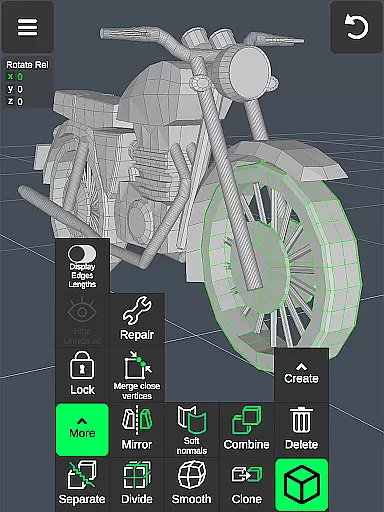
In addition to basic manipulation tools, the app offers specialized functions such as vertex merging, edge cutting, face extrusion, and object cloning. These features are complemented by advanced sculpting tools that allow detailed digital sculpting with adjustable brush sizes and strengths. Display tools provide further customization options, including wireframe views, shadow settings, and axis visibility, ensuring that every detail of your model can be meticulously crafted and reviewed.
In the realm of 3D modeling and design, having a comprehensive suite of creative tools is essential for professionals and hobbyists alike. 3D Modeling App excels in this area by offering an extensive array of features that cater to various needs. From vertex, edge, and face tools to object and sculpting tools, users are equipped with everything necessary to manipulate 3D space effectively.
The application provides advanced options such as merging, connecting, extruding, and cloning, which allow for detailed modifications of 3D models. Additionally, the inclusion of display tools like wireframe views, shadows, and axis indicators enhances the precision of your work. These robust capabilities ensure that whether you're drafting industrial designs or crafting digital art, the app supports your creative process from concept to completion.
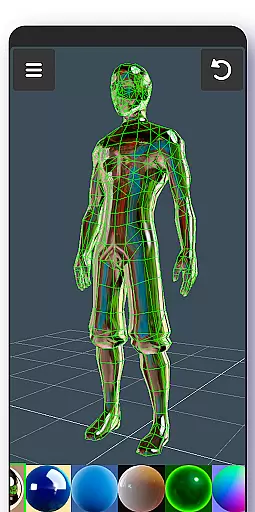
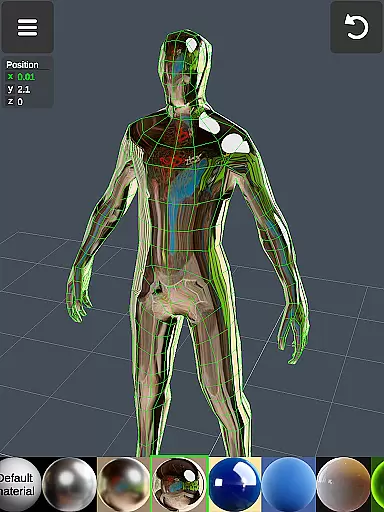
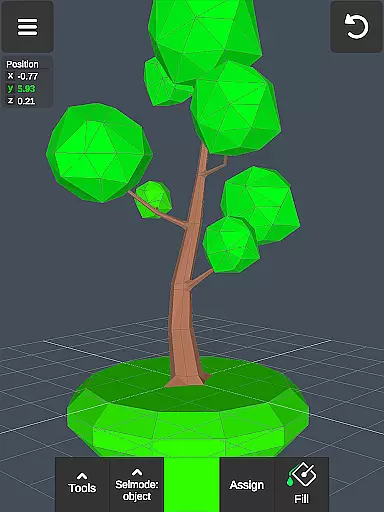
Moreover, the ability to apply up to 20 materials and utilize coloring tools such as vertex color painting adds another layer of depth to the creations. This flexibility not only improves the aesthetic quality of projects but also offers practical benefits in simulating real-world textures and finishes. As a result, users can produce highly realistic and professional-grade 3D models, limited only by their imagination.
A versatile canvas and format compatibility are crucial for a seamless 3D modeling experience. The 3D Modeling App addresses these needs by providing a dynamic workspace where users can manipulate 3D images with ease. Through intuitive gestures, one can move, rotate, and scale objects and the camera, ensuring a smooth workflow that adapts to individual preferences and project requirements.
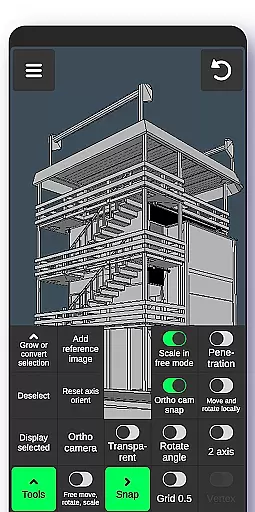
Furthermore, the app's support for precise value settings in movement, rotation, and scaling empowers users to achieve exact dimensions and orientations. This level of control is vital when working on intricate designs or preparing models for specific applications, such as game development or CAD engineering. The presence of snapping features for grids, angles, and planes further refines the accuracy of your work, making it easier to align elements perfectly.
Exporting and importing .obj files extend the app's flexibility, allowing creations to be utilized across various software platforms. Whether you're integrating models into 3ds Max, Blender, AutoCAD, or other industry-standard programs, the app ensures that your work remains portable and versatile. This interoperability not only broadens the scope of potential projects but also facilitates collaboration and sharing within the broader design community.
User-friendly interface
Comprehensive toolset
High compatibility
Advanced sculpting
Professional support
Steep learning curve
Resource-intensive
Limited free features
No collaborative tools
Occasional bugs

AI generated images & photos, turn your words into drawing, painting & pictures.
 4.30
4.30
Premium version of Shimeji-ee app with no ads & no limit active shimeji
4.5
Transform photos into amazing monochrome dither art with professional algorithms
4.0
Apply cartoon, caricature, and portrait effects to make your photos stand out!
3.60
Remove Background, Magic Eraser, Photo Enhancer, Story Templates, Collage Maker
4.30
Create stunning video, photo & magic from text with FlixAI GPT video generator.
3.10
OneUI 8.5 icons ✨ Smooth, modern & based on the latest Play Store design ??
4.10
Turning simple sketches into captivating tales filled with life and motion
3.90
Create amazing pictures and unleash your creative genius with AR Drawing Sketch
4.40
Make your phone cooler and have a fantastic experience
4.80
2D animation studio for Android tablets - unlimited layers, infinite timeline
4.70
Unleash your drawing and painting potential
4.50
Draw Trace image sketch by, AR art projector app, Easy to trace any image.
4.50
Create and Design Custom Logos in Seconds with AI-Powered Tools!
4.40
Create stylish invitation cards using templates for weddings, birthdays & RSVP.
4.20
Floor Plan Creator lets you create, edit and share floor plans.
4.00
Paint with oils and sketch with natural tools on a realistic virtual canvas.
3.80
Art of Combination Wear OS Watch faces
4.1
A luxurious gold watch face for an elegant and refined look.
4.2


User Reviews