
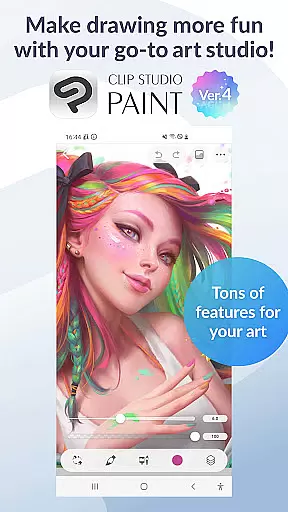
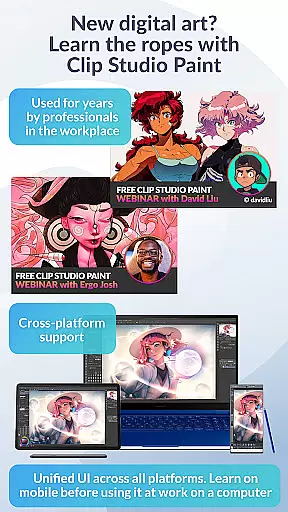
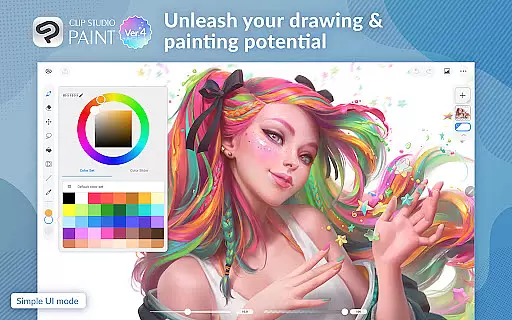
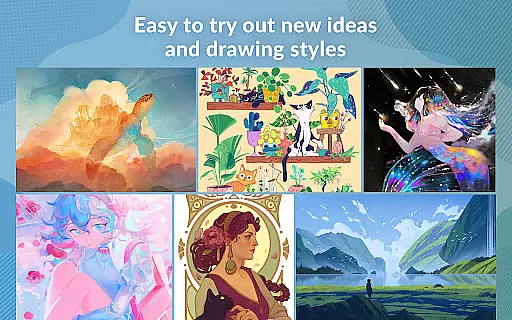
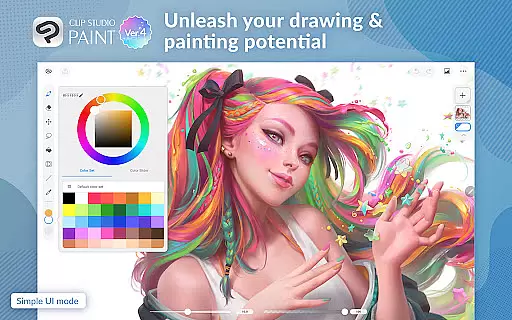
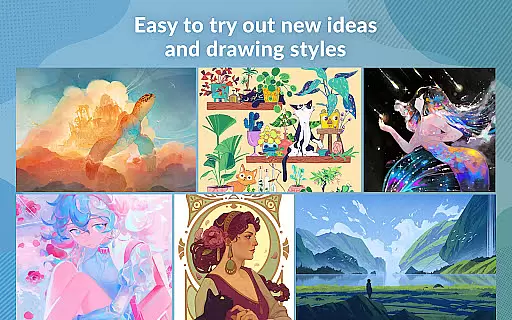
Clip Studio Paint is a premier digital art application designed for artists, illustrators, and animators. It provides a complete set of professional tools for drawing, painting, comic creation, and animation. Available on both tablet and smartphone platforms, the app offers a free trial period, allowing users to explore its extensive features before committing to a subscription plan.
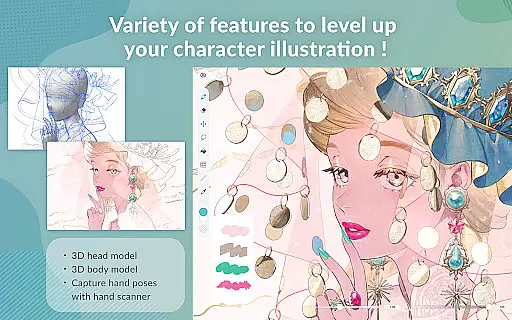
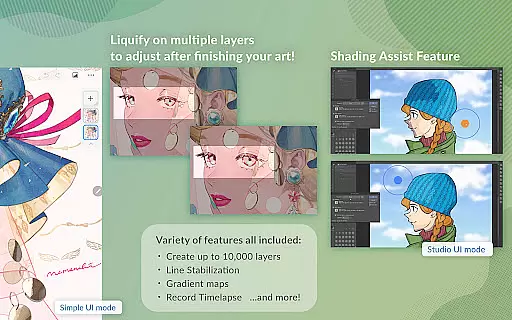
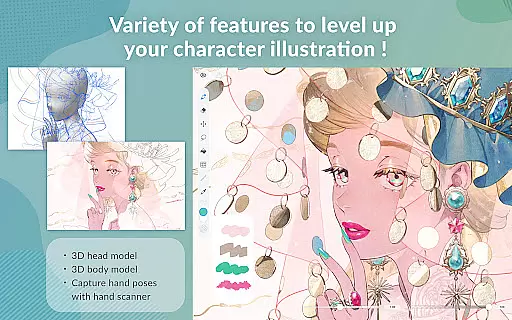
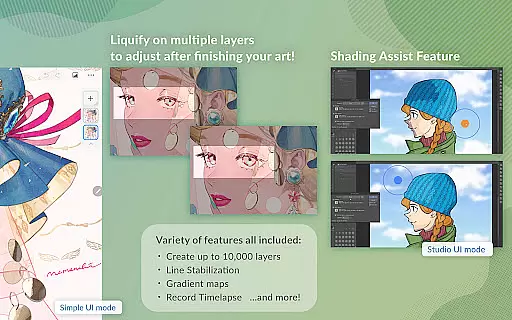
The core strength of Clip Studio Paint lies in its powerful digital art capabilities. Users can create detailed artwork using up to 10,000 layers, pose 3D models for reference, and utilize advanced color control through gradient maps. The app also supports vector-based drawing, ensuring high-quality scaling without loss of detail. These features make it an ideal choice for both beginners and professionals seeking to enhance their artistic skills.
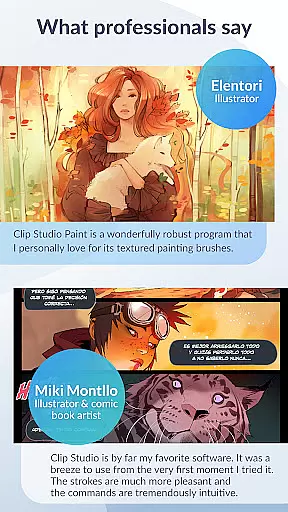
With its intuitive interface and robust feature set, Clip Studio Paint brings immense value to digital artists. Whether creating character art, comics, or animations, the app provides all necessary tools to streamline the creative process. By offering regular updates and a vast library of resources, it ensures users have access to the latest advancements in digital art technology.
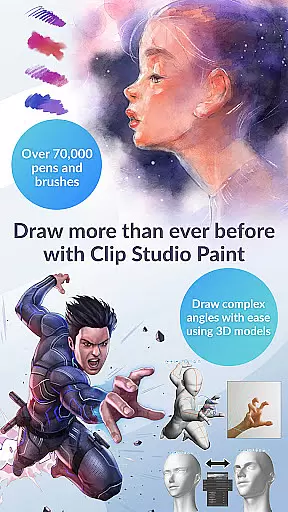
Clip Studio Paint stands out with its comprehensive suite of professional-grade art tools. The app supports up to 10,000 layers, allowing artists to create highly detailed artwork with precision. Its unique features include 3D model posing, which helps users draw complex angles easily, and gradient mapping for advanced color control.
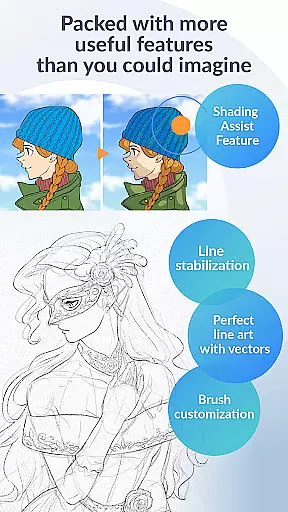
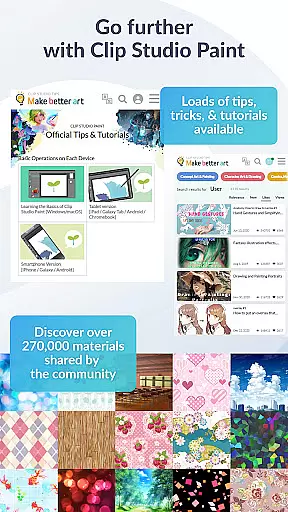
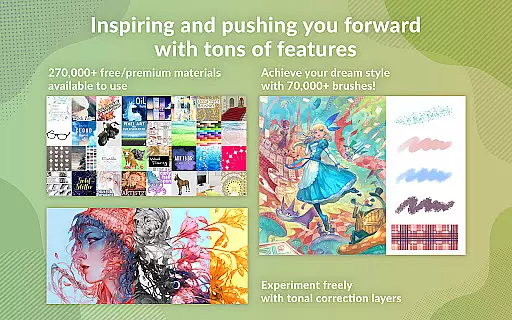
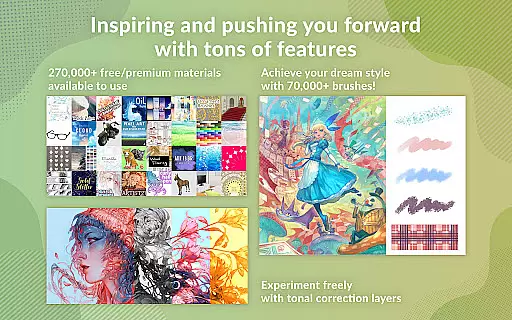
The app excels in providing versatile drawing options. Users can enjoy vector-based drawing with line stabilization, puppet warp for adjusting artwork, and snap tools for accurate object placement. With access to over 70,000 brushes and 270,000 downloadable materials, artists can customize their workflow extensively. These features ensure both professional and amateur artists can achieve their desired results efficiently.
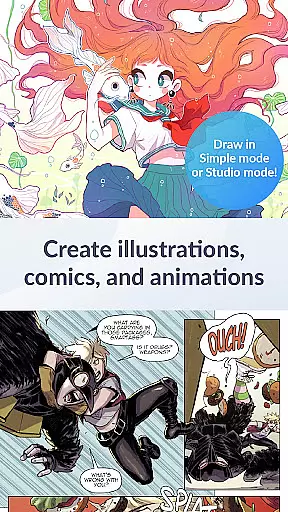
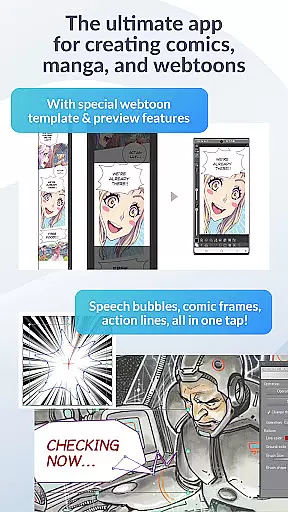
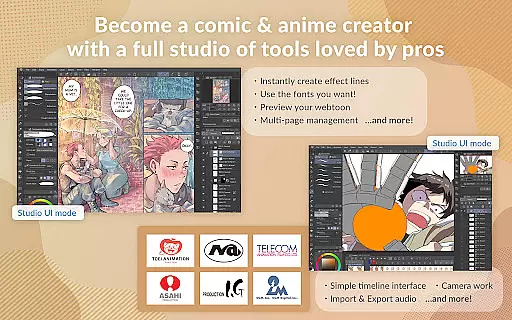
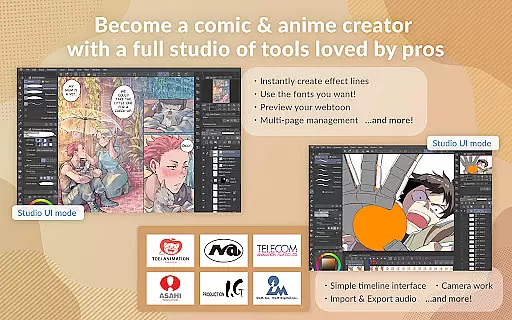
Clip Studio Paint also caters to comic and animation creators. It includes specialized tools for creating speech bubbles, frames, and action lines. Animation features support everything from simple GIFs to full-length projects with sound and camera effects. This makes the app suitable for a wide range of creative projects, enhancing its value for diverse artistic needs.
Clip Studio Paint offers an extensive suite of creative tools that cater to both professional artists and beginners. With access to over 70,000 brushes crafted by artists worldwide, users can find the perfect brush for their artwork. These brushes are available through the dedicated Assets store, with both free and premium options.
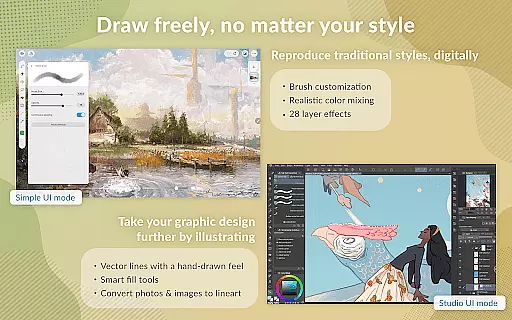
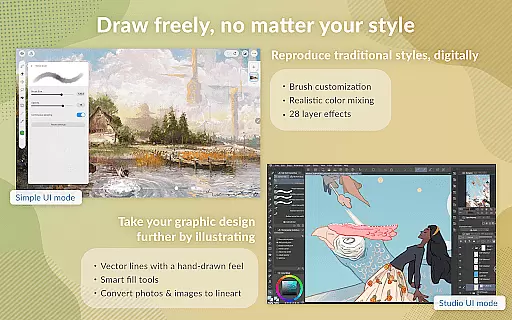
The application provides powerful features such as the ability to paint in vectors, ensuring that users can scale their art without any loss in quality. Additionally, it includes 28 layer effects which allow for detailed touch-ups and enhancements to artwork. The perceptual color mixing feature mimics real paint blending, giving artists a traditional feel while working digitally.
For those interested in comic creation, Clip Studio Paint makes it easy to bring stories to life. Users can instantly create speech bubbles, frames, and action lines. The Shading Assist feature adds shadows effortlessly, streamlining the illustration process. Animators are not left out, as they can create anything from simple GIFs to full-length animations complete with sound and camera movements.
Flexibility in canvas and format options is crucial for digital artists, and Clip Studio Paint excels in this area. Artists have the freedom to work with up to 10,000 layers, allowing for incredibly detailed artwork. This layering capability ensures complex projects can be managed with ease, providing room for intricate designs and edits.
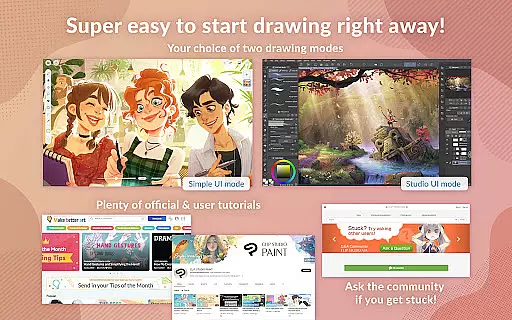
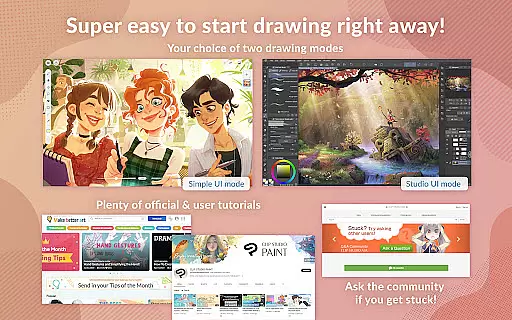
The app supports various drawing modes, including Simple Mode for quick starts and Studio Mode for utilizing all features. It also allows for precise control over artwork through functions like Puppet warp and snap, which help adjust drawings and place objects accurately. Furthermore, the Line Stabilization feature enables smoother line art, enhancing precision when creating vector layers.
Clip Studio Paint's compatibility extends to different file formats, making it versatile for exporting finished pieces. Whether working on Android tablets or Chromebooks, users can export data in multiple formats once subscribed to a plan. For optimal performance, especially when using advanced 3D tools or handling large files, recommended device specifications are provided on their website, ensuring artists can maximize the softwareu2019s potential.
Professional-grade tools
Extensive brush library
Powerful layer support
Versatile drawing modes
Comprehensive tutorial resources
Subscription required
Limited free trial
High system requirements
Complex interface
Occasional bugs

Vidu is an AI video generator made for creators and aspiring makers.
 3.30
3.30
AI generated images & photos, turn your words into drawing, painting & pictures.
4.30
Digital Drawing: Draw & Paint
4.10
Unleash Your Creativity with Draw Cartoon - AR Drawing App
4.10
Draw anime easily with AR guidance, sketch templates & trace tools!
3.10
Your AI soulmate — meaningful chats, and unique emotional moments
4.70
Minecraft & Roblox Clothes
4.70
Image resizer to resize, crop, rotate, flip, change dpi photo or picture in bulk
4.60
Explore future self face age filter & remove background image for a unique look.
3.50
Mobile pixel art editor. Simple. Fast. Portable.
4.80
Novices can also easily complete diamond painting masters
4.70
The ultimate tool for creating animations
4.60
Discover Cartoon Dream : Unleash Your Creativity with CuttingEdge AI
4.50
Painting, drawing, & sketching
4.50
Video AI: Revolutionize Your Content Creation with Advanced Video Generation
4.50
Create and Design Custom Logos in Seconds with AI-Powered Tools!
4.40
Trace, draw, and create art with AR - from memes to masterpieces!
4.30
AR Anime Drawing: How to draw anime with AR drawing & sketching apps!
4.00
Art of Combination Wear OS Watch faces
4.4


User Reviews