
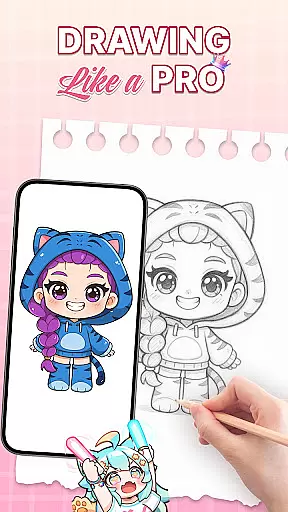
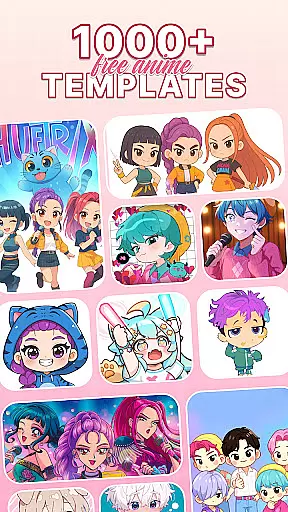
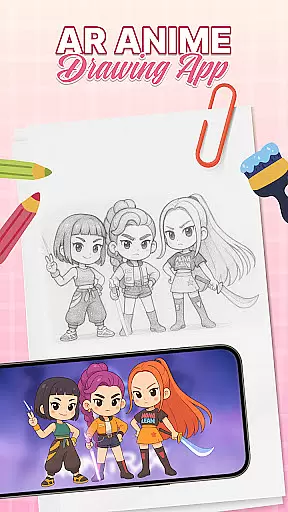
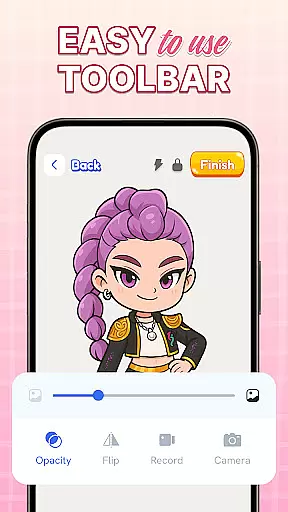
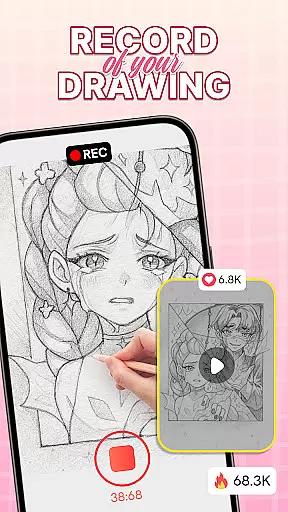
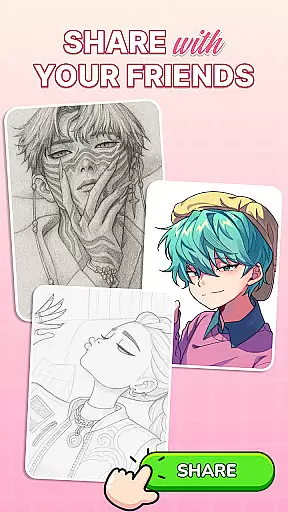
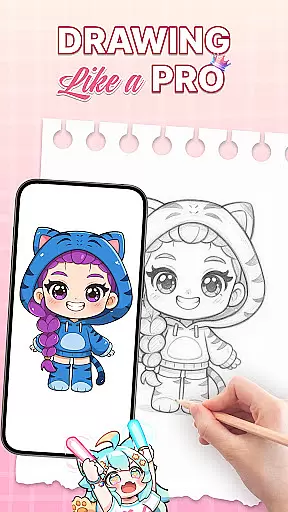
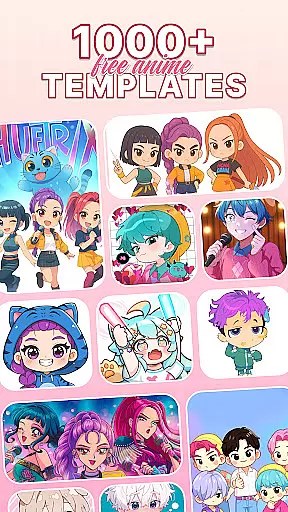
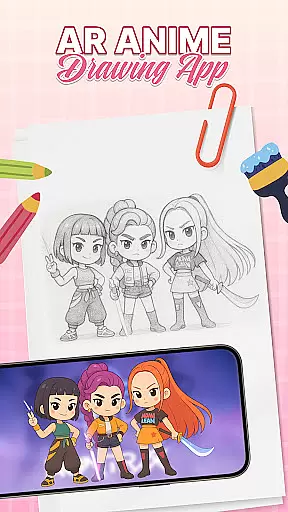
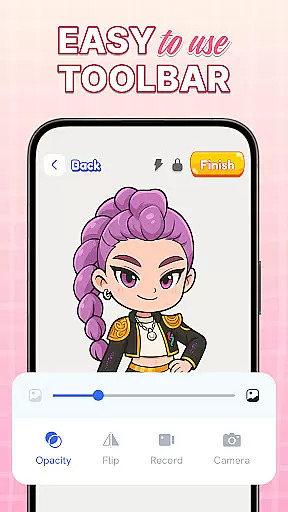
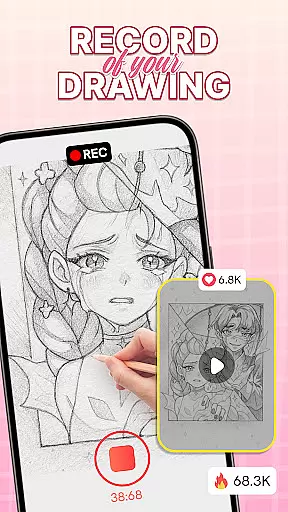
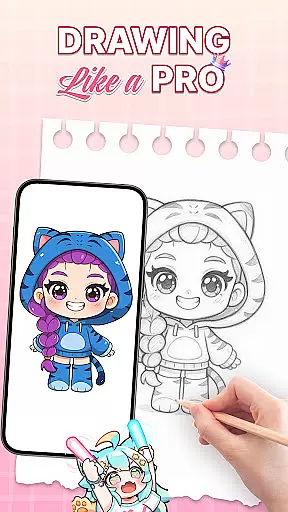
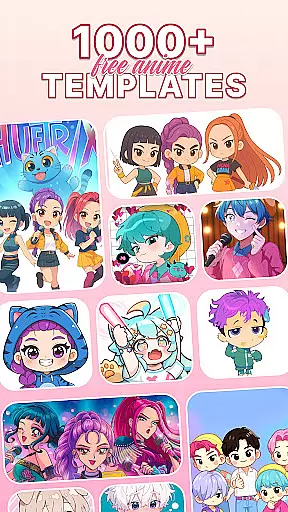
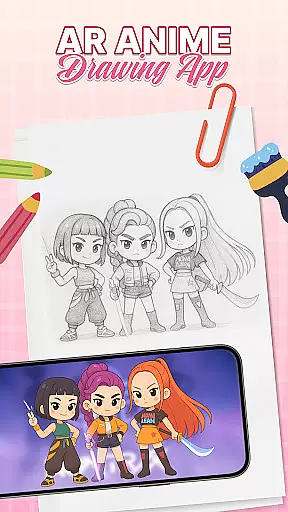
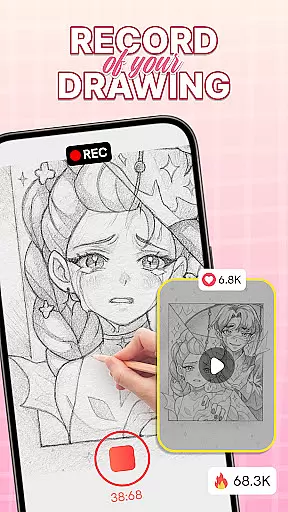
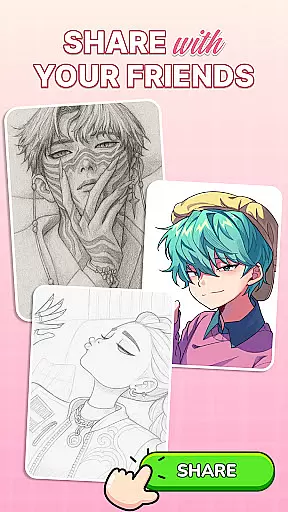
AR Drawing: Sketch & Trace is an innovative mobile application that merges traditional drawing techniques with cutting-edge Augmented Reality (AR) technology. Designed for both budding artists and seasoned professionals, this app allows users to project any image onto paper as a tracing guide, making the process of learning to draw more accessible and enjoyable. With its diverse range of drawing templates including anime, animals, food, nature, and more, AR Drawing caters to various artistic interests and skill levels.
The app's standout feature is its ability to transform images into traceable guides through AR, providing precision and ease in sketching. Users can refine their skills in a user-friendly environment that supports creativity and learning. Whether you're looking to master anime drawing or explore traditional sketching, AR Drawing offers the tools necessary to bring your artistic visions to life. The inclusion of comprehensive Sketch & Paint functionalities, along with an extensive color palette, ensures that artists can add vibrant details to their work.
AR Drawing: Sketch & Trace is not just about improving individual artistry; it also serves as a platform for family bonding and educational growth. Its intuitive interface makes it easy for parents and children to engage in creative activities together, stimulating young minds while providing structured guidance for skill development. Regular updates ensure that users have access to the latest features, keeping their artistic journey exciting and relevant.
AR Drawing: Sketch & Trace stands out with its unique set of features tailored for art enthusiasts. One of the key highlights is the AR drawing and tracing capability, which uses augmented reality to overlay images onto any surface. This feature allows users to trace sketches with remarkable accuracy, bridging the gap between digital convenience and traditional art forms. The diverse library of drawing templates provides endless inspiration, catering to different styles such as anime, animals, and landscapes.
In addition to its core AR functionalities, the app includes robust Sketch & Paint tools. These tools enable users to add intricate details and vibrant colors to their artwork, enhancing the overall creative experience. The integrated camera and flash system further augment the drawing process by projecting templates even in low-light conditions, ensuring that artists can work comfortably at any time of day. A wide array of artistic instruments within the app helps refine techniques and expand creative possibilities.
Another significant aspect of AR Drawing is its commitment to user engagement and education. The app offers a family-friendly platform where parents can guide their children through drawing exercises, fostering creativity from a young age. Educational benefits are woven into the fabric of the app, providing structured resources for progressive skill development. Regular updates introduce new features and improvements, maintaining a dynamic environment that keeps users inspired and invested in their artistic pursuits.
When it comes to digital art, having access to a comprehensive set of creative tools is essential. AR Drawing: Sketch & Trace offers an impressive suite of features that cater to both amateur and professional artists. The app provides diverse drawing templates covering popular subjects like anime, animals, and nature, ensuring there's something for every artistic style.
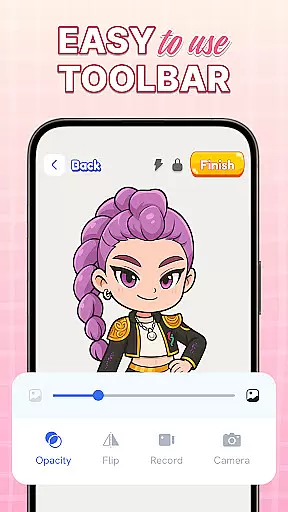
The Sketch & Paint functionalities allow users to not only create outlines but also add vibrant colors and intricate details to their work. With integrated camera support and a built-in flashlight, artists can draw in various lighting conditions, while the AR tracing feature projects images directly onto paper for easy replication. These tools collectively ensure that users can explore different artistic techniques without limitations.
By offering such complete creative tools, the app empowers users to develop their skills progressively. Whether you're learning to draw or refining advanced techniques, these features provide the necessary support to grow artistically. This completeness makes AR Drawing: Sketch & Trace an invaluable companion for anyone serious about art.
Flexibility in canvas size and format options is crucial for artists who want to work on diverse projects. AR Drawing: Sketch & Trace addresses this need by providing adaptable solutions for various artistic requirements. Users can project any image onto their drawing surface using augmented reality, allowing them to work with custom dimensions and formats that suit their specific project needs.
The app's interface supports both traditional sketching and digital art creation, giving artists the freedom to choose their preferred medium. The ability to invert images and trace them directly onto paper adds another layer of flexibility, enabling users to experiment with different drawing techniques. Additionally, the vast template library ensures that artists can switch between various styles and formats effortlessly.
This level of canvas and format flexibility significantly enhances the creative process. Artists can seamlessly transition between different projects without being constrained by fixed dimensions or predetermined formats. Such versatility makes AR Drawing: Sketch & Trace an attractive option for those seeking an adaptable art creation tool.
User-friendly interface
Wide template variety
Augmented reality tools
Family-oriented design
Regular feature updates
Limited advanced tools
Occasional AR glitches
Premium content costs
Device compatibility issues
Learning curve for beginners

Vidu is an AI video generator made for creators and aspiring makers.
 3.30
3.30
Create stylish invitation cards using templates for weddings, birthdays & RSVP.
4.20
AI Face Swap, Video Effects Editor, Realtime Morph, Funny Video FX,AI Filters
3.70
Paint with oils and sketch with natural tools on a realistic virtual canvas.
3.80
Unleash Your Creativity with Draw Cartoon - AR Drawing App
4.10
Design unique, funny and adorable cat stickers that reflect your own style!
3.80
Painting, drawing, & sketching
4.50
Everything you need to create hand drawn animation, anywhere you go!
4.40
AI-powered photo & video creation—fast, fun, and effortless with Quick Actions
4.60
Learn how to draw with step-by-step tutorials, fun lessons & multiplayer drawing
4.70
Photo stitcher for automatically screenshot stitching into a long screenshot
4.70
Draw, make movies & animate cartoons easily with our 2D animation maker app
4.40
Nano Banana AI Image Generator, Anime Filter, AI Portrait, AI Photo Generator
4.30
OneUI 8.5 icons ✨ Smooth, modern & based on the latest Play Store design ??
4.10
Sketch and paint on your device with the feel and freedom of drawing on paper
4.00
Apply cartoon, caricature, and portrait effects to make your photos stand out!
3.60
Meet the magic aı 3d photo generator and smart AI video generator app.
3.20
Art of Combination Wear OS Watch faces
4.2
Art of Combination Wear OS Watch Faces
4.5


User Reviews