
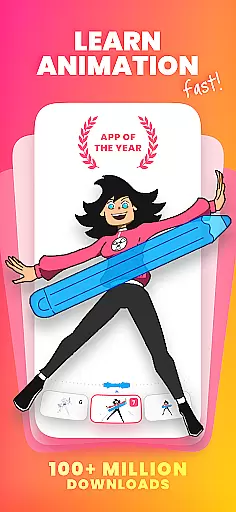
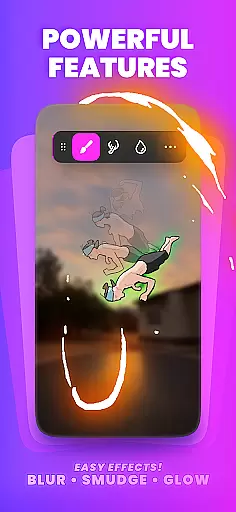
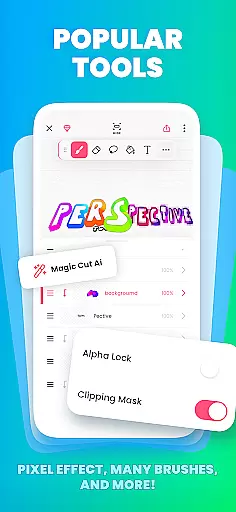
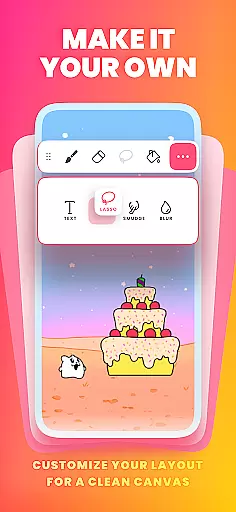
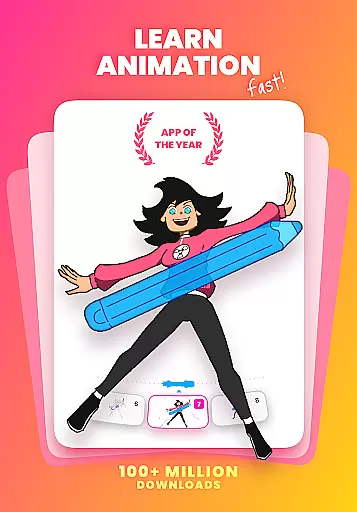
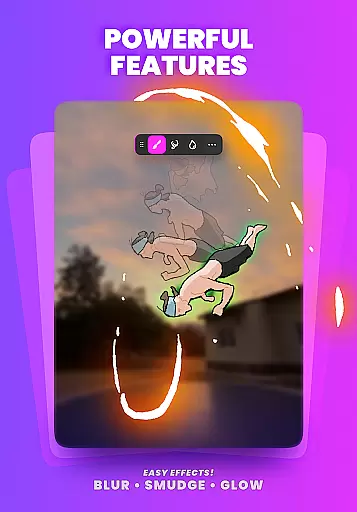
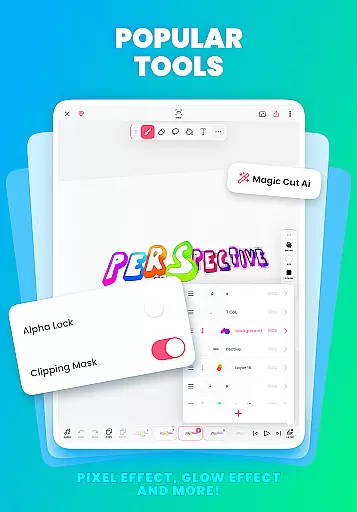
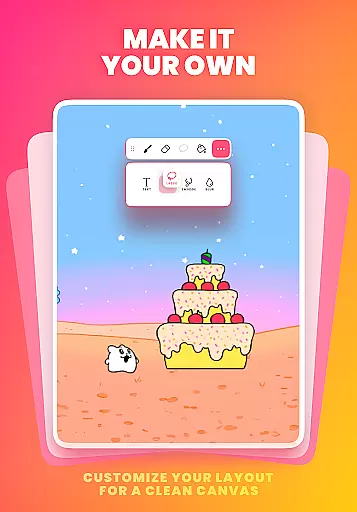
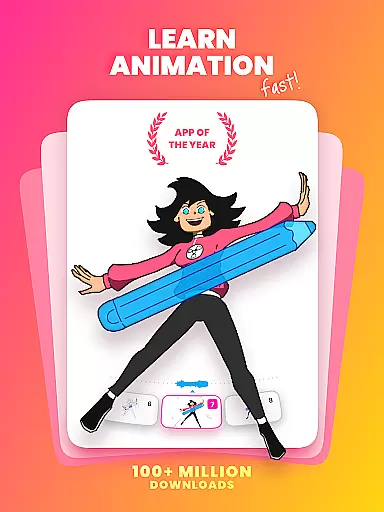
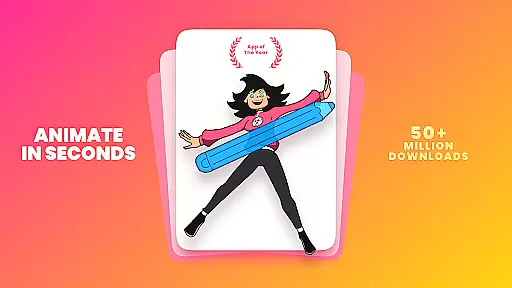
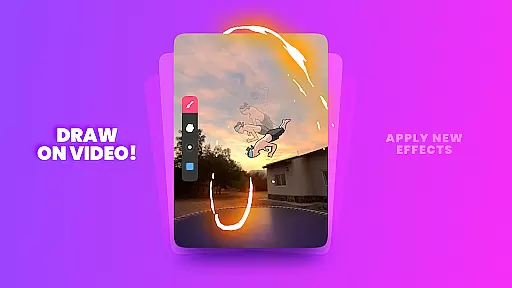
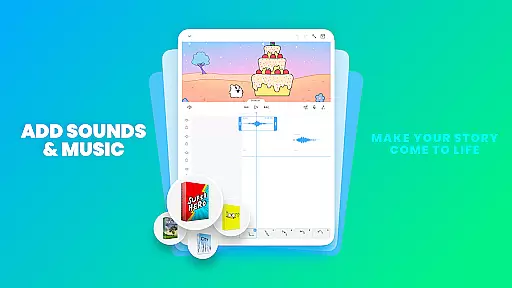
FlipaClip is a leading 2D animation app designed for both beginners and professionals in the Art & Design category. This powerful yet easy-to-use tool allows users to create frame-by-frame animations, cartoons, anime, and storyboards with precision and ease. The app offers professional-grade features such as onion skinning, layer support, and AI-powered tools like Magic Cut and Voice Maker, making it an ideal choice for artists looking to bring their drawings to life.
With FlipaClip, creators can enjoy a complete suite of drawing and animation tools including brushes, fill options, lasso, eraser, and shape tools. The app supports pressure-sensitive styluses like Samsung S Pen and SonarPen, ensuring natural and precise drawing experiences. Whether you're creating short animated movies, memes, or complex cartoon series, FlipaClip provides all the necessary tools to produce high-quality content that can be exported as MP4, GIF, or PNG sequences.
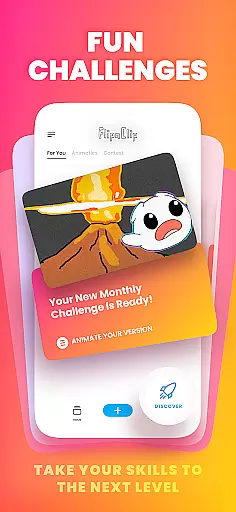
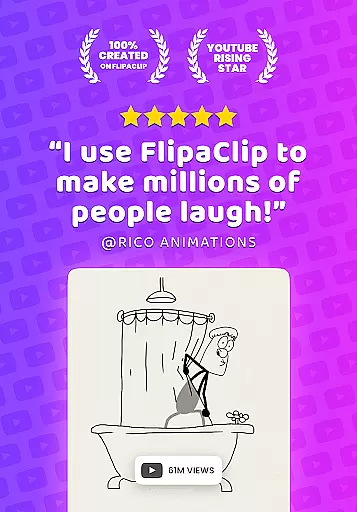
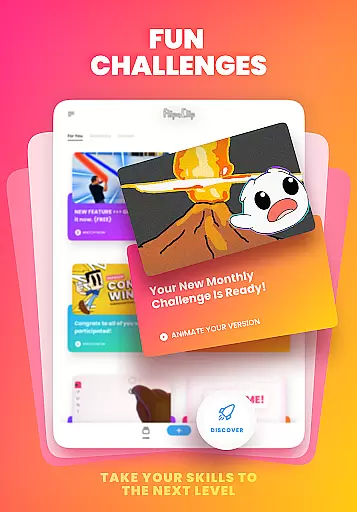
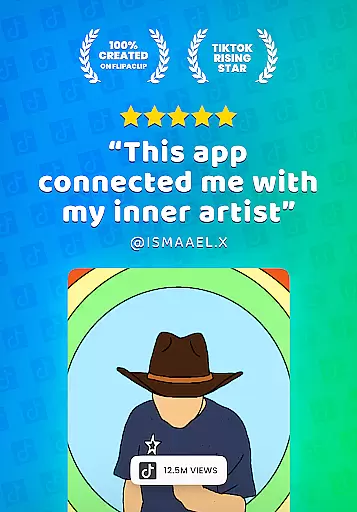
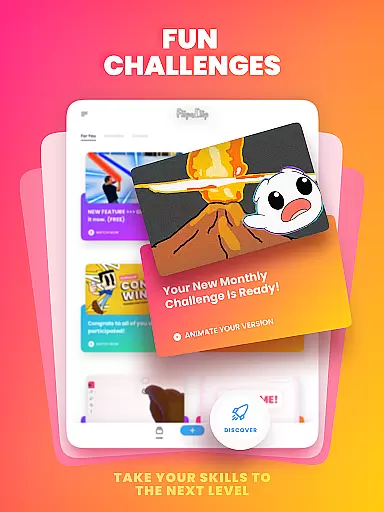
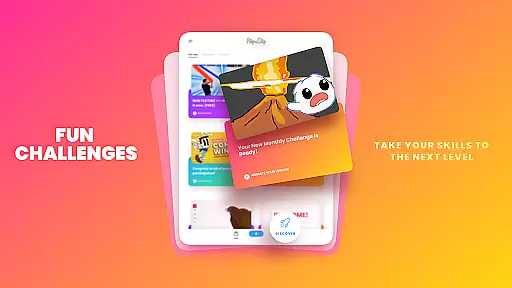
The app's versatility extends beyond individual use, as it has fostered a vibrant community of over 80 million monthly active users. Creators can participate in weekly challenges, seasonal contests, and share their work across multiple platforms using #MadeWithFlipaClip. This thriving ecosystem makes FlipaClip not just an animation tool but a complete creative platform for artists to grow and showcase their talents.
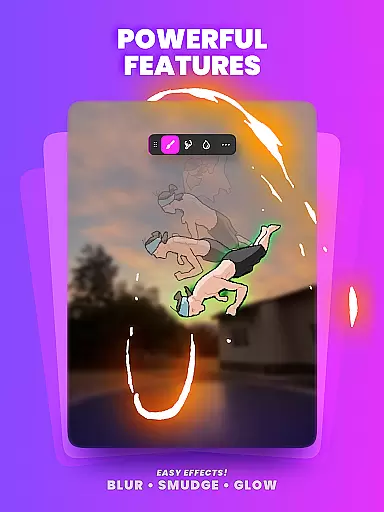
FlipaClip stands out in the Art & Design category with its comprehensive set of animation features. The app's frame-by-frame animation timeline gives users total control over their creations, while the onion skin tool ensures smooth transitions between frames. With support for up to 10 layers (3 free), artists can create complex drawings and animations with ease. The inclusion of advanced features like glow effects, blending modes, and rotoscope animation capabilities elevates the creative possibilities.
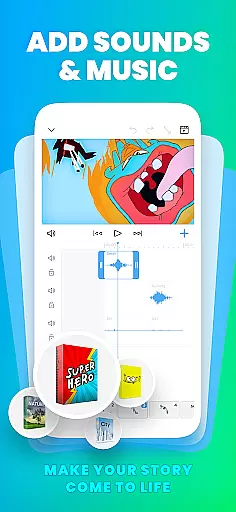
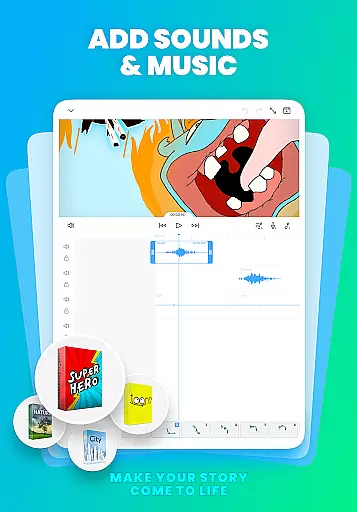
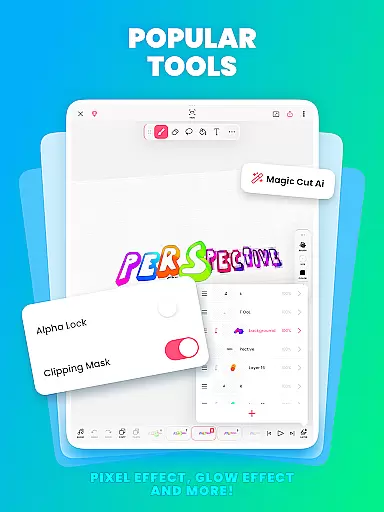
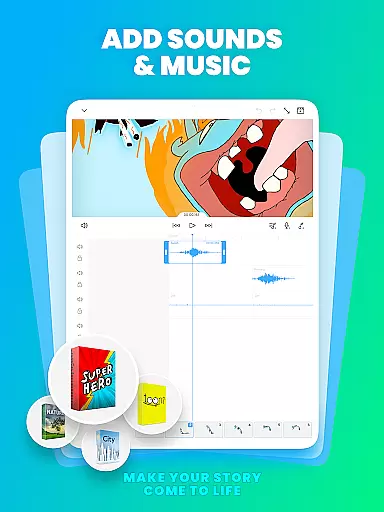
One of FlipaClip's most innovative aspects is its integration of AI-powered tools. The Magic Cut feature allows users to instantly separate images and objects from frames, streamlining the animation process. The AI Voice Maker enables creators to add natural-sounding narration to their animations, enhancing storytelling capabilities. These features, combined with support for multiple audio tracks and custom sound effects, make FlipaClip a complete solution for multimedia animation projects.
The app's versatility extends to its export options and community engagement features. Users can save their work in various formats including MP4, GIF, and PNG sequences with transparency. The built-in community features allow artists to participate in challenges, contests, and share their work across social media platforms. This combination of professional-grade tools and community-building features makes FlipaClip an exceptional choice for anyone interested in 2D animation and digital art creation.
FlipaClip stands out as a comprehensive creative suite for both budding and professional animators. The app offers a robust set of drawing tools including brushes, fill options, lasso, eraser, ruler, text, and shape tools that cater to a wide array of artistic needs.
With support for pressure-sensitive styluses like the Samsung S Pen and SonarPen, FlipaClip ensures precision and natural drawing experiences. This feature is crucial for artists who require fine control over their strokes to express intricate details in their work.
The inclusion of advanced animation tools such as frame-by-frame animation timelines, onion skinning, and up to 10 layers (with 3 free) empowers users to create complex animations with smooth transitions and depth.
Moreover, innovative features like Magic Cutu2014an AI-powered toolu2014enable creators to effortlessly slice images and objects from frames, enhancing the creative process. These complete and versatile tools make FlipaClip an indispensable app for anyone serious about 2D animation.
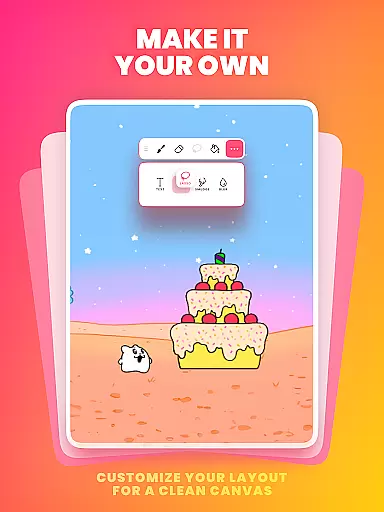
Flexibility in canvas and format options is vital for unleashing creativity without constraints. FlipaClip addresses this by allowing custom canvas sizes, giving artists the freedom to define their workspace according to specific project requirements.
Artists can export their creations in multiple formats such as MP4, GIF, or PNG sequences with transparency. This versatility ensures that animations can be seamlessly integrated into various platforms like YouTube, TikTok, Instagram, and more.
The ability to import photos or videos for rotoscope animations further expands the creative possibilities within FlipaClip. Users can experiment with different styles and techniques, making it easier to innovate and push creative boundaries.
Overall, FlipaClip's adaptable canvas and format options provide users with the flexibility needed to bring diverse artistic visions to life while maintaining high standards of quality and compatibility across different mediums.
User-friendly interface
Powerful animation tools
Vibrant creator community
AI-powered features
Multiple export options
Limited free layers
Premium features locked
Steep learning curve
Occasional bugs
High storage usage

Customizable Outlined Fonts. Watch Face Format. Battery friendly Digital Clock.
 4.20
4.20
Design your dream room with AI. Get decor ideas & plan home interiors
3.90
Meet the magic aı 3d photo generator and smart AI video generator app.
3.20
Trace, draw, and create art with AR - from memes to masterpieces!
4.30
AI Art Generator transforms your words into AI generated art & paintings.
3.70
Powerful home decoration & house design that allows you to design dream home.
3.80
Get creative and make art with your Sesame Friends!
4.00
Inky runs Inkscape on Android devices and Chromebooks
2.90
An intuitive, high-performance painting app that lets you focus on creating
4.40
Passport size photo maker, create ID photo and visa photo in seconds
4.80
Minecraft & Roblox Clothes
4.70
Castle is social media for creating and playing games!
4.60
Kling AI is an image and video generation and editing studio powered by AI.
4.50
Nano Banana AI Image Generator, Anime Filter, AI Portrait, AI Photo Generator
4.30
Bring One UI 8.5 Icons to life -elegant dark icons with a modern, premium touch.
4.30
Text to Image, Image to Video & AI Chat
4.20
Resize photos and print photos in exact size with our powerful photo printer!
3.80
Draw anime easily with AR guidance, sketch templates & trace tools!
3.10
Your Essential Color Theory Guide: Red, Yellow, Blue (RYB)
4.2


User Reviews