
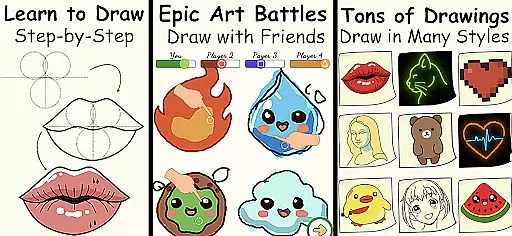
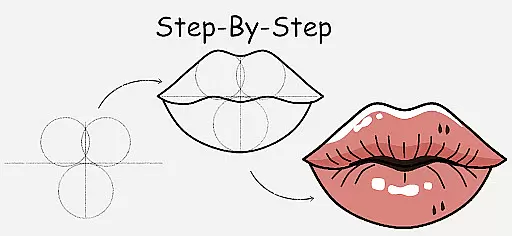
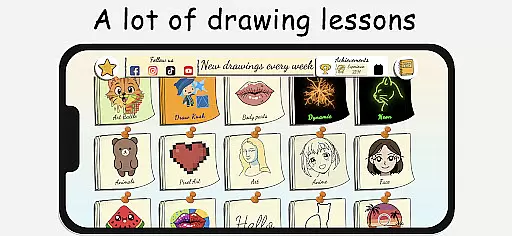
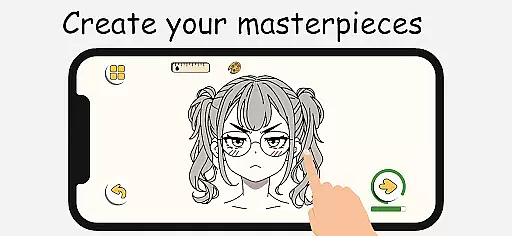
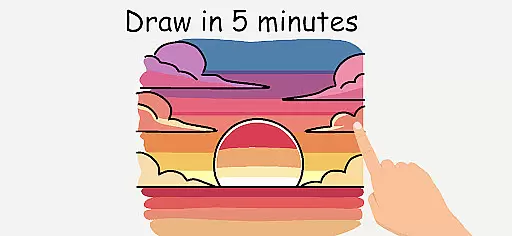
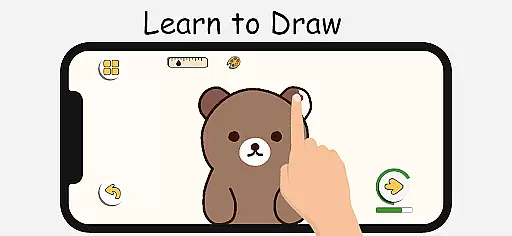
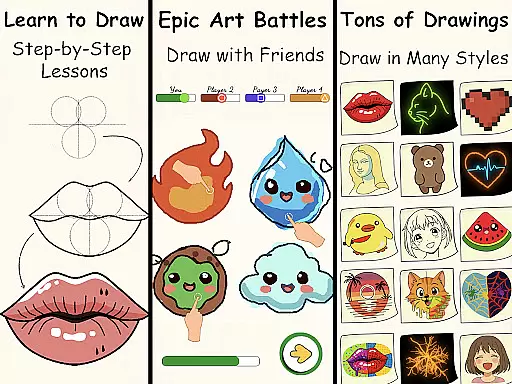
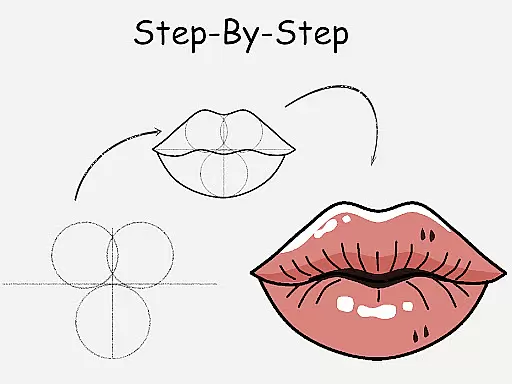
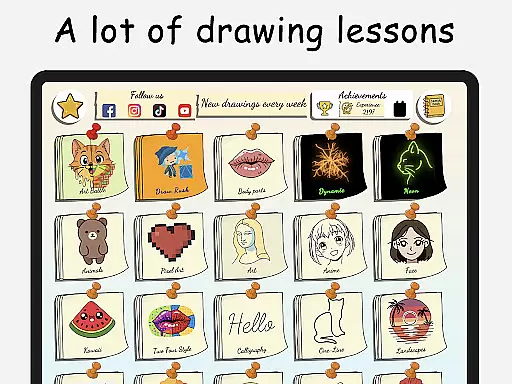
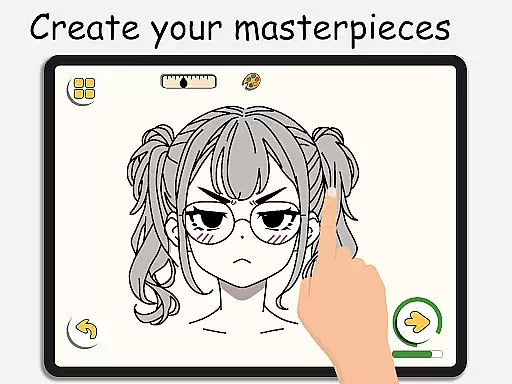
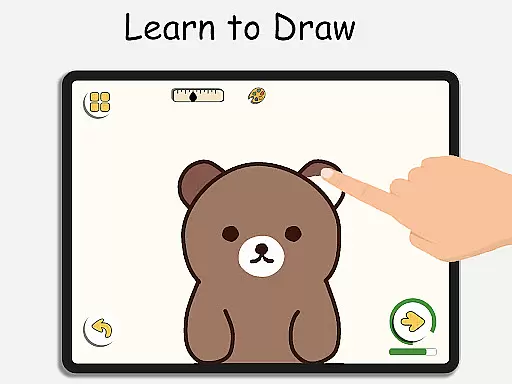
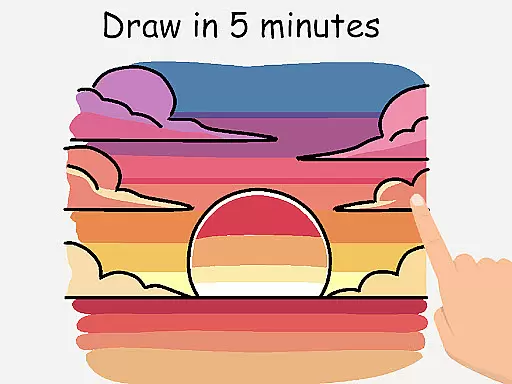
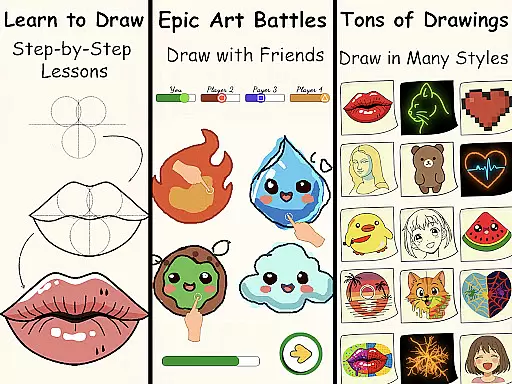
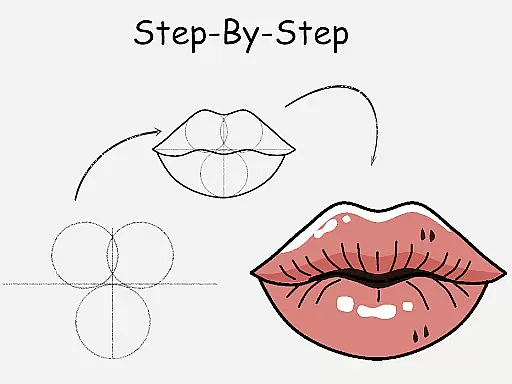
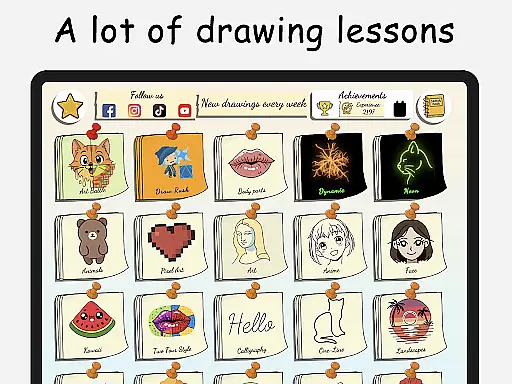
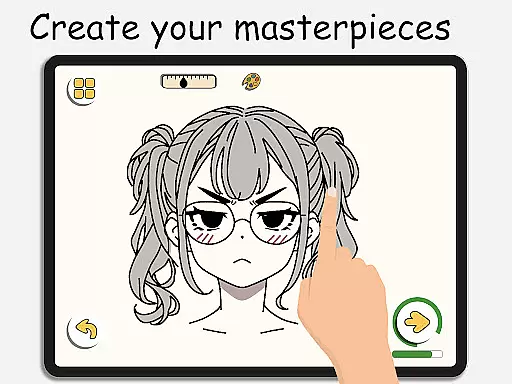
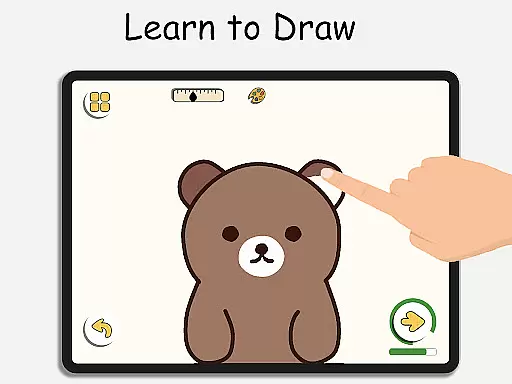
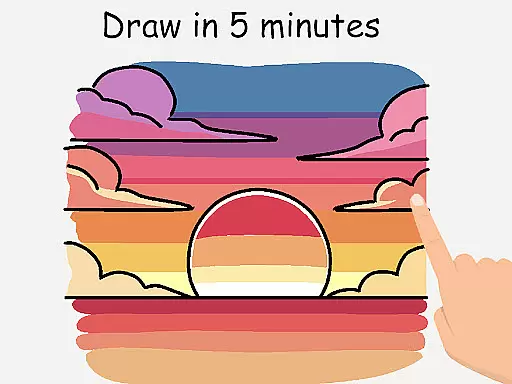
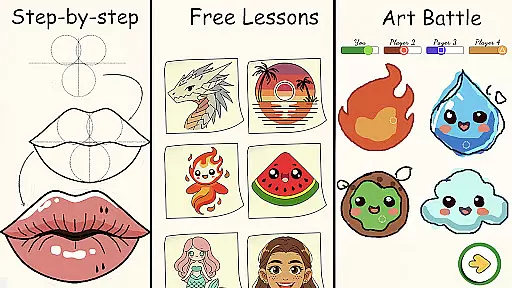
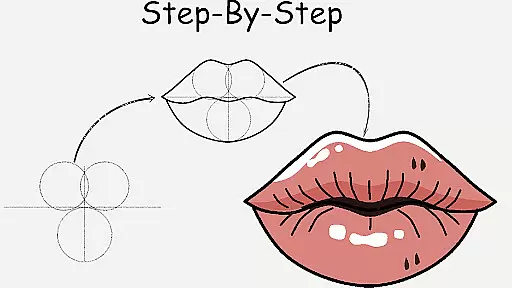
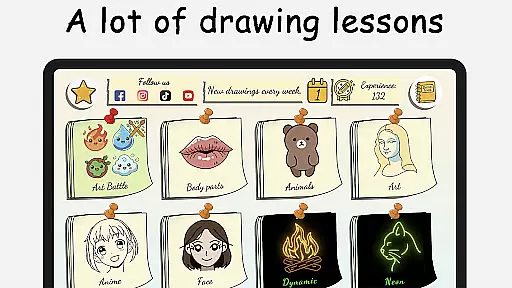
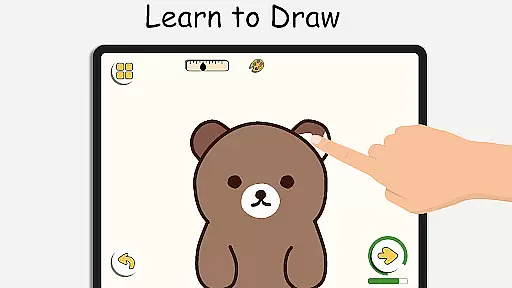
ArtLoop is a premier mobile application designed for both beginners and experienced artists looking to enhance their drawing skills. This app offers an extensive range of step-by-step lessons and tutorials covering various subjects such as characters, animals, food, people, emojis, anime, and more. Each lesson provides clear instructions that make learning how to draw accessible and enjoyable.
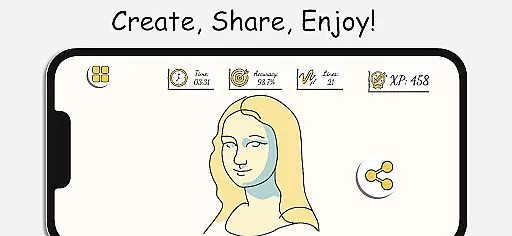
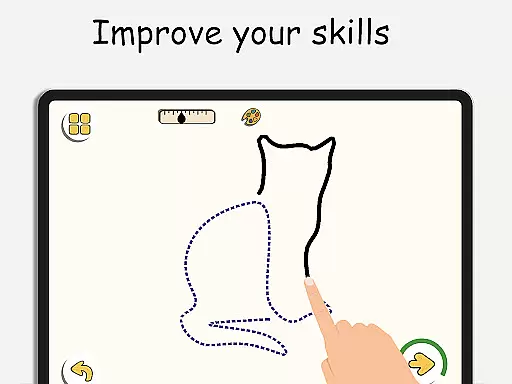
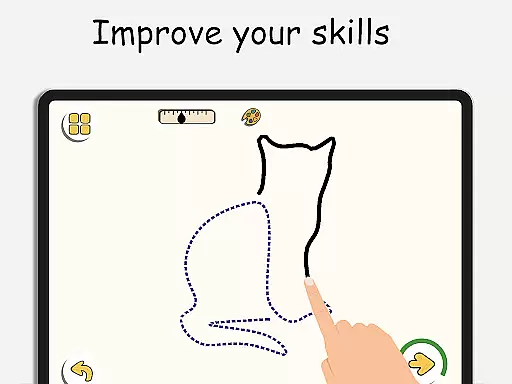
In addition to structured tutorials, ArtLoop features interactive challenges and multiplayer drawing games, allowing users to engage with friends or other artists worldwide. The app includes smart evaluation tools to track progress and improve accuracy over time. With tailored learning paths and categories like cute animals, flowers, and anime eyes, ArtLoop ensures a personalized and comprehensive drawing experience suitable for all ages.
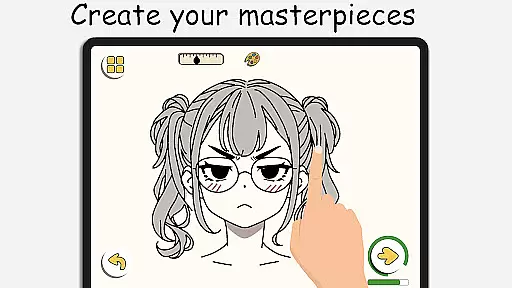
ArtLoop stands out with its intuitive drawing tools, smooth responsive interface, and offline functionality, enabling users to create art anywhere without internet access. Whether you're sketching for fun or refining advanced techniques, ArtLoop supports artistic growth through daily practice and creative freedom.
ArtLoop boasts a variety of innovative features that cater to artists of all skill levels. One standout feature is the step-by-step drawing lessons, which guide users through mastering the basics to creating complex artworks. These lessons cover diverse topics, ensuring there's something for everyone, from simple shapes to intricate anime designs.
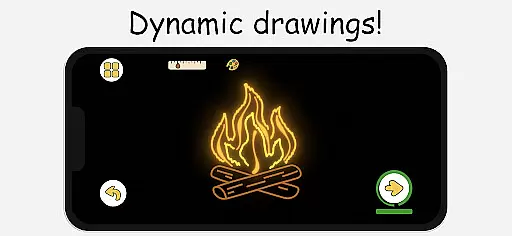
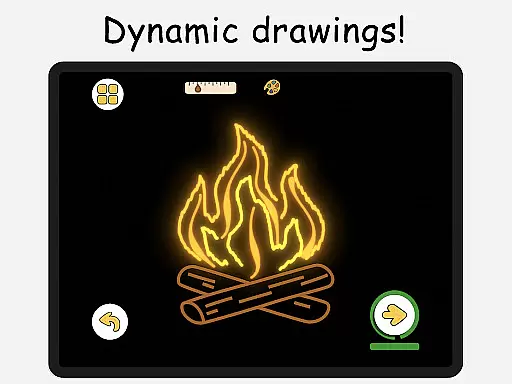
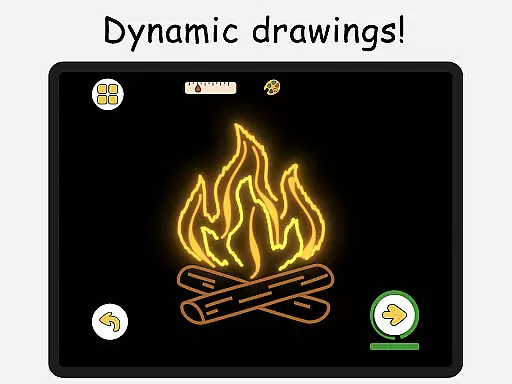
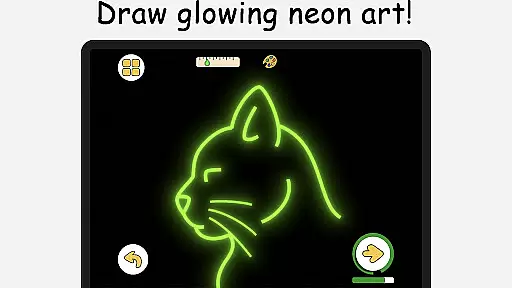
The app also includes multiplayer drawing battles, where users can challenge friends or random players in exciting art competitions. These battles not only enhance drawing speed and accuracy but also keep users motivated. Additionally, ArtLoop offers pixel art mode with snap-to-grid tools and neon drawing with luminous brushes, providing unique ways to express creativity.
Other notable features include quick draw challenges, real-time collaborative drawing rooms, and offline functionality. These aspects ensure that users have a versatile platform to explore different artistic styles and techniques while enjoying a seamless and engaging experience.
In ArtLoop, the creative tools provided are designed to cater to both beginners and advanced artists. The app offers a wide range of drawing instruments, from basic brushes to specialized tools like pixel art mode and neon drawing effects.
Users can explore different artistic styles with features such as glow art effects, quick draw challenges, and snap-to-grid tools for precision work. These tools ensure that whether you're sketching, doodling, or creating detailed digital artwork, ArtLoop has something for every artist.
The inclusion of structured tutorials alongside these tools helps users understand how to utilize them effectively. This combination of comprehensive tools and educational content ensures that users can continually improve their skills while enjoying the freedom of artistic expression.
ArtLoop provides remarkable canvas and format flexibility, allowing artists to customize their workspace according to their needs. Users can adjust canvas sizes and formats, making it suitable for various types of projects, from small sketches to large-scale digital paintings.
The app supports offline drawing, which means artists aren't constrained by internet connectivity. This feature is particularly beneficial for those who wish to draw on-the-go without worrying about access to Wi-Fi or data connections.
Additionally, ArtLoop's compatibility with different drawing stylesu2014such as anime, realistic art, and pixel artu2014ensures that users have the flexibility to experiment with diverse artistic genres. This adaptability makes ArtLoop an ideal choice for artists seeking a versatile platform to explore and expand their creative horizons.
User-friendly interface
Comprehensive tutorials
Multiplayer drawing
Offline functionality
Smart evaluation tools
Limited advanced tools
Occasional bugs
Ads between lessons
Basic free version
Learning curve for kids

Vidu is an AI video generator made for creators and aspiring makers.
 3.30
3.30
Sketch, plan, take notes and illustrate on an infinite canvas.
4.20
Logo Generator powered by AI: Create stunning logos effortlessly!
4.70
Novices can also easily complete diamond painting masters
4.70
Turn your drawings into flipbook-style animations with simple creative tools
4.60
Android 14 style widgets and wallpapers app.
4.1
Create amazing pictures and unleash your creative genius with AR Drawing Sketch
4.40
Unleash your inner artist! Sketchar: AR Drawing for Limitless Creativity
4.40
AI-powered photo & video creation—fast, fun, and effortless with Quick Actions
4.60
The ultimate tool for creating animations
4.60
Draw beautiful mandala's very easily
4.60
Castle is social media for creating and playing games!
4.60
Draw, fidget, and spin glow art! Relax and express your creativity with a finger
4.60
Kling AI is an image and video generation and editing studio powered by AI.
4.50
Create and Design Custom Logos in Seconds with AI-Powered Tools!
4.40
Create stylish invitation cards using templates for weddings, birthdays & RSVP.
4.20
Unleash the artist in you with our AR drawing and tracing tool for photo drawing
4.10
Sketch, trace and master AR drawing with awesome anime art!
3.30
Premium version of Shimeji-ee app with no ads & no limit active shimeji
4.0


User Reviews