
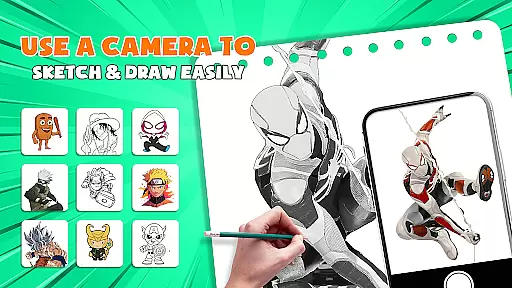
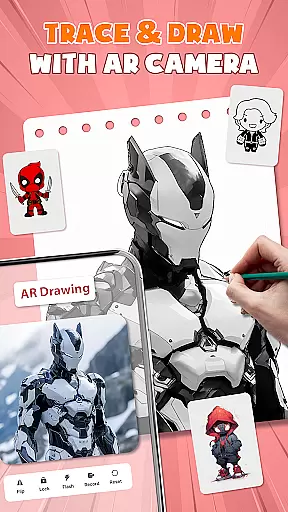
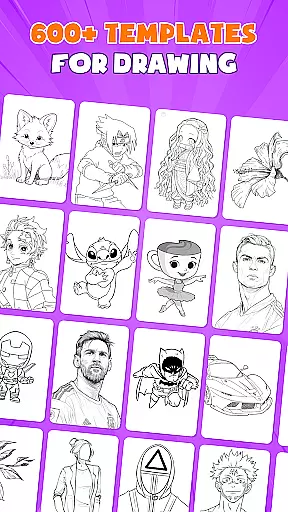
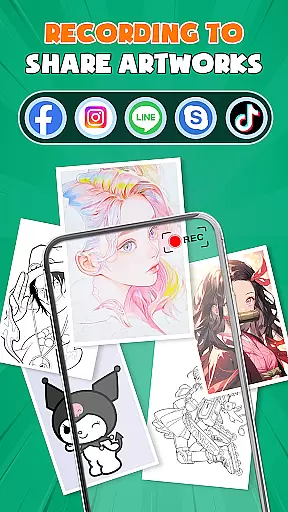
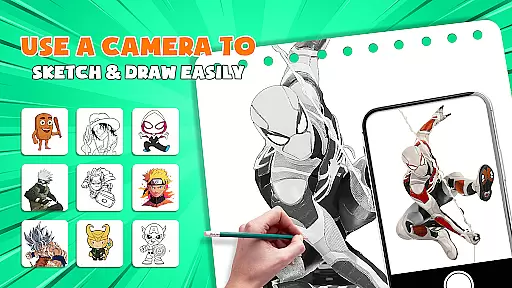
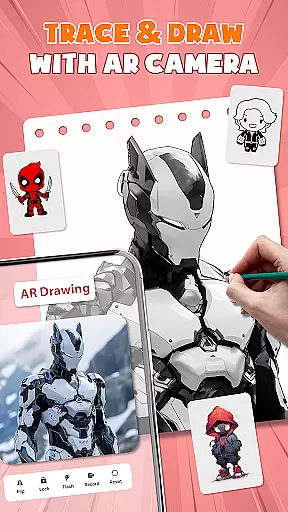
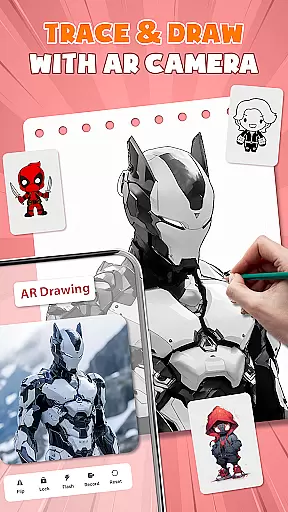
AR Drawing - Paint & Sketch is an innovative art application that combines augmented reality with traditional drawing techniques. This app allows users to create anime-style artwork using advanced AR tracing and sketching tools. With features like AR projection, precise tracing overlays, and a vast library of free templates, the app caters to both beginners and professional artists.
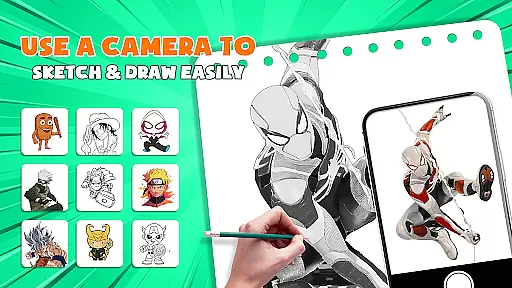
The application's standout feature is its ability to transform your device into a mobile projector for accurate tracing. Users can import images, adjust settings in AR view, and trace directly onto paper or canvas. The app also includes painting capabilities, anime-specific tools, and a community platform for sharing and feedback. Whether you're learning to draw or mastering advanced techniques, this app provides a complete toolkit for artistic expression.
Perfect for modern artists who want to explore digital and traditional mediums, AR Drawing - Paint & Sketch bridges the gap between technology and artistry. Its intuitive interface and comprehensive features make it an essential tool for anyone interested in developing their drawing skills while leveraging the power of augmented reality.
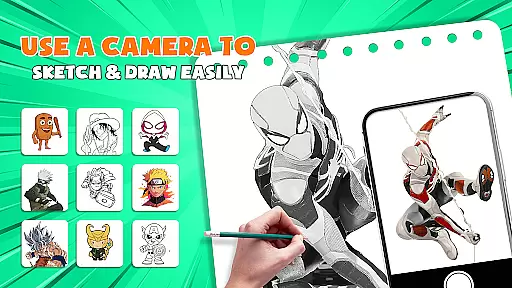
AR Drawing - Paint & Sketch distinguishes itself through a robust set of features designed for diverse artistic needs. The app's AR projection capability allows users to trace real-world objects with precision, effectively turning their devices into portable lightboxes. This feature is complemented by advanced drawing tools that support various styles, from realistic pencil sketches to vibrant anime artwork.
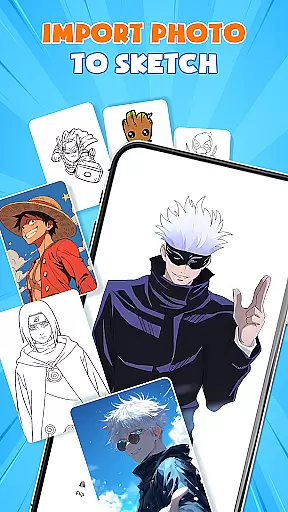
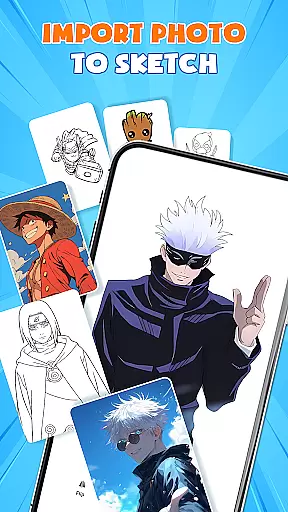
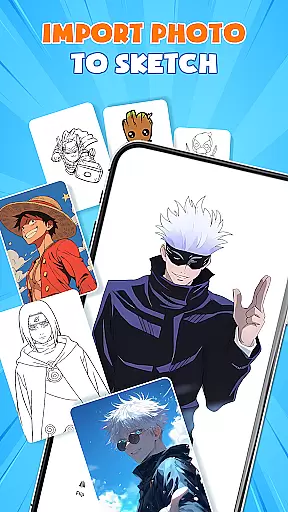
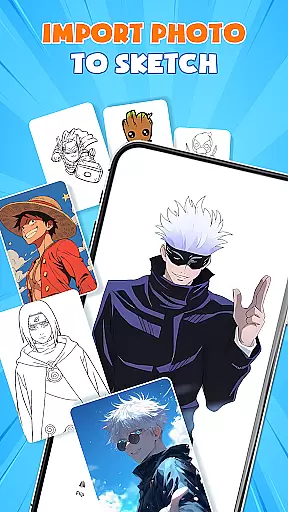
The application offers specialized modes for different artistic approaches. Its Anime Studio mode provides step-by-step tutorials, preset effects, and custom overlays specifically tailored for creating anime illustrations. The Picture Importer function enables users to transform photographs into traceable artwork, while maintaining control over opacity and layering. Additionally, the app includes dedicated modes for tattoo design and detailed pencil drawings.
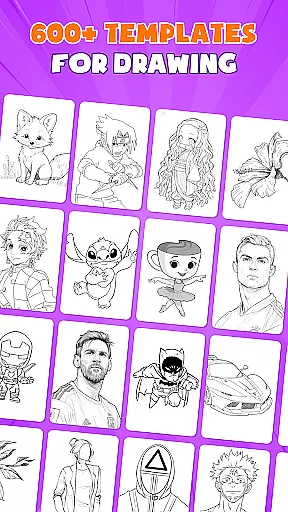
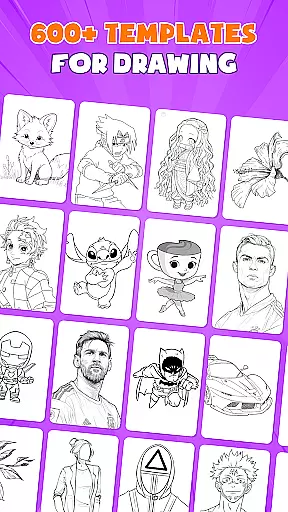
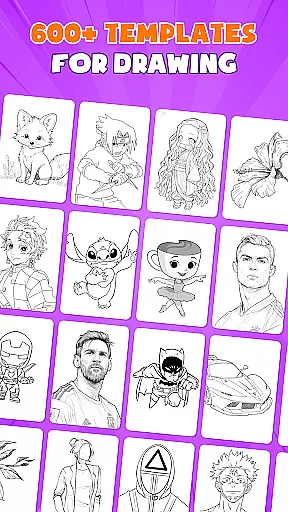
What sets this app apart is its comprehensive approach to artistic development. The inclusion of over 1000 free templates, combined with game-like challenges and community features, creates an engaging learning environment. Users can participate in drawing competitions, follow other artists, and receive constructive feedback on their work. These features collectively establish AR Drawing - Paint & Sketch as a versatile platform for artistic growth and experimentation.
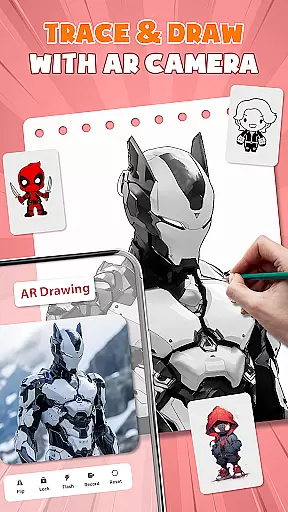
AR Drawing - Paint & Sketch offers an extensive suite of creative tools that cater to both amateur and professional artists. The app includes AR projection and tracing features, allowing users to turn their devices into mobile projectors for precise sketching. This functionality bridges the gap between traditional drawing and modern technology, providing a unique way to trace images with accuracy.
In addition to its AR capabilities, the app boasts a full range of painting features. Users can experiment with vibrant brushes, shading techniques using the AR pencil drawing mode, and explore various art styles within a single platform. These comprehensive tools ensure that artists have everything they need at their fingertips, from initial sketches to final touches.
The inclusion of an Anime Studio further enriches the creative experience by offering specialized tutorials, guides, presets, and effects tailored for anime enthusiasts. With over 1000+ free templates available in the library, users can easily find inspiration or use pre-made patterns as a starting point for their artwork. Such variety empowers creators to produce high-quality pieces without needing additional resources.
One of the standout features of AR Drawing - Paint & Sketch is its canvas and format flexibility, which allows artists to work on any surface using just their phone and paper. This ease of use makes it accessible for beginners while still being robust enough for experienced artists. By eliminating the need for bulky traditional tools, the app streamlines the creative process, enabling users to focus solely on their art.
The app supports importing pictures from a gallery, where users can adjust opacity and trace directly onto them. This feature transforms photographs into instant artworks, expanding the possibilities for creative expression. Artists can also switch between different modes such as tattoo drawing or pencil sketching, catering to diverse artistic preferences and styles.
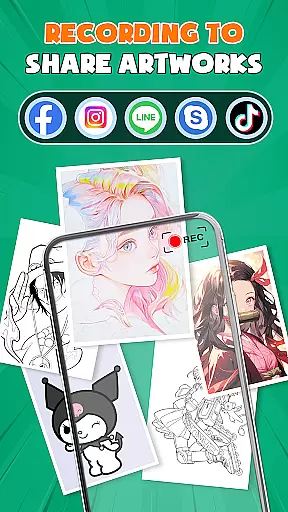
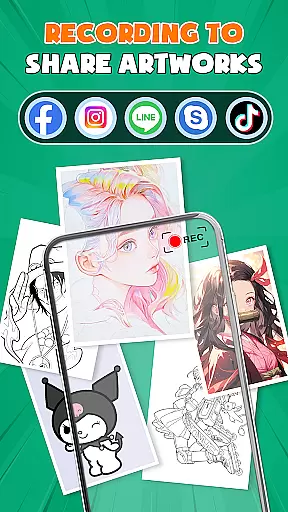
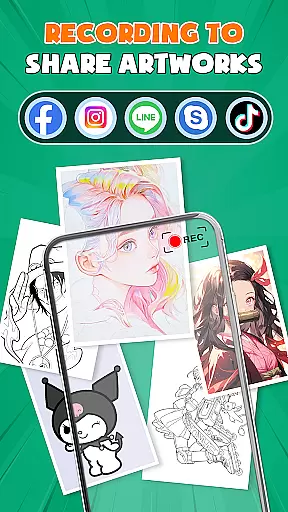
Furthermore, AR Drawing - Paint & Sketch ensures that all creations are compatible with professional workflows. Users can save, export, or share their finished pieces directly from the app, making it easy to integrate their digital artwork into larger projects. Whether crafting detailed pencil sketches or vibrant anime illustrations, this flexibility enhances productivity and creativity alike.
User-friendly interface
Extensive template library
Precise AR tracing
Vibrant color options
Active artist community
Requires stable internet
Steep learning curve
Limited offline features
Device compatibility issues
Premium feature costs

The ultimate tool for creating animations
 4.60
4.60
Your Essential Color Theory Guide: Red, Yellow, Blue (RYB)
4.2
Create color palette from Image, RGB & RYB Color wheel harmonies, Color Scheme
4.50
Passport size photo maker, create ID photo and visa photo in seconds
4.80
Turn your drawings into flipbook-style animations with simple creative tools
4.60
Powerful home decoration & house design that allows you to design dream home.
3.80
Get an overview over all your embroidery threads, projects and more.
4.60
OneUI 8.5 icons ✨ Smooth, modern & based on the latest Play Store design ??
4.10
All-in-One art, logo & collage maker. Design photos and edit video backgrounds
4.80
Logo Generator powered by AI: Create stunning logos effortlessly!
4.70
Digital illustration drawing & painting pad app to paint Anime and Manga art
4.50
Custom Character Creator & PFP Maker!
4.20
Text to Image, Image to Video & AI Chat
4.20
Paint with oils and sketch with natural tools on a realistic virtual canvas.
3.80
Create cute cat emojis & PFPs! Fun, custom avatars for cat lovers.
3.70
Create sweet, cool and unique couple avatars easily, in just a few steps!
3.40
Transform photos into amazing monochrome dither art with professional algorithms
4.1
Art of Combination Wear OS Watch faces
4.2
Art of Combination Wear OS Watch faces
4.4


User Reviews