
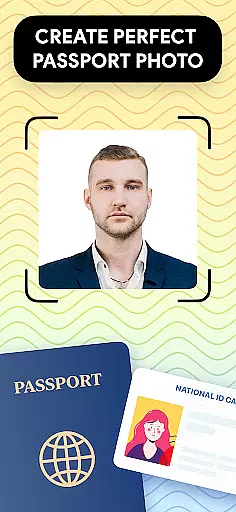
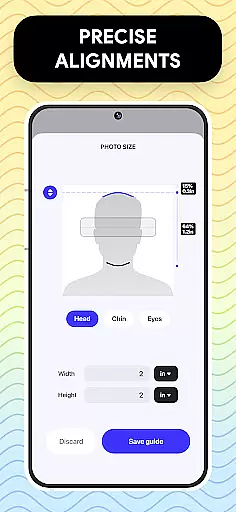
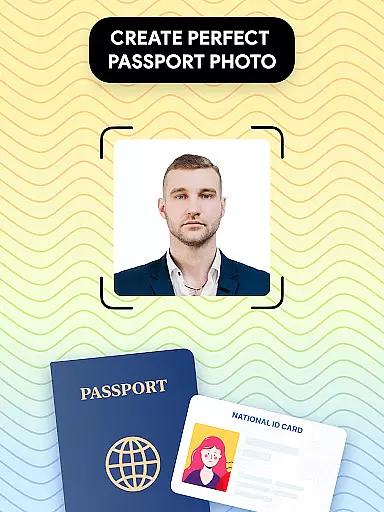
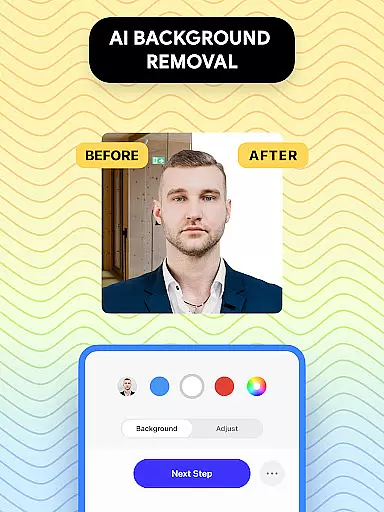
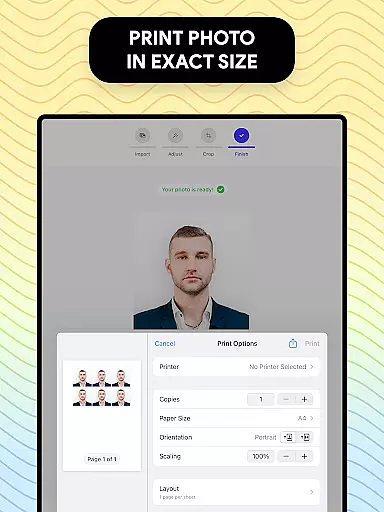
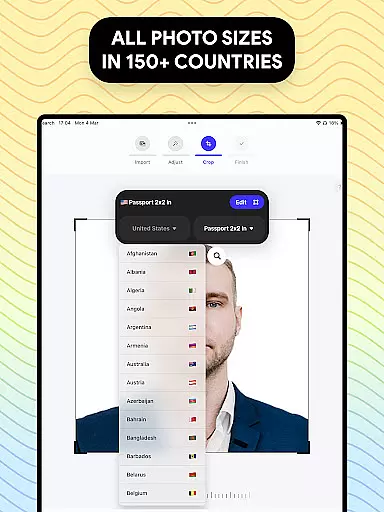
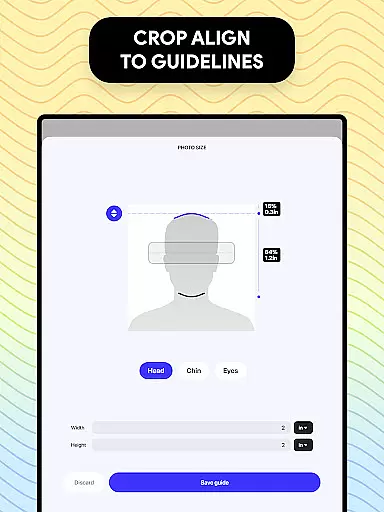
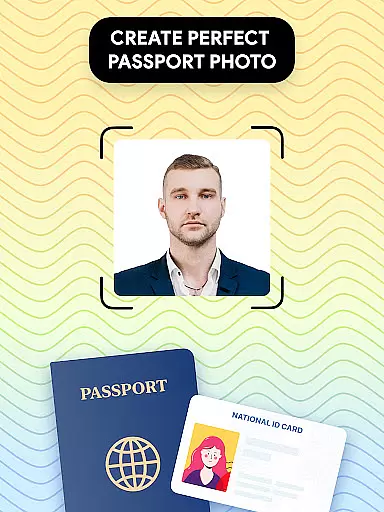
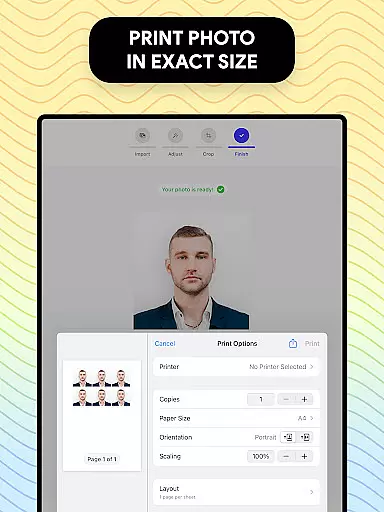
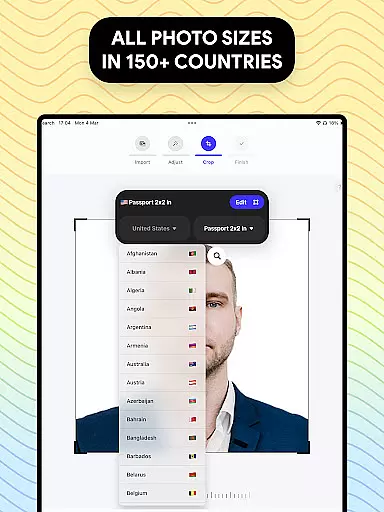
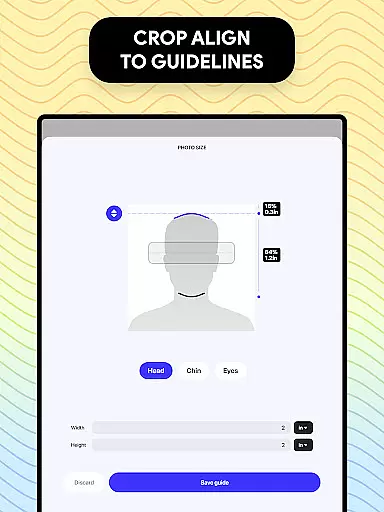
Passport Photo - ID Photo Print is a professional photo editing application designed specifically for creating passport, visa, and ID photos that meet government requirements. The app allows users to easily adjust photo sizes, customize dimensions, and remove backgrounds to ensure compliance with various country-specific regulations.
With its intuitive interface, this app provides quick access to high-quality passport photos from the comfort of home. Users can effortlessly resize images to standard dimensions like 3x4, 4x6, or 2x2, while also applying touch-ups such as brightness adjustments and background changes. Whether you need a US passport photo or one tailored to another country's specifications, this tool ensures convenience and precision.
The app is ideal for individuals who require professional-grade passport photos without visiting a studio. Its comprehensive feature set makes it an essential solution for anyone needing to update their ID or visa photos quickly and affordably.
Passport Photo - ID Photo Print offers a robust suite of features tailored for passport and visa photo creation. One standout capability is its automatic photo resizing tool, which supports multiple dimensions including 3x4, 4x6, and 2x2 formats. This ensures that users can create photos that comply with specific regulatory standards across different countries.
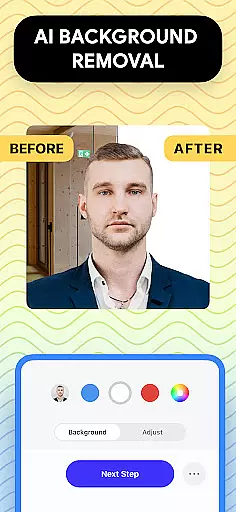
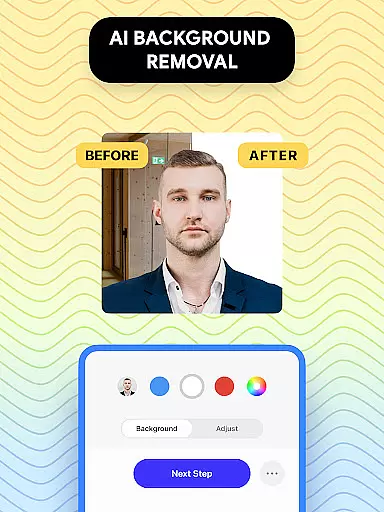
In addition to resizing, the app includes advanced editing tools such as brightness adjustment, temperature correction, and sharpening filters. These features allow users to enhance their photos while maintaining professional quality. Another key highlight is the background remover tool, which simplifies the process of achieving a clean white or colored backdrop—critical for meeting official guidelines.
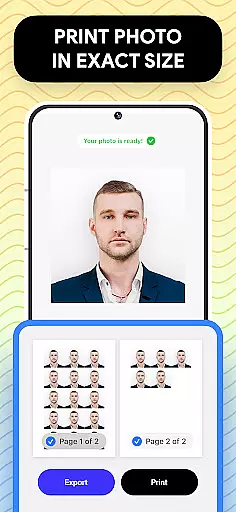
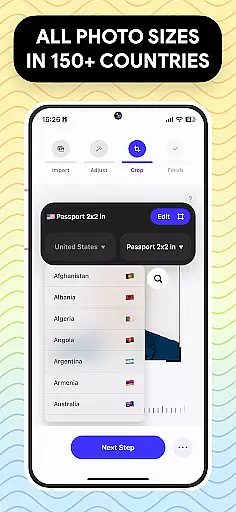
Furthermore, the app provides a database of international passport photo requirements, enabling users to customize their images according to precise specifications. With seamless export and printing options, Passport Photo streamlines the entire workflow, making it an indispensable tool for both personal use and small-scale photo businesses.
When it comes to creating passport photos, having access to a comprehensive set of creative tools is essential. Passport Photo - ID Photo Print offers an extensive suite of features that cater specifically to the needs of users who require precise photo editing capabilities. This app provides functionalities such as background removal, brightness adjustment, and photo cropping, which are crucial for producing high-quality passport pictures.
The app's robust toolkit allows users to modify their photos according to exact specifications, ensuring compliance with various countries' passport photo requirements. Whether you need to adjust the aspect ratio or apply touch-ups to enhance image clarity, this application has the necessary instruments to achieve professional results from the comfort of your home.
With Passport Photo - ID Photo Print, users benefit from an intuitive interface that streamlines the process of editing photos for passports, visas, or other identification documents. The availability of these creative tools not only simplifies photo preparation but also empowers users by giving them control over the final appearance of their photos, thus saving time and resources while maintaining the quality expected by government authorities.
Flexibility in canvas and format options is a defining feature for any photo editing software, especially when dealing with official documents like passports. Passport Photo - ID Photo Print excels in providing users with the adaptability needed to create compliant identification photos. Users can effortlessly switch between different sizes such as 3x4, 4x4, 4x6, 5x7, or the standard 2x2 inches, catering to a wide array of international standards.
This level of format flexibility ensures that no matter the specific requirementu2014be it for a US passport or a visa for another countryu2014the app can accommodate it. The ability to change aspect ratios and crop images to exact dimensions means that users will not be limited by pre-set templates but can tailor their photos precisely.
By offering such versatility, Passport Photo - ID Photo Print stands out as an indispensable tool for anyone needing to produce formatted photographs for official use. Its capacity to meet diverse formatting needs makes it an invaluable resource for both individuals and professionals who demand accuracy and compliance in their photographic outputs.
User-friendly interface
Wide range of photo sizes
Background removal tool
Compliance with global standards
Quick photo editing
Limited free features
Subscription required
Occasional ads
Advanced tools locked
Export quality varies

The ultimate tool for creating animations
 4.60
4.60
Learn how to draw with step-by-step tutorials, fun lessons & multiplayer drawing
4.70
Sketch, plan, take notes and illustrate on an infinite canvas.
4.20
Photo blender app to create overlay photos & double exposure.
4.40
The perfect place to start sketching! Use Sketchbook to draw and paint sketches.
4.50
Draw Trace image sketch by, AR art projector app, Easy to trace any image.
4.50
Painting, drawing, & sketching
4.50
Your homescreen as an elegant glass with customized blur, lighting, and visuals.
3.70
An intuitive, high-performance painting app that lets you focus on creating
4.40
Minecraft & Roblox Clothes
4.70
Get an overview over all your embroidery threads, projects and more.
4.60
Share the joy of painting with ibis Paint! Drawing anime and manga art.
4.50
Video AI: Revolutionize Your Content Creation with Advanced Video Generation
4.50
Design your dream room with AI. Get decor ideas & plan home interiors
3.90
Turning simple sketches into captivating tales filled with life and motion
3.90
Create cute cat emojis & PFPs! Fun, custom avatars for cat lovers.
3.70
Draw anime easily with AR guidance, sketch templates & trace tools!
3.10
Art of Combination Wear OS Watch faces (for Wear OS 5+ devices)
3.00
Inky runs Inkscape on Android devices and Chromebooks
2.90


User Reviews